1. Introduction
This instruction manual provides guidance for the proper installation and use of your Cable Matters 2-Pack Right Angle Toslink Adapters. These adapters are designed to connect Toslink digital optical cables to audio devices, particularly in situations where space is limited or cable bending needs to be avoided.
2. Product Features
- 90-Degree Design: Connects Toslink cables at a right angle, preventing excessive bending and potential damage to cables and ports.
- Space-Saving: Ideal for wall-mounted TVs or equipment placed close to a wall, extending only minimally from the device port.
- 360-Degree Swivel: Allows for flexible cable routing and alignment in various installation scenarios.
- Port Protection: Reduces stress on the S/PDIF connection of your audio equipment.
- Digital Audio Transmission: Supports multi-channel digital audio, from 2-channel stereo to 7.1 channel surround sound.
3. Setup and Installation
- Prepare the Adapter:
Before use, carefully remove the clear protective cap from the male end of the Toslink adapter. This cap protects the optical fiber during shipping.
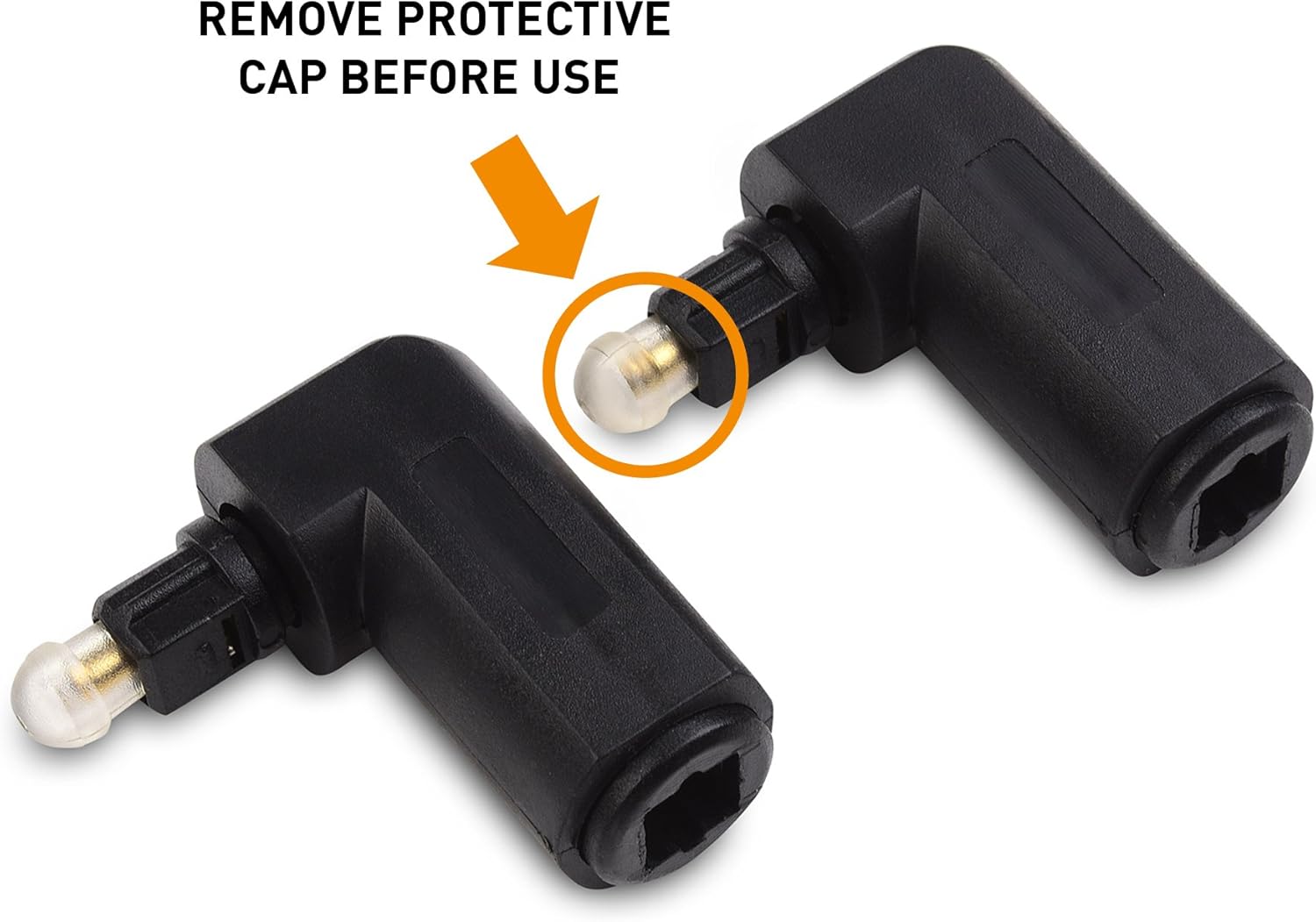
Figure 3.1: Remove the protective cap from the adapter's male connector before installation.
- Connect to Device:
Insert the male end of the right-angle Toslink adapter into the S/PDIF optical audio output port of your source device (e.g., TV, Blu-ray player, game console). Ensure it is fully inserted until you feel and hear a distinct "snap" to secure the connection.
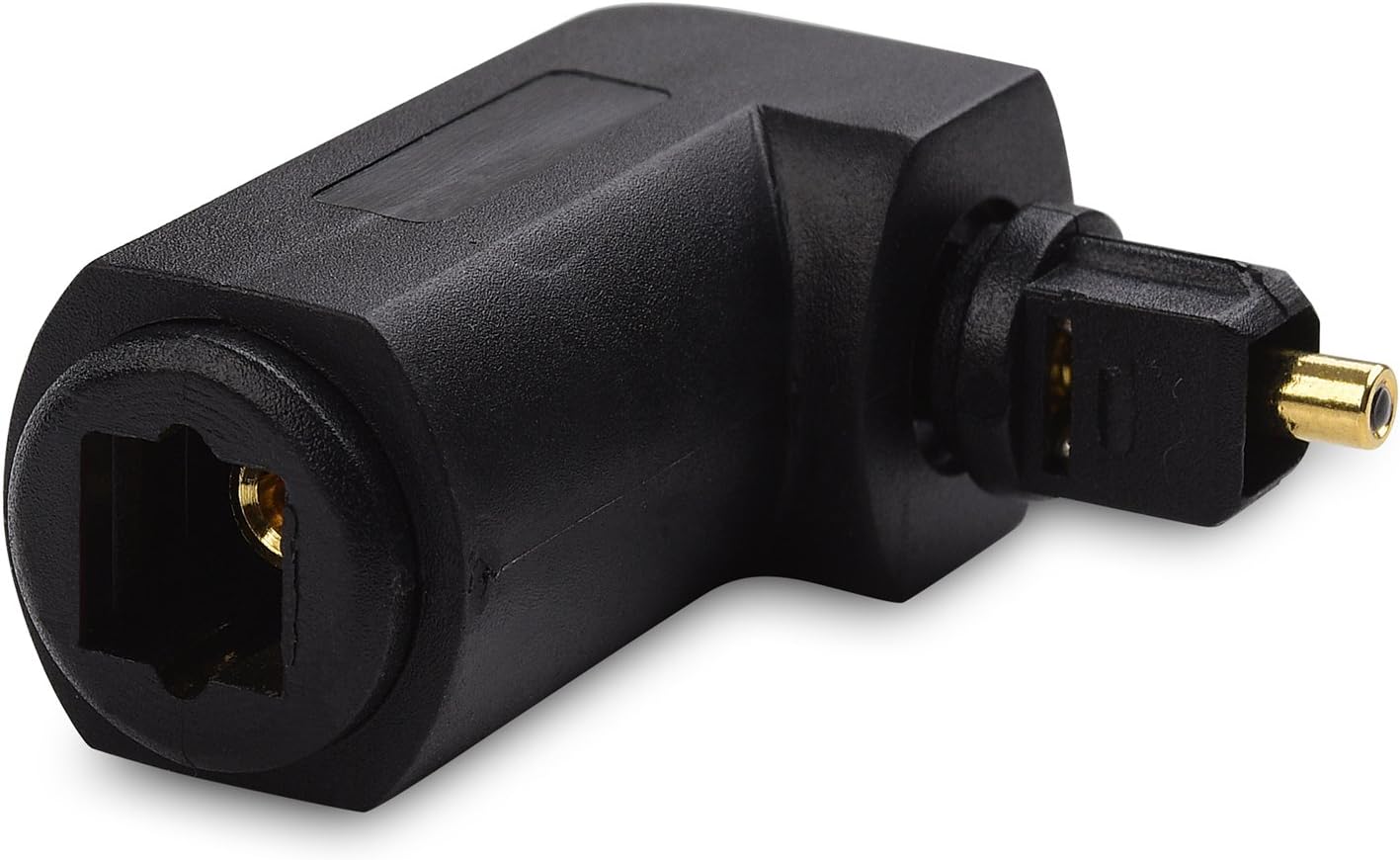
Figure 3.2: The adapter features a 360-degree swivel for flexible positioning and extends minimally from the device.
- Connect Toslink Cable:
Insert your existing Toslink digital optical cable into the female port of the right-angle adapter. Again, ensure a firm connection until it "snaps" into place.
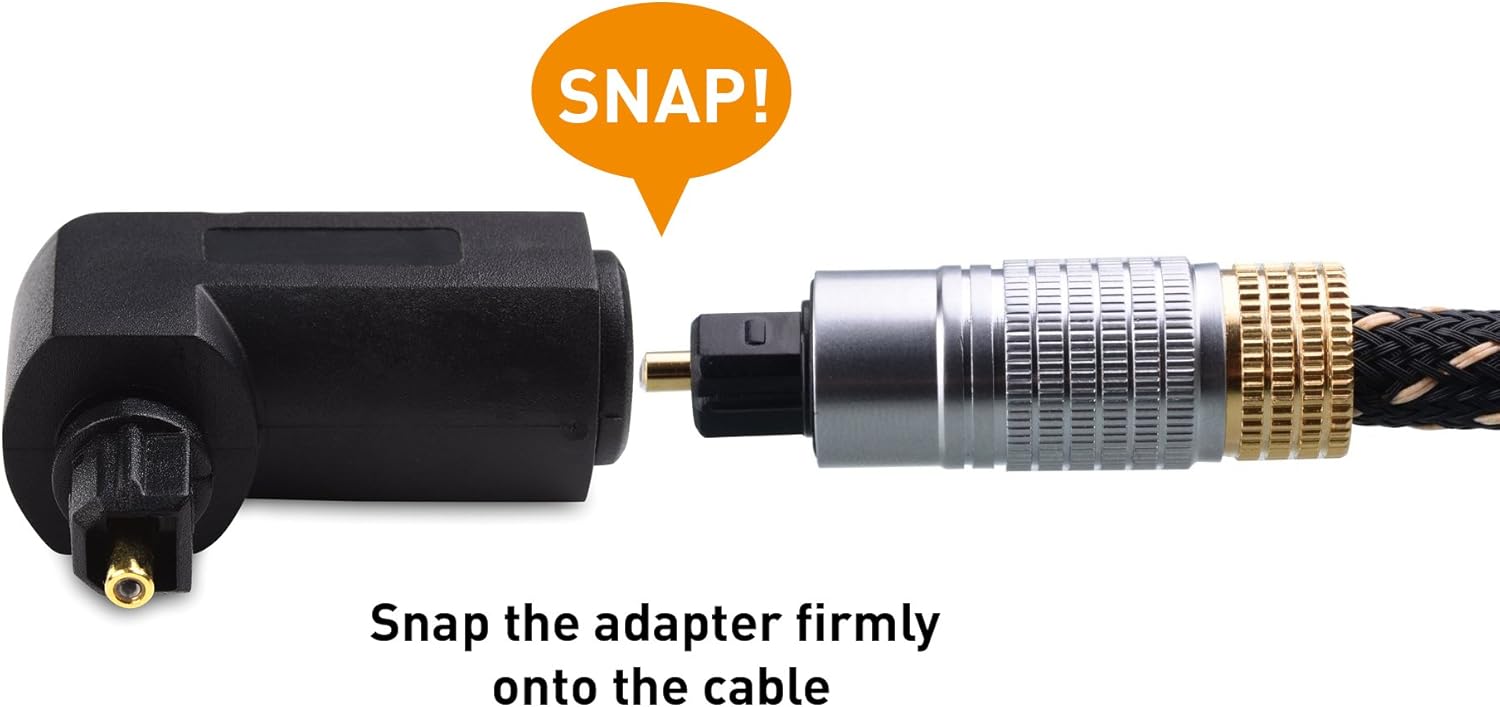
Figure 3.3: Securely connect your Toslink cable to the adapter until it snaps into position.
- Adjust Position:
Utilize the 360-degree swivel feature to orient the Toslink cable in the desired direction, minimizing strain and optimizing cable management, especially in tight spaces.
4. Operation
The Cable Matters Right Angle Toslink Adapter is a passive device and does not require any power or additional configuration. Once properly connected, it facilitates the transmission of digital optical audio signals between your source device and your audio receiver or soundbar. Ensure your audio devices are correctly configured to output and receive audio via the optical connection.
5. Maintenance
- Keep the adapter clean and free from dust. Use a soft, dry cloth for cleaning.
- Avoid exposing the adapter to extreme temperatures or moisture.
- When not in use, consider re-applying the protective caps to the optical connectors to prevent dust and damage.
- Do not attempt to disassemble the adapter.
6. Troubleshooting
- No Audio Output:
- Ensure both the adapter and the Toslink cable are fully and securely inserted into their respective ports. A distinct "snap" should be felt.
- Verify that the protective caps have been removed from all optical connectors.
- Check the audio settings on your source device (e.g., TV, Blu-ray player) to ensure optical audio output is enabled and correctly configured.
- Confirm that your audio receiver or soundbar is set to the correct optical input.
- Test the Toslink cable directly without the adapter to rule out cable issues.
- If using a multi-pack, try a different adapter to check if one unit is faulty.
- Intermittent Audio:
- Check for loose connections at both ends of the adapter and the Toslink cable.
- Ensure the Toslink cable is not excessively bent or kinked, which can damage the optical fiber.
- Adapter Does Not Fit:
- Some device ports may be recessed or have obstructions that prevent the adapter from fully seating. Verify compatibility with your specific device's port design.
7. Specifications
| Model Number | 120010x2 |
| Connector Type | Toslink Male to Toslink Female |
| Angle | 90-Degree Right Angle |
| Swivel Feature | 360-Degree Rotation |
| Color | Black |
| Dimensions (L x W x H) | Approximately 1.2 inches (length) x 0.5 inches (extension from device) |
| Item Weight | 0.634 ounces (per adapter) |
8. Warranty and Support
Cable Matters products are designed for reliability and performance. For information regarding warranty coverage or technical support, please refer to the official Cable Matters website or contact their customer service directly. Contact details are typically available on the product packaging or the manufacturer's website.
Manufacturer: Cable Matters
Website: www.cablematters.com


