
FANMIS 1100
FANMIS SKMEI 1100 Children's Digital Watch User Manual
Model: 1100
Introduction
This manual provides detailed instructions for the setup, operation, and maintenance of your FANMIS SKMEI 1100 Children's Digital Watch. Please read this manual carefully to ensure proper use and to fully utilize all features of your watch.
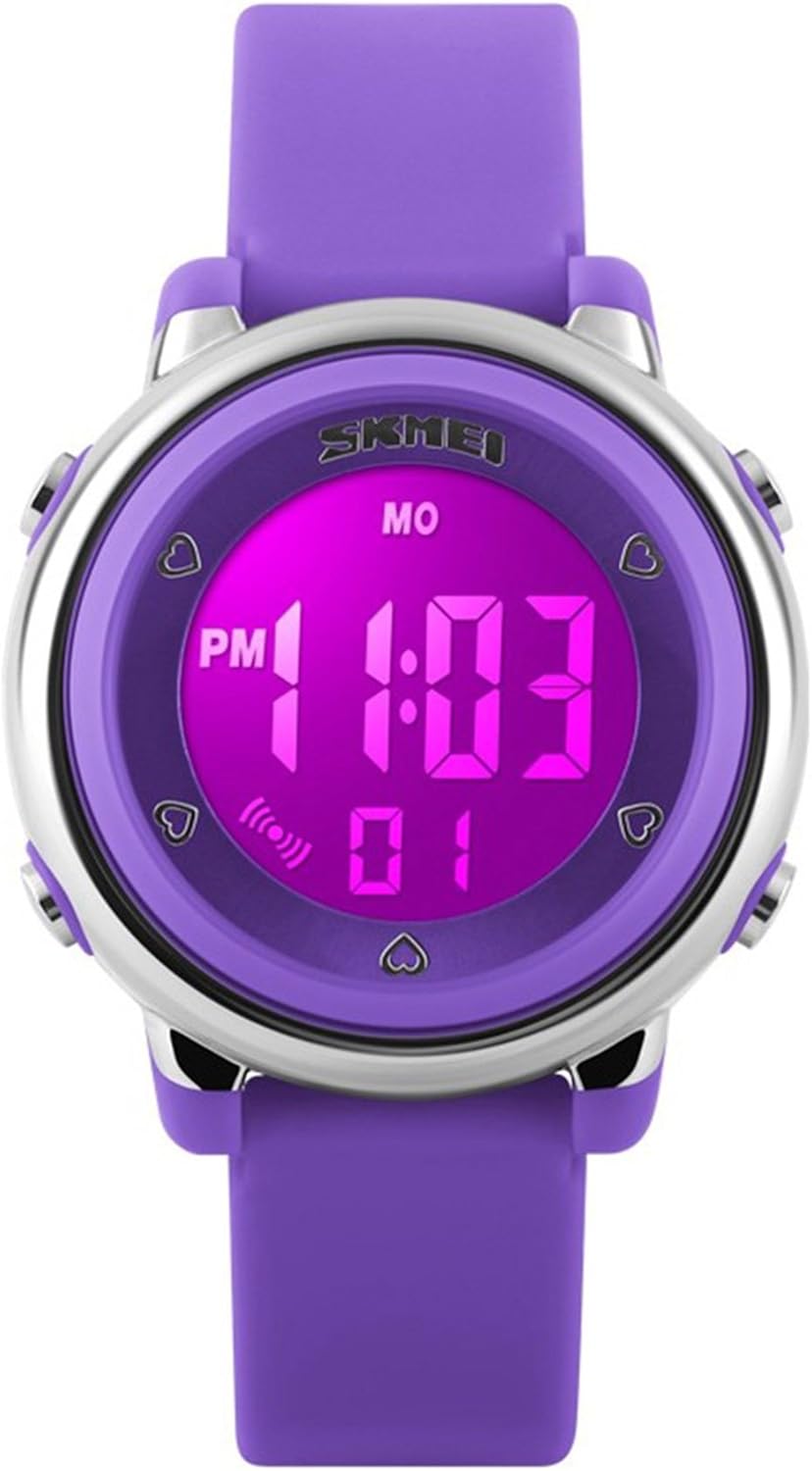
Image: Front view of the FANMIS SKMEI 1100 digital watch in purple, displaying the time.
Product Overview
The SKMEI 1100 digital watch features a clear LED display and multiple functions. Familiarize yourself with the display elements and buttons:
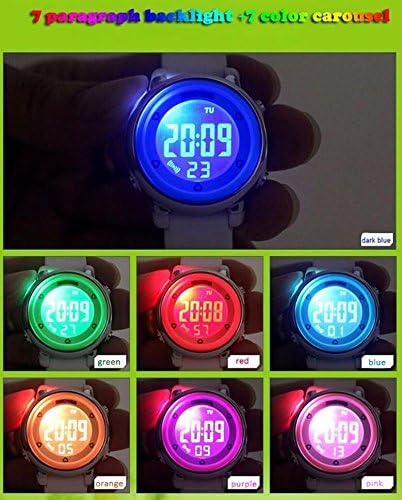
Image: Diagram illustrating the various display elements and button functions on the SKMEI 1100 watch.
Display Elements:
- Weekday Display: Shows the current day of the week.
- Hours and Minutes Display: Shows the current time in hours and minutes.
- PM Indicator: Indicates PM for 12-hour format.
- Seconds Display: Shows the current seconds.
- Alarm Indicator: Displays when the alarm function is active.
Buttons:
- Backlight Button (Top Left): Activates the backlight. Pressing this button can also cycle through different backlight colors.
- Mode/Set Button (Bottom Left): Used to cycle through different modes (Time, Date, Alarm) and to enter setting mode.
- Adjustment Button (Top Right): Used to increase values when setting time, date, or alarm.
- Function Button (Bottom Right): May have additional functions depending on the mode, such as converting seconds or activating alarm sound.
Setup
Setting Time and Date:
- From the normal time display, press the Mode/Set Button (Bottom Left) repeatedly until the desired setting (e.g., hours) begins to flash.
- Use the Adjustment Button (Top Right) to increase the flashing value.
- Press the Mode/Set Button again to move to the next setting (minutes, month, day, weekday).
- Repeat steps 2 and 3 until all desired settings are adjusted.
- Press the Mode/Set Button one last time to exit setting mode and return to normal time display.
Activating/Changing Backlight:
Press the Backlight Button (Top Left) to illuminate the display. This watch features a multi-color LED backlight. Repeatedly pressing the backlight button may cycle through different backlight colors.
Operating
Time Display:
The watch defaults to displaying the current time (hours, minutes, seconds) and weekday. The PM indicator will show if the 12-hour format is used and the time is in the afternoon.
Alarm Function:
- Press the Mode/Set Button (Bottom Left) until the alarm time is displayed.
- While the alarm time is displayed, press and hold the Mode/Set Button until the alarm hours begin to flash.
- Use the Adjustment Button (Top Right) to set the desired alarm hour.
- Press the Mode/Set Button to move to the alarm minutes and adjust using the Adjustment Button.
- Press the Mode/Set Button to exit alarm setting mode.
- To activate or deactivate the alarm, press the Function Button (Bottom Right) while in alarm display mode. The alarm indicator will appear or disappear.
Maintenance
Water Resistance:
The SKMEI 1100 watch is rated for 30 meters (3ATM) water resistance. This means it is suitable for daily use, splashes, rain, and brief immersion in water. It is not recommended for swimming, diving, or prolonged water activities. Do not press any buttons while the watch is wet or submerged.
Cleaning:
Wipe the watch with a soft, dry cloth. For stubborn dirt, a slightly damp cloth can be used, followed by immediate drying. Avoid using chemical cleaners or abrasive materials.
Battery Replacement:
When the display becomes dim or functions become erratic, the battery may need replacement. This procedure should ideally be performed by a qualified watch technician to ensure proper sealing and water resistance.
Troubleshooting
| Problem | Possible Cause | Solution |
|---|---|---|
| Display is blank or dim. | Low battery. | Replace the battery. |
| Time is incorrect. | Time not set correctly or accidental button press. | Refer to the "Setting Time and Date" section to reset the time. |
| Buttons are unresponsive. | Watch is wet or internal issue. | Ensure the watch is dry. If the problem persists, seek professional service. |
Specifications
- Model Number: 1100
- Display Type: Digital LED
- Water Resistance: 30m (3ATM) - Splash/Rain Resistant
- Band Material: Silicone
- Origin: China

Image: The SKMEI 1100 watch is available in multiple colors, including green, purple, blue, rose, white, and black.
Warranty and Support
For warranty information or technical support, please refer to the documentation provided at the point of purchase or contact your retailer. Keep your purchase receipt as proof of purchase.
Ask a question about this manual
Ask about setup, troubleshooting, compatibility, parts, safety, or missing instructions. Manuals+ will review the question and use this page’s manual context to help answer it.