
Product Overview
The Cobra ACXT145 is a compact, affordable, and lightweight two-way radio/walkie talkie designed for clear communication in various environments. It offers a range of up to 16 miles, includes NOAA Weather Alerts, a Roger Beep Tone, and a Battery/Power Saver feature, making it suitable for both indoor and outdoor use.

Image: Two Cobra ACXT145 walkie talkies, highlighting their compact design and button layout.
Setup
Package Contents
Before beginning, ensure all items are present in the package:
- 2x ACXT145 Radios
- 6x AAA NiMH Batteries (Rechargeable)
- 2x Belt Clips
- 1x USB-Y Cable

Image: A visual representation of all items included in the Cobra ACXT145 walkie talkie package.
Battery Installation and Charging
The ACXT145 walkie talkies use 3 AAA NiMH rechargeable batteries per unit. To install or replace batteries:
- Locate the battery compartment on the back of the walkie talkie.
- If a belt clip is attached, remove it by sliding it upwards.
- Identify the small tab at the top of the battery compartment cover.
- Gently pull up on this tab to slide the cover upwards and off.
- Insert 3 AAA NiMH batteries, ensuring correct polarity (+/-).
- Replace the battery compartment cover by aligning it and sliding it downwards until it clicks into place.
- Reattach the belt clip if desired.
To charge the walkie talkies, connect the provided USB-Y cable to the charging port on the side of each unit and plug the other end into a compatible USB power source. The units are rechargeable, eliminating the need for frequent battery replacement.
Video: Demonstrates the process of opening the battery compartment, installing batteries, and general handling of the walkie talkies. This video also shows the belt clip attachment.
Video: Shows the walkie talkies in use and highlights their rechargeable nature, indicating they can be plugged in for charging.
Operating Instructions
Power On/Off
To power on the walkie talkie, press and hold the Power button (usually marked with a power symbol) until the display illuminates. To power off, press and hold the same button until the display turns off.
Channel Selection
The ACXT145 features 22 FRS (Family Radio Service) channels. To select a channel:
- Press the Mode button to enter channel selection mode.
- Use the Up and Down arrow buttons (often labeled Volume/Channel) to cycle through the available channels (1-22).
- Once the desired channel is displayed, press the Mode button again or wait a few seconds for the selection to be confirmed.
For optimal communication, ensure both walkie talkies are set to the same channel.
Volume Adjustment
Adjust the listening volume using the Up and Down arrow buttons when not in channel selection mode. The current volume level will be displayed on the screen.
Transmitting and Receiving
To transmit your voice, press and hold the Push-to-Talk (PTT) button, typically located on the side of the unit. Speak clearly into the microphone. Release the PTT button to listen for a response. The display will indicate when you are transmitting (TX) or receiving (RX).
Call Alert and Roger Beep Tone
- Call Alert: Press the Call button to send an audible alert to other radios on the same channel, signaling an incoming transmission.
- Roger Beep Tone: This tone sounds automatically when you release the PTT button, confirming to the receiving party that you have finished speaking.
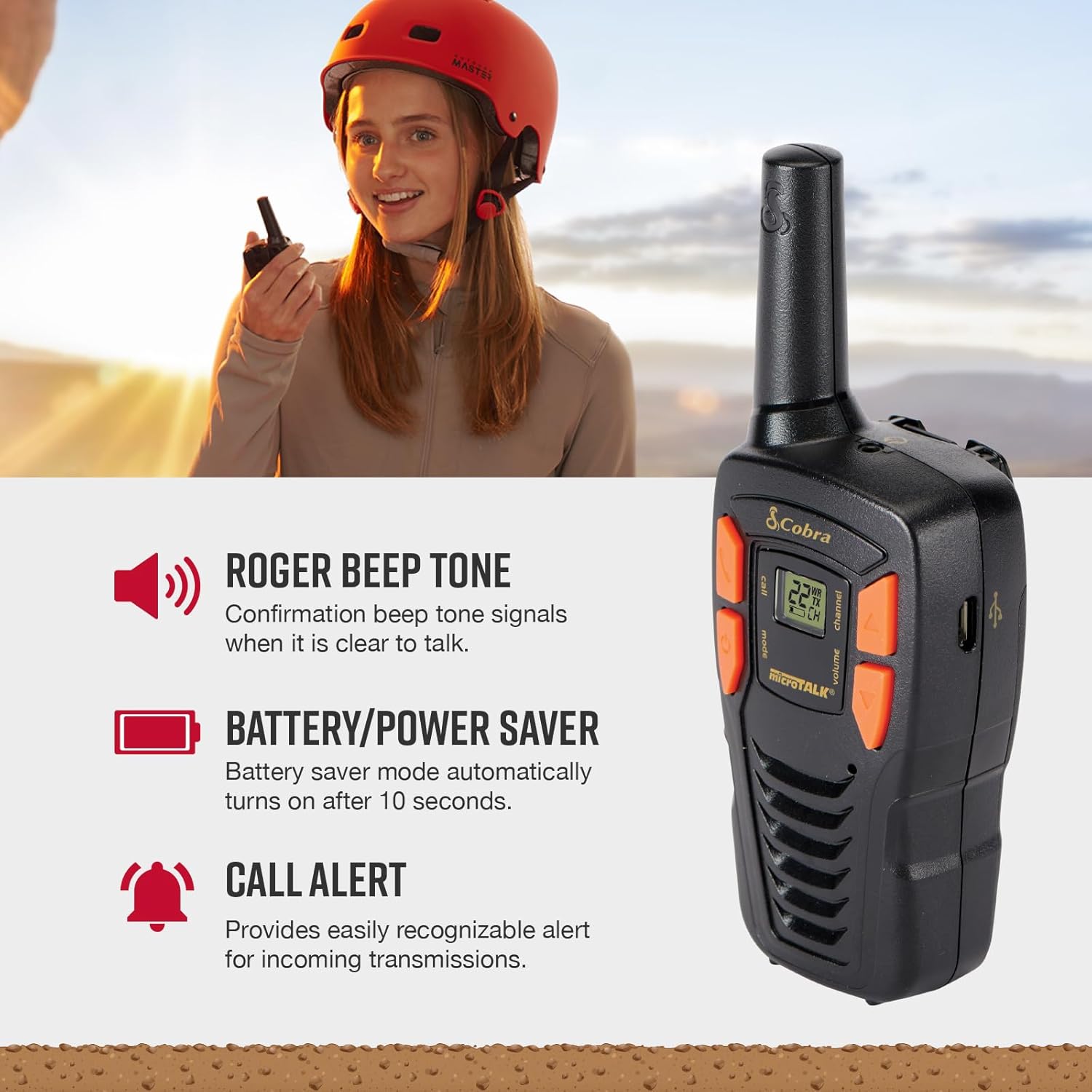
Image: Key features of the walkie talkie, including Roger Beep Tone, Battery/Power Saver, and Call Alert.
NOAA Weather Channels
The ACXT145 provides 24/7 access to NOAA weather channels. This feature allows you to receive real-time weather alerts and forecasts, which is crucial for outdoor activities. Consult the full user guide for specific instructions on accessing and utilizing NOAA weather channels.
Understanding Range
The ACXT145 offers a range of up to 16 miles under ideal conditions. Actual usable range can vary significantly due to environmental factors such as terrain, obstructions (buildings, trees, mountains), and weather conditions. Communication is generally clearer and extends further in open, unobstructed areas.

Image: Explanation of walkie talkie range, detailing factors that influence communication distance.
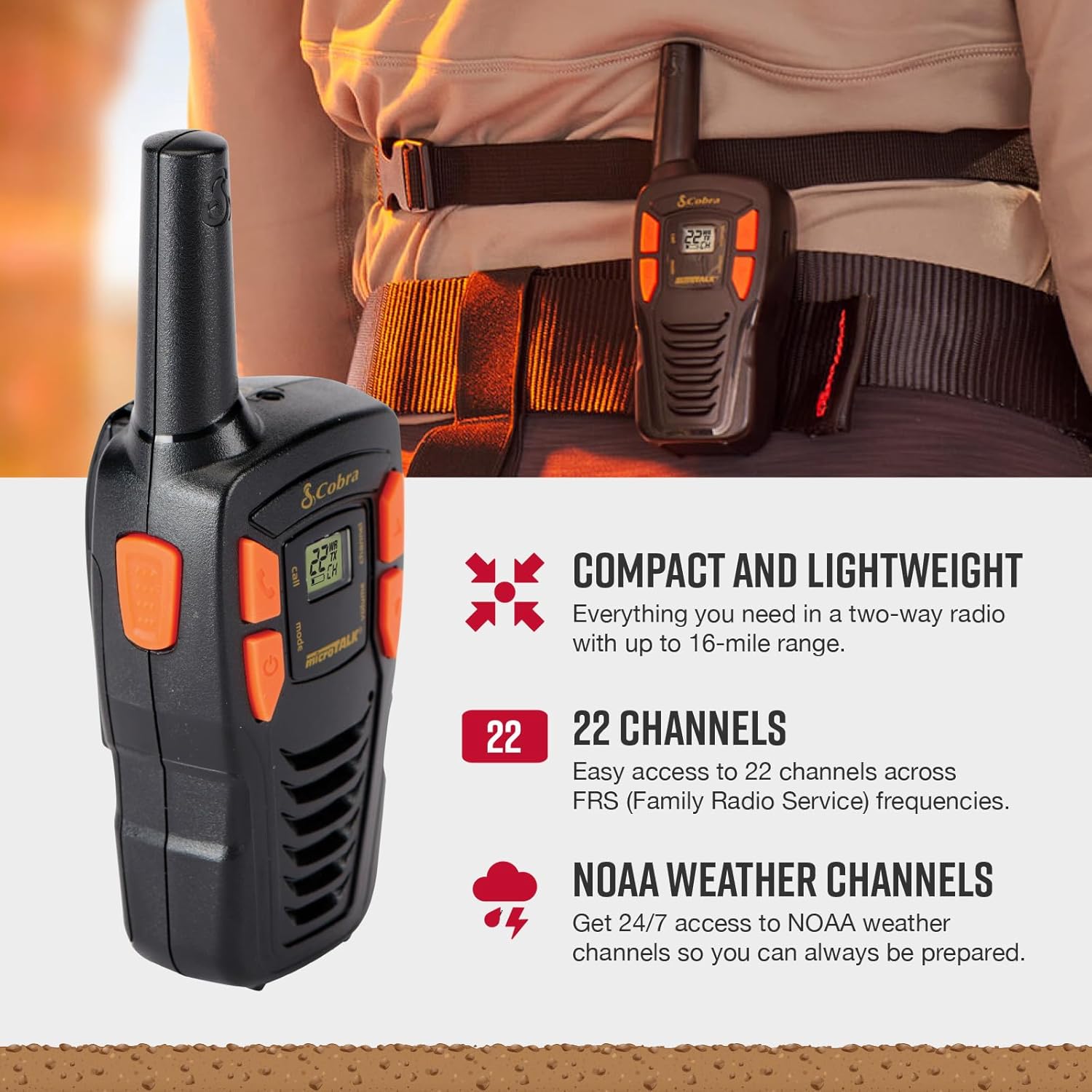
Image: Features such as compact design, 22 channels, and NOAA weather channel access.
Maintenance
Battery/Power Saver
The walkie talkie is equipped with a Battery/Power Saver mode that automatically activates after 10 seconds of inactivity. This feature helps conserve battery life, which is particularly useful when a power source for recharging is not readily available.
Cleaning and Care
To maintain your walkie talkies, wipe them with a soft, damp cloth. Avoid using harsh chemicals or abrasive cleaners. Ensure the units are dry before storing or using them, especially after exposure to moisture, as they are waterproof.
Storage
When storing the walkie talkies for extended periods, it is recommended to remove the batteries to prevent leakage and damage. Store them in a cool, dry place away from direct sunlight and extreme temperatures.
Troubleshooting
If you encounter issues with your Cobra ACXT145 walkie talkies, refer to the following common troubleshooting tips:
| Problem | Possible Cause | Solution |
|---|---|---|
| No Power | Dead or improperly installed batteries. | Ensure batteries are correctly inserted with proper polarity. Recharge or replace batteries. |
| No Sound/Poor Audio | Volume too low; radios on different channels; out of range; interference. | Increase volume. Verify both radios are on the same channel. Move closer to the other radio. Avoid areas with high interference. |
| Limited Range | Obstructions (buildings, hills); weather conditions; low battery. | Move to an open area. Recharge batteries. |
For more detailed troubleshooting or specific issues, please refer to the official User Guide PDF available for download from the manufacturer's website or the product page.
You can access the User Guide (PDF) here.
Specifications
| Feature | Detail |
|---|---|
| Model Number | ACXT145 |
| Product Dimensions | 1.46 x 1.96 x 5.16 inches |
| Item Weight | 2.2 ounces |
| Batteries | 6 AAA NiMH batteries required (included) |
| Number of Channels | 22 |
| Frequency Range | FRS and NOAA Weather frequencies (around 462 MHz and 162 MHz respectively) |
| Talking Range Maximum | 16 Miles |
| Water Resistance Level | Waterproof |
| Manufacturer | Cobra Electronics |
| Country of Origin | Vietnam |
| Date First Available | January 1, 2016 |
Warranty and Support
Cobra products are known for their reliability. For specific warranty information regarding your ACXT145 walkie talkies, please refer to the documentation included with your product or visit the official Cobra Electronics website. Cobra Electronics has over 50 years of proven reliability in communication solutions.
For customer support, technical assistance, or to inquire about replacement parts, please contact Cobra Electronics directly through their official channels. You can visit the Cobra Store on Amazon for more information: Cobra Store.


