
VOX VT40X
VOX Valvetronix VT40X Modeling Electric Guitar Amplifier
Model: VT40X
Introduction
This manual provides essential information for the safe and effective operation of your VOX Valvetronix VT40X Modeling Electric Guitar Amplifier. The VT40X is a versatile 40-watt modeling amplifier designed to deliver authentic tube-like tones through its advanced VET (Virtual Element Technology) and multi-stage Valvetronix tube preamp. It features a 10-inch VOX speaker, a wide range of amp models and effects, USB connectivity for software integration, and a built-in tuner. Please read this manual thoroughly before use to ensure optimal performance and longevity of your amplifier.
Safety Information
Always observe the following safety precautions to prevent electric shock, short circuit, damage, fire, or other hazards.
- Do not expose the amplifier to rain or moisture.
- Do not place containers with liquid on the amplifier.
- Do not block ventilation openings.
- Ensure the power cord is securely connected and not damaged.
- Disconnect the power cord from the outlet when not in use or during electrical storms.
- Refer all servicing to qualified service personnel.
Package Contents
Verify that all items are included in the package:
- VOX Valvetronix VT40X Modeling Electric Guitar Amplifier
- Power Cord
- Instruction Manual (this document)
Note: USB cable for PC/Mac/iOS/Android connectivity and optional VFS2/VFS5 footswitches are sold separately.
Setup
Unpacking and Placement
Carefully remove the amplifier from its packaging. Place the amplifier on a stable, flat surface. Ensure adequate ventilation around the unit to prevent overheating.

Image: Front angled view of the VOX Valvetronix VT40X amplifier, showcasing its classic black and gold design with the VOX logo and Valvetronix badge.
Connecting Power
- Ensure the amplifier's power switch is in the OFF position.
- Connect the supplied power cord to the AC IN jack on the rear panel of the amplifier.
- Plug the other end of the power cord into a suitable AC power outlet.
Connecting Your Guitar
Connect your electric guitar to the INPUT jack on the front panel using a standard 1/4-inch instrument cable.

Image: Detailed view of the VT40X amplifier's top control panel, showing the input jack, various knobs for gain, tone, volume, and effects, and the display for amp models and user programs.
Connecting External Devices
- AUX IN: Connect an external audio player (e.g., smartphone, MP3 player) to the AUX IN jack using a 3.5mm stereo mini-plug cable to play along with your favorite tracks.
- HEADPHONE: For private practice, connect stereo headphones to the HEADPHONE jack. This automatically mutes the amplifier's speaker.
- FOOT SW: An optional VOX VFS2 or VFS5 footswitch can be connected to the FOOT SW jack for hands-free control over program changes and effects.
- USB: Connect the amplifier to a computer (PC/Mac) or mobile device (iOS/Android) via the USB port for use with the VOX Tone Room software.
Operating the Amplifier
Powering On/Off
To turn on the amplifier, press the POWER switch located on the top panel. The Valvetronix tube will glow, indicating the amplifier is active. To turn off, press the POWER switch again.
Basic Controls
- GAIN: Adjusts the input gain, affecting the amount of distortion.
- TREBLE, MIDDLE, BASS: These are the three-band EQ controls to shape your tone.
- VOLUME: Controls the overall output volume of the amplifier.
- POWER LEVEL: Adjusts the output power, allowing you to achieve tube-like distortion at lower volumes.
Amp Models
The VT40X features a variety of realistic amp models. Rotate the AMP MODELS knob to select different amplifier types, ranging from classic clean tones to high-gain distortion.
Effects
The amplifier includes two sections of effects: Pedal effects (PEDAL 1, PEDAL 2) and Reverb effects. Use the dedicated knobs to select and adjust the parameters of each effect.
- PEDAL 1: Compression, Chorus, Flanger, Tremolo.
- PEDAL 2: Overdrive, Distortion, Fuzz.
- REVERB: Room, Spring, Hall, Plate.
- TAP: Tap tempo button for delay effects.
User Programs
The VT40X allows you to save your customized amp and effect settings as user programs. There are multiple banks and channels (CH1, CH2, CH3, CH4) to store your favorite tones. Refer to the detailed user guide (PDF) for instructions on saving and recalling programs.
Built-in Tuner
To activate the built-in tuner, press and hold the TAP button. The display will show the note being played, allowing for accurate tuning.
VOX Tone Room Software
The VOX Tone Room software provides a graphical interface for deeper editing of amp models, effects, and user programs. Connect your amplifier to a computer or mobile device via USB to access this feature. The software allows for fine-tuning parameters, managing presets, and accessing additional features.
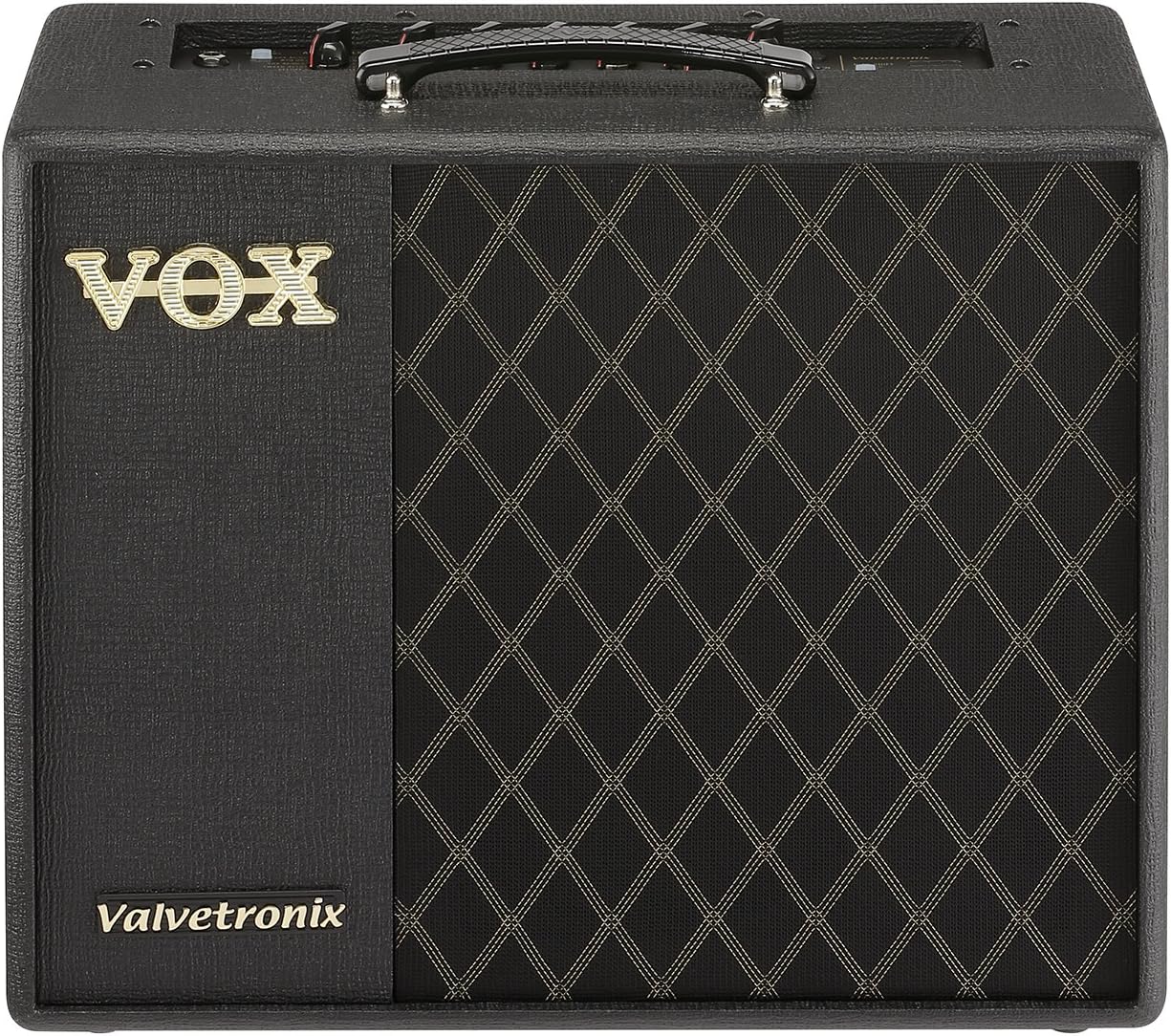
Image: A VOX VT40X amplifier with a smartphone connected via USB, displaying the VOX Tone Room application interface for editing amplifier settings and effects.
Maintenance
Cleaning
Wipe the exterior of the amplifier with a soft, dry cloth. Do not use liquid cleaners or abrasive materials, as they may damage the finish.
Storage
When not in use for extended periods, store the amplifier in a cool, dry place, away from direct sunlight and extreme temperatures. Cover the amplifier to protect it from dust.
Troubleshooting
| Problem | Possible Cause | Solution |
|---|---|---|
| No sound | Power not connected; Volume/Power Level too low; Guitar cable faulty; Headphones connected. | Check power connection; Increase Volume/Power Level; Try a different guitar cable; Disconnect headphones. |
| Distorted or poor sound quality | Incorrect amp model/effect settings; Input gain too high; Faulty guitar or cable. | Adjust amp model/effect settings; Reduce GAIN; Test with a different guitar/cable. |
| Humming or buzzing noise | Grounding issue; Interference from other electronics; Faulty cable. | Ensure proper grounding (use a grounded outlet if available); Move amplifier away from other electronic devices; Try a different cable. |
| Tone Room software not connecting | USB cable not connected; Driver issues; Software not updated. | Ensure USB cable is securely connected; Install/reinstall necessary drivers; Update Tone Room software to the latest version. |
Specifications
- Model: VT40X
- Output Wattage: 40 Watts
- Speaker: 10-inch VOX speaker
- Amp Models: Advanced VET (Virtual Element Technology)
- Preamp: Multi-stage Valvetronix tube preamp
- Connectivity: USB, 3.5mm Jack (AUX IN, Headphone)
- Dimensions (W x D x H): 18.5 x 9.6 x 22 inches (470 x 244 x 559 mm)
- Weight: 24.3 pounds (11.02 kg)
- Color: Black
Warranty and Support
For warranty information and technical support, please refer to the official VOX website or contact your local VOX distributor. Keep your purchase receipt as proof of purchase for warranty claims.
Additional resources, including the full user guide in PDF format, may be available on the VOX website or through the link provided with your product documentation.
Related documentsVT40X


Ask a question about this manual
Ask about setup, troubleshooting, compatibility, parts, safety, or missing instructions. Manuals+ will review the question and use this page’s manual context to help answer it.