
Introduction
The Niteye SE-A01 is a compact and powerful AAA flashlight designed for everyday carry and general utility. Despite its small size, it delivers significant illumination and features a user-friendly interface. This manual provides comprehensive instructions for its setup, operation, maintenance, and troubleshooting, ensuring you get the most out of your device.
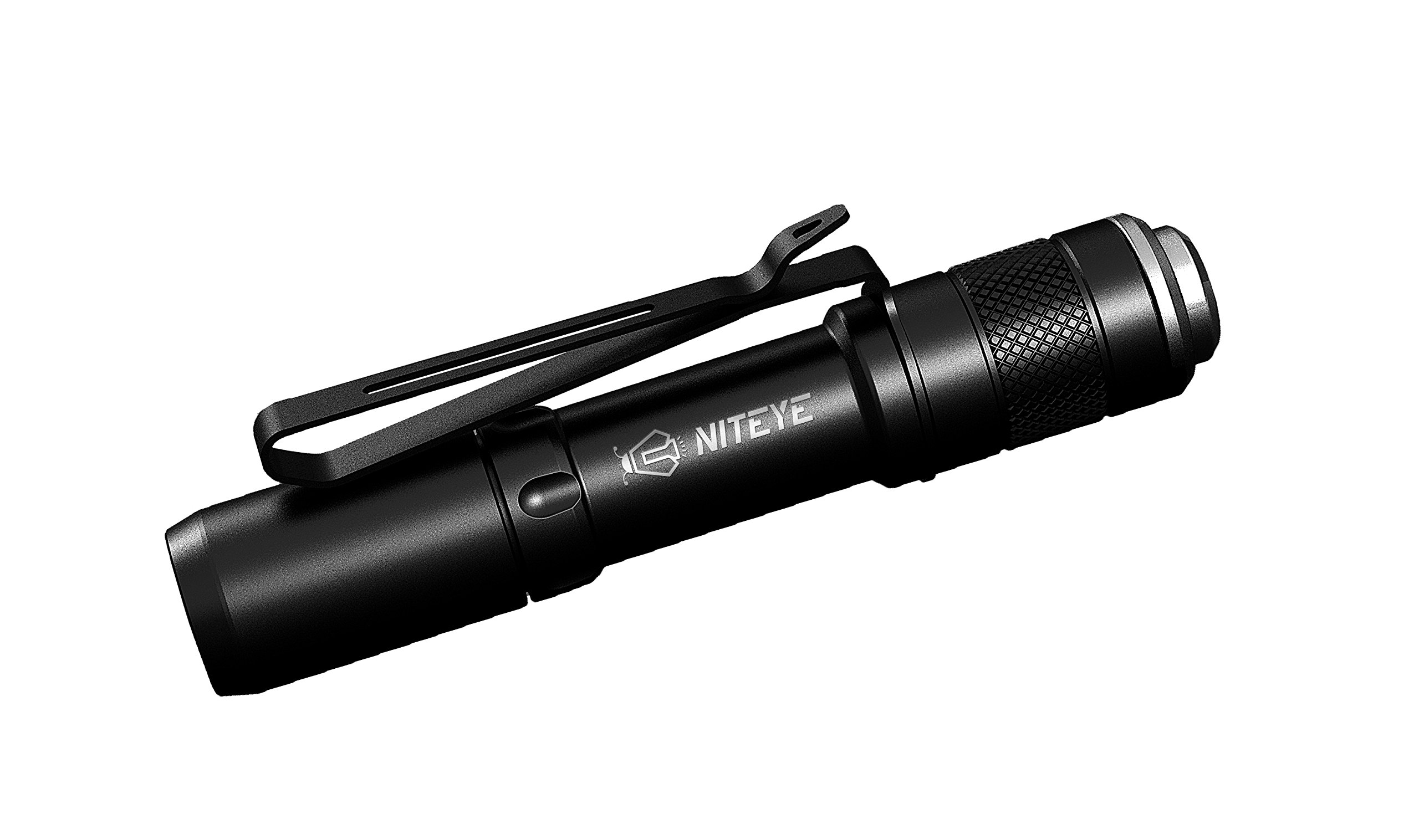
Image: The Niteye SE-A01 AAA Flashlight, showcasing its compact design and integrated pocket clip.
Package Contents
- 1 x SE-A01 Flashlight with Click Switch
- Spare O-Rings
- User Manual
- Warranty Card
- Quality Inspection Card
Setup
Battery Installation
The Niteye SE-A01 operates on a single AAA battery. Ensure correct polarity during installation to prevent damage to the device.
- Unscrew the tail cap of the flashlight by turning it counter-clockwise.
- Insert one AAA battery with the positive (+) end facing towards the head of the flashlight.
- Screw the tail cap back on clockwise until it is securely tightened.
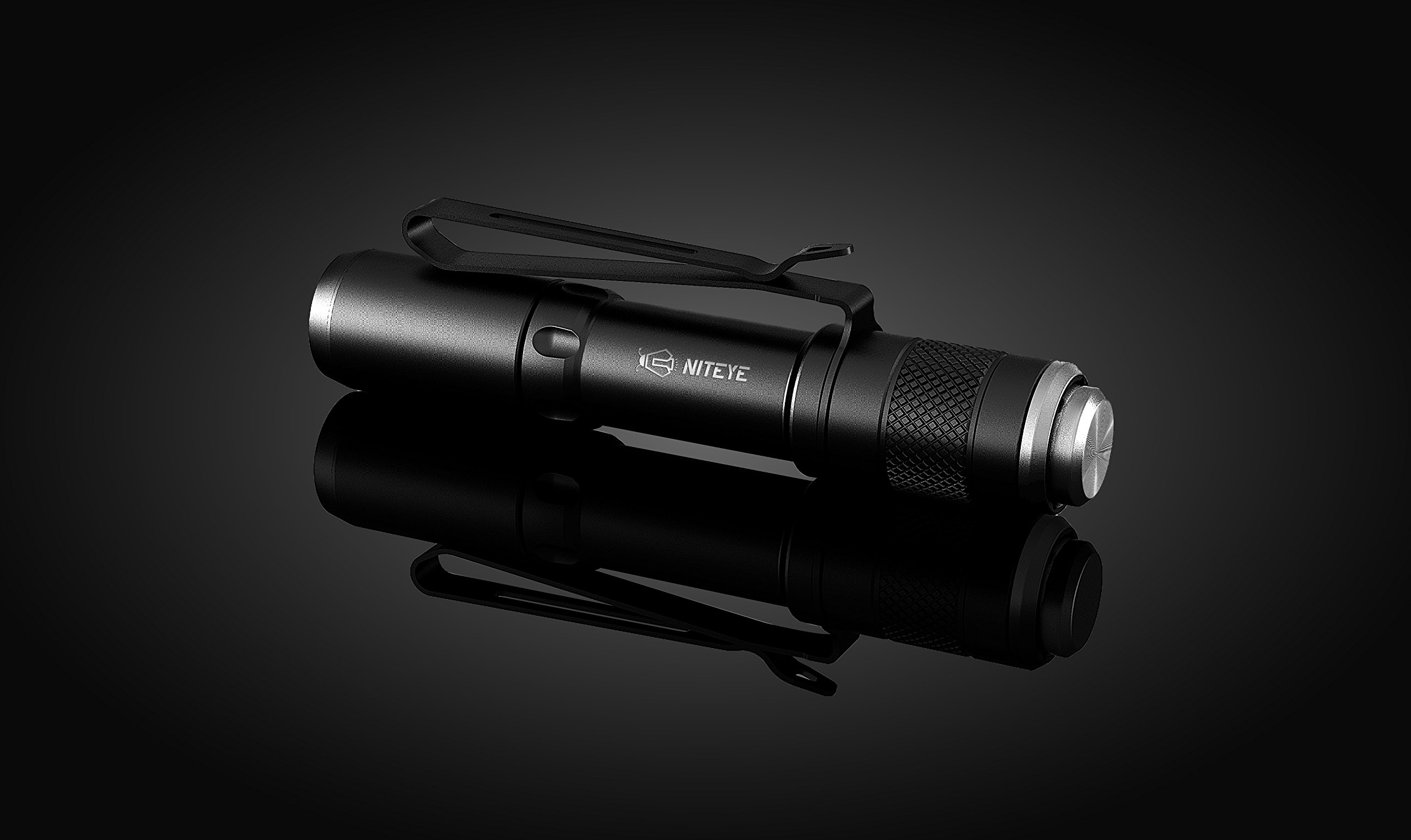
Image: Rear view of the Niteye SE-A01, highlighting the tail cap and click switch for battery access and operation.
Operating Instructions
Power On/Off
To turn the flashlight on or off, fully press the tail switch until you hear a distinct click.
Mode Selection
The SE-A01 features three distinct light levels: High, Mid, and Low. To cycle through these modes:
- With the flashlight turned on, gently half-press the tail switch (without clicking) to advance to the next mode.
- Repeat half-presses to cycle through the sequence: High → Mid → Low.
The flashlight is equipped with a memory function that automatically recalls the last used mode when the device is turned off and then back on.
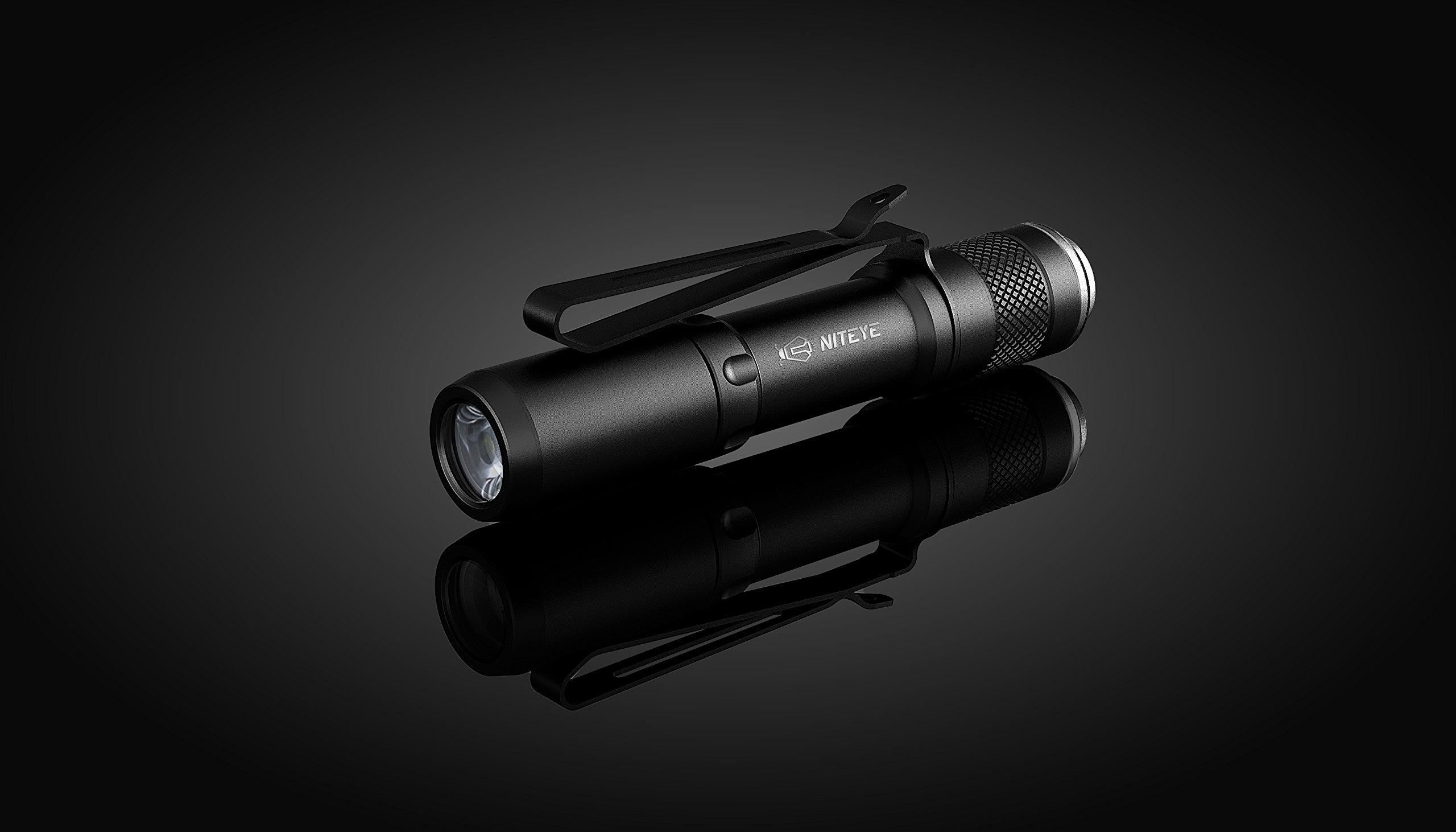
Image: Front view of the Niteye SE-A01, showing the TIR lens and XP-G LED, which provide efficient light output.
Maintenance
Cleaning
Regularly clean the flashlight's body with a soft, slightly damp cloth. For the lens, use a specialized lens cleaning cloth to avoid scratches. Do not use abrasive cleaners or harsh chemicals.
O-Ring Lubrication
To maintain the flashlight's water resistance, periodically lubricate the O-rings with silicone grease. Replace any worn or damaged O-rings with the provided spares to ensure a proper seal.
Battery Care
If the flashlight will not be used for an extended period, it is recommended to remove the battery. This prevents potential battery leakage and subsequent damage to the internal components of the device.
Troubleshooting
| Problem | Possible Cause | Solution |
|---|---|---|
| Flashlight does not turn on. | Battery is dead or incorrectly inserted; tail cap is loose. | Replace battery or check polarity. Ensure tail cap is fully tightened. |
| Light flickers or is dim. | Low battery; loose tail cap; dirty contacts. | Replace battery. Tighten tail cap. Clean battery contacts and threads with a clean cloth. |
| Cannot change modes. | Tail switch not being half-pressed correctly. | Ensure a gentle, partial press of the tail switch without a full click to cycle modes. |
Specifications
| Feature | Detail |
|---|---|
| Model | SE-A01 |
| Light Source | XP-G LED |
| Maximum Power | 130 Lumens |
| Beam Distance | 40 meters |
| Max Run Time | 20 hours (Low mode) |
| Modes | High, Mid, Low |
| Power Source | 1 x AAA Battery |
| Material | Aluminum |
| Dimensions | 8.13 x 1.4 x 1.3 cm |
| Weight | 18.14 g (without battery) |
| Color | Black |
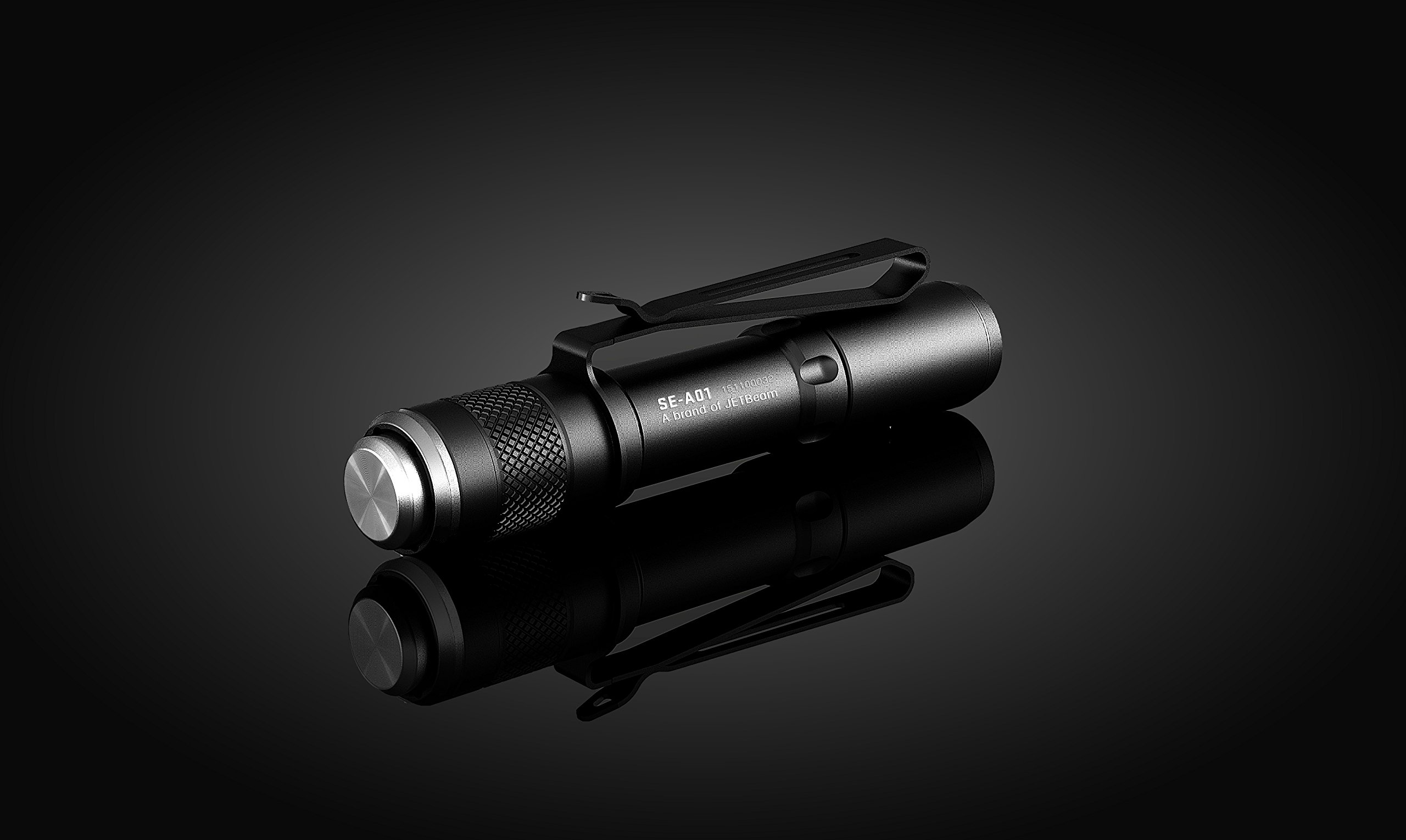
Image: Side view of the Niteye SE-A01, showing the "SE-A01" model engraving and the durable aluminum body.
Warranty and Support
The Niteye SE-A01 includes a Warranty Card in its package. Please refer to the terms and conditions specified on the card for details regarding warranty coverage and duration. It is recommended to retain your purchase receipt along with the warranty card for any future claims.
For technical support, service inquiries, or issues not explicitly covered in this manual, please contact the manufacturer or your authorized point of purchase. Provide your product model number and a detailed description of the issue for efficient assistance.
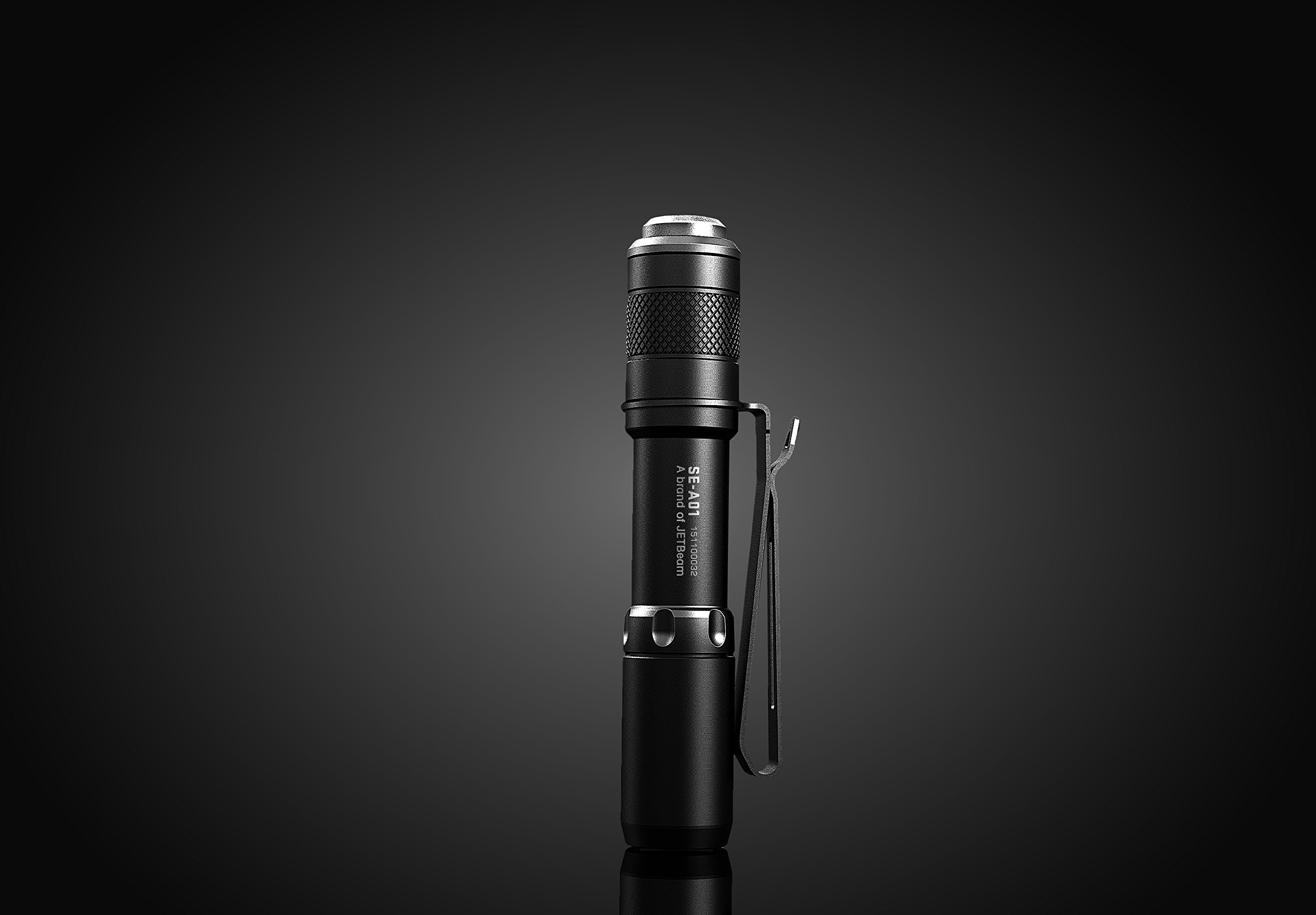
Image: The Niteye SE-A01 standing upright, showcasing its integrated pocket clip for secure carrying and easy access.