1. Introduction
The Monster ROC Sport SuperSlim Wireless In-Ear Headphones are designed for active individuals seeking a secure and high-quality audio experience during workouts and daily activities. These headphones feature a sweat-proof design, ensuring durability and performance in various conditions. The patented SportClip system provides a stable fit, while Bluetooth connectivity offers wireless freedom.
Key features include:
- Bluetooth for wireless audio connectivity.
- Pure Monster Sound for clear audio reproduction.
- Patented SportClip for a secure fit in the ear.
- Total noise isolation for an immersive listening experience.
- Ultra-thin, low-profile design for comfort.
- Water-resistant construction.

Image 1.1: Front view of the Monster ROC Sport SuperSlim Wireless In-Ear Headphones, showcasing the earbud design and cable.

Image 1.2: Side view of the Monster ROC Sport SuperSlim Wireless In-Ear Headphones, highlighting the ear hook design.
2. Setup
2.1. Package Contents
Before beginning, ensure all items are present in the package:
- Monster ROC Sport SuperSlim Wireless In-Ear Headphones
- Charging Cable
- Carrying Pouch
2.2. Charging the Headphones
The headphones are powered by a built-in Lithium Ion battery. Fully charge the headphones before first use to ensure optimal battery life.
- Locate the charging port on one of the earbuds, typically covered by a small flap.
- Connect the provided charging cable to the headphone's charging port.
- Connect the other end of the charging cable to a USB power source (e.g., computer USB port, USB wall adapter).
- The indicator light on the headphones will show the charging status. Refer to the specific LED indicators in your product's quick start guide for details on full charge indication.
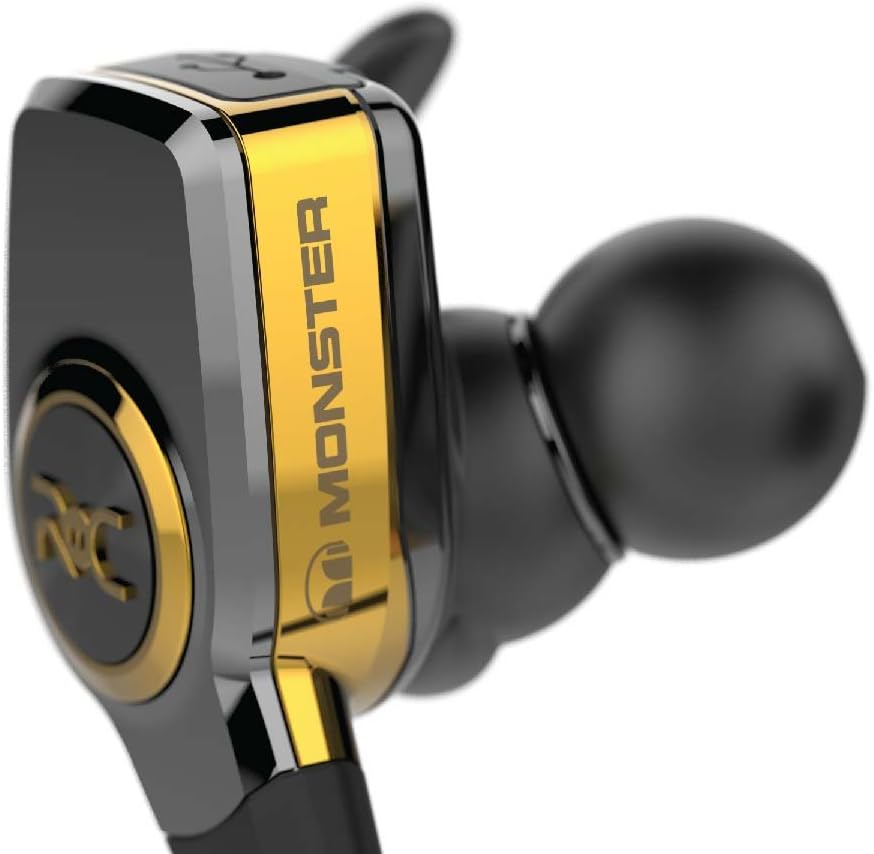
Image 2.1: Close-up view of an earbud, indicating the general location of the charging port and controls.
2.3. Bluetooth Pairing
To connect your headphones to a Bluetooth-enabled device:
- Ensure the headphones are fully charged and turned off.
- Press and hold the power button on the headphones until the indicator light flashes, typically alternating blue and red, indicating pairing mode.
- On your device (smartphone, tablet, etc.), navigate to the Bluetooth settings.
- Enable Bluetooth and search for available devices.
- Select "Monster ROC Sport SuperSlim" from the list of found devices.
- Once connected, the indicator light on the headphones will typically show a solid blue light or flash blue periodically.
Note: The headphones will automatically attempt to reconnect to the last paired device when powered on.
3. Operating the Headphones
3.1. Power On/Off
- Power On: Press and hold the power button until the indicator light illuminates.
- Power Off: Press and hold the power button until the indicator light turns off.
3.2. Music Playback and Call Management
The inline remote control (if present) or earbud buttons allow for control of music and calls:
- Play/Pause: Press the multi-function button once.
- Next Track: Double-press the multi-function button.
- Previous Track: Triple-press the multi-function button.
- Volume Up/Down: Use the dedicated volume buttons (+) and (-).
- Answer/End Call: Press the multi-function button once during an incoming call or during an active call.
- Reject Call: Press and hold the multi-function button for approximately 2 seconds during an incoming call.
3.3. Wearing the Headphones
For optimal sound quality and a secure fit, ensure the SportClip is properly positioned in your ear. Experiment with different ear tip sizes to find the most comfortable and secure seal.
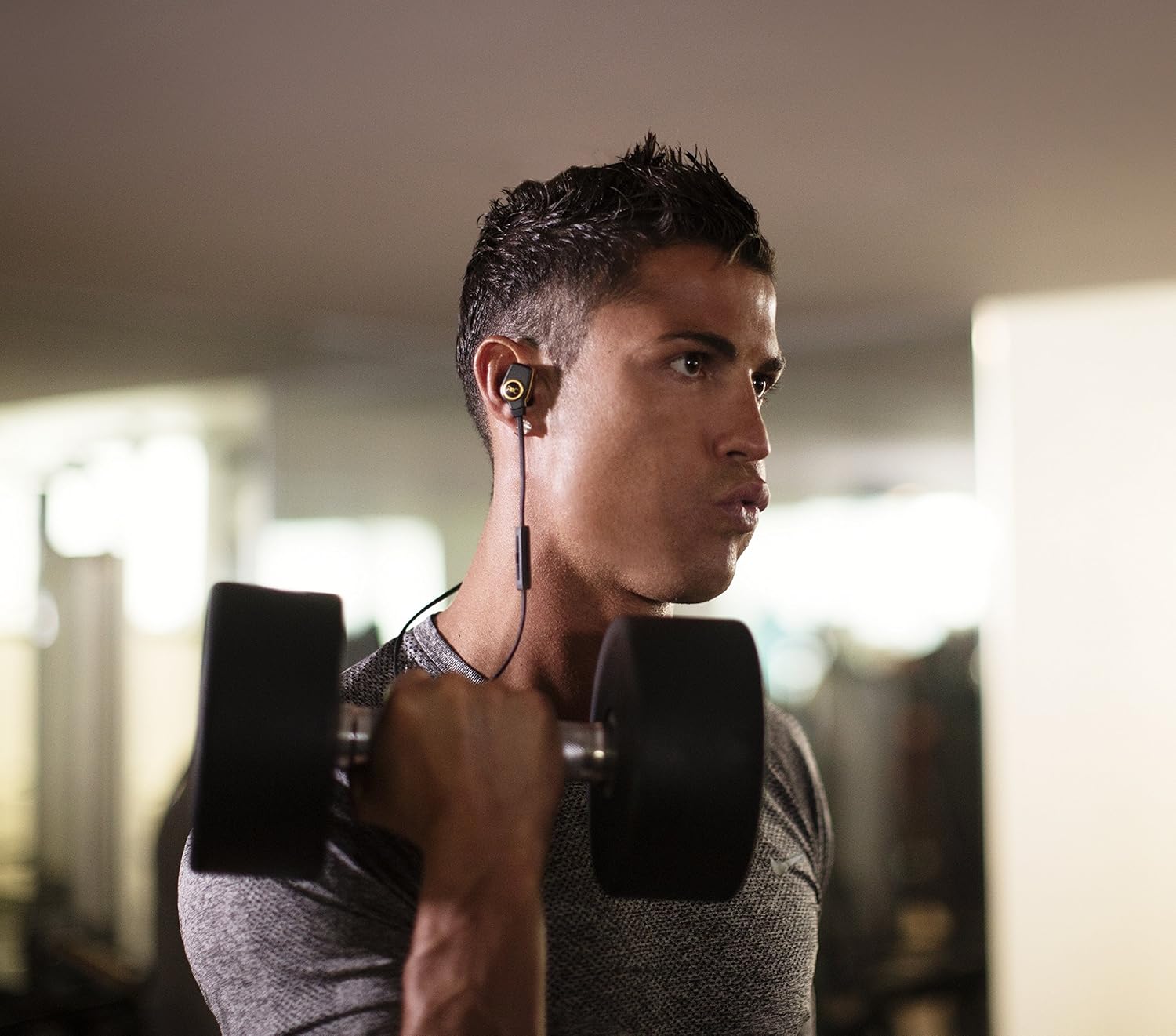
Image 3.1: User wearing the headphones during physical activity, demonstrating the secure fit.
4. Maintenance
4.1. Cleaning
Regular cleaning helps maintain performance and hygiene:
- Gently wipe the earbuds and cable with a soft, dry, lint-free cloth.
- Remove ear tips and clean them with mild soap and water if necessary. Ensure they are completely dry before reattaching.
- Avoid using harsh chemicals, solvents, or abrasive cleaners.
4.2. Storage
When not in use, store the headphones in the provided carrying pouch to protect them from dust, dirt, and physical damage.
4.3. Water Resistance
These headphones are water-resistant, meaning they can withstand sweat and light splashes. They are not designed for submersion in water. Avoid exposing them to heavy rain or showering while wearing them.
5. Troubleshooting
| Problem | Possible Cause | Solution |
|---|---|---|
| Headphones do not power on. | Low or depleted battery. | Charge the headphones fully using the provided charging cable. |
| Cannot pair with device. | Headphones not in pairing mode; Bluetooth off on device; device too far. | Ensure headphones are in pairing mode (flashing blue/red). Turn on Bluetooth on your device. Move device closer to headphones. |
| No sound or intermittent audio. | Volume too low; headphones not connected; interference. | Increase volume on both headphones and device. Re-pair headphones. Move away from other wireless devices. |
| Headphones fall out of ear easily. | Incorrect ear tip size or SportClip positioning. | Try different ear tip sizes for a snug fit. Adjust the SportClip to ensure it sits securely in your ear's concha. |
6. Specifications
- Model Name: MH ROC IE BPL BT WW
- Item Model Number: 137047-00
- Connectivity Technology: Bluetooth
- Wireless Communication Technology: Bluetooth
- Included Components: Headphones, Charging Cable, Carrying Pouch
- Material: Silicone
- Specific Uses: Sport
- Compatible Devices: Smartphones, Tablets, Laptops, Desktops, Smart Speakers
- Cable Feature: Wireless
- Item Weight: 0.03 Kilograms (30 g)
- Water Resistance Level: Water Resistant
- Batteries: 1 Lithium Ion battery (included)
- Product Dimensions: 4.44 x 15.24 x 13.02 cm
- Brand: Monster
- Ear Placement: In Ear
- Form Factor: In Ear
- Noise Control: Sound Isolation
7. Warranty and Support
Information regarding product warranty and customer support was not available in the provided data. Please refer to the official Monster website or your retailer for detailed warranty terms, registration, and support contact information.
For further assistance, you may visit the Monster Store on Amazon or the manufacturer's official website.


