
Ozeri ZK19
Ozeri ZK19 Touch III Digital Kitchen Scale User Manual
Model: ZK19
Introduction
The Ozeri ZK19 Touch III Digital Kitchen Scale is designed for precise weighing of food items and includes a unique built-in calorie counter for 7 common food types. Its sleek, tempered glass design complements any modern kitchen. This manual provides detailed instructions for setup, operation, maintenance, and troubleshooting to ensure optimal performance and longevity of your scale.

Figure 1: Ozeri ZK19 Touch III Digital Kitchen Scale (Stylish Black)
Safety Precautions
- Do not immerse the scale in water or other liquids.
- Clean the scale with a damp cloth; do not use abrasive cleaners.
- Place the scale on a hard, flat, and stable surface for accurate measurements.
- Avoid dropping the scale or subjecting it to strong impacts.
- Do not overload the scale beyond its maximum capacity of 22 lbs (10 kg).
- Keep out of reach of children.
Package Contents
- 1 x Ozeri ZK19 Touch III Digital Kitchen Scale
- 4 x AAA Batteries
- 1 x User Manual (this document)
Setup
1. Battery Installation
- Locate the battery compartment on the underside of the scale.
- Open the battery compartment cover.
- Insert the 4 AAA batteries, ensuring correct polarity (+/-).
- Close the battery compartment cover securely.
2. Initial Placement
Place the scale on a firm, flat, and level surface. Uneven surfaces can affect weighing accuracy.
Operating Instructions
1. Turning On/Off
- To turn on: Press the POWER/TARE button. The display will show "HELLO" and then "0 g" or "0 oz".
- To turn off: Press and hold the POWER/TARE button for 3 seconds, or the scale will automatically turn off after 2 minutes of inactivity.

Figure 2: Scale display showing zero weight in pounds and ounces.
2. Unit Conversion
Press the UNIT/MODE button to cycle through the available units of measurement: grams (g), ounces (oz), pounds (lb), and milliliters (ml).
3. Tare Function
The Tare function allows you to subtract the weight of a container or previous ingredients to get an accurate measurement of new items.
- Place an empty container on the scale. The display will show its weight.
- Press the POWER/TARE button. The display will reset to "0".
- Add the item you wish to weigh to the container. The display will show only the net weight of the added item.
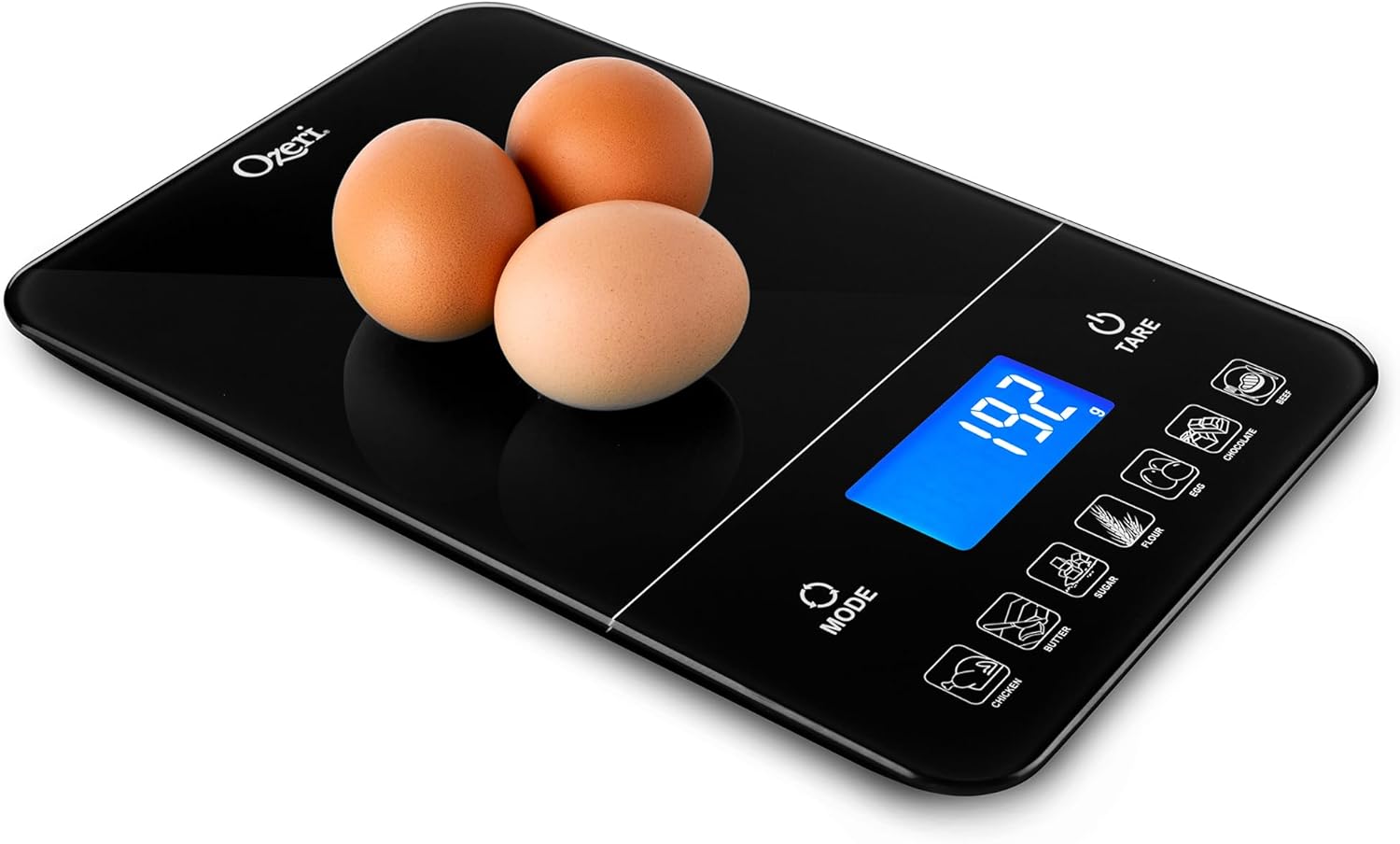
Figure 3: Example of weighing items using the scale.
4. Calorie Counter Function
The scale features a built-in calorie counter for 7 common food items: Chicken, Butter, Sugar, Flour, Egg, Chocolate, and Beef. Calorie values are displayed in Kcal.
- Place the food item on the scale.
- Press the corresponding food icon button (e.g., SUGAR, CHOCOLATE).
- The display will show the caloric (Kcal) value for the weighed portion of that specific food item.

Figure 4: Calorie counter in action, showing Kcal for sugar.

Figure 5: Weighing brown sugar on the scale.

Figure 6: Weighing chocolate on the scale.
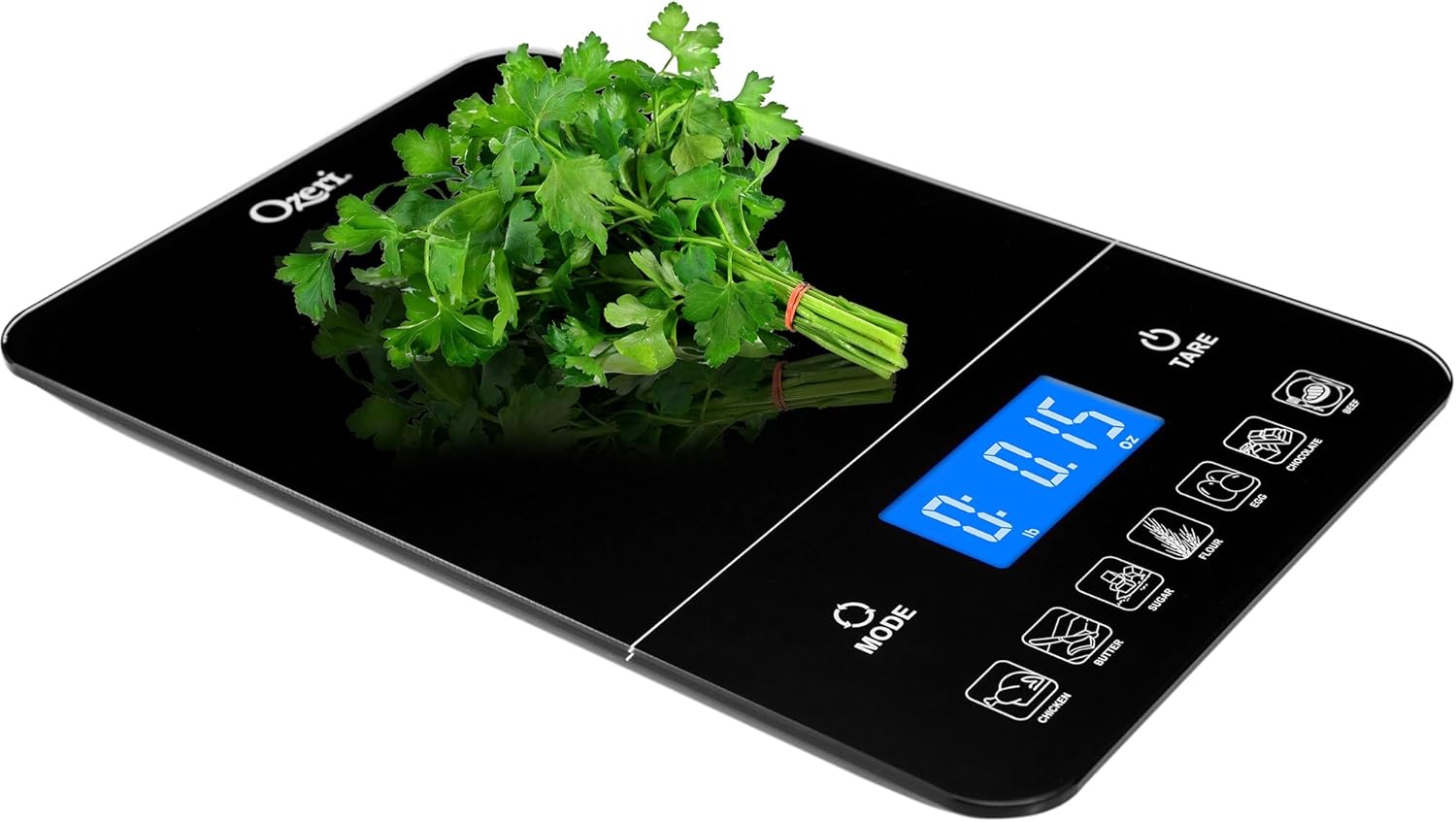
Figure 7: Weighing parsley on the scale.
Maintenance and Care
- Clean the scale's tempered glass surface with a soft, damp cloth. For stubborn stains, use a mild detergent and wipe dry immediately.
- Do not use harsh chemicals or abrasive cleaning materials, as they may damage the surface.
- Store the scale in a dry place at room temperature. Avoid extreme temperatures or high humidity.
- If the scale will not be used for an extended period, remove the batteries to prevent leakage.
Troubleshooting
| Problem | Possible Cause | Solution |
|---|---|---|
| "Lo" displayed | Low battery power. | Replace all 4 AAA batteries. |
| "O-Ld" displayed | Scale is overloaded. | Remove items immediately. Do not exceed 22 lbs (10 kg). |
| Inaccurate readings | Scale not on a flat, stable surface; external vibrations; dirty sensors. | Ensure scale is on a firm, level surface. Avoid vibrations. Clean the scale surface. Recalibrate if necessary (refer to manufacturer's website for specific calibration steps if not covered here). |
| Scale does not turn on | Batteries incorrectly installed or dead. | Check battery polarity or replace batteries. |
Specifications
- Brand: Ozeri
- Model: ZK19
- Color: Stylish Black
- Material: Tempered Glass
- Weight Limit: 22 lbs (10 kg)
- Readout Accuracy: +/- 0.05 oz or +/- 1 g
- Display Type: High-contrast LED
- Power Source: 4 x AAA Batteries (included)
- Product Dimensions: 10.6 x 7.3 x 0.9 inches
- Item Weight: 1.8 pounds
Warranty and Support
Ozeri products are manufactured with quality and performance in mind. For warranty information or technical support, please visit the official Ozeri website or contact their customer service department. Keep your purchase receipt as proof of purchase for any warranty claims.
You can find more information and support at the Ozeri Store on Amazon.
Related documentsZK19


Ask a question about this manual
Ask about setup, troubleshooting, compatibility, parts, safety, or missing instructions. Manuals+ will review the question and use this page’s manual context to help answer it.