
1. Introduction
This manual provides detailed instructions for the setup, operation, maintenance, and troubleshooting of your Tecknet M003 2.4G Ergonomic Wireless Optical Mouse. Please read this manual thoroughly before using the product to ensure optimal performance and longevity.

Image 1.1: Top view of the Tecknet M003 Wireless Optical Mouse, showcasing its ergonomic design and purple finish.
2. Package Contents
Verify that all items are present in your product package:
- Tecknet M003 Wireless Optical Mouse
- USB Nano Receiver
- User Manual (this document)
3. Product Overview
Familiarize yourself with the components of your Tecknet M003 mouse:

Image 3.1: Labeled diagram of the Tecknet M003 mouse, indicating the Left Button, Right Button, Scroll Switch, DPI Switch Button, Forward Button, and Backward Button.

Image 3.2: Bottom view of the Tecknet M003 mouse, highlighting the compartment for two AAA batteries (not included) and the storage slot for the Tiny USB receiver.
4. Setup
- Install Batteries: Open the battery compartment on the underside of the mouse. Insert two AAA batteries (not included), ensuring correct polarity. Close the compartment.
- Connect USB Nano Receiver: Remove the USB Nano receiver from its storage slot on the bottom of the mouse. Plug the receiver into an available USB port on your computer.
- Power On: Turn on the mouse using the power switch located on the underside.
- Automatic Connection: The mouse will automatically connect to your computer. No additional drivers are typically required for most operating systems (Windows XP, Linux, PC).
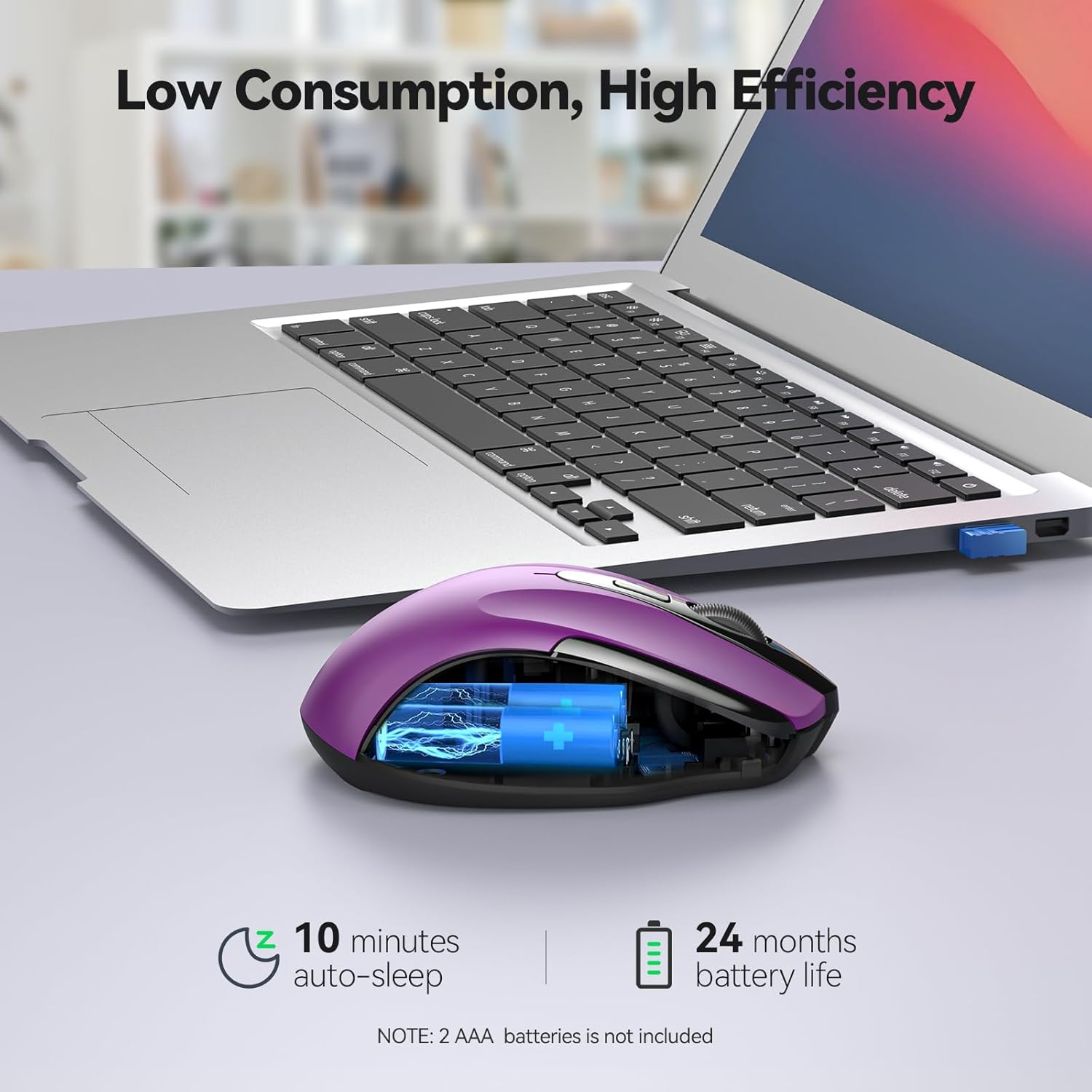
Image 4.1: The Tecknet M003 mouse demonstrating its plug-and-play 2.4G wireless connection with a stable range of up to 15 meters.
5. Operating Instructions
- Left Button: Primary click function.
- Right Button: Secondary click function (context menu).
- Scroll Switch (Wheel): Scroll up or down through documents and web pages. Can also be pressed for middle-click functionality.
- Forward/Backward Buttons: Located on the side, these buttons allow for quick navigation in web browsers or file explorers.
6. DPI Adjustment
The Tecknet M003 mouse features a DPI (Dots Per Inch) switch button, allowing you to adjust cursor sensitivity to suit your preferences or task requirements. Press the DPI switch button to cycle through the available settings:
- 1000 DPI: Standard sensitivity for general use.
- 1600 DPI: Increased sensitivity for faster cursor movement.
7. Battery Management
The Tecknet M003 mouse is designed for energy efficiency:
- Auto Power-Off: The mouse features an automatic power-off function that activates when the USB Nano receiver is disconnected or the computer is switched off. This conserves battery life.
- Battery Life: With typical usage, the mouse can achieve up to 18 months of battery life from two AAA batteries.
- Battery Level Indicator: A built-in indicator light will notify you when the battery level is low, prompting a replacement.

Image 7.1: Illustration of the Tecknet M003 mouse's power efficiency, featuring 10-minute auto-sleep and up to 24 months of battery life (note: 2 AAA batteries are not included).
8. Tecknet Technologies
- Tecknet Tru-Wave Technology: Provides precise cursor control across various surfaces, enhancing accuracy and responsiveness.
- Tecknet Co-Link Technology: After initial pairing, there is no need to re-establish the connection if the signal is temporarily lost or the computer is shut down. The mouse will automatically reconnect.
9. Maintenance
- Cleaning: Use a soft, dry cloth to clean the mouse. Avoid using harsh chemicals or abrasive materials.
- Storage: When not in use for extended periods, store the mouse in a dry, dust-free environment. Consider removing batteries if storing for several months.
- USB Receiver: Store the USB Nano receiver in its dedicated slot on the mouse's underside to prevent loss.
10. Troubleshooting
| Problem | Possible Solution |
|---|---|
| Mouse not responding |
|
| Jerky or inaccurate cursor movement |
|
| Wireless connection issues |
|
11. Specifications
- Brand: Tecknet
- Model: M003 (Internal Model: 841270)
- Connectivity: 2.4G Wireless
- Movement Detection: Optical
- DPI Settings: 1000 / 1600 / 2400
- Buttons: 6 (Left, Right, Scroll Wheel, DPI Switch, Forward, Backward)
- Power Source: 2 x AAA Batteries (not included)
- Battery Life: Up to 18 months (average)
- Operating Range: Up to 15 meters
- Dimensions (LxWxH): 10.7 x 6.8 x 3.85 cm
- Weight: 85 g
- Compatible Operating Systems: Windows XP, Linux, PC
- Special Features: Ergonomic Design, Auto Power-Off, Battery Level Indicator, Tecknet Tru-Wave, Tecknet Co-Link

Image 11.1: Dimensions of the Tecknet M003 mouse, indicating its compact and portable size suitable for small to medium-sized hands.

Image 11.2: A hand using the Tecknet M003 mouse, illustrating its ergonomic design which aims to reduce muscle strain by 30%.
12. Warranty and Support
Your Tecknet M003 Wireless Optical Mouse comes with a 1-Year Warranty from the date of purchase. This warranty covers manufacturing defects and ensures reliable operation under normal use.
For technical support, warranty claims, or further assistance, please refer to the contact information provided on the Tecknet official website or your purchase documentation.


