
Introduction
This manual provides essential information for the proper installation, operation, and maintenance of your Omnipure POCB934 GAC Carbon with Phosphate Filter. Please read these instructions carefully before use to ensure optimal performance and longevity of the product.
The Omnipure POCB934 is a granular activated carbon (GAC) filter with phosphate, designed to reduce certain impurities and inhibit scale deposits in drinking water. It is compatible with most standard 10-inch filter housings.
Product Overview
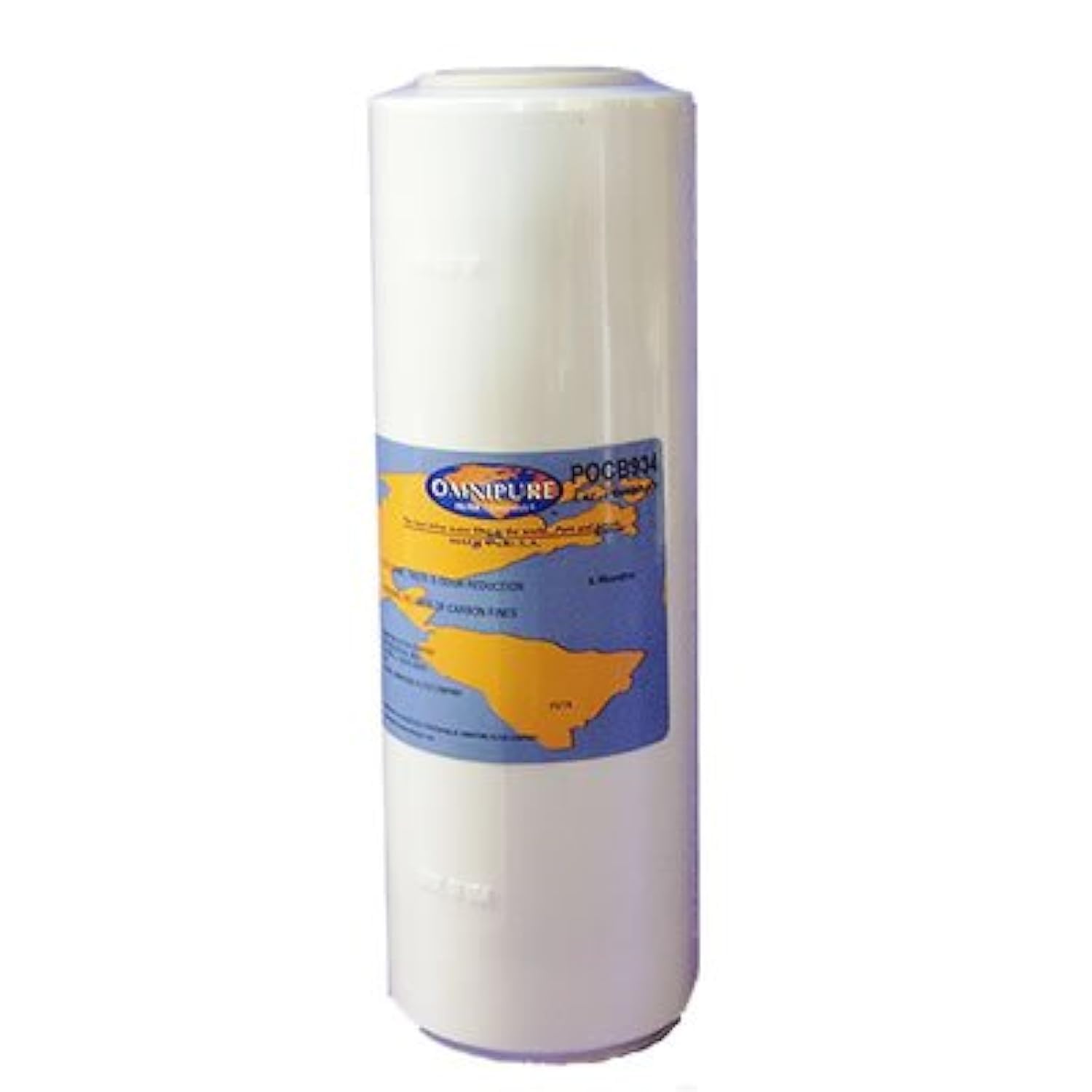
Image: Omnipure POCB934 GAC Carbon with Phosphate Filter. This image shows the cylindrical filter cartridge, typically white or light-colored, with product labeling visible.
The Omnipure POCB934 filter combines granular activated carbon (GAC) for taste and odor reduction with phosphate to help prevent scale buildup. This combination provides improved water quality and helps protect appliances from hard water effects.
Setup and Installation
Safety Precautions:
- Turn off the main water supply before beginning installation.
- Relieve water pressure in the system by opening a nearby faucet.
- Ensure all connections are secure to prevent leaks.
- Use appropriate tools and follow local plumbing codes.
Installation Steps:
- Prepare the Housing: If replacing an existing filter, unscrew the filter housing sump using a filter wrench. Discard the old filter cartridge.
- Clean the Housing: Clean the inside of the filter housing sump and inspect the O-ring. Replace the O-ring if it appears damaged or worn. Lubricate the O-ring with a silicone-based lubricant if necessary.
- Insert the New Filter: Remove the new Omnipure POCB934 filter from its packaging. Insert the filter into the housing sump, ensuring it is seated correctly. The filter is designed to fit most standard 10-inch housings.
- Reassemble the Housing: Carefully screw the filter housing sump back onto the housing cap. Hand-tighten first, then use a filter wrench to tighten it an additional 1/4 to 1/2 turn. Do not overtighten.
- Restore Water Supply: Slowly turn on the main water supply.
- Flush the Filter: Open a nearby cold water faucet and allow water to run for at least 5-10 minutes to flush out any carbon fines and air from the system. Initially, the water may appear cloudy due to trapped air and carbon dust; this is normal.
- Check for Leaks: Inspect the filter housing for any leaks. If leaks are present, turn off the water, relieve pressure, and re-tighten the housing.
Operating Instructions
Once installed and flushed, the Omnipure POCB934 filter operates automatically as water flows through your system. No special operational steps are required beyond regular maintenance.
Initial Use: After flushing, the water is ready for consumption. The filter will continuously reduce chlorine taste and odor, and inhibit scale buildup as water passes through it.
Flow Rate: The filter is designed for optimal performance within typical household water pressure and flow rates. Significant drops in water pressure may indicate a clogged filter, signaling it's time for replacement.
Maintenance
Regular maintenance is crucial for the continued effectiveness and safety of your water filtration system.
Filter Replacement:
- The Omnipure POCB934 filter should be replaced every 6 to 12 months, or sooner if a noticeable drop in water pressure or a return of unpleasant taste/odor occurs.
- Filter life can vary based on water quality and usage volume.
- Refer to the "Setup and Installation" section for detailed replacement steps.
Housing Cleaning:
- When replacing the filter, always clean the filter housing sump with warm, soapy water and a non-abrasive brush or sponge.
- Rinse thoroughly to remove all soap residue.
- Sanitize the housing periodically according to the housing manufacturer's instructions.
Troubleshooting
| Problem | Possible Cause | Solution |
|---|---|---|
| Reduced Water Flow | Clogged filter cartridge. | Replace the filter cartridge. |
| Unpleasant Taste or Odor Returns | Filter cartridge has reached its capacity. | Replace the filter cartridge. |
| Water Leaks from Housing |
|
|
| Cloudy Water After Filter Change | Air or carbon fines in the system. | Flush the filter for an extended period (10-15 minutes) until water runs clear. This is normal for new carbon filters. |
Specifications
| Feature | Detail |
|---|---|
| Model Number | POCB934 |
| Filter Type | Granular Activated Carbon (GAC) with Phosphate |
| Dimensions (Approximate) | 9.75 inches (Height) x 3 inches (Diameter) |
| Material | Carbon Fiber |
| Weight (Approximate) | 1.5 Pounds (0.68 kg) |
| Compatibility | Fits most standard 10-inch filter housings |
| Primary Benefits | Reduces chlorine taste and odor, inhibits scale deposits |
| Recommended Replacement | Every 6-12 months, or as needed based on water quality/usage |
Warranty Information
Omnipure filters are manufactured to high-quality standards. For specific warranty details regarding your Omnipure POCB934 filter, please refer to the documentation provided with your purchase or visit the official Omnipure website. Warranty coverage typically applies to manufacturing defects and does not cover normal wear and tear or improper installation/use.
Support and Contact
If you have any questions, require technical assistance, or need to purchase replacement parts, please contact Omnipure customer support.
Omnipure Contact Information:
- Website: www.omnipure.com (Please check the official website for the most current contact details.)
- Customer Service: Refer to the website or product packaging for phone numbers and email addresses.
When contacting support, please have your product model number (POCB934) and date of purchase readily available.