
Schultz 4326943930
Schultz CW Earphones User Manual
Model: 4326943930
Introduction
Welcome to the user manual for your Schultz CW Earphones. These earphones are meticulously designed to deliver a superior audio experience, combining high-quality sound with durable craftsmanship. This manual provides comprehensive instructions to help you set up, operate, maintain, and troubleshoot your earphones, ensuring you get the most out of your listening experience.
Product Overview
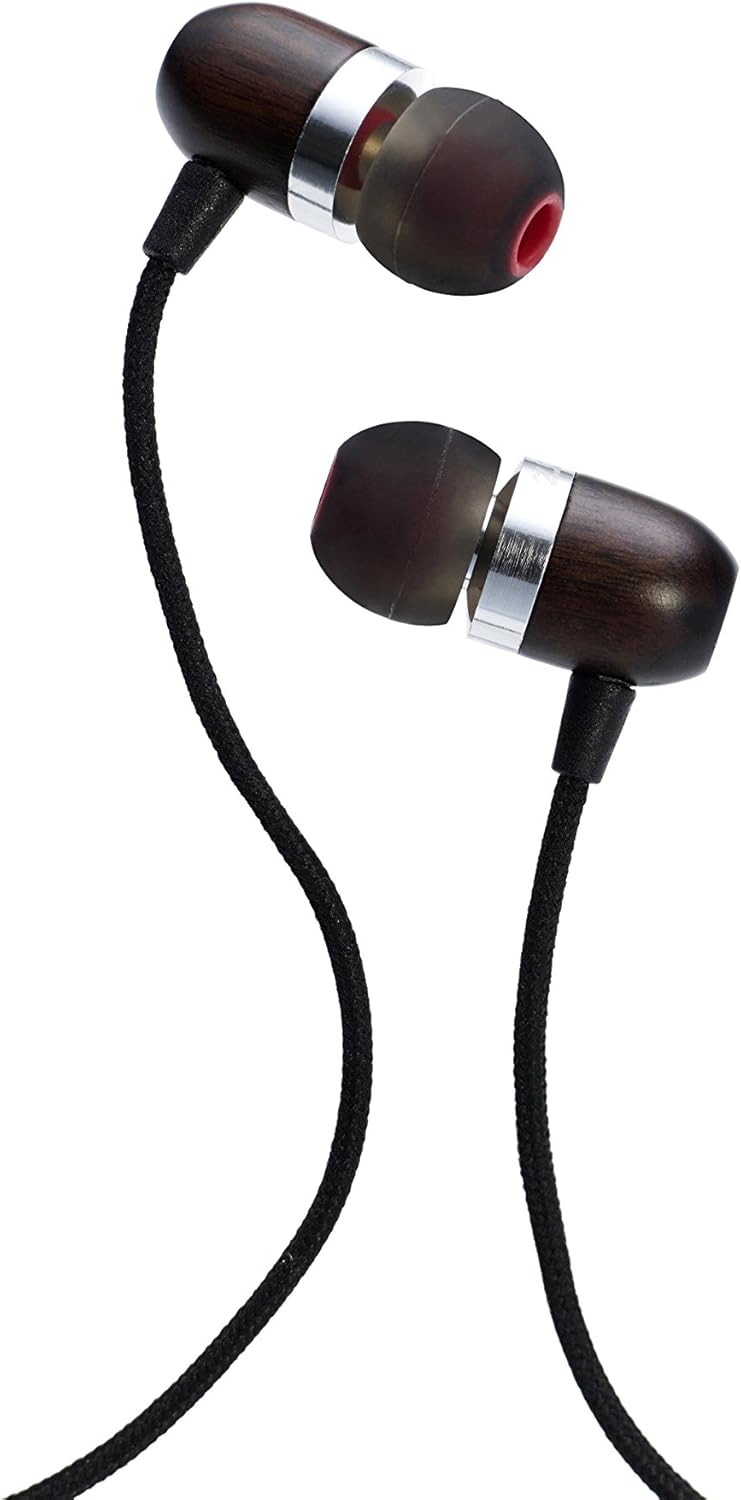
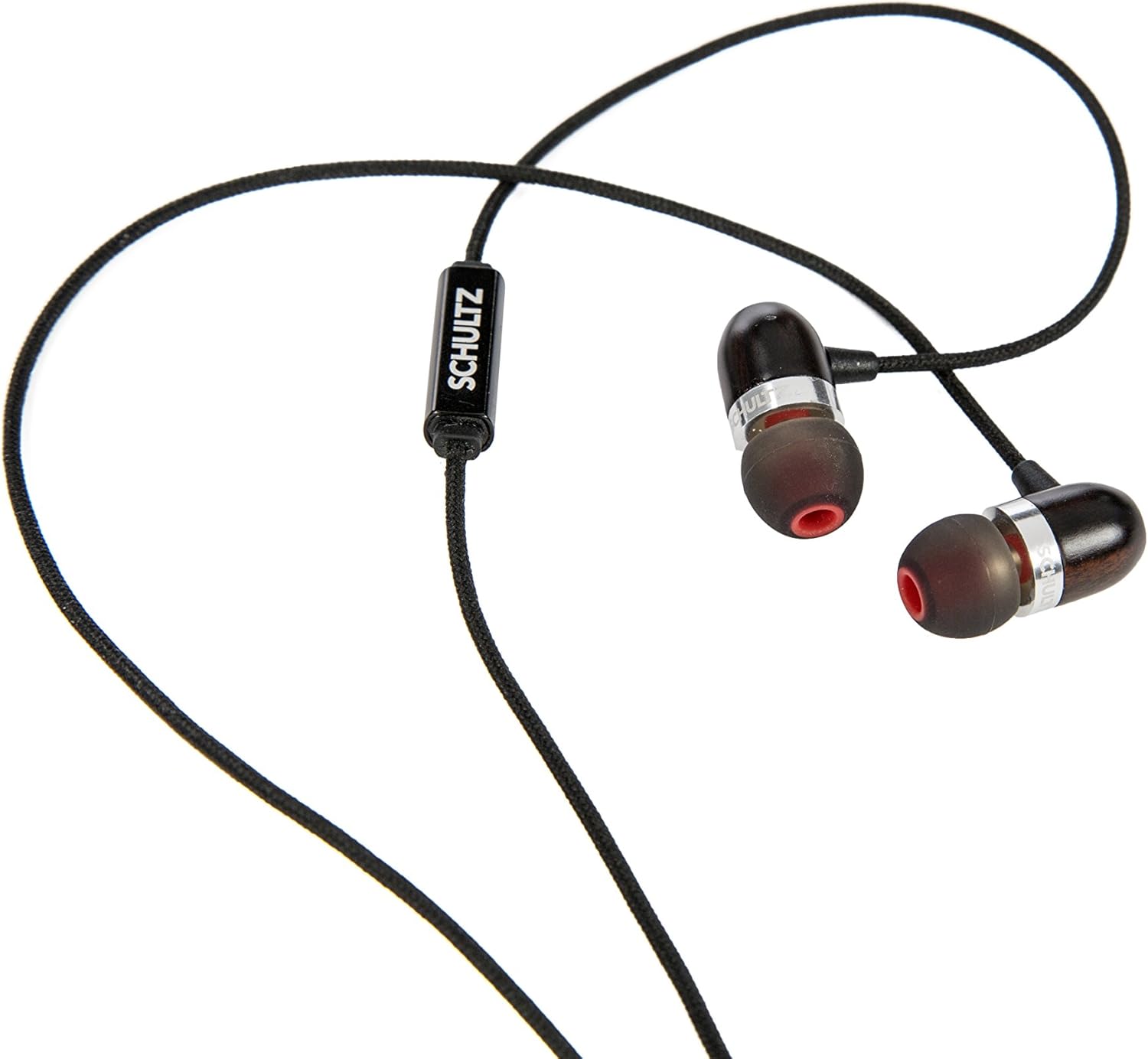
The Schultz CW Earphones are engineered for audiophiles, featuring a unique blend of copper and wood in their construction to provide a balanced bass, delicate treble, and vibrant acoustic sound. They are designed for comfort and durability, making them ideal for everyday use.
Key Features
- Crafted from copper and wood with an immaculate attention to detail.
- Guarantees a studio-like sound quality.
- Includes a soft fabric carrying pouch for protection and portability.



Setup
Unpacking
- Carefully open the product packaging.
- Remove the Schultz CW Earphones and the included carrying pouch.
- Check for any additional ear tips or accessories that may be included.
Connecting to Your Device
- Locate the 3.5mm audio jack on your smartphone, tablet, computer, or other audio device.
- Insert the 3.5mm plug of the Schultz CW Earphones firmly into the audio jack until it clicks into place.
- Ensure the connection is secure to prevent audio interruptions.
Operating Instructions
Wearing the Earphones
- Identify the left (L) and right (R) earpieces.
- Gently insert each earpiece into the corresponding ear canal.
- Adjust the earpieces until they fit snugly and comfortably. A proper seal is crucial for optimal sound quality and bass response. If the fit is loose, try the alternative ear tips provided.
Audio Playback
- Once connected, open your preferred audio application on your device.
- Begin playing audio.
- Adjust the volume using your device's volume controls.
Maintenance
Cleaning
- Regularly clean the ear tips with a soft, dry cloth to remove earwax and debris.
- If necessary, the silicone ear tips can be removed and gently washed with mild soap and water. Ensure they are completely dry before reattaching.
- Wipe the earphone bodies and cable with a clean, dry, lint-free cloth. Avoid using harsh chemicals or abrasive materials.
Storage
- When not in use, store your earphones in the provided soft fabric carrying pouch to protect them from dust, dirt, and tangles.
- Avoid wrapping the cable too tightly or bending it at sharp angles, as this can damage the internal wires.
- Keep earphones away from extreme temperatures and high humidity.
Troubleshooting
If you encounter any issues with your Schultz CW Earphones, please refer to the following common problems and solutions:
| Problem | Possible Cause | Solution |
|---|---|---|
| No sound or intermittent sound from one or both earphones. | Loose connection, incorrect device settings, damaged cable. | Ensure the 3.5mm plug is fully inserted into the device's audio jack. Check your device's volume settings and ensure it's not muted. Test with another audio source or device to rule out device issues. Inspect the cable for visible damage. |
| Earphones fall out of ears easily. | Incorrect ear tip size, improper insertion. | Try different sizes of ear tips provided with your earphones to find the best fit. Ensure you are inserting the earphones correctly, creating a gentle seal in your ear canal. |
| Sound quality is poor (e.g., lacking bass, muffled). | Poor seal in ear, dirty ear tips, low-quality audio source. | Ensure the earphones are properly seated in your ears to create a good seal. Clean the ear tips to remove any obstructions. Try playing a high-quality audio file to see if the issue persists. |
| Cable appears frayed or damaged. | Wear and tear from improper handling or storage. | Always store earphones in the provided pouch. Avoid sharp bends or excessive pulling on the cable. If the cable is significantly damaged, it may affect performance and require replacement. |
Specifications
| Feature | Detail |
|---|---|
| Brand | Schultz |
| Model Number | 4326943930 |
| ASIN | B014J3OZXG |
| Material | Copper |
| Color | Black and Red |
| Form Factor | In Ear |
| Connectivity Technology | Wired |
| Cable Feature | Retractable |
| Item Weight | 5.4 ounces (153 grams) |
| Product Dimensions | 3.6 x 3.6 x 0.6 inches |
| Date First Available | August 27, 2015 |
Warranty and Support
Specific warranty information for the Schultz CW Earphones is not provided within this manual. For details regarding warranty coverage, returns, or technical support, please refer to the original product packaging, your purchase receipt, or visit the official Schultz brand website. You may also contact the retailer from whom you purchased the product for assistance.
Ask a question about this manual
Ask about setup, troubleshooting, compatibility, parts, safety, or missing instructions. Manuals+ will review the question and use this page’s manual context to help answer it.