
1. Introduction and Overview
The OLIGHT S1 Baton is a compact LED flashlight designed for everyday carry. It features a Cree XM-L2 CW LED, delivering a maximum output of 500 lumens and a beam distance of 110 meters. The S1 operates on a single CR123A battery, ensuring optimal performance in a small form factor. Key design elements include a low-profile side switch to prevent accidental activation, a durable pocket clip, a lanyard hole, and a magnetic tail cap for versatile hands-free use.
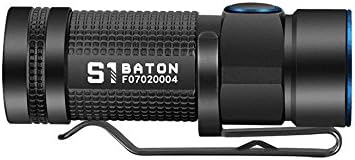
Image 1: The OLIGHT S1 Baton flashlight, showcasing its compact design and textured body.
2. Package Contents
Verify that all items are present in your package:
- OLIGHT S1 Baton Flashlight (1 unit)
- Lanyard (1 unit)
- User Manual (1 unit)
- 3V CR123A Battery (1 unit)
- OOPSTEK Cleaning Cloth (1 unit)
3. Product Features
The OLIGHT S1 Baton incorporates several features for enhanced functionality and durability:
- LED: Cree XM-L2 CW LED for bright, clear illumination.
- Output: Maximum 500 lumens with a beam distance of 110 meters.
- Lens: PMMA TIR lens with 90% light transmittance for an optimized beam.
- Modes: Three standard modes (8, 80, 500 lumens) and two special modes (0.5 lumen moonlight, 10Hz strobe).
- Power Source: Compatible with 1x CR123A or 1x RCR123 battery.
- Switch: Low-profile side switch with a blue PVD coated ring for durability and ease of use.
- Tail Cap: Magnetic tail cap for hands-free attachment to metal surfaces.
- Portability: Includes a pocket clip and lanyard hole for convenient carrying.
- Durability: Constructed from aluminum, water-resistant.

Image 2: Detailed view of the S1's TIR lens, stainless steel bezel, and magnetic tail cap, highlighting design features.

Image 3: The S1 Baton shown next to a house key and a smartphone, illustrating its ultra-compact and lightweight design for everyday carry.
4. Setup: Battery Installation
To install the battery:
- Unscrew the tail cap of the flashlight by turning it counter-clockwise.
- Insert one 3V CR123A battery with the positive (+) end facing towards the flashlight head.
- Screw the tail cap back on clockwise until it is securely tightened.
Note: Ensure correct battery polarity to prevent damage to the flashlight.
5. Operating Instructions
The S1 Baton features a user-friendly side switch for all operations.
5.1 Power On/Off
- To Turn On: Single click the side switch.
- To Turn Off: Single click the side switch again.
5.2 Mode Switching
- When the flashlight is ON, press and hold the side switch to cycle through the standard modes: Low (8 lumens) → Medium (80 lumens) → High (500 lumens). Release the switch to select the desired mode.
- The flashlight will memorize the last used standard mode when turned off and will activate in that mode when turned on again.
5.3 Special Modes
- Moonlight Mode (0.5 lumens): From the OFF position, press and hold the side switch for approximately one second.
- Strobe Mode (10Hz): Triple click the side switch rapidly from either ON or OFF. Single click to exit strobe mode.
5.4 Timer Function
The S1 Baton includes a built-in timer for automatic shut-off:
- When the flashlight is ON, double click the side switch to activate the timer mode.
- The timer can be set for either 3 minutes or 9 minutes. The specific indication for setting the timer is typically a subtle flash of the light. Consult the included paper manual for exact timer setting details.
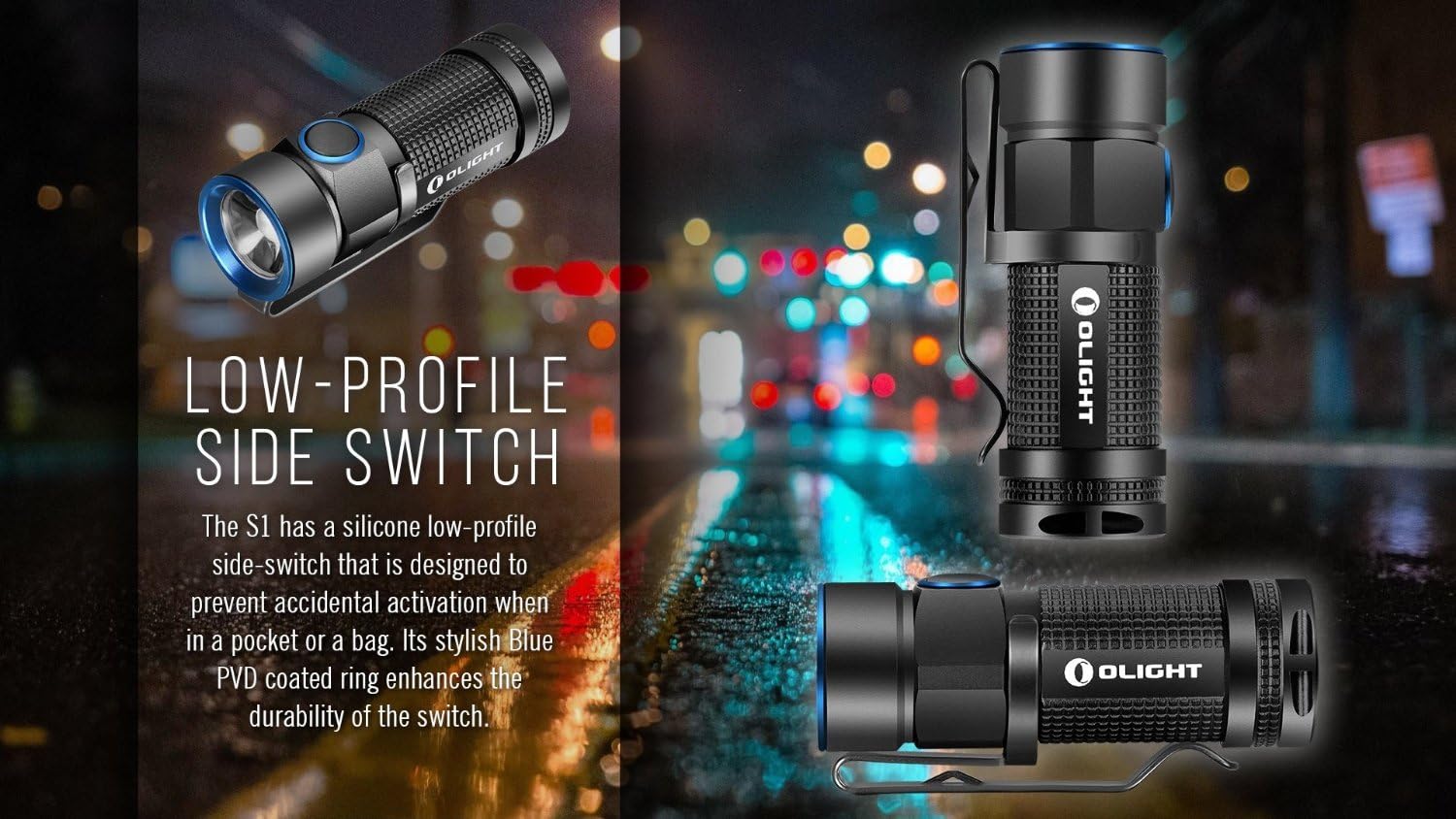
Image 4: Close-up view of the S1's low-profile side switch, designed for comfortable and secure operation.
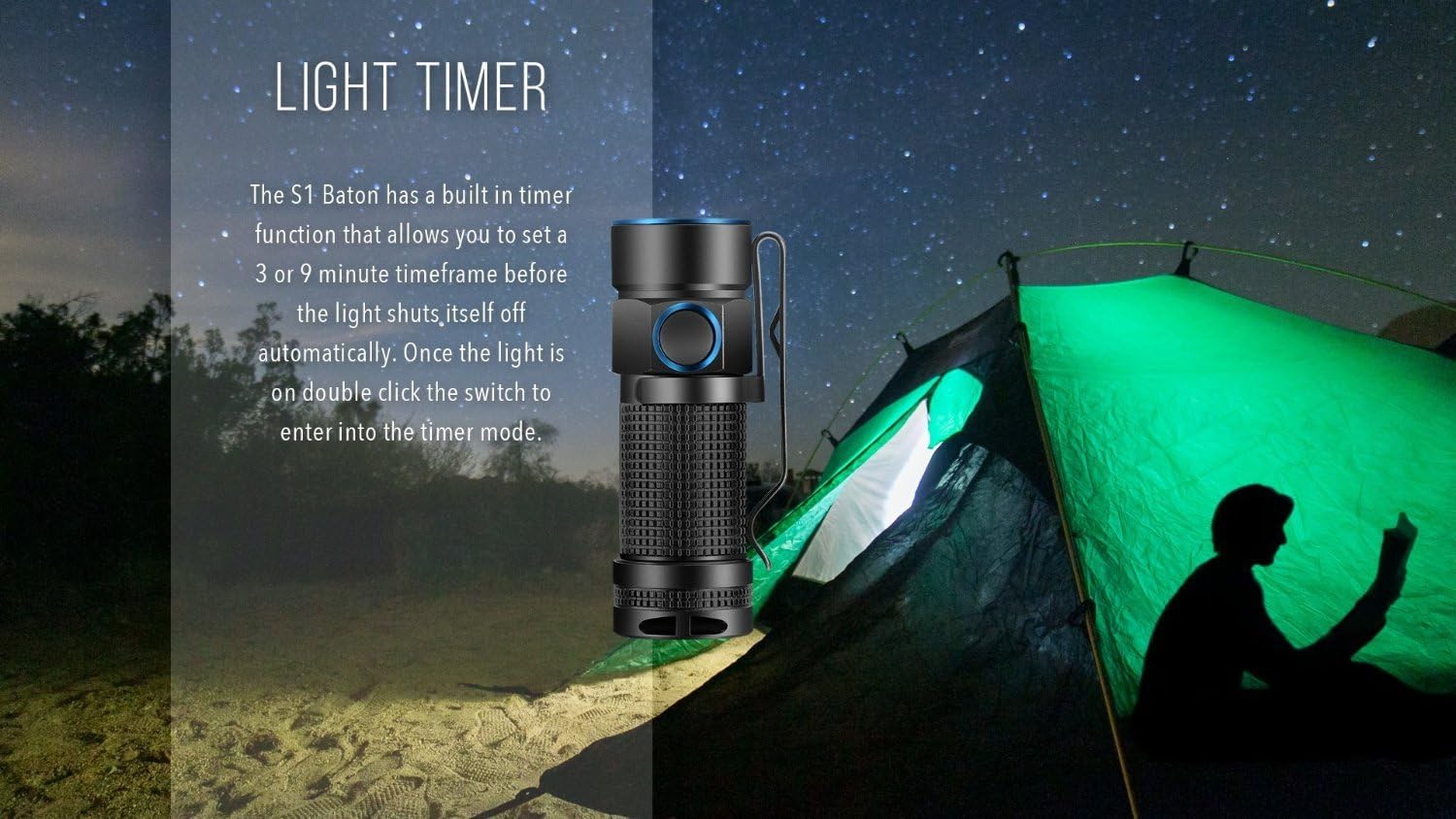
Image 5: The S1 Baton demonstrating its light timer function, useful for situations like tent lighting where automatic shut-off is desired.
6. Maintenance
Proper maintenance ensures the longevity and optimal performance of your OLIGHT S1 Flashlight:
- Cleaning: Use the provided OOPSTEK Cleaning Cloth to wipe the lens and body of the flashlight. Avoid harsh chemicals.
- Battery Replacement: Replace the CR123A battery when the light output noticeably decreases or the flashlight fails to turn on. If using RCR123 rechargeable batteries, ensure they are fully charged.
- Threads: Periodically clean and lubricate the tail cap threads with silicone grease to maintain water resistance and smooth operation.
- Storage: If storing the flashlight for an extended period, remove the battery to prevent potential leakage.
7. Troubleshooting
If you encounter issues with your S1 Flashlight, refer to the following common solutions:
- Flashlight Not Turning On:
- Check if the battery is inserted correctly with the positive (+) end facing the head.
- Ensure the tail cap is fully tightened.
- Replace the battery with a new or fully charged one.
- Light Output is Dim or Flickering:
- The battery may be low. Replace or recharge the battery.
- Clean the battery contacts and the flashlight's internal contacts with a clean cloth.
- Tail Cap is Stiff or Squeaky:
- Clean the threads and apply a small amount of silicone grease.
8. Specifications
Detailed technical specifications for the OLIGHT S1 Flashlight:
| Feature | Specification |
|---|---|
| Light Source | Cree XM-L2 CW LED |
| Maximum Output | 500 Lumens |
| Beam Distance | 110 Meters |
| Power Source | 1 x CR123A or 1 x RCR123 (3V DC) |
| Runtime | Up to 40 hours (Moonlight mode) |
| Material | Aluminum |
| Water Resistance | Water Resistant (typically IPX8, up to 2 meters) |
| Dimensions (Length x Diameter) | 61mm x 21mm |
| Item Weight | 0.01 Ounces (excluding battery) |
| Special Features | Low-profile side switch, Magnetic tail cap |

Image 6: Infographic detailing the S1 Baton's key specifications, including lumens, runtime, throw distance, battery type, and water resistance.
9. Warranty and Support
The OLIGHT S1 Flashlight comes with a limited warranty. For specific warranty terms, conditions, and support inquiries, please refer to the warranty card included in your package or visit the official OLIGHT website. Keep your purchase receipt for warranty claims.


