
1. Introduction
Thank you for choosing the Weighmax W-L440 Digital Bathroom Scale. This scale is designed to provide accurate and consistent weight measurements for personal use. Featuring 'Step-On' technology, a large backlit LCD display, and a durable tempered glass platform, it offers a convenient way to monitor your weight.
2. Safety Information
- Always use the scale on a hard, flat, and stable surface. Using it on carpet or uneven floors may affect accuracy.
- The scale's surface can be slippery when wet. Ensure the surface is dry before stepping on.
- Do not jump on the scale or use it for purposes other than weighing.
- This scale is intended for household use only and is not a medical device. Consult a healthcare professional for medical advice.
- Keep the scale away from extreme temperatures and direct sunlight.
- Do not attempt to disassemble or repair the scale yourself. This will void the warranty.
3. Package Contents
- Weighmax W-L440 Digital Bathroom Scale
- AAA Batteries (pre-installed or included separately)
- User Manual
4. Setup
4.1 Battery Installation
If batteries are not pre-installed or if you are replacing them:
- Open the battery compartment cover on the underside of the scale.
- Insert the AAA batteries, ensuring correct polarity (+ and -). If there is a plastic insulation strip, remove it before use.
- Close the battery compartment cover securely.
4.2 Initial Placement
Place the scale on a hard, flat, and stable surface. Avoid carpets, rugs, or uneven flooring, as these can affect measurement accuracy. For consistent readings, keep the scale in the same location.
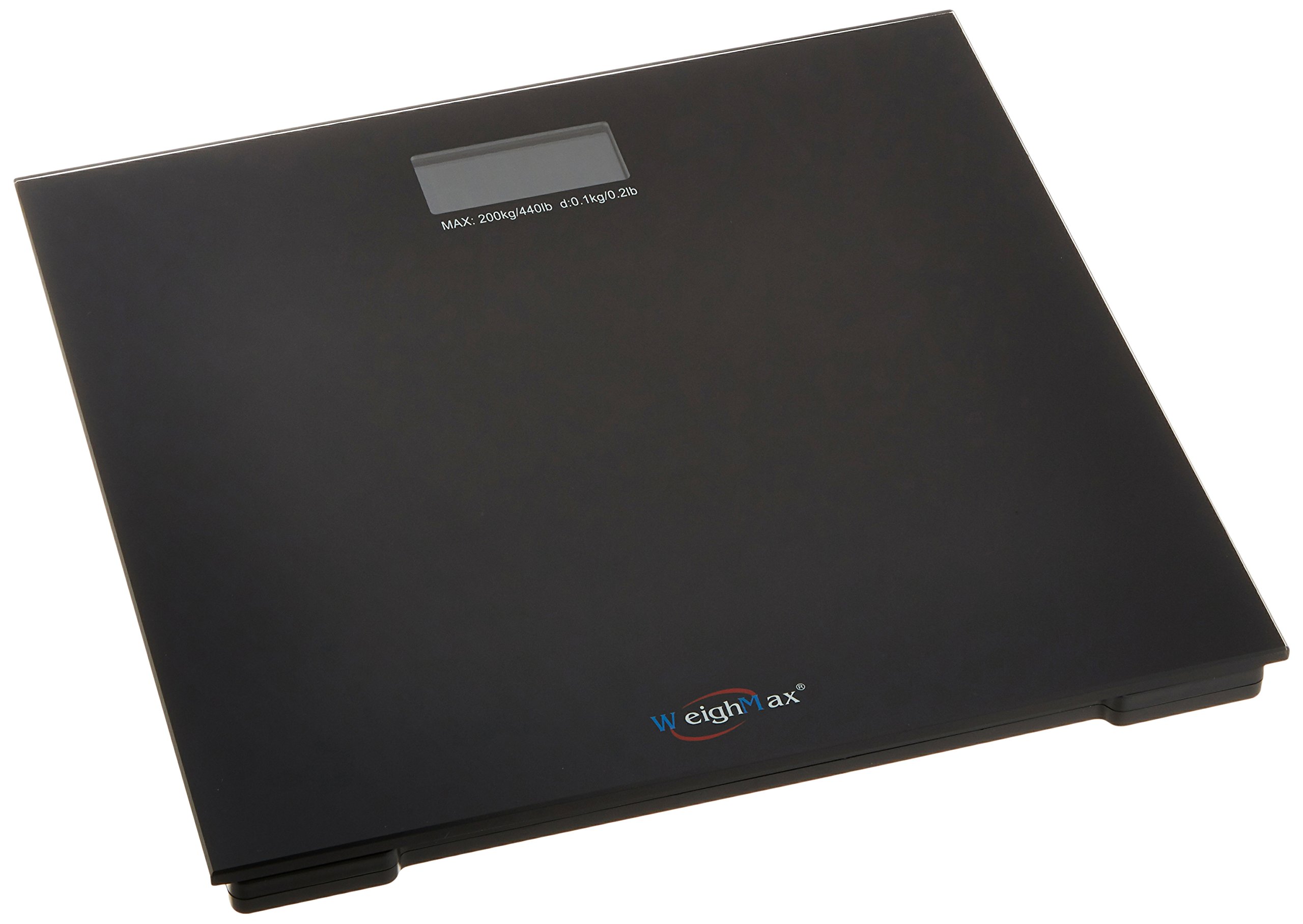
Image: The Weighmax W-L440 Digital Bathroom Scale with its tempered glass platform and large LCD display, placed on a hard, flat surface.
5. Operating Instructions
5.1 Weight Measurement (Step-On Technology)
The Weighmax W-L440 features 'Step-On' technology for immediate readings:
- Ensure the scale is on a hard, flat surface.
- Gently step onto the scale with bare feet. The scale will automatically turn on.
- Stand still and centered on the platform. Your weight will be displayed on the large 2.5-inch LCD screen with a cool-blue backlight.
- The reading will stabilize and lock, allowing you to view your weight clearly.
- Step off the scale. It will automatically turn off after a few seconds to conserve battery life.
5.2 Unit Conversion (Pounds/Kilograms)
The scale supports both pounds (lbs) and kilograms (kgs). To switch between units, locate the unit conversion button on the underside of the scale, usually near the battery compartment. Press this button to toggle between lbs and kgs.
6. Care and Maintenance
- Clean the scale with a slightly damp cloth. Do not use abrasive cleaners or immerse the scale in water.
- Avoid dropping heavy objects on the scale or subjecting it to strong impacts.
- If the scale is not to be used for an extended period, remove the batteries to prevent leakage.
- Store the scale in a cool, dry place.
7. Troubleshooting
| Problem | Possible Cause | Solution |
|---|---|---|
| No display / Low battery indicator | Batteries are dead or incorrectly installed. | Replace batteries with new AAA batteries, ensuring correct polarity. Remove any plastic insulation strip. |
| "Err" message | Overload (weight exceeds maximum capacity) or unstable surface. | Ensure weight is within 440 lbs (200 kgs). Place the scale on a hard, flat, and stable surface. |
| Inaccurate or inconsistent readings | Scale on soft/uneven surface, scale moved, or initial calibration needed. | Place scale on a hard, flat surface. If moved, step on and off quickly to allow it to calibrate to zero before taking a measurement. Ensure you stand still and centered. |
| Display shows "Lo" | Low battery power. | Replace the batteries. |
8. Specifications
- Model: W-L440
- Weight Capacity: 440 lbs (200 kgs)
- Readout Accuracy: 0.2 lbs (0.1 kgs)
- Platform Material: 6mm Tempered Glass
- Display: 2.5-inch LCD with Accubright blue backlight
- Sensors: 4 High Precision Sensors
- Power Source: AAA Batteries
- Special Features: Step-On Technology, Auto-Off
- Item Weight: Approximately 4 Pounds
9. Warranty and Support
The Weighmax W-L440 Digital Bathroom Scale comes with a 10-Year Warranty. This warranty covers defects in materials and workmanship under normal use. For warranty claims or technical support, please contact Weighmax customer service through their official website or the retailer where the product was purchased. Please retain your proof of purchase for warranty validation.