
Introduction
Thank you for choosing the ThruNite TN12 V4 LED Flashlight. This manual provides detailed instructions for the proper use, setup, and maintenance of your device. Please read this manual thoroughly before operating the flashlight to ensure optimal performance and safety.
Product Overview
The ThruNite TN12 V4 is a compact and reliable LED flashlight designed for various applications, including everyday carry (EDC), emergencies, and outdoor activities. It features a durable aircraft-grade aluminum body and multiple lighting modes.
Key Features:
- CREE XM-L2 U2 LED for high brightness.
- Multiple versatile lighting modes: Firefly, Low, Medium, High, Turbo, and Strobe.
- Aircraft-grade aluminum body with premium Type III hard-anodized anti-abrasive finish.
- Toughened ultra-clear glass lens with anti-reflective coating.
- Smooth reflector for a balanced beam.
- IPX8 waterproof rating.
- Reverse polarity protection.
Package Contents:

Image: Contents of the ThruNite TN12 V4 package, including the flashlight, spare O-rings, USB-C charging cable, lanyard, and holster.
- ThruNite TN12 V4 Flashlight
- Spare O-rings
- USB-C Charging Cable
- Lanyard
- Holster
- User Manual
Setup
Battery Installation:
The ThruNite TN12 V4 requires one 18650 Lithium-Ion battery or two CR123A batteries. Ensure correct polarity during installation to prevent damage to the flashlight. Please note that while the product title mentions V4, the detailed specifications in the product description refer to an XM-L2 U2 LED with 1050 lumens, and battery information can vary. Typically, 18650 batteries are rechargeable and may be included or sold separately, while CR123A batteries are often not included.
- Unscrew the tail cap of the flashlight.
- Insert the battery with the positive (+) end facing towards the head of the flashlight.
- Screw the tail cap back on securely.
Charging (for rechargeable 18650 battery):
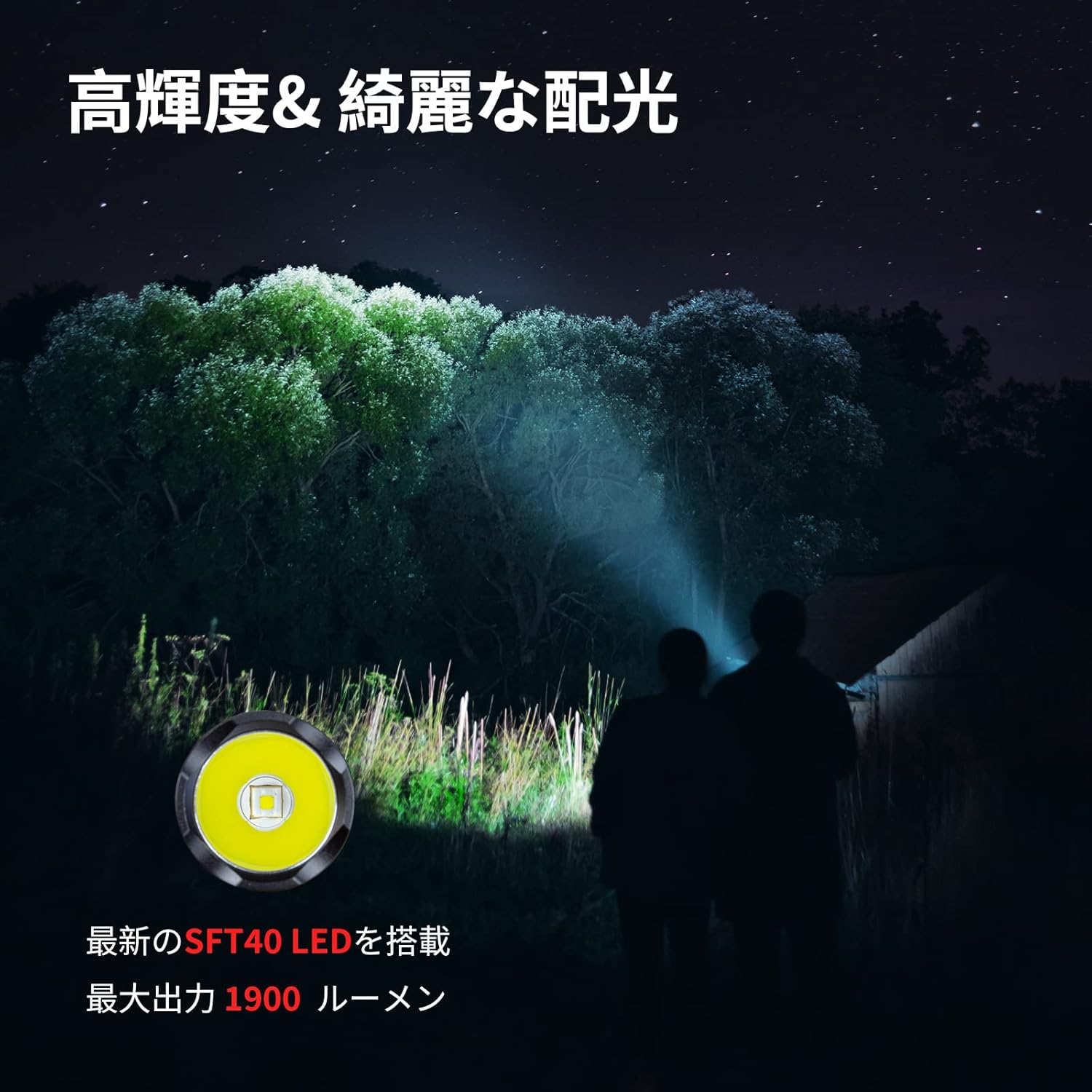
Image: Close-up of the ThruNite TN12 V4 flashlight showing the side switch and the USB-C charging port cover.
The TN12 V4 features a built-in USB-C charging port for convenient recharging of the 18650 battery. The battery remains inside the flashlight during charging.
- Locate the rubber cover on the side of the flashlight, near the head.
- Gently lift the cover to expose the USB-C charging port.
- Connect the provided USB-C cable to the flashlight and a power source (e.g., USB adapter, computer).
- The indicator light on the side switch will show the charging status:
- Red: Charging
- Blue: Fully Charged
- Once charging is complete, disconnect the cable and firmly press the rubber cover back into place to maintain water resistance.
Operating Instructions
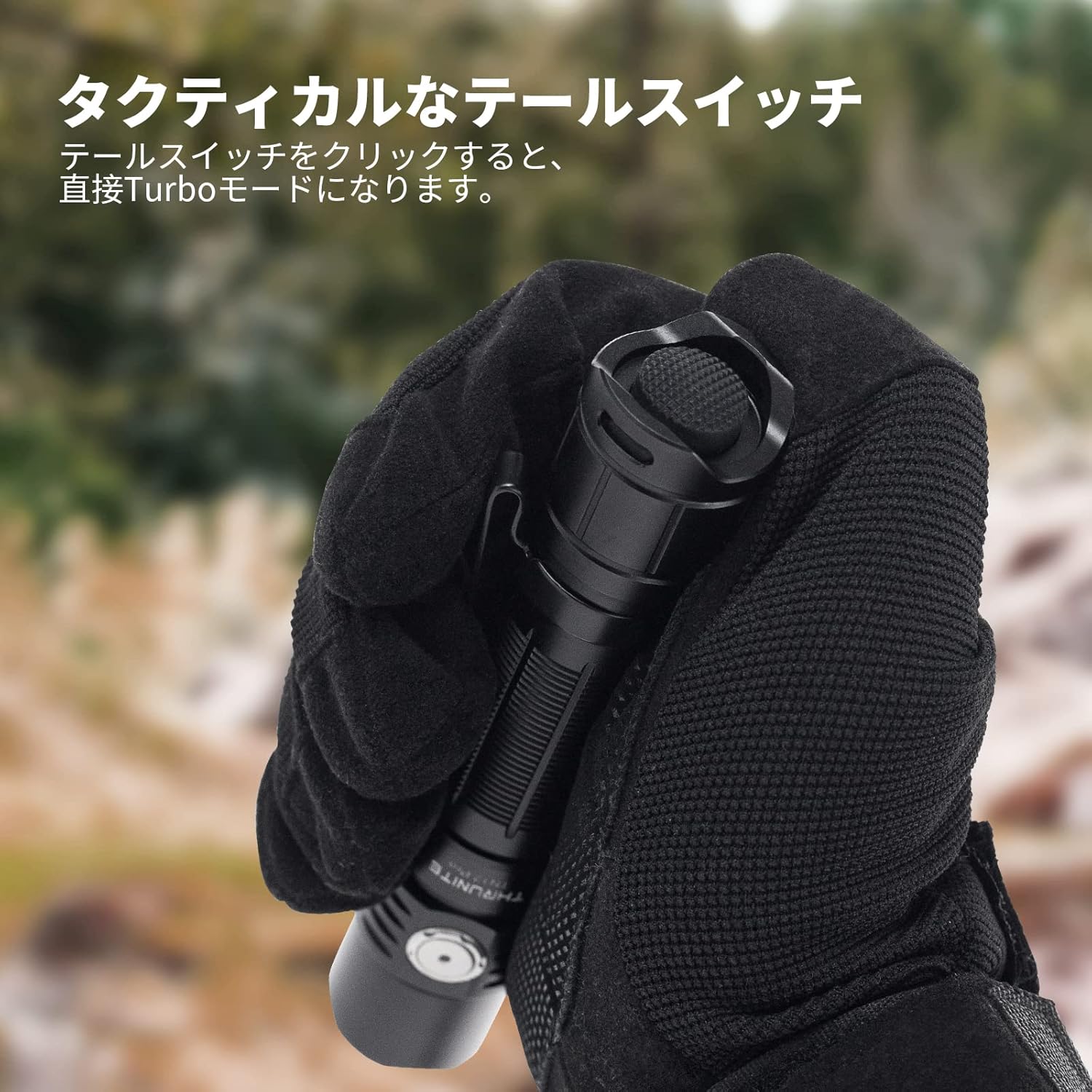
Image: A hand operating the tactical tail switch of the ThruNite TN12 V4 flashlight.
Turn ON/OFF:
The flashlight has a tactical tail switch for basic ON/OFF functions.
- Momentary On: Press the tail switch gently for temporary illumination. Release to turn off.
- Constant On/Off: Press the tail switch until it clicks to turn the light on. Press again until it clicks to turn the light off.
Changing Modes:
With the light turned on, use the side switch to cycle through the different output modes.

Image: The ThruNite TN12 V4 LED flashlight, highlighting its compact design and side switch.
- Press the side switch to cycle through the following modes: Firefly → Low → Medium → High → Turbo.
- The flashlight will remember the last used mode (except for Firefly and Strobe) when turned off and back on.
Strobe Mode:
To activate the Strobe mode:
- With the light turned on, press and hold the side switch for approximately 1 second.
- A single press on the side switch will return the flashlight to the general lighting mode from Strobe.
Lockout Function:
To prevent accidental activation and battery drain, the TN12 V4 features a lockout function.
- From the OFF position, press and hold the side switch for 2 seconds. The flashlight will briefly flash in Firefly mode, then turn off, indicating it is locked out.
- To unlock, press and hold the side switch for 2 seconds again. The flashlight will turn on in Firefly mode, indicating it is unlocked.
Official Product Video (TN12 V6 Overview):
Video: An overview of the ThruNite TN12 V6 LED Flashlight, demonstrating its features and operation. While this video showcases the V6 model, many operational aspects are similar to the TN12 V4, providing a helpful visual guide for the TN12 series.
Maintenance
- Cleaning: Regularly clean the threads and O-rings with a clean cloth. Apply a thin layer of silicone grease to the O-rings periodically to maintain water resistance.
- Battery Care: Remove the battery if the flashlight will not be used for an extended period. Store batteries in a cool, dry place.
- Lens Care: Clean the lens with a soft, lint-free cloth. Avoid using abrasive materials or harsh chemicals that could scratch the lens.
Troubleshooting
If your ThruNite TN12 V4 is not functioning correctly, please refer to the following common issues and solutions:
- Flashlight does not turn on:
- Check if the battery is inserted correctly with the positive (+) end facing the head.
- Ensure the tail cap is screwed on tightly.
- Check if the battery is charged.
- Ensure the lockout function is not activated.
- Light output is dim or flickers:
- The battery may be low. Recharge or replace the battery.
- Clean the battery contacts and flashlight threads.
- Water ingress:
- Check if the O-rings are properly seated and undamaged.
- Ensure the USB-C charging port cover is fully closed.
- Ensure the tail cap is screwed on tightly.
If these steps do not resolve the issue, please contact ThruNite customer support.
Specifications
| Feature | Detail |
|---|---|
| LED Type | CREE XM-L2 U2 LED |
| Max Output | 1050 Lumens |
| Working Voltage | 2.7V - 9V |
| Dimensions (Length x Diameter) | 143mm x 25.4mm |
| Weight (without battery) | 82g |
| Waterproof Rating | IPX8 (submersible up to 2 meters) |
| Impact Resistance | 1.5 meters |
| Battery Type | 1 x 18650 or 2 x CR123A (not included unless specified) |
| Material | Aircraft-grade aluminum body, Type III hard-anodized finish |
| Lens | Toughened ultra-clear glass with anti-reflective coating |
| Reflector | Smooth reflector |
Output Modes & Runtime (using 1x 18650 battery):
| Mode | Output (Lumens) | Runtime |
|---|---|---|
| Turbo | 1050lm | 95 minutes |
| Strobe | 800lm | 3.8 hours |
| High | 370lm | 4.2 hours |
| Medium | 145lm | 11.8 hours |
| Low | 11lm | 5.5 days |
| Firefly | 0.4lm | 74 days |
Warranty and Support
ThruNite offers a comprehensive warranty for its products. For detailed warranty information, product registration, or technical support, please visit the official ThruNite website or contact their customer service team directly.
- Website: www.thrunite.com
- Email: service@thrunite.com


