1. Introduction
This manual provides essential information for the safe and effective use of your Newmowa LP-E6/LP-E6N Battery (2 Pack) and Smart LCD Display Dual USB Charger. Please read these instructions carefully before use and retain them for future reference.
2. Package Contents
Verify that all items listed below are included in your package:
- 2 x Newmowa LP-E6/LP-E6N Replacement Batteries
- 1 x Smart LCD Display Dual USB Charger
- 1 x Micro USB Cable
3. Compatible Camera Models
The Newmowa LP-E6/LP-E6N batteries and charger are compatible with the following Canon EOS camera models:
- Canon EOS 5D Mark IV
- Canon EOS 5D Mark III
- Canon EOS 6D
- Canon EOS 7D
- Canon EOS 7D Mark II
- Canon EOS 60D
- Canon EOS 70D
- Canon EOS 80D
- Canon XC10

Figure 3.1: Compatible Canon EOS camera models.
4. Setup and Charging Instructions
Follow these steps to set up your charger and begin charging your batteries:
- Insert Batteries: Carefully insert one or two LP-E6/LP-E6N batteries into the designated charging slots (CH1 and CH2) on the dual USB charger. Ensure the battery contacts align correctly with the charger pins.
- Connect Power: Connect the provided Micro USB cable to the charger's input port. Connect the other end of the Micro USB cable to a compatible USB power source.

Figure 4.1: Steps for inserting batteries and connecting the charger.
4.1 Charging Options
The charger supports various USB power sources for convenience:
- USB Wall Charger
- Power Bank
- Laptop/Computer USB Port
- Car Charger
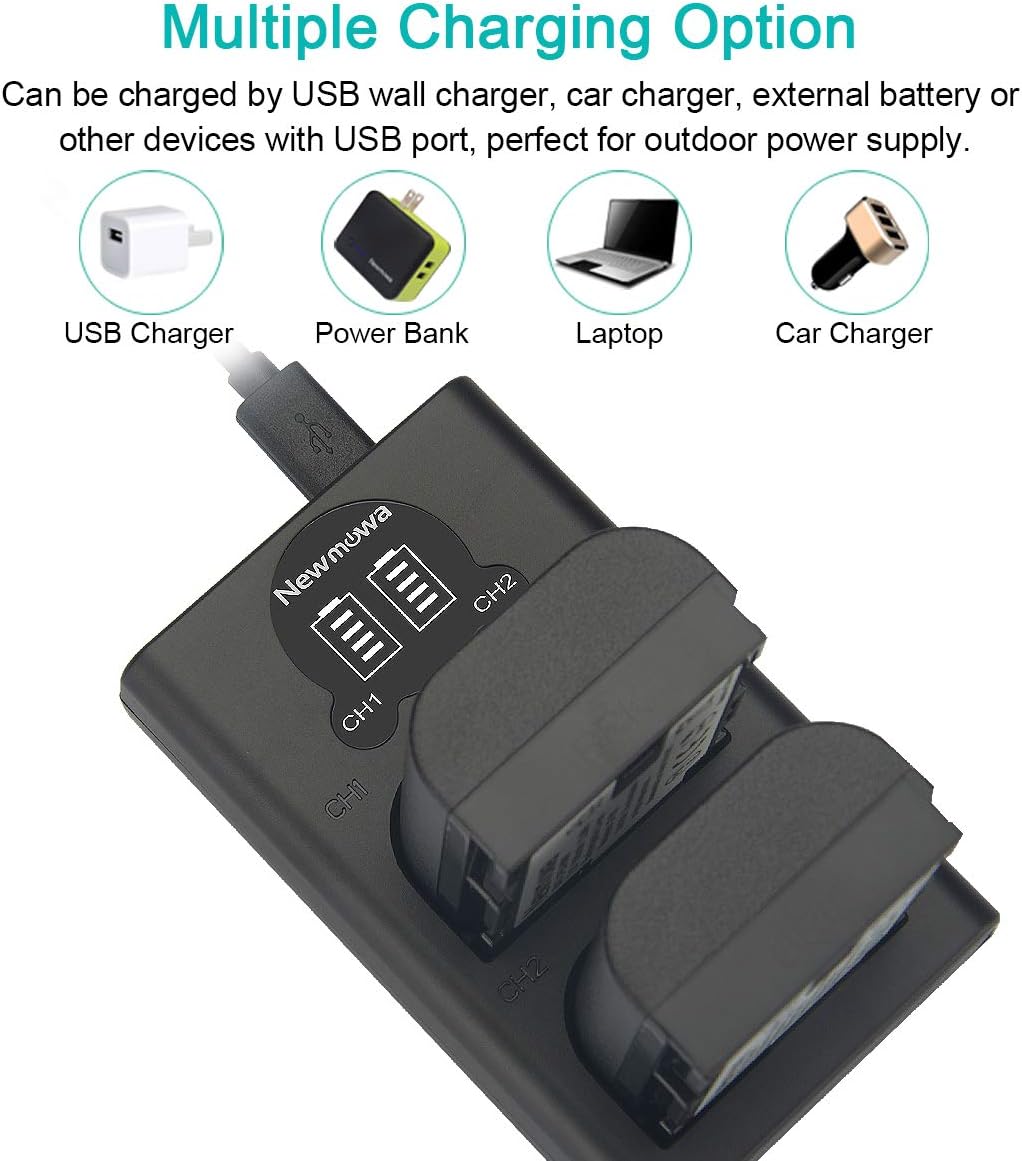
Figure 4.2: Multiple charging options for the Newmowa dual USB charger.
4.2 LCD Display Indicators
The Smart LCD Display provides real-time charging status for each battery:
- One Grid Flashing: Battery level is between 0-25%.
- Two Grids Flashing: Battery level is between 25-50%.
- Three Grids Flashing: Battery level is between 50-75%.
- Four Grids Flashing: Battery level is between 75-100%.
- Four Grids Solid: Battery is fully charged.
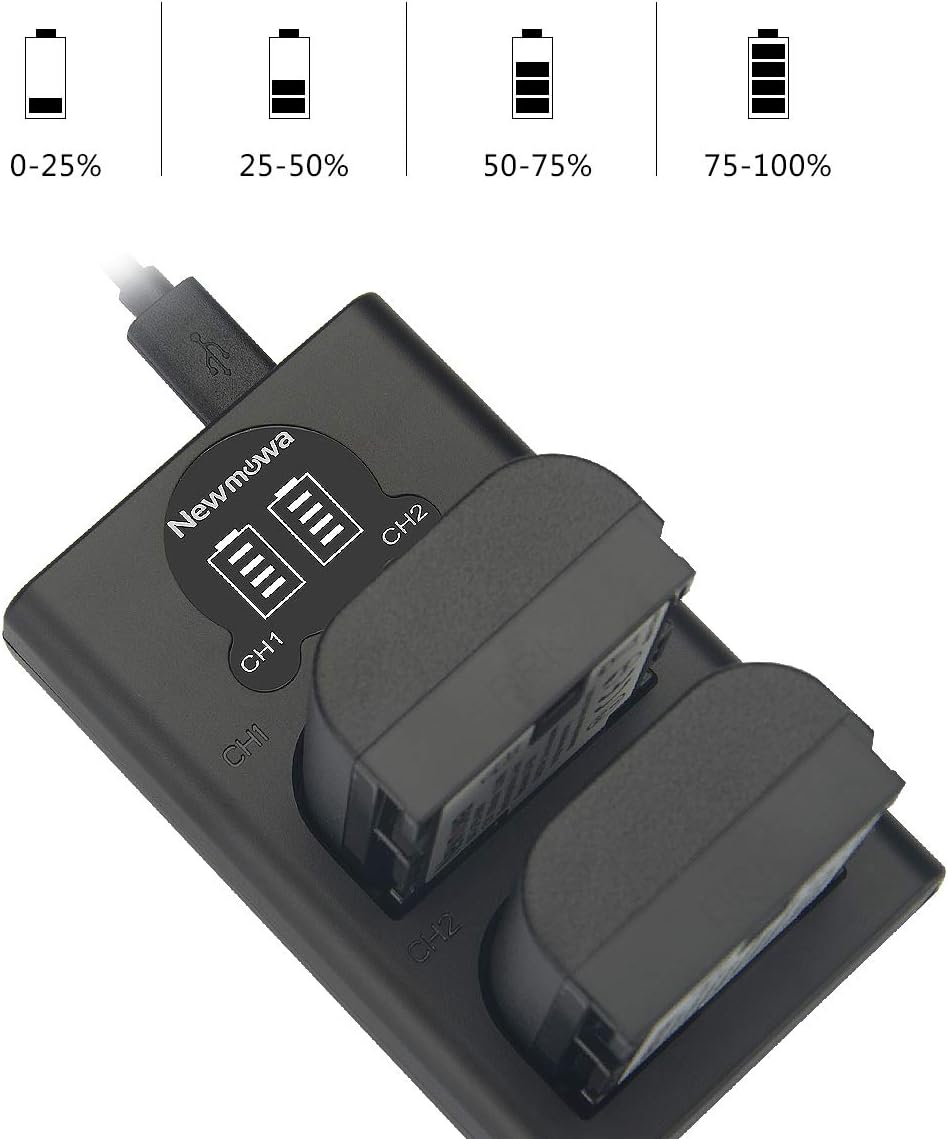
Figure 4.3: LCD display showing battery charge levels.
5. Operating Guidelines
Once batteries are charged, remove them from the charger. Insert the charged batteries into your compatible Canon EOS camera according to the camera's instruction manual. The batteries are ready for use.
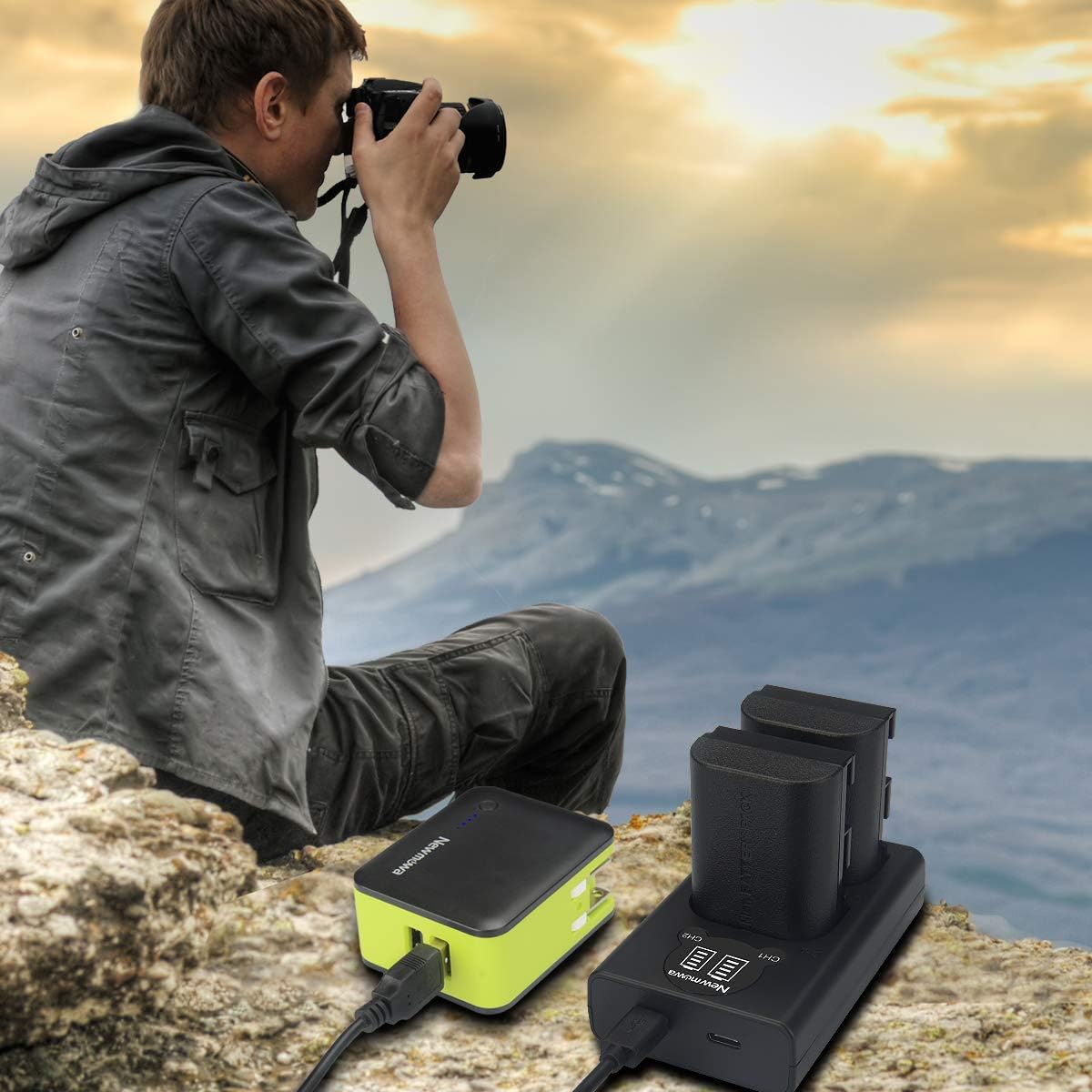
Figure 5.1: Example of product use in an outdoor setting.
6. Maintenance and Storage
Proper maintenance and storage will extend the lifespan of your batteries and charger:
- Cleaning: Use a dry, soft cloth to clean the charger and battery contacts. Do not use liquid cleaners.
- Storage: Store batteries in a cool, dry place away from direct sunlight and extreme temperatures. For long-term storage, it is recommended to store batteries with a partial charge (around 50%).
- Protection: Utilize protective cases for batteries when not in use to prevent damage and short circuits.

Figure 6.1: Recommended battery storage in protective cases.
7. Safety Information and Protections
Your Newmowa charger and batteries are designed with multiple safety features:
- Circuit Protection: Built-in protection against over-charging, short-circuiting, high-temperature, and power surges.
- Fire-Resistant Construction: High-quality, fire-resistant materials are used in the product's construction.
- General Safety: Do not expose batteries to high temperatures, disassemble, or short circuit them. Keep out of reach of children.

Figure 7.1: Integrated safety protection features.
8. Troubleshooting
If you encounter issues, refer to the following common solutions:
- Charger Not Powering On: Ensure the USB cable is securely connected to both the charger and the power source. Try a different USB port or power adapter.
- Batteries Not Charging: Verify that batteries are inserted correctly into the charger slots. Check for any debris on battery or charger contacts. Ensure the power source is active.
- Slow Charging: Ensure your USB power source provides sufficient current. Using a higher amperage USB adapter (e.g., 2A) can speed up charging.
9. Specifications
| Feature | Specification |
|---|---|
| Model Number | VBD58-SB |
| Battery Capacity | 1800 mAh |
| Battery Voltage | 7.2V |
| Battery Cell Composition | Lithium Ion |
| Charger Input | Micro USB / Type-C (Type-C cable not included) |
| Item Weight | 8 ounces (approx. for entire package) |
| Package Dimensions | 4.7 x 3.6 x 2.1 inches |
10. Warranty and Support
Newmowa products are designed for reliability and performance. For any questions, technical support, or warranty claims, please contact Newmowa customer service through the retailer's platform or the official Newmowa website. Please have your product model number (VBD58-SB) and purchase information ready.


