
UPBRIGHT AC Power Extension Cord
UpBright AC Power Cord Instruction Manual
Product: UpBright AC Power Extension Cord
Brand: UPBRIGHT
1. Introduction
This manual provides essential instructions for the safe and effective use of your UpBright AC Power Extension Cord. This cord is designed for compatibility with various Stanley FatMax Jump Starter models, including PP1DCS, PPRH5KL, PPRH7DS, PPRH5DS, and others requiring a 2-prong AC input for charging. Please read this manual thoroughly before use and retain it for future reference.
2. Product Overview
The UpBright AC Power Extension Cord is a durable and flexible cable designed to provide reliable power connection for charging compatible devices. It features a standard 2-prong male plug for wall outlets and a 2-slot female connector for your device.

Image: The UpBright AC Power Extension Cord, showing its 2-prong male plug and 2-slot female connector.
3. Setup and Connection
Follow these steps to properly connect your AC power cord to a compatible jump starter:
- Verify Compatibility: Ensure your jump starter requires a 2-slot AC input for charging. This cord is designed for devices with a specific 2-slot receptacle, as shown in the compatibility images.
- Connect to Device: Insert the 2-slot female end of the power cord firmly into the AC input port of your Stanley FatMax Jump Starter.
- Connect to Power Outlet: Plug the 2-prong male end of the power cord into a standard 120V AC wall outlet.
- Initiate Charging: Once connected, your jump starter should begin charging according to its own operational indicators. Refer to your jump starter's manual for specific charging procedures and indicators.

Image: Visual guide for checking compatibility. The green checkmark indicates the correct 2-slot AC input, while the red 'X' shows an incompatible 3-pin input.

Image: Examples of the AC power cord properly connected to the charging ports of two different Stanley FatMax Jump Starter units.
4. Operating Instructions
The UpBright AC Power Extension Cord functions as a power delivery cable. Its operation is straightforward:
- Ensure both ends of the cord are securely connected before applying power.
- Use the cord only with compatible devices and power sources as specified.
- Do not force connections. If the plug does not fit, ensure it is oriented correctly and is the appropriate type for the receptacle.
- Disconnect the cord from the wall outlet first, then from the device, when charging is complete or when storing.
5. Maintenance and Care
Proper care extends the life of your AC power cord:
- Storage: When not in use, coil the cord loosely and store it in a cool, dry place away from direct sunlight and extreme temperatures. Avoid tight coiling or kinking, which can damage internal wires.
- Cleaning: Wipe the cord with a dry, soft cloth. Do not use liquid cleaners or immerse the cord in water.
- Inspection: Regularly inspect the cord for any signs of damage, such as cuts, fraying, exposed wires, or bent prongs. Discontinue use immediately if damage is found.
- Durability: The cord is constructed with high-quality, environmentally friendly TPE material, designed for toughness and resistance to aging and pulling.
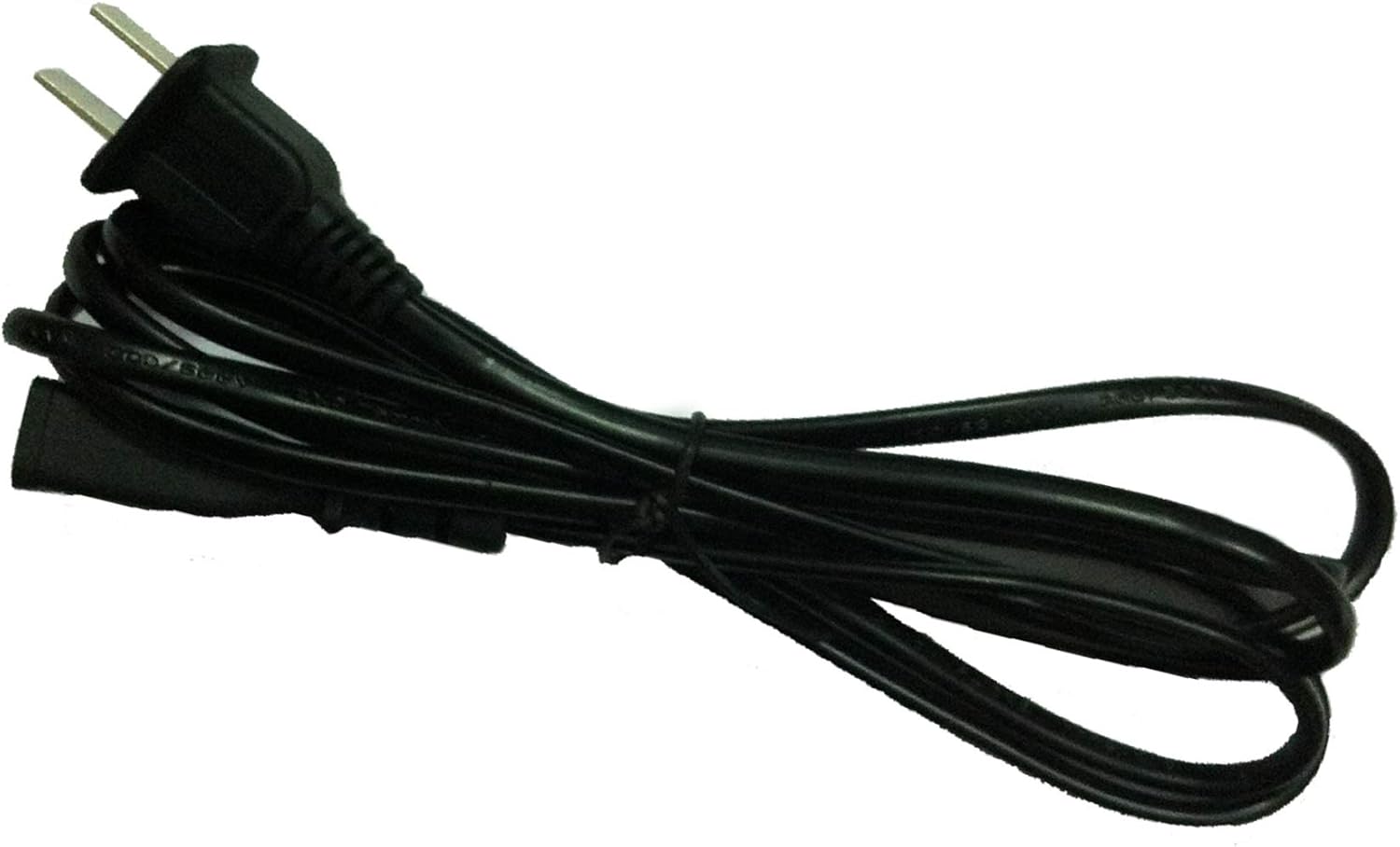
Image: The UpBright AC power cord neatly coiled, demonstrating proper storage to prevent damage.

Image: Diagram highlighting the durable design of the power cord, featuring thick insulation and abrasion-resistant outer sheathing for protection against wear and tear.

Image: Illustration of the cord's flexibility and tensile strength, demonstrating its resistance to pulling and bending.
6. Troubleshooting
If you encounter issues with your AC power cord, consider the following:
- No Power:
- Ensure both ends of the cord are fully inserted into their respective ports.
- Check the wall outlet with another device to confirm it is functional.
- Inspect the cord for visible damage. If damaged, discontinue use.
- Loose Connection:
- Ensure the cord's connectors are clean and free of debris.
- Verify that the cord type matches the device's input port exactly.
7. Specifications
| Feature | Detail |
|---|---|
| Brand | UPBRIGHT |
| Product Type | AC Power Extension Cord |
| Compatible Device Model (Example) | Stanley PPRH5KL FatMax 300 AMP Cord |
| Product Dimensions | 5 x 2 x 1 inches |
| Item Weight | 2.89 ounces |
| Connector Gender | Male-to-Female (2-prong male to 2-slot female) |
| Voltage | 12 Volts (for compatible devices, connects to 120V AC outlet) |
| Plug Format | Type A (US Standard) |
| UL Listed | No |
8. Warranty and Support
For warranty information or technical support regarding your UpBright AC Power Extension Cord, please contact the manufacturer directly. Refer to the product packaging or the UpBright official website for contact details.
Note: This product is from a small business brand. Your support is appreciated.
Ask a question about this manual
Ask about setup, troubleshooting, compatibility, parts, safety, or missing instructions. Manuals+ will review the question and use this page’s manual context to help answer it.