
Pyle PWA15BT
Pyle Wireless BT Receiver Wall Mount - PWA15BT
Instruction Manual
Introduction
The Pyle PWA15BT is an in-wall audio control receiver with a built-in amplifier, designed to provide convenient microphone paging and versatile audio control. This unit supports Bluetooth wireless music streaming, features USB and Aux (3.5mm) inputs, and allows connection to two speakers. It is designed for seamless integration into standard gang boxes, making it suitable for home or office applications.
What's in the Box
- Bluetooth In-Wall Receiver
- Power Adapter
- Wall Plate Cover
Key Features
- Microphone Paging and Speaker Control
- Bluetooth Wireless Music Streaming Capability
- In-Wall Audio Control Receiver with Built-in Amplifier (100 Watt Peak, 40 Watt RMS)
- Universal Gang Box / Wall Plate Standard Size for easy installation
- Can be Hard-Wired or Powered via Included Power Cable
- Aux (3.5mm) Input for connecting external devices
- USB Port for Device Charging (5V/1A)
- 1/4'' Microphone Input
- Rotary Master Volume Level Control with ON/OFF function
- Speaker Terminal Block to connect two speakers (Minimum Load Resistance: 4 Ohm)
- Input Selector Switch (Stereo, Mic, Bluetooth)
- LED Indicator Lights for power and status
- Built-in Safety: Circuit and Overload Protection
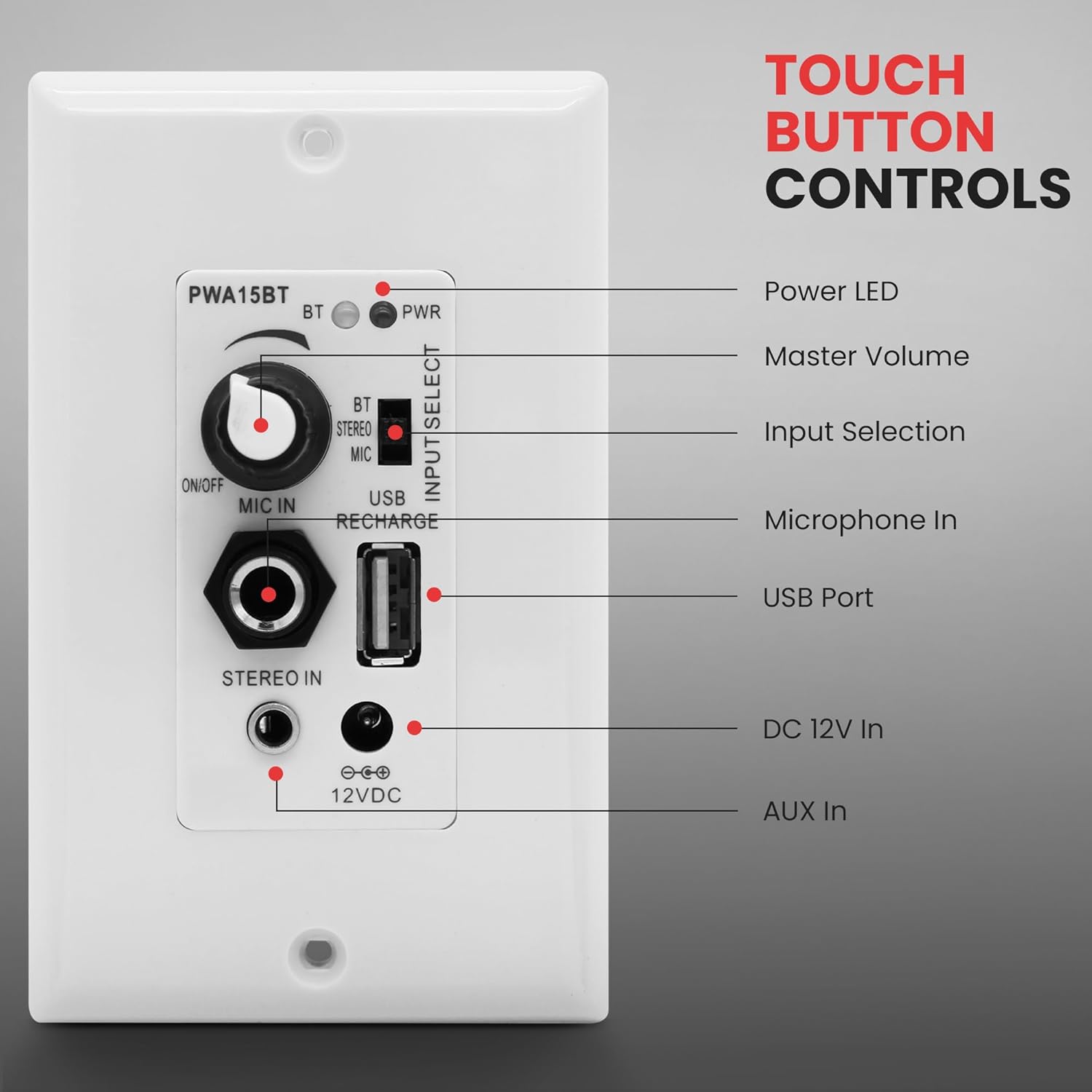
Figure 1: Front panel controls and inputs of the Pyle PWA15BT.
Setup and Installation
The Pyle PWA15BT is designed for easy installation into a standard single gang electrical box. Minor fitting adjustments may be necessary for mounting the wall plate amplifier receiver in certain wall installation applications.
Installation Steps:
- Prepare the Wall: Ensure power is off at the circuit breaker. Carefully remove the existing wall plate and prepare the electrical box for the PWA15BT unit.
- Connect Speaker Wires: Connect your two speakers to the speaker terminal block on the rear of the PWA15BT. Ensure correct polarity (positive to positive, negative to negative).
- Power Connection: The unit can be hard-wired or powered via the included power adapter. If hard-wiring, connect the 12V DC power supply wires to the appropriate terminals. If using the power adapter, connect it to the DC 12V IN port.
- Mount the Unit: Carefully insert the PWA15BT into the electrical box and secure it with screws. Attach the included wall plate cover.
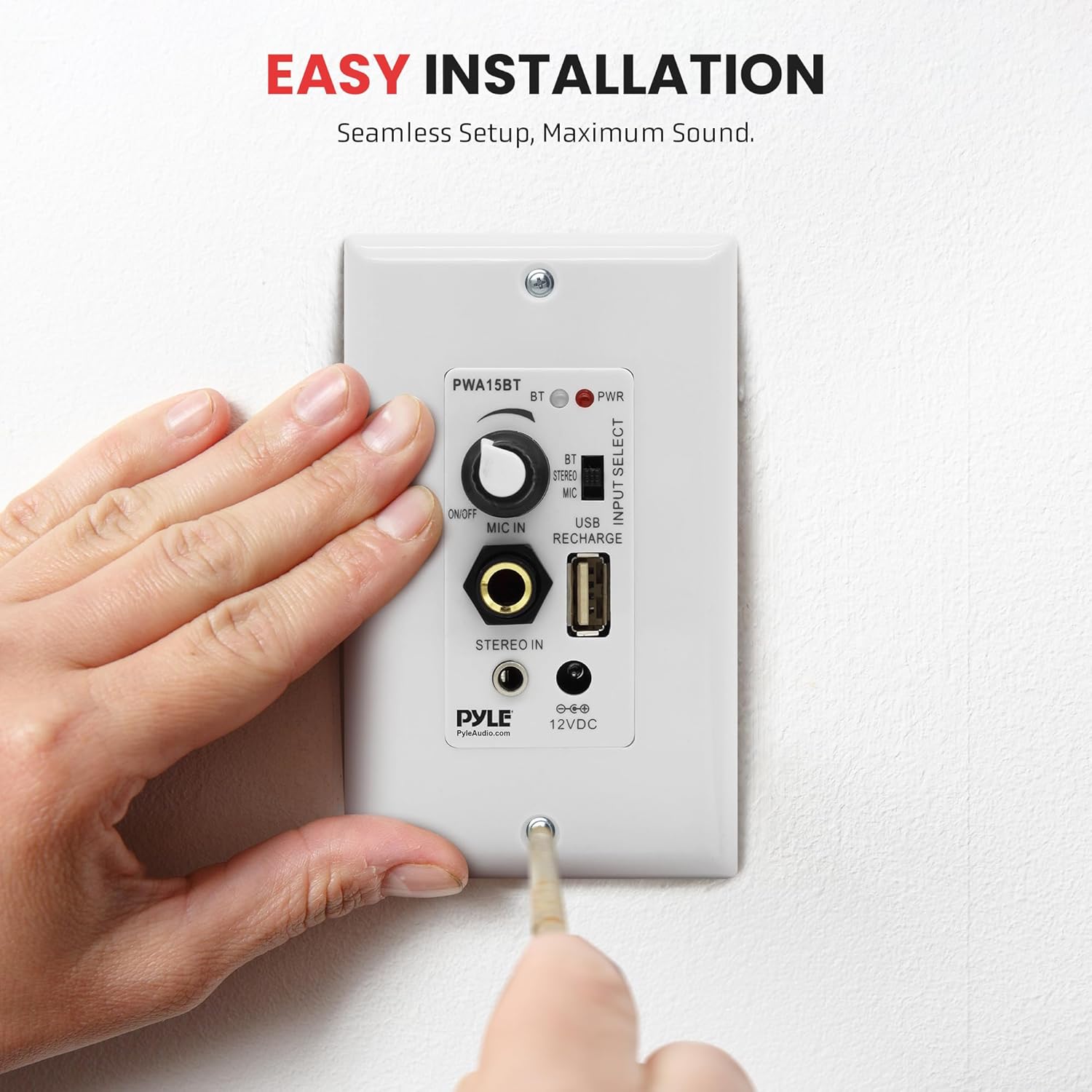
Figure 2: Illustrative image of the Pyle PWA15BT being installed into a wall.
Illustrative Installation Video:
Video 1: This video demonstrates the installation process of a similar in-wall audio control amplifier. It shows how to connect speaker wires and power, and mount the unit into a wall.
Operating Instructions
Power On/Off and Volume Control:
Turn the rotary master volume knob clockwise to power on the unit and increase the volume. Turn it counter-clockwise to decrease the volume and power off the unit.
Input Selection:
Use the Input Selector Switch to choose between the following audio sources:
- BT (Bluetooth): For wireless audio streaming.
- Stereo (Aux): For connecting external devices via the 3.5mm Aux input.
- Mic: For microphone input. (Note: Mic only works when switched to Microphone Mode).
Bluetooth Connectivity:
- Switch the Input Selector to 'BT'. The BT LED indicator will flash.
- On your device (smartphone, tablet, etc.), search for Bluetooth networks.
- Select 'BT-RY' from the list of available devices. No password is required.
- Once connected, the BT LED indicator will glow solid. You can now stream audio wirelessly.
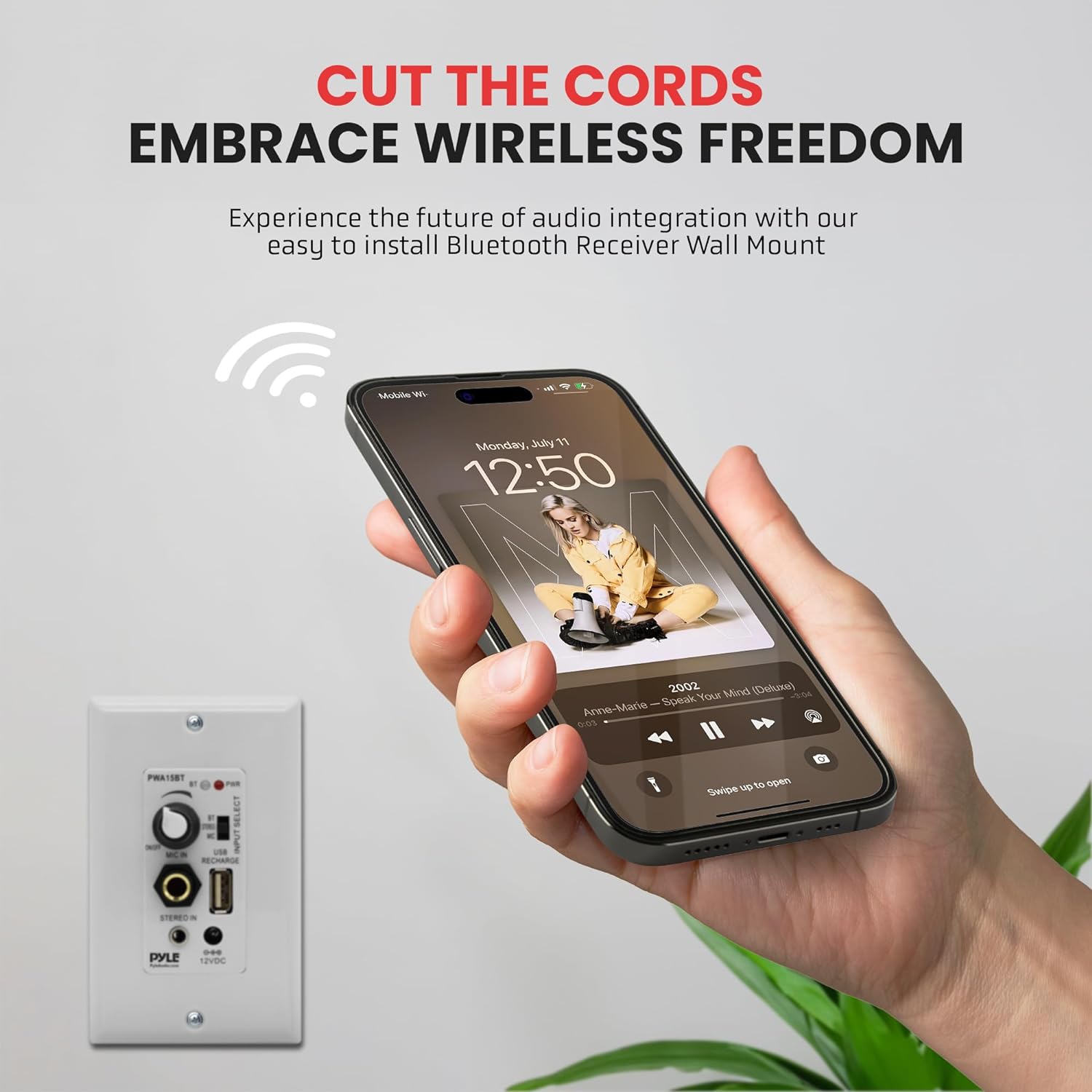
Figure 3: Wireless music streaming via Bluetooth to the Pyle PWA15BT.
Auxiliary Input:
Connect any audio device with a 3.5mm audio output to the 'AUX IN' jack on the front panel. Switch the Input Selector to 'Stereo' to play audio from this source.
Microphone Input:
Connect a 1/4'' microphone to the 'MIC IN' jack. Switch the Input Selector to 'Mic' to enable microphone paging.
USB Charging:
The USB port provides 5V/1A power for charging your devices. It is for charging only and does not support audio input.
Technical Specifications
| Specification | Value |
|---|---|
| Power Output | 100 Watt Peak, 40 Watt RMS |
| Mic Input Type | Dynamic |
| Power Amp Type | Stereo Class-T |
| Minimum Load Resistance | 4 Ohm |
| T.H.D. | 0.06% (8 Ohm, 1 kHz) |
| Power Draw | 2 Amps |
| Power | AC 100-240V, 50/60Hz (12V DC Adapter) |
| Bluetooth Network Name | 'BT-RY' (No Password Required) |
| Wireless Range | 30' Feet (10 Meters) |
| Product Dimensions | 3"D x 4"W x 4"H |
| Item Weight | 3.53 ounces |
Troubleshooting
- No Power: Ensure the power adapter is securely connected and the unit's volume knob is turned on. Check the power source.
- No Sound: Verify that the correct input source (BT, Stereo, Mic) is selected. Check speaker connections for proper polarity and secure fit. Ensure the volume is turned up on both the PWA15BT and your audio source device.
- Bluetooth Not Connecting: Make sure the Input Selector is set to 'BT'. Ensure your device's Bluetooth is enabled and within the 30-foot range. Try forgetting 'BT-RY' on your device and re-pairing.
- Microphone Not Working: Confirm the Input Selector is set to 'Mic'. Ensure the microphone is properly connected to the 1/4'' input jack.
- Distorted Sound: Reduce the volume on both the PWA15BT and your audio source. Check speaker impedance to ensure it meets the 4 Ohm minimum load resistance.
Warranty and Support
This Pyle product comes with a standard 1-Year Warranty. You can extend your warranty by an additional 3 months by registering your product within 7 days of purchase. Please refer to the warranty card included in the packaging for detailed terms and conditions or visit PyleUSA.com for support.
Related documentsPWA15BT


Ask a question about this manual
Ask about setup, troubleshooting, compatibility, parts, safety, or missing instructions. Manuals+ will review the question and use this page’s manual context to help answer it.