
Char-Broil Simple Smoker with SmartChef Technology User Manual
Model: 15102042 - A1
1. Introduction
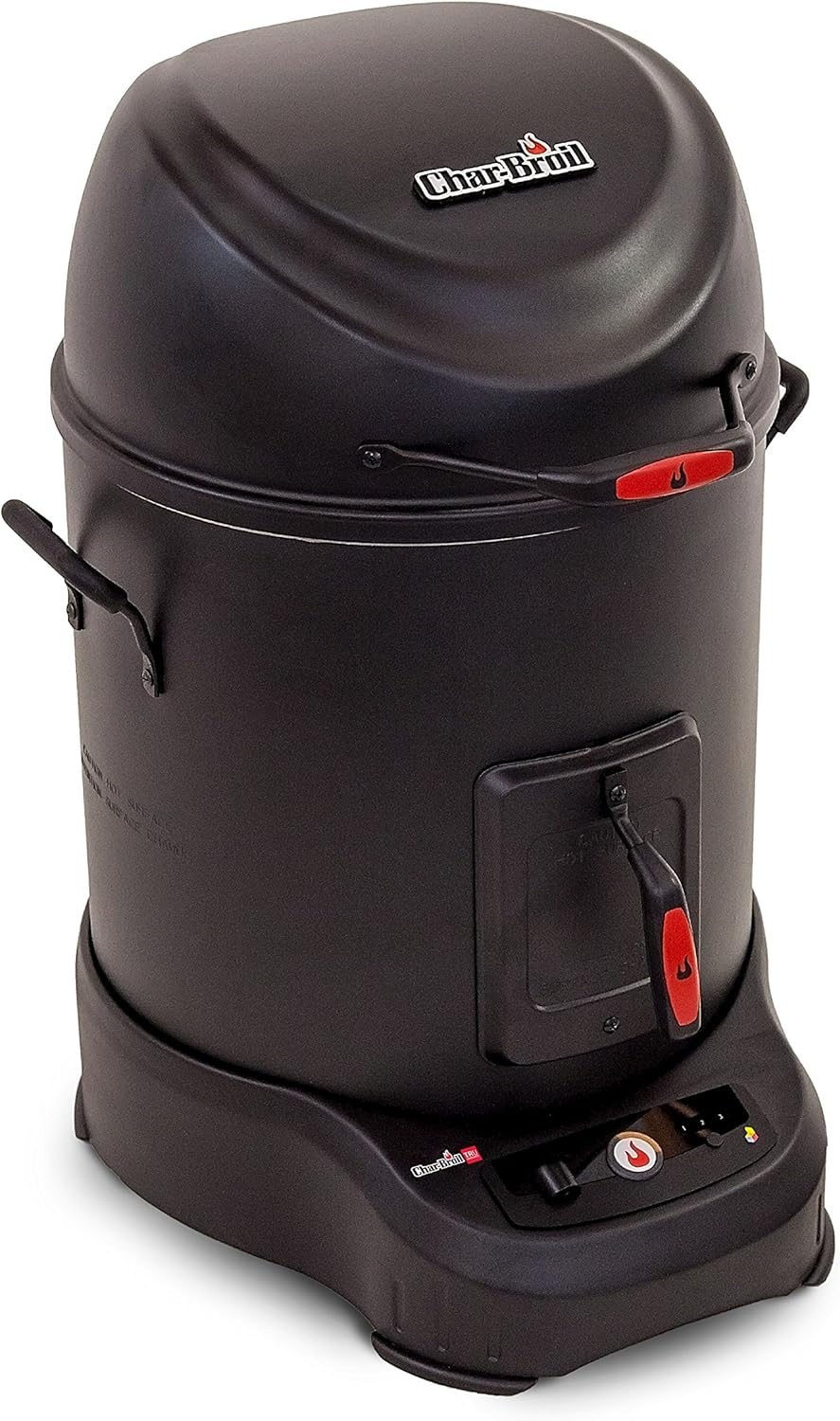
Thank you for choosing the Char-Broil Simple Smoker with SmartChef Technology. This electric smoker is designed for ease of use, allowing both beginners and experienced users to achieve excellent smoking results. Its versatile cooking system supports both low-temperature smoking and high-temperature roasting. The integrated SmartChef Technology provides Wi-Fi connectivity, enabling remote monitoring and control via a compatible smart device, enhancing your outdoor cooking experience.
2. Important Safety Information
Please read and understand all safety warnings and instructions before assembling, operating, or cleaning this appliance. Failure to follow these instructions could result in property damage, bodily injury, or even death.
- Outdoor Use Only: This smoker is intended for outdoor use only. Do not operate indoors or in enclosed areas.
- Electrical Safety: Always connect to a properly grounded outlet. Do not use extension cords unless absolutely necessary and ensure they are rated for outdoor use and the appliance's power requirements. Keep electrical cords away from heated surfaces and water.
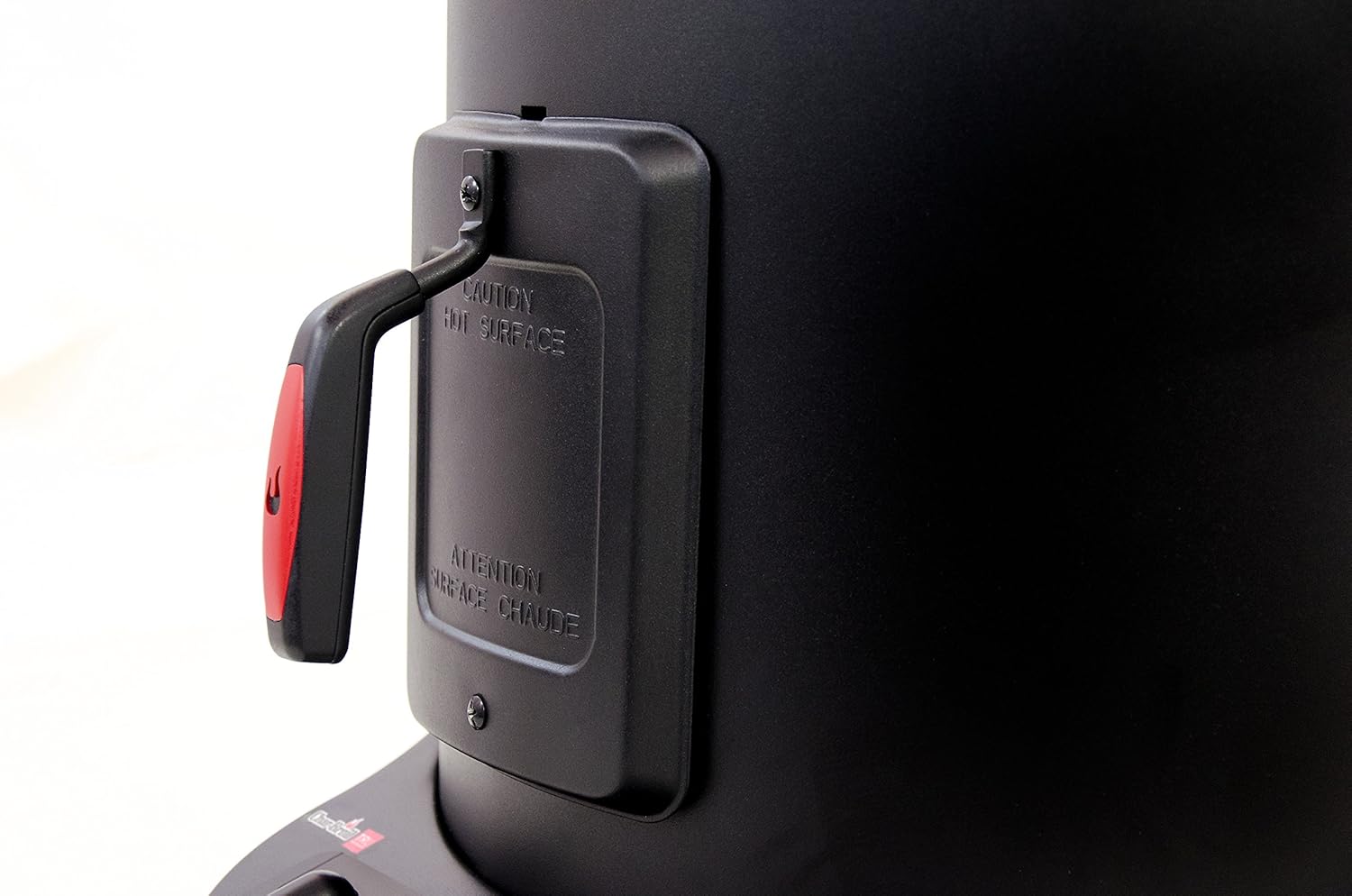
- Hot Surfaces: The smoker's exterior surfaces will become extremely hot during operation. Use heat-resistant gloves or mitts when handling any part of the smoker. Keep children and pets away.
- Fire Hazard: Never leave the smoker unattended during operation. Keep a fire extinguisher readily available. Do not use flammable liquids near the smoker.
- Ventilation: Ensure adequate ventilation around the smoker. Do not block any vents.
- Wood Chips: Use only dry, untreated wood chips or chunks specifically designed for smoking. Do not overfill the smoke box.
3. Package Contents
Verify that all components are present before assembly. If any parts are missing or damaged, contact Char-Broil customer service.
- Smoker Unit (Main Body with Base)
- Lid with Handle
- Cooking Grates (quantity may vary)
- Water Pan
- Wood Chip Box
- Meat Probe
- Power Cord
- User Manual (this document)
4. Setup and Assembly
Follow these steps for initial setup of your Char-Broil Simple Smoker.
- Unpack Components: Carefully remove all parts from the packaging.
- Position Smoker: Place the smoker on a stable, level, non-combustible surface outdoors, away from any flammable materials. Ensure adequate clearance from walls or other structures.
- Install Internal Components: Place the water pan and cooking grates inside the smoker body.
- Attach Lid: Securely place the lid on top of the smoker body.
- Connect Power: Plug the power cord into a grounded outdoor electrical outlet.
- SmartChef App Setup: Download the Char-Broil SmartChef app to your compatible smart device. Follow the in-app instructions to connect your smoker to your home Wi-Fi network. This will enable remote monitoring and control features.

5. Operating Instructions
This section details how to operate your smoker for optimal results.
5.1 Initial Burn-Off
Before first use, perform a burn-off to eliminate any manufacturing residues. Operate the smoker empty at a high temperature for approximately 1-2 hours.
5.2 Preparing for Smoking
- Add Water: Fill the water pan with water, juice, or other liquids to add moisture and flavor to your food.
- Prepare Wood Chips: Place desired wood chips or chunks into the external smoke box. You can add more wood chips during the smoking process without opening the main chamber.
- Place Food: Arrange food on the cooking grates, ensuring adequate space for smoke circulation. Insert the meat probe into the thickest part of the meat, avoiding bone.
5.3 Setting Temperature and Time
- Power On: Ensure the smoker is plugged in.
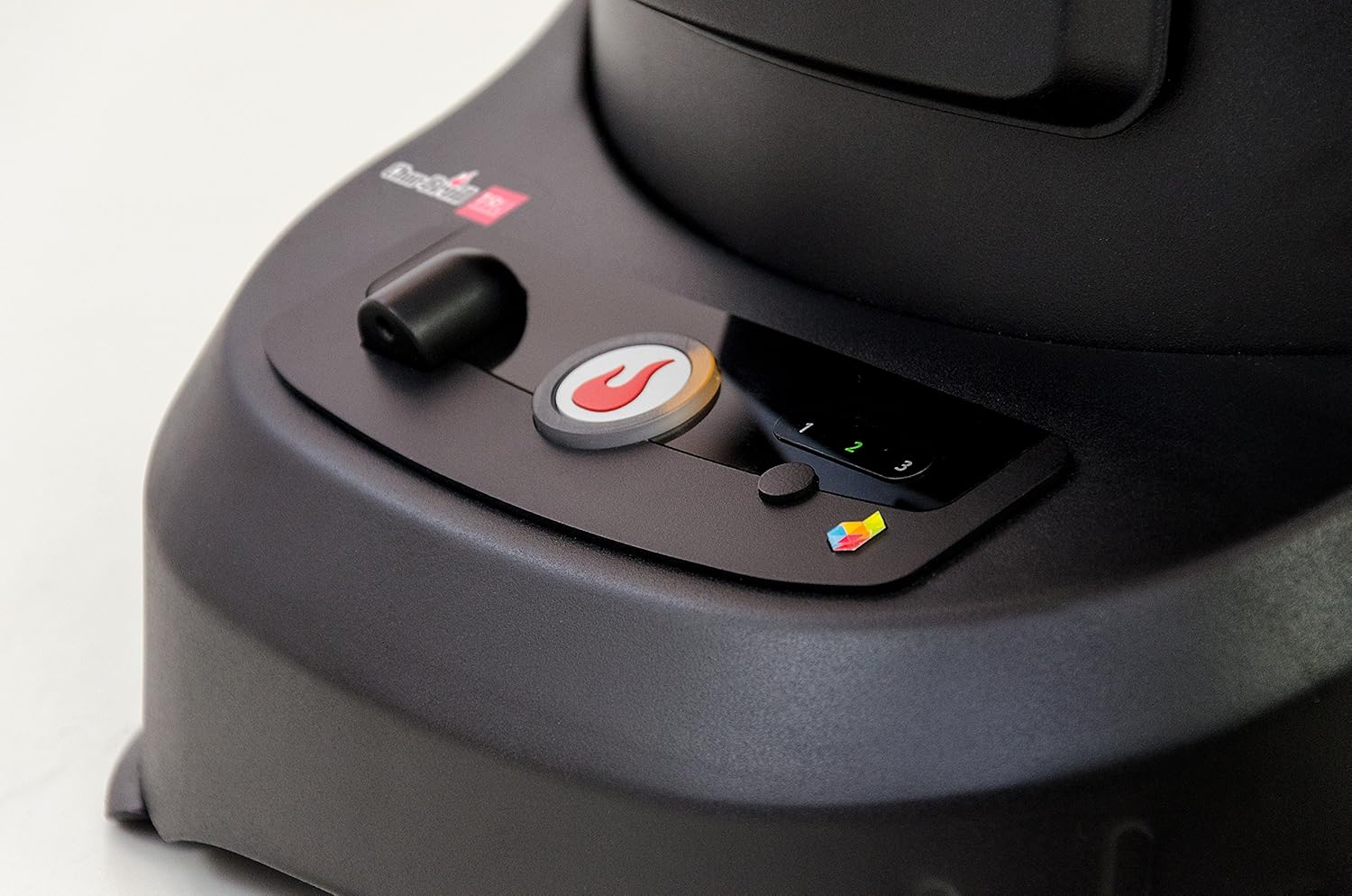
- Adjust Settings: Use the control dial on the front panel to set the desired temperature. The SmartChef app also allows for precise temperature and time settings.
- Start Cooking: Press the start button (often indicated by a flame icon) to begin the heating process.
5.4 Using SmartChef Technology
The SmartChef app provides enhanced control and monitoring capabilities:
- Remote Monitoring: Monitor internal meat temperature, chamber temperature, and cook time from your smart device.
- Notifications: Receive alerts for cooking events such as preheating completion or when your food reaches its target temperature.
- Recipe Guidance: Access recipes and guided cooking programs through the app.
6. Maintenance and Cleaning
Regular cleaning and maintenance will extend the life of your smoker and ensure consistent performance.
- Unplug Before Cleaning: Always ensure the smoker is unplugged and completely cooled before cleaning.
- Clean Grates and Water Pan: Remove cooking grates and the water pan after each use. Wash them with warm, soapy water.
- Empty Ash: Regularly empty the ash from the wood chip box and the bottom of the smoker.
- Wipe Exterior: Wipe down the exterior surfaces with a damp cloth. Avoid abrasive cleaners.
- Store Properly: Store the smoker in a dry, covered area when not in use to protect it from the elements.
7. Troubleshooting
If you encounter issues with your smoker, refer to the following common troubleshooting steps. For more detailed information, consult the full user guide or contact customer support.
- Smoker Not Heating:
- Ensure the power cord is securely plugged into a working, grounded outlet.
- Check if the circuit breaker has tripped.
- Verify that the temperature setting is active and the smoker is turned on.
- Inconsistent Temperature:
- Ensure the lid is properly sealed.
- Avoid frequently opening the smoker door, as this causes heat loss.
- Check for strong winds or cold ambient temperatures that may affect performance.
- SmartChef App Connectivity Issues:
- Ensure your smoker is within range of your Wi-Fi router.
- Verify your Wi-Fi network is operational and has internet access.
- Restart both your smart device and the smoker.
- Check for app updates.
- Insufficient Smoke Production:
- Ensure the wood chip box contains enough wood chips.
- Use dry wood chips. Soaking wood chips is not always necessary and can reduce smoke production.
8. Specifications
| Feature | Specification |
|---|---|
| Brand | Char-Broil |
| Model Name | Simple Smoker |
| Item Model Number | 15102042 - A1 |
| Product Dimensions | 53.09 x 52.07 x 67.56 cm |
| Item Weight | 13.88 kg (30.6 Pounds) |
| Power Source | Electric |
| Fuel Type | Electric |
| Color | Black |
| Outer Material | Alloy Steel |
| Connectivity | Wi-Fi (SmartChef Technology) |
9. Warranty and Support
For warranty information, please refer to the warranty card included with your product or visit the official Char-Broil website. If you require technical assistance, replacement parts, or have any questions regarding your Char-Broil Simple Smoker, please contact Char-Broil customer support. Contact details can typically be found on the manufacturer's website or in the product packaging.
Online Support: www.charbroil.com/support


