
Lasko 2520
Lasko 2520 Oscillating Stand Fan User Manual
Model: 2520 | Brand: Lasko
1. Introduction
The Lasko 2520 Oscillating Stand Fan is engineered to provide powerful and efficient air circulation, making it ideal for any room in your home or office. Its versatile design allows for adjustable height and a tilt-back fan head, ensuring airflow can be directed precisely where needed. With three quiet speeds and widespread oscillation, this fan delivers optimal comfort and air movement.

2. Key Features
- Pedestal Fan: Designed for cooling bedrooms, offices, living rooms, or outdoor spaces with a 16-inch blade diameter.
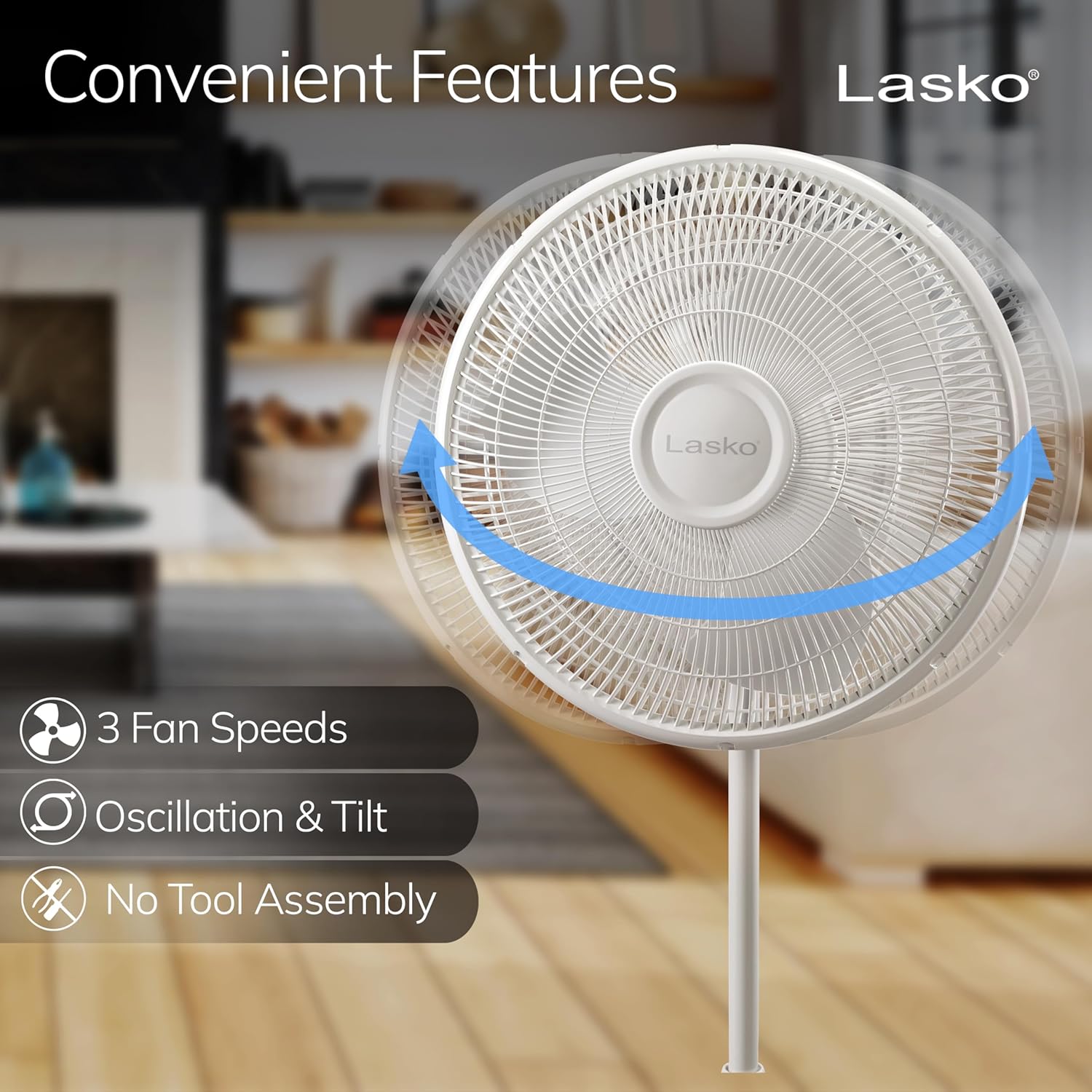
- Wide-Area Oscillation: Ensures comprehensive air distribution across the entire room.
- Adjustable Height & Tilt Head: Features an easy-grip rotary control for height adjustment and a tilt-back function to direct airflow.
- 3 Quiet Speeds: Offers low, medium, and high energy-efficient speeds for customized airflow control.
- Patented Safety Fuse Technology: Includes The Blue Plug for enhanced safety.
- Simple No-Tools Assembly: Designed for quick and easy setup without the need for additional tools.
3. Setup Instructions
The Lasko 2520 fan is designed for simple, no-tools assembly. Follow these steps to set up your fan:
- Attach Base to Pole: Securely connect the fan base to the main support pole.
- Assemble Fan Head: Attach the rear grill to the motor housing, then place the fan blades onto the motor shaft. Secure the blades with the provided spinner.
- Attach Front Grill: Align the front grill with the rear grill and secure it using the clips or screws provided.
- Connect Fan Head to Pole: Mount the assembled fan head onto the top of the support pole.
- Adjust Height: Loosen the height adjustment knob on the pole, extend or retract the pole to your desired height, and then tighten the knob to secure it.

4. Operating Instructions
Your Lasko 2520 fan offers simple controls for personalized comfort:
- Power On/Off: Use the rotary control located on the back of the fan head to turn the fan on or off.
- Adjust Speed: Rotate the knob to select one of the three quiet speeds (1-Low, 2-Medium, 3-High) to control airflow intensity.
- Oscillation Control: To activate oscillation, push down the small button located next to the speed control knob. To stop oscillation and direct airflow in a fixed position, pull the button up.
- Height Adjustment: Loosen the knob on the stand pole, adjust the fan to your preferred height (between 34 and 47 inches), and tighten the knob.
- Tilt Adjustment: The fan head can be tilted up or down to direct air vertically. Simply grasp the fan head and adjust it to the desired angle.


5. Maintenance
Regular cleaning and maintenance will ensure your Lasko 2520 fan operates efficiently and extends its lifespan.
- Cleaning: Unplug the fan before cleaning. Use a soft cloth to wipe down the exterior surfaces. For deeper cleaning, the fan grills can be removed to access the blades. Hand wash the grills and blades with mild soap and water, then dry thoroughly before reassembling.
- Storage: When not in use, store the fan in a cool, dry place, preferably in its original packaging to protect it from dust and damage.
6. Troubleshooting
If your Lasko 2520 fan is not operating as expected, refer to the common issues and solutions below:
| Problem | Possible Cause | Solution |
|---|---|---|
| Fan does not turn on | No power, tripped fuse (Blue Plug) | Ensure fan is securely plugged into a working outlet. Check the Blue Plug for a tripped fuse and reset if necessary. |
| Weak or no airflow | Incorrect speed setting, obstructed blades, dust buildup | Increase speed setting. Check for any obstructions around the blades. Clean blades and grills if dusty. |
| Unusual noise or rattling | Loose parts, improper assembly | Ensure all parts are securely fastened. Re-check assembly steps to confirm correct installation. |
7. Specifications
| Attribute | Value |
|---|---|
| Brand | Lasko |
| Model Name | Lasko 2520 Oscillating Stand Fan,White |
| Electric Fan Design | Floor Fan |
| Power Source | Corded Electric |
| Product Dimensions (L x W x H) | 18 x 17 x 47 inches |
| Item Weight | 8.1 pounds |
| Number of Blades | 4 |
| Blade Length | 16 Inches |
| Number of Power Levels | 3 |
| Control Method | Touch (Rotary Knob) |
| Included Components | Oscillating Mechanism, Safety Plug |
| Assembly Required | Yes |
| Care Instructions | Hand Wash |
8. Warranty and Support
For detailed warranty information and customer support, please refer to the full user manual provided with your product or visit the official Lasko website. The user manual (PDF) can be accessed via the following link: Lasko 2520 User Manual (PDF).
Related documents2520


Ask a question about this manual
Ask about setup, troubleshooting, compatibility, parts, safety, or missing instructions. Manuals+ will review the question and use this page’s manual context to help answer it.