
Introduction
The Keurig 2.0 K200 Brewer offers versatile brewing options, accommodating both K-Cup and K-Carafe packs. This brewer features 9 brew sizes, strength control, and a 40 oz. water reservoir, providing convenience and quality for your beverage needs. This manual provides essential information for the proper setup, operation, and maintenance of your Keurig K200 Brewer.

Image: Front view of the Keurig 2.0 K200 Brewer in turquoise.
Setup
- Unpacking: Carefully remove all packaging materials from the brewer.
- Placement: Place the brewer on a stable, level surface.
- Water Reservoir: Remove the water reservoir from the back of the brewer. Fill it with fresh, filtered water up to the 'MAX' line. Ensure the water filter is properly installed if using one.
- Power On: Plug the brewer into a grounded outlet. The brewer will automatically power on and begin heating the water.
Video: A demonstration of the Keurig 2.0 K200 Brewer's features, including water reservoir and K-Cup insertion.
Operating Instructions
- Insert K-Cup/K-Carafe: Lift the brewer handle and insert a K-Cup or K-Carafe pack into the brew chamber. Close the handle firmly.
- Select Brew Size: Use the touch display to select your desired brew size (e.g., 4 oz, 6 oz, 8 oz, 10 oz, 12 oz for K-Cups; larger sizes for K-Carafe).
- Strength Control: If desired, select the 'Strong' option for a bolder brew.
- Hot Water Dispense: The brewer can also dispense hot water without a K-Cup. Select the hot water option on the display.
- Start Brewing: Place your mug or carafe on the drip tray and press the 'Brew' button. The brewer will begin dispensing your beverage.
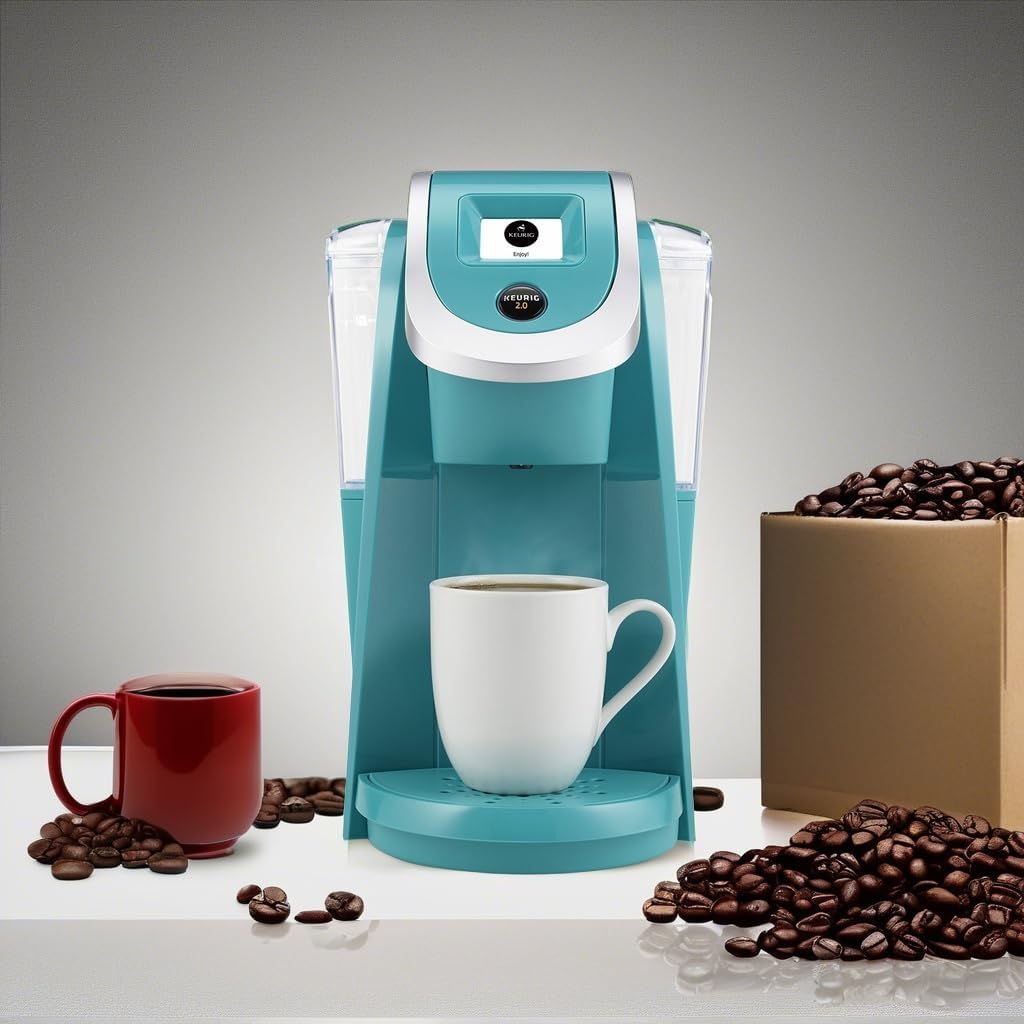
Image: Keurig 2.0 K200 Brewer with a brewed coffee mug and coffee beans.
Maintenance
- Cleaning: Regularly clean the drip tray, K-Cup holder, and exterior with a damp cloth. The drip tray is removable for easy cleaning.
- Water Filter: Replace the water filter every 2 months or 60 tank refills for optimal taste.
- Descaling: Descale your brewer every 3-6 months to remove mineral buildup. Follow the descaling instructions provided in the full user manual or on the Keurig website.
Troubleshooting
| Problem | Solution |
|---|---|
| Brewer not turning on | Ensure the power cord is securely plugged into a grounded outlet. Check the power button. |
| Coffee is weak or watery | Select a smaller brew size or the 'Strong' brew option. Ensure the K-Cup is properly seated. |
| No water dispensing | Check if the water reservoir is filled above the minimum line. Ensure the reservoir is correctly seated. Descale the brewer if mineral buildup is suspected. |
| Error message on display | Refer to the full user manual for specific error code meanings and solutions. Often, resetting the brewer by unplugging it for 30 seconds can resolve minor errors. |
| K-Cup not puncturing | Ensure the K-Cup is placed correctly in the holder and the handle is firmly closed. Some non-Keurig approved K-Cups may have thicker bottoms that prevent proper puncturing. |
Specifications
- Brand: Keurig
- Model: K200
- Item Model Number: 117605
- Color: Turquoise
- Product Dimensions: 13.7"D x 15"W x 13.7"H
- Item Weight: 7.5 pounds
- Water Reservoir Capacity: 40 oz.
- Brew Sizes: 9 (including carafe sizes)
- Special Feature: Water Filter, Strength Control
- Coffee Maker Type: Drip Coffee Machine
- Operation Mode: Fully Automatic
- Compatible Coffee Pods: K-Cup 2.0, K-Carafe
- Power Source: AC adapter
- Is Dishwasher Safe: No
Warranty and Support
For warranty information, product registration, or further assistance, please visit the official Keurig website or contact Keurig customer support. Keep your purchase receipt for warranty claims.


