
1. Introduction
This manual provides detailed instructions for the safe and effective use of your STANLEY STHT77100-0 30M Cordless Laser Distance Measurer. This device is designed for accurate distance, area, and volume measurements, suitable for home, DIY, and professional applications. Please read this manual thoroughly before operating the device and keep it for future reference.
2. Safety Information
2.1 General Safety Warnings
- Always operate the device in accordance with the instructions provided in this manual.
- Do not attempt to modify or disassemble the device. Repairs should only be performed by authorized service personnel.
- Keep the device out of reach of children and unauthorized persons.
- Avoid exposing the device to extreme temperatures, direct sunlight, or high humidity.
- Ensure the device is clean and dry before use. The device is rated IP65 for dust and water resistance.
2.2 Laser Safety
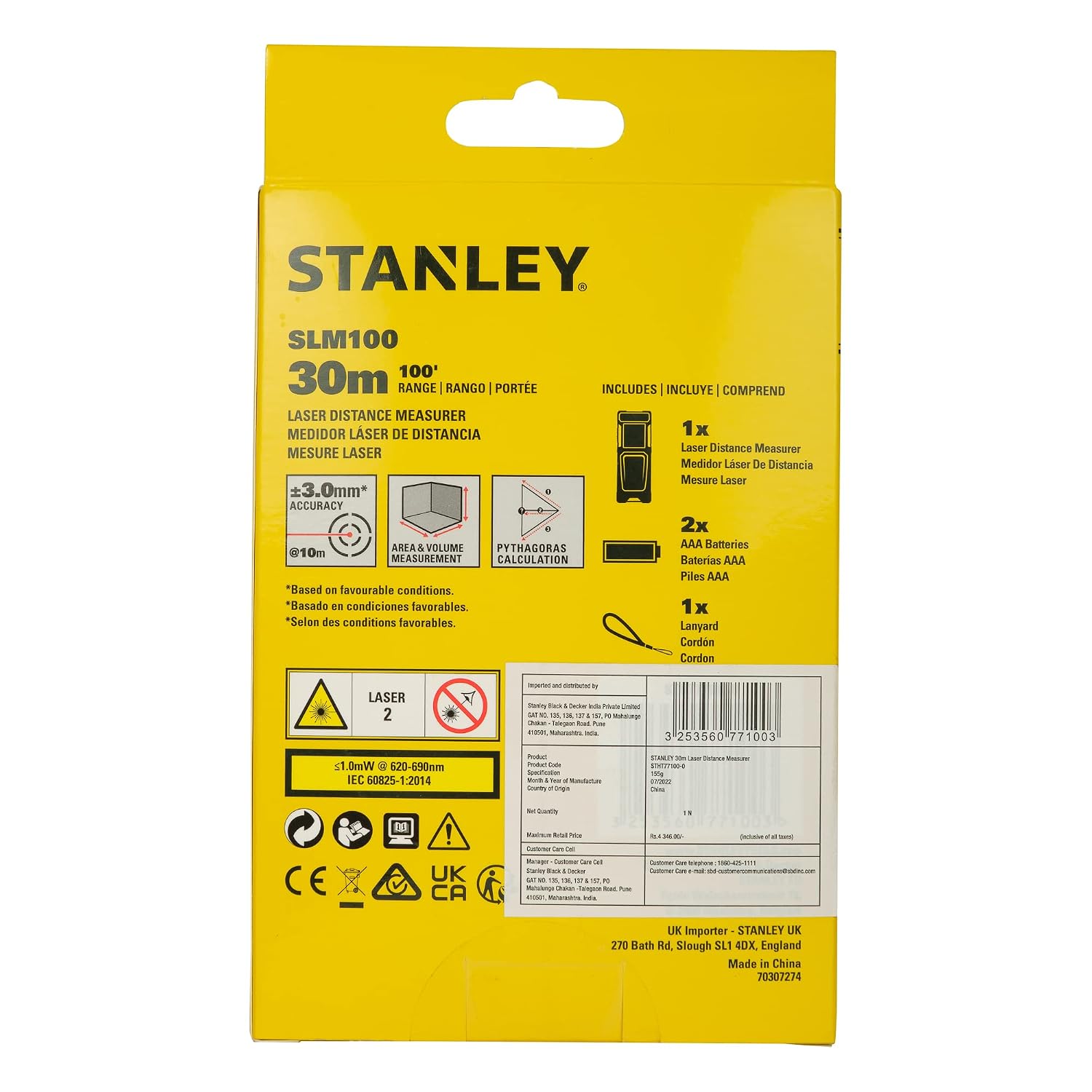
This product emits a Class 2 laser. Observe the following safety precautions:
- DO NOT stare directly into the laser beam.
- DO NOT point the laser beam at people or animals.
- Avoid directing the laser beam towards reflective surfaces, as this could cause the beam to reflect into your eyes or the eyes of others.
- The laser output is <1.0mW at 620-690nm.

Back view of the STANLEY STHT77100-0 Laser Distance Measurer, displaying the laser safety warning label and product specifications.
3. Package Contents
Verify that all items are present in your package:
- 1 x STANLEY STHT77100-0 30M Laser Distance Measurer
- 2 x AAA Batteries
- 1 x Lanyard
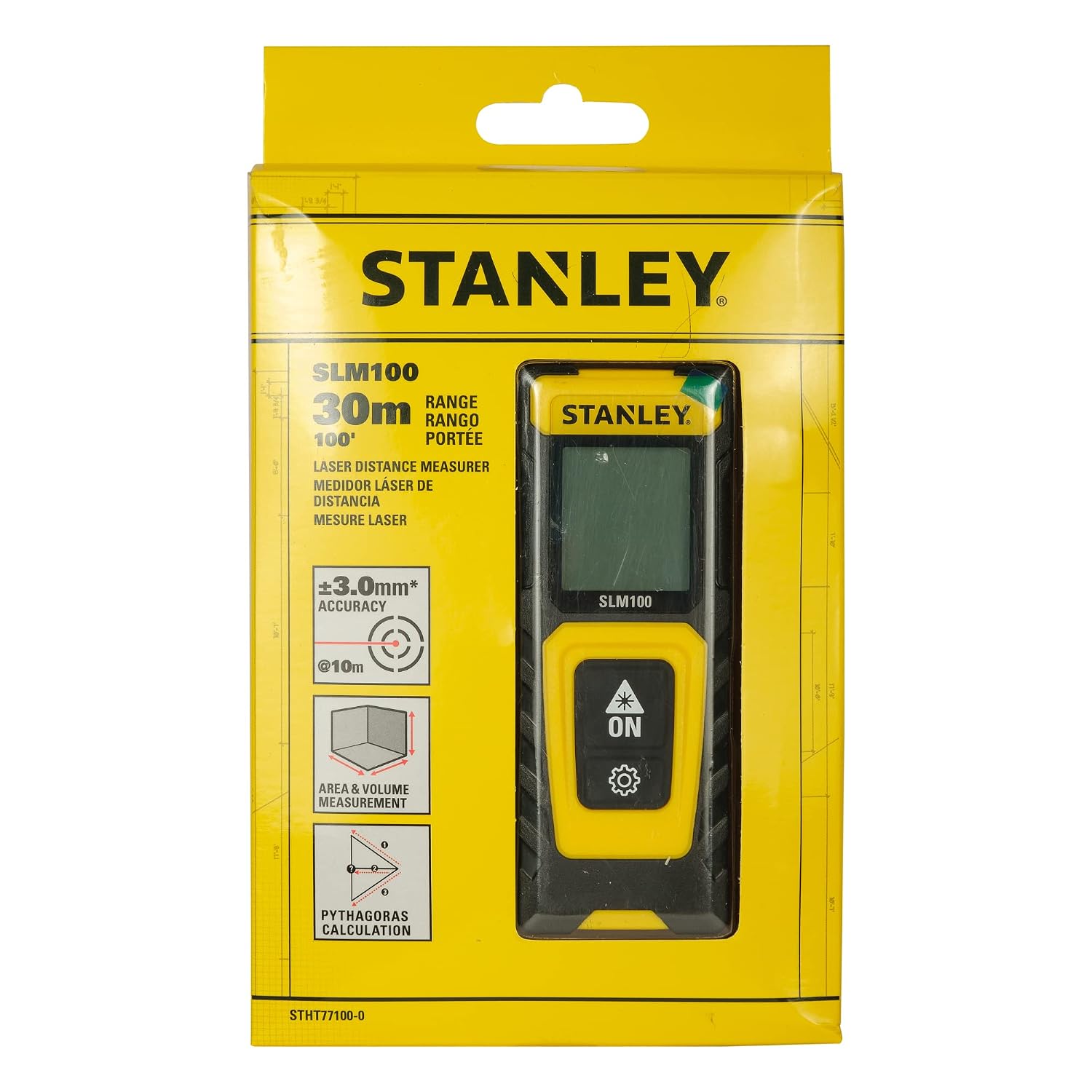
Product packaging illustrating the included items: the laser distance measurer, two AAA batteries, and a lanyard.
4. Product Overview
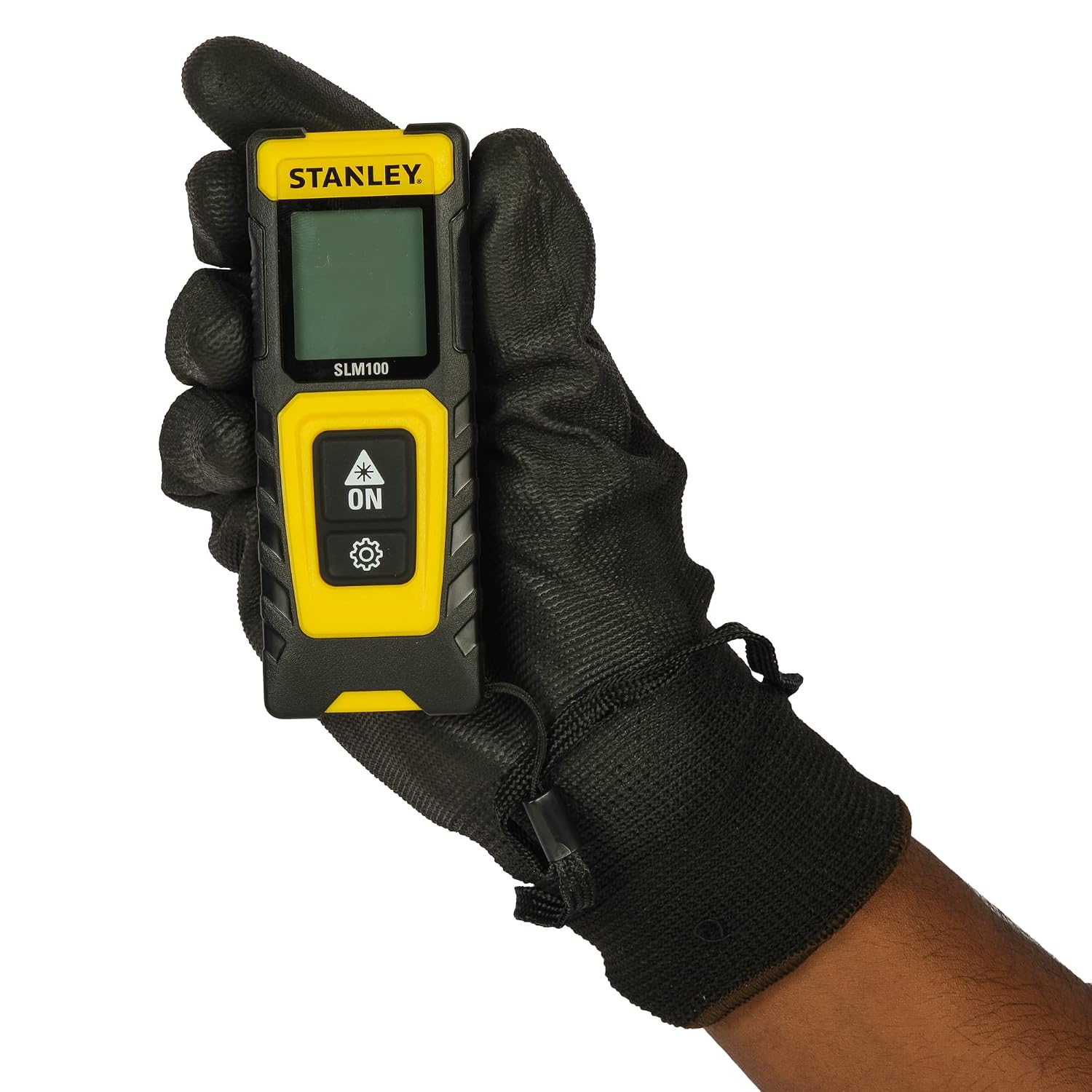
The STANLEY STHT77100-0 is a compact and durable laser distance measurer designed for ease of use and accurate results. It features a large color screen for clear readability and a robust TPE overmould for a secure grip and protection.

Detailed diagram highlighting key features of the STANLEY STHT77100-0, including its 30m measuring range, large screen, power save mode, improved over-mould grip, 1M impact drop test rating, two-button operation, and two-point measurement system.
4.1 Device Components
- Laser Aperture: Emits the laser beam for measurement.
- Display Screen: Shows measurements, modes, and battery status. Features black letters on a white background for improved visibility.
- ON / Measure Button: Powers the device on and initiates measurements.
- Settings / Function Button: Cycles through measurement modes (distance, area, volume, Pythagoras) and accesses settings.
- Battery Compartment: Located at the rear for AAA batteries.
- TPE Overmould: Provides a secure grip and slip protection.

Front view of the STANLEY STHT77100-0, showcasing its clear display and intuitive two-button interface.
5. Setup
5.1 Battery Installation
- Locate the battery compartment cover on the back of the device.
- Slide the cover downwards to open the compartment.
- Insert two AAA batteries, ensuring correct polarity (+/-).
- Close the battery compartment cover by sliding it upwards until it clicks into place.

The STANLEY STHT77100-0 device shown alongside two AAA batteries, indicating the power source for the unit.
6. Operating Instructions
6.1 Power On/Off
- To power on the device, press the ON / Measure button.
- The device will automatically power off after 120 seconds of inactivity (laser shut off) and the screen will turn off after 180 seconds to conserve battery.
6.2 Basic Distance Measurement
- Press the ON / Measure button once to activate the laser.
- Aim the laser dot at the target point.
- Press the ON / Measure button again to take the measurement. The distance will be displayed on the screen.

The device screen showing a single distance measurement in meters.
6.3 Continuous Measurement
To perform continuous measurement (tracking mode):
- Press the ON / Measure button once to activate the laser.
- Press and hold the ON / Measure button for a few seconds until the continuous measurement icon appears.
- Move the device to track the distance. The display will update in real-time.
- Press the ON / Measure button again to stop continuous measurement.

The device screen showing real-time updates during continuous measurement.
6.4 Area Measurement
To calculate the area of a surface:
- Press the Settings / Function button until the area measurement icon appears on the display.
- Press the ON / Measure button to measure the first side (length).
- Press the ON / Measure button again to measure the second side (width).
- The device will automatically calculate and display the area.

The device screen showing the calculated area after two measurements.
6.5 Volume Measurement
To calculate the volume of a space:
- Press the Settings / Function button until the volume measurement icon appears on the display.
- Press the ON / Measure button to measure the length.
- Press the ON / Measure button again to measure the width.
- Press the ON / Measure button a third time to measure the height.
- The device will automatically calculate and display the volume.

The device screen showing the calculated volume after three measurements.
6.6 Pythagoras Calculation (Indirect Height)
Use this function to measure distances indirectly, such as height, when direct measurement is not possible.
- Press the Settings / Function button until the Pythagoras measurement icon appears on the display.
- Follow the on-screen prompts to take the necessary measurements (e.g., hypotenuse and base for height).
- The device will calculate and display the indirect distance.
The device screen showing the calculated indirect height using the Pythagoras function.
6.7 Adding and Subtracting Measurements
The device supports adding and subtracting measurements. Refer to the on-screen icons and prompts for specific steps within each measurement mode.
The device screen showing the result of subtracting one measurement from another.
6.8 Measurement Reference Point
The device allows measurements to be taken from either the top or the base of the unit, providing flexibility for various scenarios. This is indicated by an icon on the display.

Illustration of the two-point measurement system, allowing measurements from either the top or base of the device.
6.9 Changing Units
The device can display measurements in both Metric (meters) and Imperial (feet/inches) units. Consult the device's on-screen menu or press and hold the Settings / Function button to cycle through available units.
7. Maintenance
- Cleaning: Use a soft, damp cloth to clean the device. Do not use abrasive cleaners or solvents.
- Storage: Store the device in a dry, cool place when not in use. If storing for extended periods, remove the batteries to prevent leakage.
- Battery Replacement: Replace batteries when the low battery indicator appears on the display.
8. Troubleshooting
| Problem | Possible Cause | Solution |
|---|---|---|
| Device does not power on. | Dead or incorrectly installed batteries. | Check battery polarity and replace with fresh AAA batteries. |
| Inaccurate measurements. | Obstruction in laser path, highly reflective surface, or measurement taken from an unstable position. | Ensure clear laser path, use a non-reflective target if possible, and hold the device steady. |
| Laser does not activate. | Device in standby mode or low battery. | Press the ON / Measure button. Replace batteries if needed. |
9. Specifications
| Feature | Specification |
|---|---|
| Brand | STANLEY |
| Model Number | STHT77100-0 |
| Measuring Range | 30m (100ft) |
| Accuracy | +/- 3mm @ 10m |
| Laser Class | Class 2 |
| Laser Wavelength | 620-690nm |
| Power Source | 2 x AAA Batteries |
| International Protection Rating | IP65 (Dust and Waterproof Resistant) |
| Material | Metal |
| Item Weight | 158 Grams |
| Product Dimensions (LxWxH) | 11.7 x 2.5 x 11.7 cm |
| Display | Color Screen (Black letters on white background) |
| Auto Power Saving | 120 seconds (laser off), 180 seconds (screen off) |

A detailed table summarizing the technical specifications of the STANLEY STHT77100-0 Laser Distance Measurer.
10. Warranty Information
The STANLEY STHT77100-0 Laser Distance Measurer comes with a 1-year warranty from the date of purchase. This warranty covers manufacturing defects and faulty materials. Please retain your proof of purchase for warranty claims. The warranty does not cover damage caused by misuse, unauthorized repairs, or normal wear and tear.
11. Support
For technical assistance, warranty claims, or general inquiries, please contact STANLEY customer support.
- Customer Service Number: 1800 203 0644
- Website: www.stanleylasers.com
Official product video showcasing the features and benefits of the STANLEY Laser Distance Measurers, including the STHT77100-0 model. This video demonstrates its accuracy, various measurement functions (area, volume, Pythagoras), durability, and compact design.
