
1. Introduction
Thank you for purchasing the Boytone BT-210FD 2.1 Channel Wireless Bluetooth Speaker System. This manual provides essential information for the safe and efficient operation of your new audio system. Please read these instructions thoroughly before use and retain them for future reference.
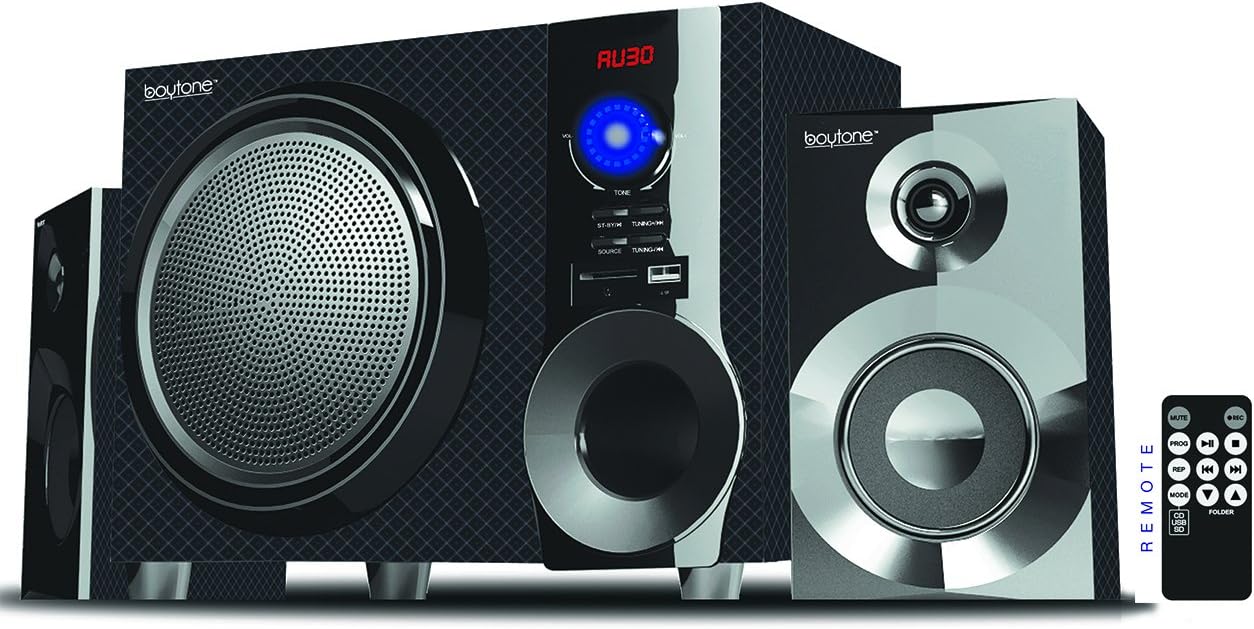
Figure 1: Boytone BT-210FD Speaker System. This image displays the main subwoofer unit flanked by two satellite speakers, with a remote control shown to the right.
2. Important Safety Information
- Read all instructions before operating the appliance.
- Retain these instructions for future reference.
- Heed all warnings on the appliance and in the operating instructions.
- Follow all instructions.
- Do not use this apparatus near water.
- Clean only with a dry cloth.
- Do not block any ventilation openings. Install in accordance with the manufacturer's instructions.
- Do not install near any heat sources such as radiators, heat registers, stoves, or other apparatus (including amplifiers) that produce heat.
- Protect the power cord from being walked on or pinched, particularly at plugs, convenience receptacles, and the point where they exit from the apparatus.
- Only use attachments/accessories specified by the manufacturer.
- Unplug this apparatus during lightning storms or when unused for long periods of time.
- Refer all servicing to qualified service personnel. Servicing is required when the apparatus has been damaged in any way, such as power-supply cord or plug is damaged, liquid has been spilled or objects have fallen into the apparatus, the apparatus has been exposed to rain or moisture, does not operate normally, or has been dropped.
3. Package Contents
- Boytone BT-210FD Subwoofer Unit
- 2 Satellite Speakers
- Remote Control (requires 2 AAA batteries, not included)
- AUX Cable
- FM Antenna
- User Manual

Figure 2: Product packaging for the Boytone BT-210FD, showing the main unit, satellite speakers, and remote control.
4. Setup
4.1 Unpacking and Placement
- Carefully remove all components from the packaging.
- Place the main subwoofer unit on a stable, flat surface.
- Position the two satellite speakers to the left and right of the subwoofer for optimal stereo sound. The wired connection allows for flexible placement.
4.2 Connecting the Speakers
- Connect the wires from the satellite speakers to the 'OUTPUT' terminals on the rear of the main subwoofer unit. Ensure correct polarity (red to red, black to black).
4.3 Power Connection
- Plug the AC power cord into a standard AC 110V wall outlet. The unit is UL listed.

Figure 3: Rear panel of the subwoofer unit, showing speaker outputs, AUX/DVD inputs, FM antenna port, and power switch.
5. Operating Instructions
5.1 Power On/Off
- Locate the POWER switch on the rear panel of the subwoofer unit. Flip the switch to the 'ON' position to power on the system.
- To power off, flip the POWER switch to the 'OFF' position.
5.2 Selecting Input Source
- Use the 'SOURCE' button on the front panel of the subwoofer or the remote control to cycle through available input modes: Bluetooth, FM Radio, USB, SD, and AUX.
5.3 Volume Control
- Adjust the master volume using the large rotary knob on the front of the subwoofer unit or the 'VOL+' / 'VOL-' buttons on the remote control.
- Note: When switching sources, the volume may default to a moderate level (e.g., 18). Adjust as needed.
5.4 Bluetooth Connection
- Select 'Bluetooth' as the input source. The display will show 'BT' and the unit will enter pairing mode.
- On your smartphone, tablet, or other Bluetooth-enabled device, search for 'BT-210FD' in the Bluetooth settings.
- Select 'BT-210FD' to pair. Once connected, you will hear a confirmation tone, and you can begin streaming audio wirelessly.
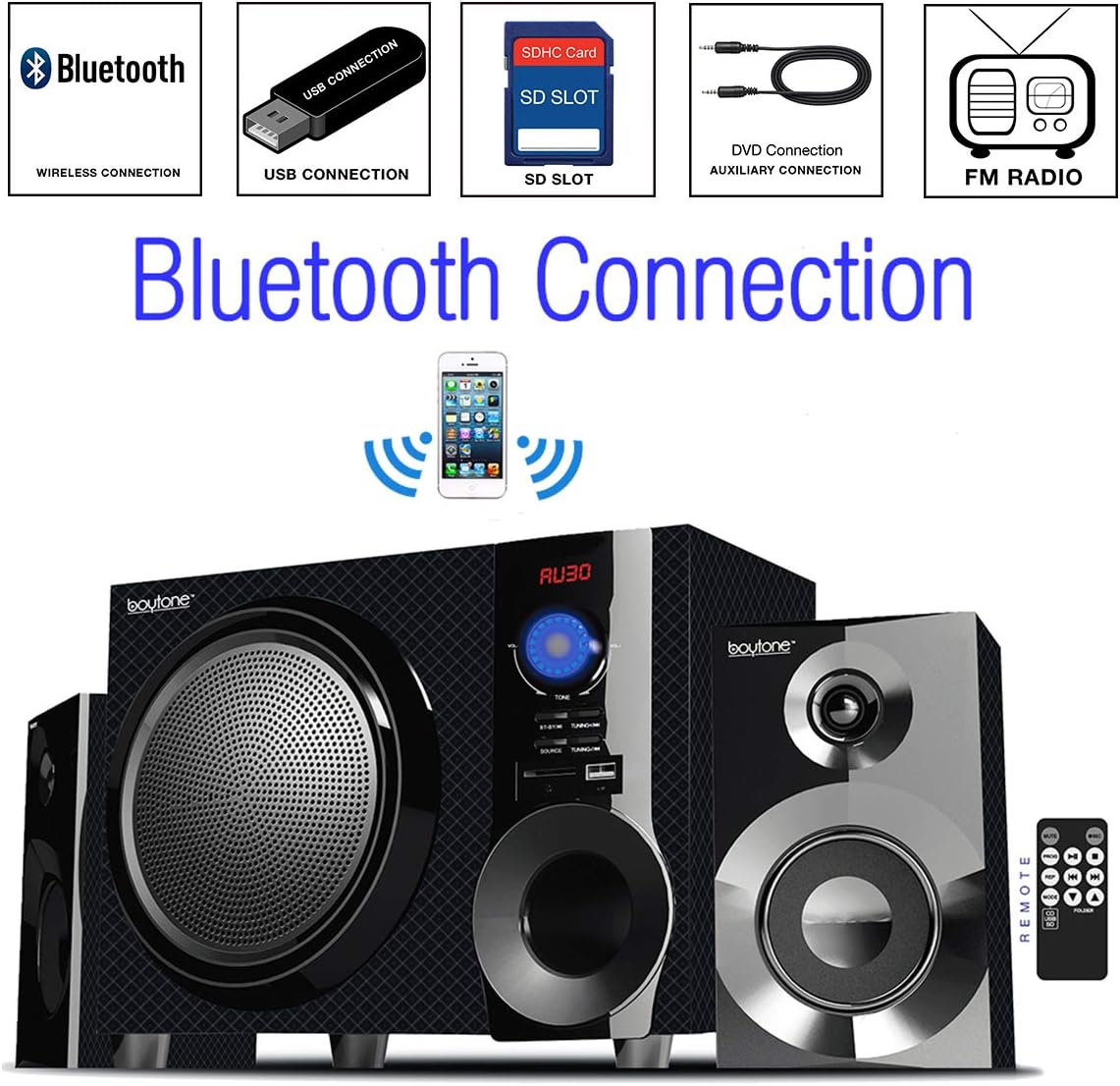
Figure 4: Diagram illustrating wireless Bluetooth connection from a smartphone to the speaker system.
5.5 FM Radio Operation
- Select 'FM' as the input source.
- Extend the FM antenna on the rear panel for better reception.
- Use the 'TUNING' buttons on the front panel or remote control to scan for radio stations.
5.6 USB/SD Card Playback
- Insert a USB flash drive or SD card (with MP3 audio files) into the respective port on the front panel.
- Select 'USB' or 'SD' as the input source. The system will automatically detect and play the audio files.
- Use the playback control buttons (Play/Pause, Next/Previous Track) on the front panel or remote control.
5.7 AUX Input
- Connect an external audio device (e.g., MP3 player, laptop) to the 'AUX IN' port on the front panel using the provided AUX cable.
- Select 'AUX' as the input source. Audio from your external device will now play through the speaker system.
5.8 Remote Control
- The remote control allows for convenient operation of all functions from a distance. Ensure the remote has fresh AAA batteries and is pointed towards the main unit's display.
6. Maintenance
6.1 Cleaning
- Wipe the unit with a soft, dry cloth. Do not use liquid cleaners or aerosol cleaners.
6.2 Storage
- If the unit is not used for an extended period, unplug it from the power outlet and store it in a cool, dry place.
7. Troubleshooting
| Problem | Possible Cause | Solution |
|---|---|---|
| No power | Power cord not connected; Power switch off | Ensure power cord is securely plugged in; Turn power switch to 'ON' |
| No sound | Volume too low; Incorrect input source; Device not connected properly | Increase volume; Select correct input source; Check all cable connections |
| Bluetooth not pairing | Bluetooth mode not selected; Device too far; Interference | Select Bluetooth input; Move device closer to the speaker; Avoid interference from other wireless devices |
| FM radio static | Weak signal | Extend and adjust the position of the FM antenna |
| USB/SD not playing | Incorrect format; Corrupted files; Incorrect source | Ensure files are MP3 format; Check for corrupted files; Select correct input source |
8. Specifications
- Model: BT-210FD
- Brand: Boytone
- Product Dimensions: 15 x 13 x 11 inches
- Item Weight: 14.25 pounds
- Speaker Type: Subwoofer with 2 satellite speakers
- Output Power: 30 Watts
- Subwoofer Size: 6.5 inches
- Connectivity Technology: Auxiliary, Bluetooth, USB
- Power Source: AC 110V (UL listed)
- Additional Features: FM Radio, SD Card Slot, Remote Control
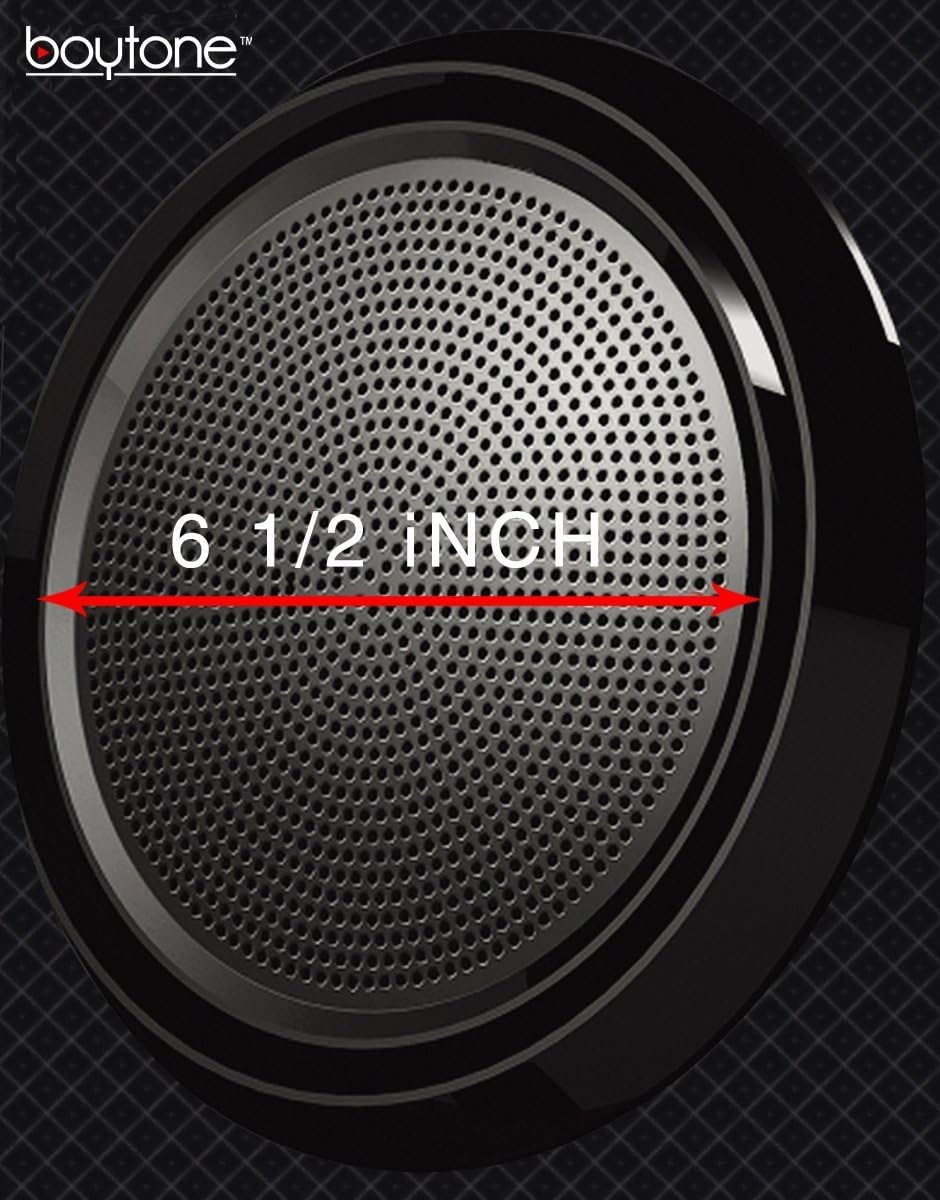
Figure 5: Close-up of the subwoofer, indicating its 6.5-inch size.
9. Warranty Information
The Boytone BT-210FD speaker system comes with a 1-year warranty provided by Boytone. Please retain your proof of purchase for warranty claims. For more information, refer to the manufacturer's official website.
10. Customer Support
If you encounter any issues or have questions regarding your Boytone BT-210FD speaker system that are not covered in this manual, please contact Boytone customer support for assistance. Refer to the product packaging or the official Boytone website for contact details.

