
1. Introduction
The WAC Lighting HR-LED90-27-WT Edge Lit LED Button Light is designed for versatile lighting applications, suitable for both recessed and surface-mounted installations. This fixture utilizes advanced LED technology to provide strong, evenly distributed light output. It is Energy Star and CEC Title 24 Rated, ensuring an eco-friendly and energy-efficient lighting solution. The system operates with Class II, 24V remote and plug-in transformers, allowing up to 20 button lights to be wired together for comprehensive lighting designs. This model features a white finish and a 2700K color temperature, delivering 200 lumens with a high CRI of 90 and an extended rated life of 100,000 hours.
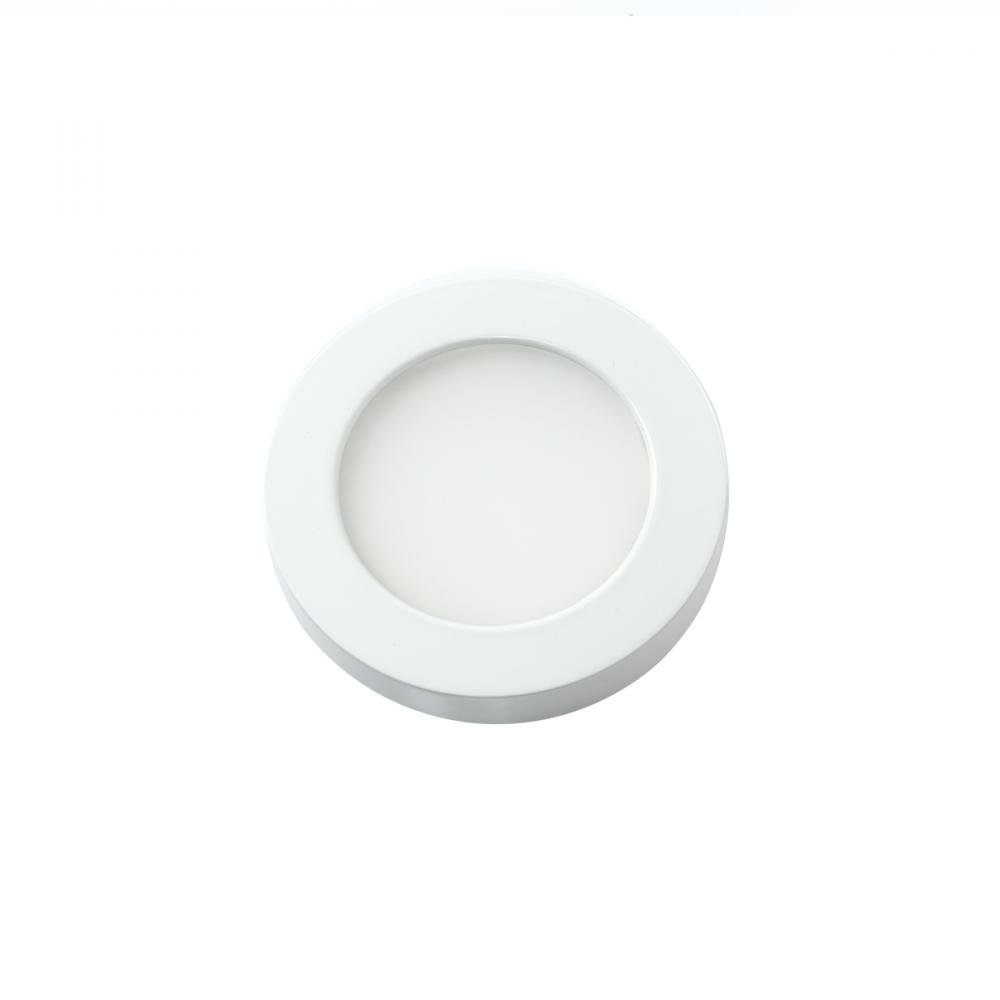
Image 1.1: The WAC Lighting HR-LED90-27-WT Edge Lit LED Button Light, showcasing its compact, round design and white finish.
2. Safety Information
Please read all instructions carefully before installation and use. Retain this manual for future reference.
- WARNING: Risk of electric shock. Disconnect power at the fuse or circuit breaker before installation or servicing.
- Installation must be performed by a qualified electrician in accordance with all local electrical codes and ordinances.
- Ensure the supply voltage is correct (24V DC) for this fixture. Connecting to an incorrect voltage may damage the light and void the warranty.
- Do not modify the fixture or its components. Unauthorized modifications may lead to hazards and void the warranty.
- Avoid looking directly into the LED light source when illuminated, as it may cause eye strain.
- This product is designed for indoor use only.
3. Package Contents
Verify that all components are present and undamaged before proceeding with installation.
- WAC Lighting HR-LED90-27-WT Edge Lit LED Button Light
- Instruction Manual (this document)
Note: Class II, 24V remote and plug-in transformers are sold separately and are required for operation.
4. Setup and Installation
The HR-LED90-27-WT button light can be installed as either a recessed or surface-mounted fixture. Proper planning and adherence to electrical codes are essential.
4.1 Pre-Installation Steps
- Turn off power: Locate the circuit breaker or fuse box and turn off the power supply to the area where the light will be installed.
- Prepare wiring: Ensure that a Class II, 24V DC power supply (transformer) is available and properly wired to the installation location. Up to 20 button lights can be connected to a single compatible transformer.
- Determine mounting type: Decide whether to recess the light into a surface (e.g., cabinet, ceiling) or surface mount it.
4.2 Recessed Installation
- Cut opening: Using the provided dimensions (refer to Image 4.1), cut a circular opening in the desired surface. Ensure the opening is precise to allow for a snug fit.
- Connect wiring: Carefully connect the fixture's wiring to the 24V DC power supply leads, observing proper polarity (positive to positive, negative to negative). Secure connections with appropriate wire connectors.
- Insert fixture: Gently push the button light into the prepared opening until it sits flush with the surface. The fixture is designed for a secure fit.
4.3 Surface Mount Installation
- Secure mounting plate (if applicable): Some surface mount installations may require a separate mounting plate. Attach this plate to the surface using appropriate screws.
- Connect wiring: Connect the fixture's wiring to the 24V DC power supply leads, ensuring correct polarity.
- Attach fixture: Secure the button light to the mounting surface or plate. The fixture may use a magnetic clasping mechanism for easy attachment.
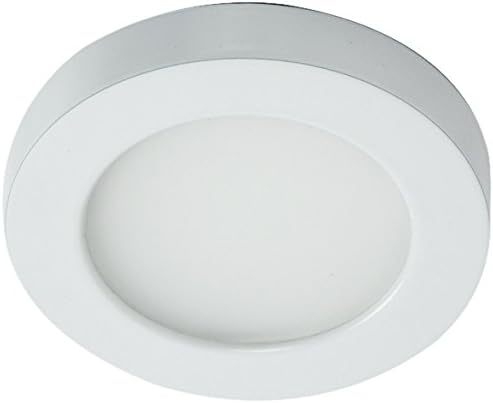
Image 4.1: Dimensional drawing of the HR-LED90-27-WT button light, showing a 3.5-inch diameter and 9/16-inch depth for precise installation.

Image 4.2: Example of the WAC Lighting HR-LED90-27-WT button light installed as a recessed fixture in a cabinet, providing focused illumination.
5. Operating Instructions
The WAC Lighting HR-LED90-27-WT is designed for simple operation, typically controlled via a remote control and compatible dimmer switch.
- Power On/Off: Once installed and connected to a 24V DC power supply, the light can be turned on or off using the connected remote control or wall switch.
- Dimming: If connected to a compatible dimmer switch (e.g., a 0-10V dimmer), the brightness of the light can be adjusted to your desired level.
- Color Temperature Adjustment: Some compatible systems or transformers may offer color temperature switching. The HR-LED90 series can be switchable between 2700K (Warm White) and 3500K, depending on the specific transformer and control method used. Refer to your transformer's manual for details on CCT adjustment.

Image 5.1: Illustration of a CCT (Correlated Color Temperature) switch, demonstrating the ability to select between different color temperatures like 2700K and 3500K, depending on the system configuration.
6. Maintenance
The WAC Lighting HR-LED90-27-WT LED Button Light requires minimal maintenance due to its long-lasting LED components.
- Cleaning: To clean the fixture, ensure the power is off. Use a soft, dry, or slightly damp cloth. Do not use abrasive cleaners, solvents, or cleaners containing alcohol, as these can damage the finish or optical components.
- Component Replacement: The LED light source is integrated and not user-replaceable. If the light source fails, the entire fixture should be replaced.
- Inspection: Periodically inspect the fixture and wiring for any signs of damage or wear. If any damage is observed, disconnect power and contact a qualified electrician or WAC Lighting support.
7. Troubleshooting
If you encounter issues with your HR-LED90-27-WT light, refer to the following common troubleshooting steps:
| Problem | Possible Cause | Solution |
|---|---|---|
| Light does not turn on. | No power supply; loose wiring; faulty transformer; faulty fixture. | Check circuit breaker/fuse. Ensure all wiring connections are secure. Test the 24V DC transformer. If issues persist, contact support. |
| Light flickers or dims unexpectedly. | Incompatible dimmer; unstable power supply; loose wiring. | Ensure dimmer is compatible with LED fixtures. Check power supply stability. Verify wiring connections. |
| Light is not as bright as expected. | Dimmer setting too low; incorrect power supply. | Adjust dimmer to maximum brightness. Verify the power supply is providing adequate voltage (24V DC). |
If these steps do not resolve the issue, please contact WAC Lighting customer support.
8. Specifications
| Feature | Detail |
|---|---|
| Model Number | HR-LED90-27-WT |
| Brand | WAC Lighting |
| Light Source | Integrated LED |
| Color Temperature | 2700K (Warm White) |
| Brightness | 200 Lumens |
| Color Rendering Index (CRI) | 90 |
| Rated Life | 100,000 Hours |
| Voltage | 24V DC (requires Class II transformer, sold separately) |
| Control Method | Remote Control, Dimmer (compatible with 0-10V dimmers) |
| Material | Aluminum, Glass |
| Finish | White |
| Dimensions (L x W x H) | 3"L x 0.5"W x 0.5"H (Note: Product image shows 3.5" diameter, 9/16" depth) |
| Item Weight | 0.22 Pounds |
| Mounting Type | Recessed Mount, Surface Mount |
| Certifications | Energy Star, CEC Title 24, ADA, UL Listed |
| UPC | 790576345420 |
9. Warranty and Support
9.1 Manufacturer's Warranty
This WAC Lighting product is covered by a 1-year manufacturer's warranty. This warranty covers defects in materials and workmanship under normal use. Please retain your proof of purchase for warranty claims.
9.2 Customer Support
For technical assistance, troubleshooting beyond this manual, or warranty inquiries, please contact WAC Lighting customer support directly. You can find contact information on the official WAC Lighting website or through your retailer.
WAC Lighting Official Website: www.waclighting.com


