
Sea Gull Lighting 7716591S-827
Sea Gull Lighting 7716591S-827 LED Ceiling Flush Mount Instruction Manual
Model: 7716591S-827
Important Safety Information
Read all instructions carefully before installation and use. Failure to follow these instructions may result in electric shock, fire, or other hazards that could cause injury or property damage.
- Always disconnect power at the main fuse or circuit breaker box before beginning installation or performing any maintenance.
- Consult a qualified electrician if you are unsure about the installation process.
- Ensure all electrical connections are made in accordance with local codes, ordinances, and the National Electric Code (NEC).
- Do not install this fixture in wet locations.
- This fixture is designed for 120 Volts AC.
Package Contents
Carefully unpack your new fixture and lay out all parts on a clear area. Ensure all items listed below are present before discarding packaging materials.
- LED Ceiling Flush Mount Fixture (Model 7716591S-827)
- Mounting Hardware Kit
- Remote Control
- Instruction Manual
Note: Specific components may vary slightly. Refer to the included parts diagram in your physical manual for exact details.
Setup and Installation
Pre-Installation
- Turn off power at the circuit breaker or fuse box.
- Ensure the mounting surface is structurally sound to support the fixture's weight (approximately 4.1 pounds).
- Gather necessary tools: screwdriver, wire strippers, electrical tape, safety glasses.
Mounting the Fixture
This fixture is designed for ceiling mount installation.
- Attach the mounting bracket to the junction box using the provided screws. Ensure it is securely fastened.
- Connect the electrical wires:
- Connect the bare copper or green ground wire from the fixture to the ground wire from the junction box.
- Connect the white wire from the fixture to the white (neutral) wire from the junction box.
- Connect the black wire from the fixture to the black (hot) wire from the junction box.
- Secure all connections with wire nuts and electrical tape.
- Carefully tuck all wires into the junction box.
- Align the fixture with the mounting bracket and secure it using the provided screws. Do not overtighten.
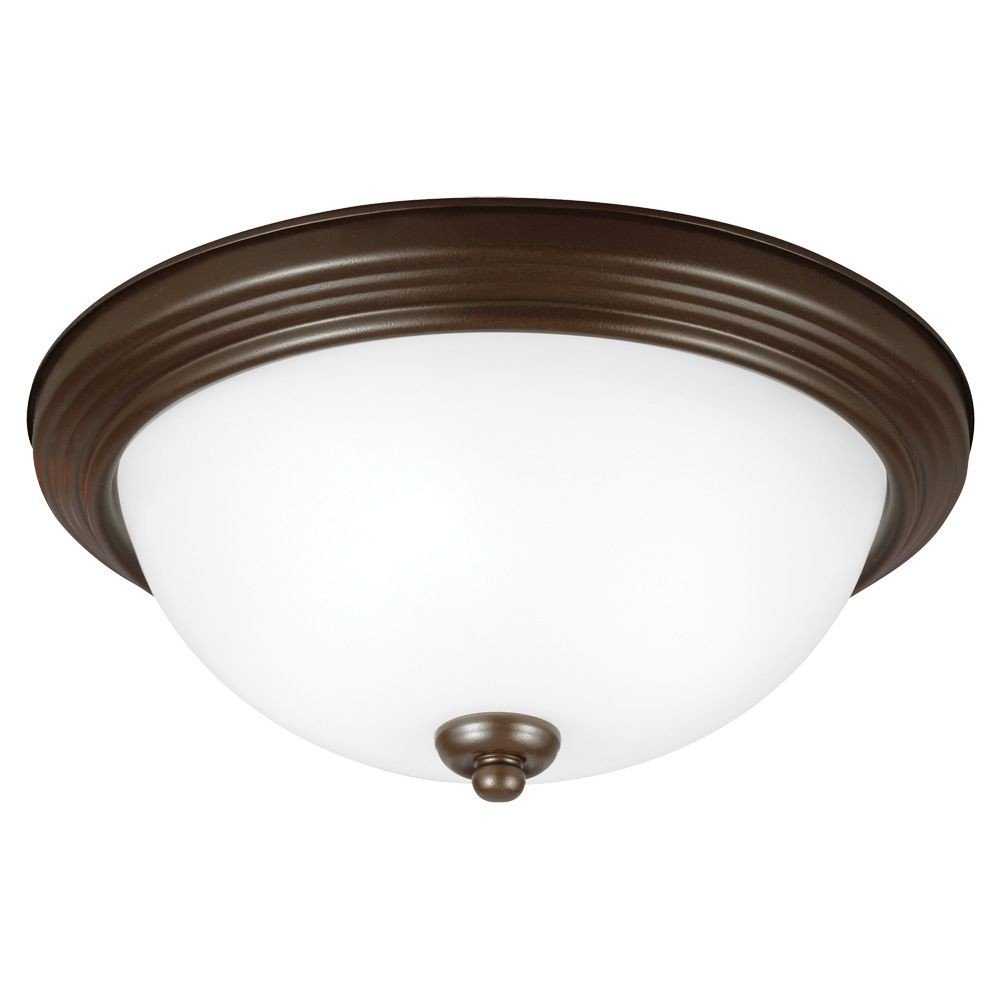
It is recommended to have a qualified electrician perform the installation to ensure safety and compliance with electrical codes.
Operating Instructions
This LED Ceiling Flush Mount fixture is controlled via a remote control.
Initial Power On
- After installation is complete, restore power at the circuit breaker or fuse box.
- The fixture should illuminate or be ready for remote control operation.
Using the Remote Control
- Power Button: Press to turn the light on or off.
- Dimming Controls: Use the designated buttons to adjust the brightness of the LED light.
- Color Temperature Adjustment (if applicable): Some models may offer color temperature adjustments. Refer to your remote's specific buttons.
Ensure the remote control has working batteries and is pointed towards the fixture for optimal operation.
Maintenance
Cleaning
- Always turn off the power to the fixture and allow it to cool before cleaning.
- Wipe the fixture with a soft, dry cloth.
- Do not use abrasive cleaners, solvents, or polishes as they may damage the finish or electrical components.
LED Light Source
This fixture uses an integrated LED light source. The LEDs are designed for long life and are generally not user-replaceable. If the LED light source fails, contact customer support for assistance.
Troubleshooting
| Problem | Possible Cause | Solution |
|---|---|---|
| Fixture does not light up. |
|
|
| Light flickers or dims unexpectedly. |
|
|
| Remote control not responding. |
|
|
Specifications
- Model: 7716591S-827
- Brand: Sea Gull Lighting
- Type: LED Ceiling Flush Mount
- Finish: Bronze
- Material: Alloy Steel
- Light Source: Integrated LED
- Voltage: 120 Volts
- Control Method: Remote Control
- Dimensions: Approximately 10 x 15.25 x 6.5 inches
- Item Weight: Approximately 4.1 pounds
- Certification: UL Listed
- UPC: 785652279447
Warranty and Support
Sea Gull Lighting products are manufactured to high standards and are backed by a manufacturer's warranty. For specific warranty details, please refer to the warranty card included with your product or visit the official Sea Gull Lighting website.
If you encounter any issues or require technical assistance, please contact Sea Gull Lighting customer support. Contact information can typically be found on the manufacturer's website or on the product packaging.
Please have your model number (7716591S-827) and proof of purchase ready when contacting support.
Related documents7716591S-827


Ask a question about this manual
Ask about setup, troubleshooting, compatibility, parts, safety, or missing instructions. Manuals+ will review the question and use this page’s manual context to help answer it.