
1. Introduction
Thank you for purchasing the Adesso 3217-22 Prospect LED Clip Lamp. This manual provides essential information for the safe and efficient use of your new lamp. Please read these instructions carefully before installation and operation, and retain them for future reference.
The Prospect LED Clip Lamp features a contemporary design with a brushed steel finish, an adjustable gooseneck, and an integrated 3W LED light source. Its versatile clip-on design makes it suitable for various applications, providing focused illumination where needed.
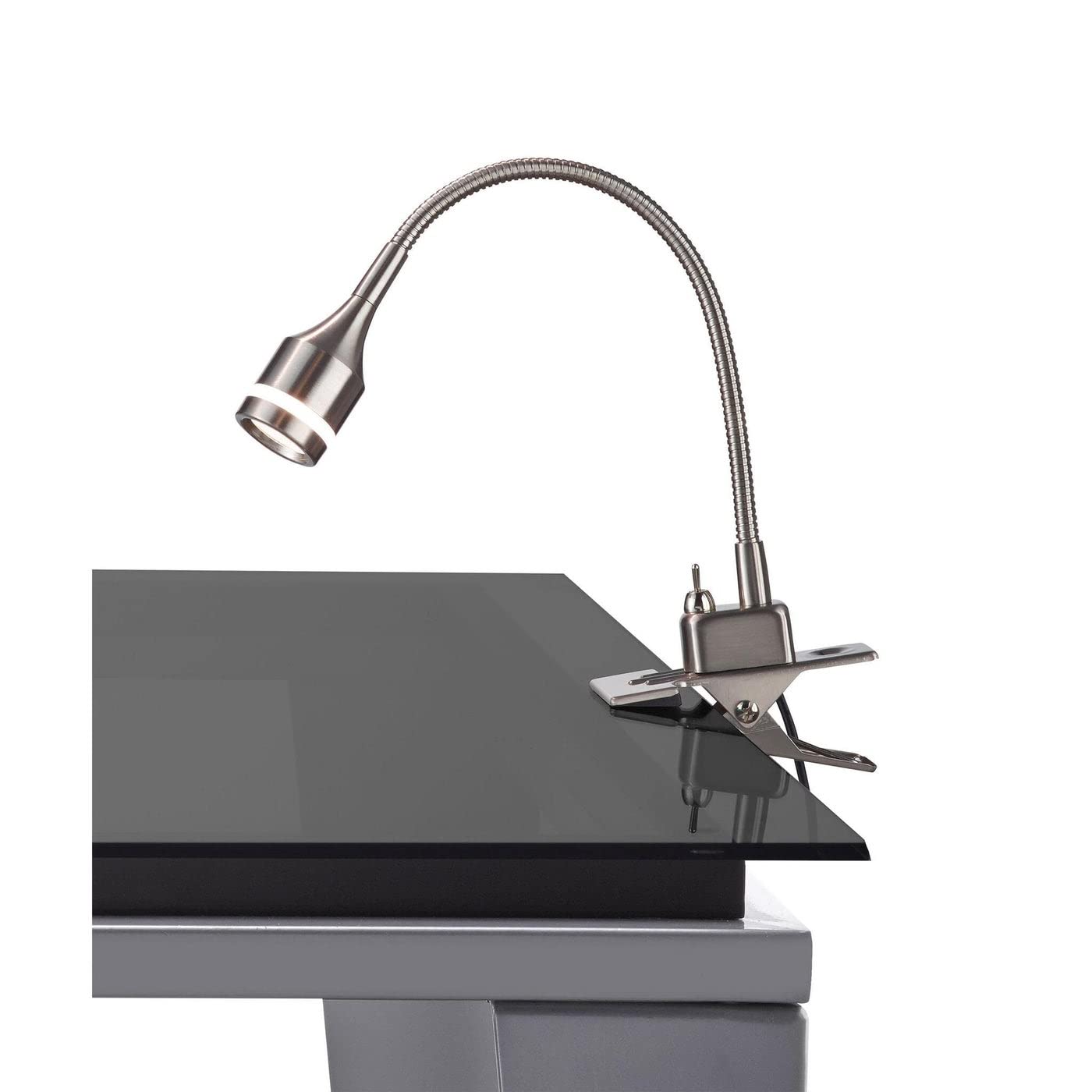
Image 1.1: Adesso 3217-22 Prospect LED Clip Lamp, Brushed Steel. This image shows the lamp with its clip base and adjustable gooseneck.
2. Safety Information
Please observe the following safety precautions to prevent injury or damage to the product:
- Ensure the power supply voltage matches the lamp's requirements before connecting.
- Do not attempt to modify or disassemble the lamp. There are no user-serviceable parts inside.
- Keep the lamp away from water or other liquids. Do not operate in damp or wet conditions.
- The LED light source is integrated and not replaceable. Do not attempt to replace the LED.
- Although LEDs generate less heat than traditional bulbs, avoid touching the light head immediately after prolonged use as it may be warm.
- Ensure the clip is securely fastened to a stable surface to prevent the lamp from falling.
- This product is designed for indoor use only.

Image 2.1: UL and ETL Listed Safety Certifications. This image displays the UL and ETL logos, indicating the product meets government-regulated safety standards for the USA.
3. Package Contents
Verify that all components are present and undamaged upon unpacking:
- Adesso 3217-22 Prospect LED Clip Lamp (Brushed Steel)
- Power Cord with Toggle Switch
4. Setup
Follow these steps to set up your Adesso Prospect LED Clip Lamp:
- Unpack: Carefully remove all components from the packaging.
- Position the Clip: Choose a stable surface (desk, shelf, headboard) where you wish to attach the lamp. Ensure the surface thickness is compatible with the clip's opening.
- Attach the Lamp: Squeeze the clip handles to open the jaws and firmly attach the lamp to your chosen surface. Release the handles to secure the lamp. Verify it is stable and will not tip over.
- Adjust Gooseneck: The flexible gooseneck allows for total adjustment of height and direction. Position the light head to direct illumination as desired.
- Connect Power: Plug the power cord into a standard electrical outlet. This lamp is smart outlet compatible.
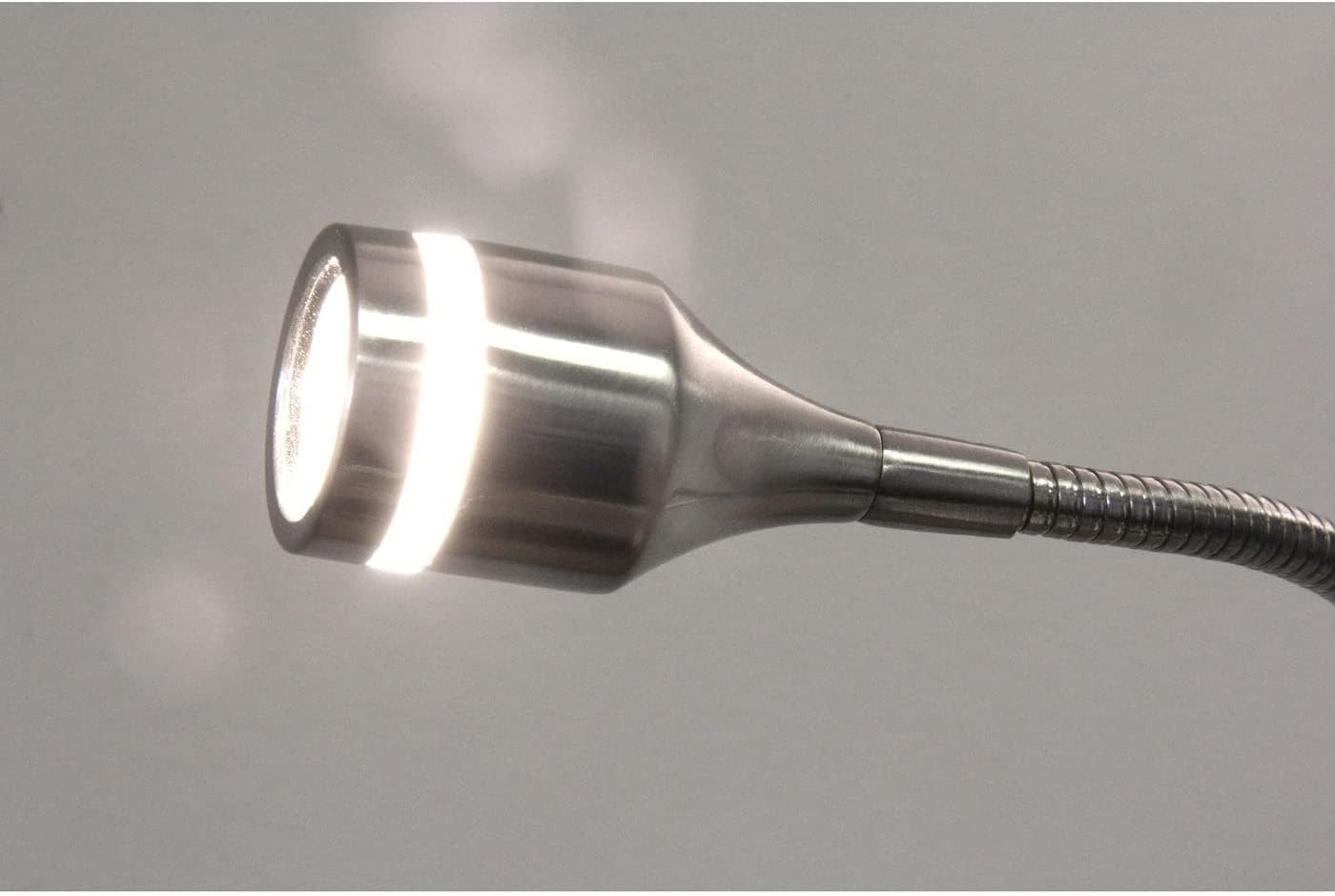
Image 4.1: The Adesso Prospect LED Clip Lamp securely attached to a desk surface, demonstrating its clip-on functionality.
5. Operating Instructions
Operating your Adesso Prospect LED Clip Lamp is straightforward:
- Power On/Off: Locate the toggle switch on the clip base. Press the switch to turn the lamp ON or OFF.
- Light Adjustment: Use the flexible gooseneck to adjust the light's direction and height as needed for your task or ambiance.
- Smart Outlet Compatibility: This lamp can be controlled via a smart outlet (sold separately) for automated operation. Refer to your smart outlet's instructions for setup.

Image 5.1: Close-up view of the lamp head and flexible gooseneck, highlighting the convex glass magnifier light shield and decorative light band.
6. Maintenance
To ensure the longevity and optimal performance of your lamp:
- Cleaning: Disconnect the lamp from the power source before cleaning. Use a soft, dry cloth to wipe the lamp's surfaces. Avoid abrasive cleaners or solvents that could damage the finish.
- LED Lifespan: The integrated LED light source is designed to last approximately 50,000 hours under normal use and is not replaceable.
- Storage: If storing the lamp, ensure it is clean and dry. Store in a cool, dry place away from direct sunlight.
7. Troubleshooting
If you encounter issues with your Adesso Prospect LED Clip Lamp, refer to the following common solutions:
| Problem | Possible Cause | Solution |
|---|---|---|
| Lamp does not turn on. |
|
|
| Light flickers or is dim. |
|
|
| Lamp falls from surface. |
|
|
8. Specifications
| Feature | Detail |
|---|---|
| Model Number | 3217-22 |
| Brand | Adesso |
| Color | Brushed Steel |
| Dimensions | 4"D x 2"W x 14.5"H (Adjustable height 9.5 in. - 14.5 in.) |
| Light Source Type | Integrated LED |
| Wattage | 3 Watts |
| LED Lifespan | 50,000 hours |
| Material | Alloy Steel, Glass, Metal |
| Switch Type | Toggle Switch (on clip base) |
| Special Feature | Adjustable Gooseneck, Smart Outlet Compatible |
| Mounting Type | Tabletop (Clip-on) |
| Certifications | ETL Listed (meets US safety standards) |

Image 8.1: LED Information and Facts. This graphic highlights key benefits of the integrated LED: energy efficiency, 50,000-hour lifespan, shatter-proof and cool-to-touch safety, and 3000K color temperature.
9. Warranty and Support
Adesso products are manufactured with quality and durability in mind. For specific warranty information, please refer to the documentation included with your purchase or visit the official Adesso website. If you require technical assistance or have questions regarding your Adesso 3217-22 Prospect LED Clip Lamp, please contact Adesso customer support through their official channels.
You can find more information and contact details on the Adesso Brand Store.
10. Product Video Overview
Watch this official video from Adesso for a visual overview of their lighting products, which may include features similar to your Prospect LED Clip Lamp.
Video 10.1: Adesso Luxury Lighting. This video showcases various lighting products from Adesso, demonstrating their design and functionality.