
Introduction
This instruction manual provides essential information for the safe and efficient operation, maintenance, and troubleshooting of your Black & Decker BMH300 Bread Machine. Please read this manual thoroughly before using the appliance and retain it for future reference.
The Black & Decker BMH300 is designed to simplify the bread-making process, allowing you to enjoy fresh, homemade bread with minimal effort. Familiarize yourself with all components and functions to ensure optimal performance.
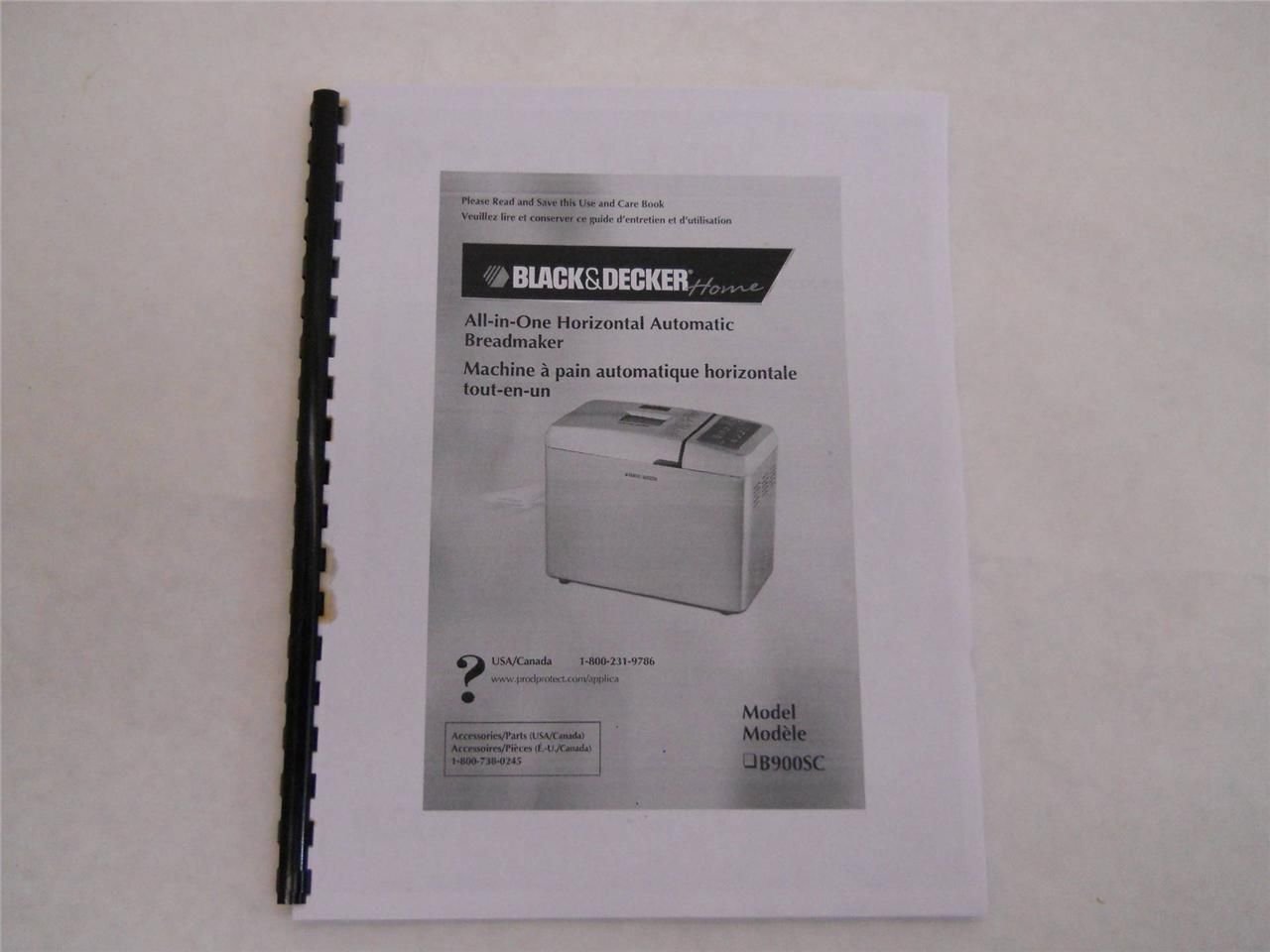
Figure 1: Cover of the Black & Decker BMH300 Bread Machine Instruction Manual. This image displays the front cover of the physical instruction manual, which contains the product name and model number.
Setup
Before first use, ensure all packaging materials are removed and the appliance is clean. Place the bread machine on a stable, heat-resistant, and level surface, away from direct sunlight and heat sources.
- Unpack: Carefully remove the bread machine and all accessories from its packaging.
- Clean: Wipe the exterior of the bread machine with a damp cloth. Wash the bread pan, kneading paddle, and measuring utensils with warm, soapy water, then rinse and dry thoroughly.
- Placement: Position the bread machine on a sturdy countertop, ensuring adequate ventilation around the unit. Do not block the ventilation openings.
- Power Connection: Plug the power cord into a grounded electrical outlet. Ensure the voltage matches the specifications listed on the appliance.
Operating Instructions
Follow these steps for basic operation of your Black & Decker BMH300 Bread Machine.
- Insert Kneading Paddle: Place the kneading paddle onto the shaft inside the bread pan.
- Add Ingredients: Add ingredients to the bread pan in the order specified by your recipe (typically liquids first, then dry ingredients, with yeast last). Ensure yeast does not come into direct contact with liquids or salt initially.
- Secure Bread Pan: Place the bread pan into the bread machine and twist it clockwise until it locks into place. Close the lid.
- Select Program: Use the control panel to select the desired program (e.g., Basic, Whole Wheat, Dough). Refer to the recipe section for recommended programs.
- Select Crust Color and Loaf Size: Adjust crust color (light, medium, dark) and loaf size (if applicable) using the respective buttons.
- Start Cycle: Press the START/STOP button to begin the bread-making cycle. The machine will automatically mix, knead, rise, and bake.
- Remove Bread: Once the cycle is complete, the machine will beep. Unplug the machine, open the lid, and carefully remove the bread pan using oven mitts. Invert the pan to release the bread onto a wire rack to cool.
- Remove Kneading Paddle: If the kneading paddle remains in the bread, carefully remove it using a non-metallic utensil after the bread has cooled slightly.
Note: Always refer to specific recipes for precise ingredient measurements and program recommendations.
Maintenance and Cleaning
Regular cleaning and maintenance will prolong the life of your bread machine.
- Unplug Before Cleaning: Always unplug the bread machine from the power outlet and allow it to cool completely before cleaning.
- Bread Pan and Kneading Paddle: Wash the bread pan and kneading paddle with warm, soapy water. Do not use abrasive cleaners or metal scouring pads, as these can damage the non-stick coating. Rinse thoroughly and dry completely.
- Exterior: Wipe the exterior of the bread machine with a soft, damp cloth. Do not immerse the main unit in water or any other liquid.
- Interior: Use a soft, damp cloth to wipe the interior of the baking chamber. Remove any crumbs or residue.
- Storage: Store the bread machine in a clean, dry place when not in use. Ensure the bread pan and kneading paddle are dry before storage.
Troubleshooting
This section addresses common issues you might encounter with your Black & Decker BMH300 Bread Machine.
| Problem | Possible Cause | Solution |
|---|---|---|
| Bread does not rise. | Expired or inactive yeast; incorrect water temperature; too much salt or sugar. | Check yeast expiration date and activity; use lukewarm water (105-115°F / 40-46°C); ensure correct ingredient measurements. |
| Bread is too dense. | Too much flour; not enough liquid; yeast issue. | Measure ingredients precisely; ensure proper liquid-to-flour ratio; verify yeast activity. |
| Bread collapses during baking. | Too much liquid; too much yeast; high humidity. | Reduce liquid slightly; reduce yeast slightly; adjust recipe for high humidity conditions. |
| Kneading paddle stuck in bread. | Common occurrence. | Allow bread to cool slightly, then carefully remove the paddle using a non-metallic utensil. |
For issues not covered here, please consult the original manual or contact customer support.
Specifications
The following are general specifications for the Black & Decker BMH300 Bread Machine. Specific details may vary slightly.
- Model: BMH300
- Power Supply: 120V AC, 60Hz (Standard North American)
- Power Consumption: Approximately 600-700 Watts
- Loaf Sizes: Typically 1.5 lb and 2.0 lb
- Programs: Multiple pre-programmed settings (e.g., Basic, French, Whole Wheat, Sweet, Dough, Jam, Bake)
- Crust Settings: Light, Medium, Dark
- Delay Timer: Up to 13-hour programmable delay timer
- Keep Warm Function: 1-hour automatic keep warm
Note: For precise electrical and operational specifications, refer to the product label on your specific unit.


