
GPX BCA209B
GPX BCA209B Portable AM/FM Boombox
User Instruction Manual
Model: BCA209B | Brand: GPX
Introduction
The GPX BCA209B Portable AM/FM Boombox with CD and Cassette Player offers a versatile audio experience, combining classic playback formats with modern convenience. This unit features built-in stereo speakers, an AM/FM radio tuner, a top-loading CD player, and a front-loading cassette player with recording capabilities. Its compact design and built-in carry handle make it ideal for both home use and on-the-go entertainment.

Image: Front view of the GPX BCA209B Portable AM/FM Boombox, showcasing its compact design and speaker grilles.
Safety Information
Please read all safety warnings and instructions before operating this device. Keep these instructions for future reference.
- Power Source: Use only the specified power adapter or batteries. Ensure the voltage matches the unit's requirements.
- Water and Moisture: Do not expose the unit to rain, moisture, or dripping/splashing liquids. Do not place objects filled with liquids on the unit.
- Ventilation: Ensure proper ventilation. Do not block ventilation openings.
- Heat: Keep the unit away from heat sources such as radiators, heat registers, stoves, or other apparatus (including amplifiers) that produce heat.
- Cleaning: Unplug the unit from the power outlet before cleaning. Use a soft, dry cloth. Do not use liquid cleaners or aerosol cleaners.
- Servicing: Do not attempt to service this product yourself. Refer all servicing to qualified service personnel.
- Batteries: Do not mix old and new batteries. Do not mix alkaline, standard (carbon-zinc), or rechargeable (ni-cad, ni-mh, etc.) batteries. Dispose of batteries properly.
Features
- CD player
- Cassette player
- AM/FM Radio with analog tuning dial
- Auto-Stop at tape end
- LCD Display with white backlight
- Records from Radio and CD to cassette
- Powerful built-in stereo speakers with metal speaker grill
- Headphone Jack
- Programmable tracks for CD playback
- Built-in carry handle for easy portability
- AC power cable included
- Operates with 6 C batteries (not included) for portable use
Package Contents
Please check the box for the following items:
- GPX BCA209B Portable AM/FM Boombox
- Power Adapter
- Owner's Manual
Controls and Indicators
Familiarize yourself with the boombox's controls and indicators for optimal use.

Image: Close-up view of the boombox's front panel, showing the control buttons and LCD display.

Image: Top view of the boombox with the CD compartment lid open, revealing the CD tray.
- Power Button: Turns the unit on or off.
- Function Selector: Switch between CD, Cassette, AM, FM, and AUX modes.
- Volume Control: Adjusts the audio output level.
- Tuning Dial (Side): Used to manually tune AM/FM radio frequencies.
- LCD Display: Shows track number, playback mode, and other relevant information.
- CD Controls: Play/Pause, Stop, Skip Forward/Backward, Program, Repeat.
- Cassette Controls: Play, Record, Fast Forward, Rewind, Stop/Eject.
- Headphone Jack: For private listening with headphones (3.5mm).
- Telescopic Antenna: Extend for improved FM radio reception.
Setup
Powering the Unit
The boombox can be powered by either AC power or batteries.
- AC Power: Connect the included AC power cable to the AC input jack on the unit and then to a standard wall outlet.
- Battery Power: For portable use, insert 6 'C' size batteries (not included) into the battery compartment located on the bottom of the unit. Ensure correct polarity (+/-).
Antenna Setup
For optimal radio reception:
- FM Reception: Fully extend the telescopic antenna. Adjust its position for the best signal.
- AM Reception: The unit has a built-in AM antenna. Rotate the entire unit for the best AM signal.
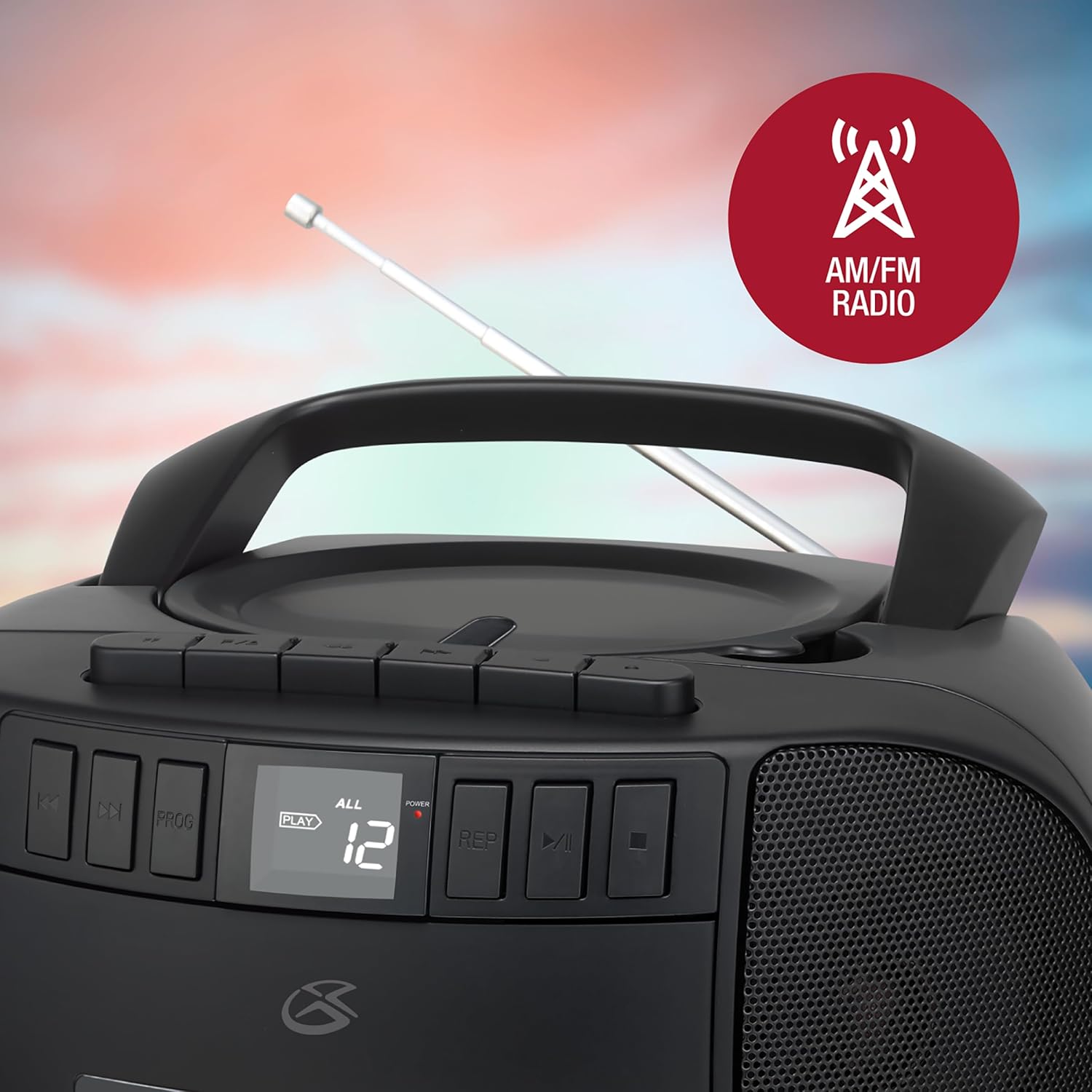
Image: The GPX boombox with its telescopic antenna extended, ready for FM radio reception.
Operating Instructions
CD Player Operation
- Set the Function Selector to 'CD'.
- Open the CD compartment lid by gently lifting it.
- Place a CD onto the center spindle with the label side facing up.
- Close the CD compartment lid firmly.
- Press the 'Play/Pause' button to begin playback. The track number will appear on the LCD display.
- Use the 'Skip Forward/Backward' buttons to navigate between tracks.
- Press 'Stop' to end playback.
- Program Play: While in Stop mode, press 'Program' to select and arrange tracks in a desired order.
- Repeat Play: Press 'Repeat' during playback to repeat the current track or all tracks.

Image: A close-up of the boombox's top-loading CD player with a compact disc placed inside.
Cassette Player Operation
- Set the Function Selector to 'Tape'.
- Press the 'Stop/Eject' button to open the cassette door.
- Insert a cassette tape with the open edge facing upwards.
- Close the cassette door.
- Press the 'Play' button to begin playback.
- Use 'Fast Forward' or 'Rewind' buttons to quickly move through the tape.
- Press 'Stop/Eject' to stop playback and open the cassette door.
- Recording: To record from the radio or CD, first select the desired source (AM/FM or CD) using the Function Selector. Then, with a blank cassette inserted and in Stop mode, press the 'Record' button. Playback from the source will begin automatically and record onto the tape. Press 'Stop' to end recording.
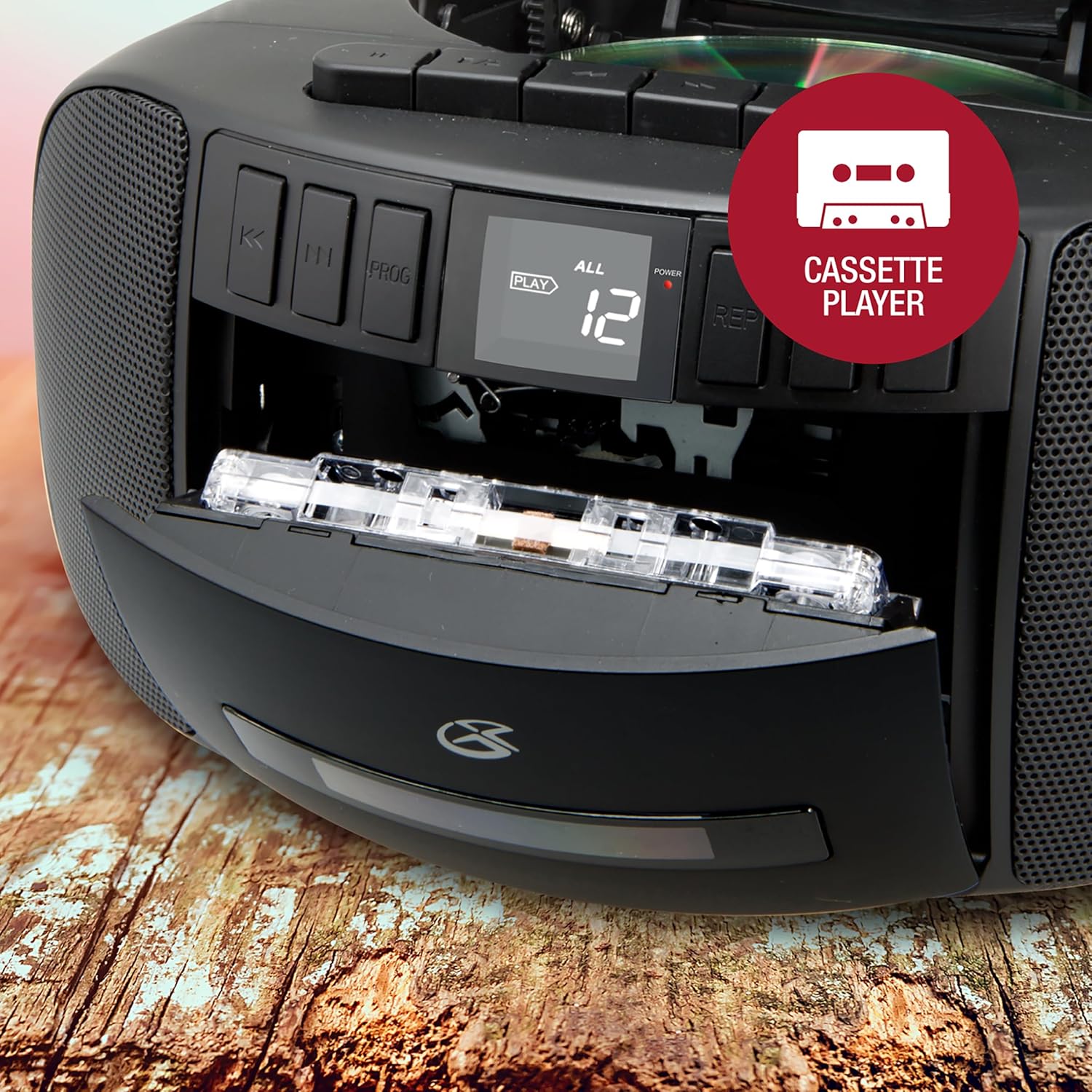
Image: The boombox's front-loading cassette player with a cassette tape partially inserted.
AM/FM Radio Operation
- Set the Function Selector to 'AM' or 'FM'.
- Extend the telescopic antenna for FM reception.
- Rotate the 'Tuning' dial on the side of the unit to find your desired radio station.
- Adjust the 'Volume' control to your preferred listening level.
Auxiliary Input
Connect an external audio device (e.g., MP3 player, smartphone) to the AUX IN jack using a 3.5mm audio cable (not included). Set the Function Selector to 'AUX' to play audio from the connected device through the boombox speakers.
Headphone Usage
For private listening, plug 3.5mm headphones (not included) into the Headphone Jack. The sound from the speakers will be muted automatically.
Maintenance
- Cleaning the Unit: Wipe the exterior of the unit with a soft, dry cloth. Do not use abrasive cleaners or solvents.
- CD Player Care: Keep the CD compartment clean. Avoid touching the CD lens. If a CD skips, try cleaning the disc with a soft, lint-free cloth from the center outwards.
- Cassette Player Care: Periodically clean the tape heads and pinch rollers with a cotton swab lightly dampened with isopropyl alcohol.
- Storage: When not in use for extended periods, remove batteries and store the unit in a cool, dry place away from direct sunlight.
Troubleshooting
| Problem | Possible Cause | Solution |
|---|---|---|
| No power | AC cord not connected; Batteries depleted or incorrectly inserted. | Check AC connection; Replace batteries or ensure correct polarity. |
| No sound | Volume too low; Function selector in wrong mode; Headphones connected. | Increase volume; Select correct function (CD/Tape/AM/FM/AUX); Disconnect headphones. |
| CD skipping or not playing | CD dirty or scratched; CD compartment lid not closed properly. | Clean or replace CD; Ensure lid is fully closed. |
| Poor radio reception | Antenna not extended/adjusted; Weak signal area. | Extend and adjust FM antenna; Rotate unit for AM; Try moving unit to a different location. |
| Cassette player issues (e.g., door, playback) | Cassette not inserted correctly; Tape heads dirty; Mechanical issue. | Re-insert cassette; Clean tape heads; If persistent, contact support. |
Specifications
- Model: BCA209B
- Power Source: AC 120V ~ 60Hz or 6 x 'C' size batteries (DC 9V)
- Radio Frequencies: AM 530 - 1710 kHz, FM 88 - 108 MHz
- CD Compatibility: CD, CD-R/RW
- Cassette Type: Standard compact cassette
- Speaker Type: Stereo
- Connectivity: AM/FM Radio, CD, Cassette, Aux-in, Headphone Jack
- Dimensions (L x W x H): Approximately 9.53 x 8.87 x 4.88 inches
- Weight: Approximately 4 pounds
Image: The GPX boombox with its approximate dimensions (length, width, height) indicated.
Warranty and Support
For warranty information and customer support, please refer to the documentation included with your purchase or visit the official GPX website. Keep your proof of purchase for any warranty claims.
You can also find additional support and contact information via the GPX brand store: GPX Store on Amazon.
Related documentsBCA209B


Ask a question about this manual
Ask about setup, troubleshooting, compatibility, parts, safety, or missing instructions. Manuals+ will review the question and use this page’s manual context to help answer it.