
1. Product Overview
The APS IB-F5176A iBoard running boards are designed to provide a secure and comfortable step for your vehicle. Constructed from 100% aircraft-grade 6061-T6 aluminum, these running boards offer excellent corrosion protection, durability, and strength, supporting up to 500 lbs. They feature a 5-inch wide corrugated non-slip step pad that covers the entire board, ensuring a slip-proof surface for all users.

Image 1.1: APS IB-F5176A 5-inch Aluminum iBoard Running Boards shown installed on a red Ford F-150 Super Cab truck, highlighting the 5-inch width.
2. Package Contents
Verify that all components are present before beginning installation:
- Two (2) iBoard running boards
- Mounting brackets
- Hardware kit
- Installation Manual (this document)
3. Vehicle Compatibility
These running boards are specifically designed for the following vehicle model:
- Ford F-150 Super Cab (2009-2014)
A Super Cab typically features two full-size front doors and two smaller, rear-hinged (suicide) rear doors. Ensure your vehicle matches this configuration for proper fitment.

Image 3.1: Compatibility diagram illustrating the Super Cab configuration (2 full-size doors and 2 suicided rear doors) for which this product is designed.
4. Features
- Material: 100% aircraft-grade 6061-T6 aluminum for superior strength and corrosion resistance.
- Step Pad: 5-inch wide corrugated non-slip step pad provides full coverage for secure footing.
- Load Capacity: Engineered to support up to 500 lbs.
- Design: Clean, low-profile design with a silver aluminum finish.

Image 4.1: Detailed view of the iBoard's contemporary design and 5-inch width.

Image 4.2: Diagram highlighting key features such as the full-length secured step pad and available sizes.

Image 4.3: Close-up of the installed running board, showcasing the textured step pad.
5. Installation Guide
Installation of the APS IB-F5176A iBoard running boards is designed for a DIY process, typically taking approximately one hour. The mounting system utilizes rocker panel mounts.
5.1 General Installation Steps:
- Unpack all components and verify against the package contents list.
- Identify the mounting points on your vehicle's rocker panels.
- Attach the mounting brackets to the vehicle. It is recommended to leave all bolts loose initially to allow for adjustment.
- Position the iBoard running boards onto the attached brackets. The bracket holes are slotted to facilitate alignment.
- Once the running boards are properly aligned and positioned, tighten all bolts securely. Avoid over-tightening the square bolt nuts for the running board to prevent damage to the aluminum rail.
Note: Detailed, step-by-step instructions with diagrams are typically included in the physical installation manual provided with the product. Refer to that document for precise vehicle-specific instructions.
Video 5.1: An official product video demonstrating the installation process for iBoard running boards. This video provides a visual guide to assist with the installation steps.
6. Operating Instructions
The iBoard running boards provide a stable and wide platform to assist with entering and exiting your truck. Simply step onto the board when needed. The non-slip surface ensures a secure footing in various weather conditions.
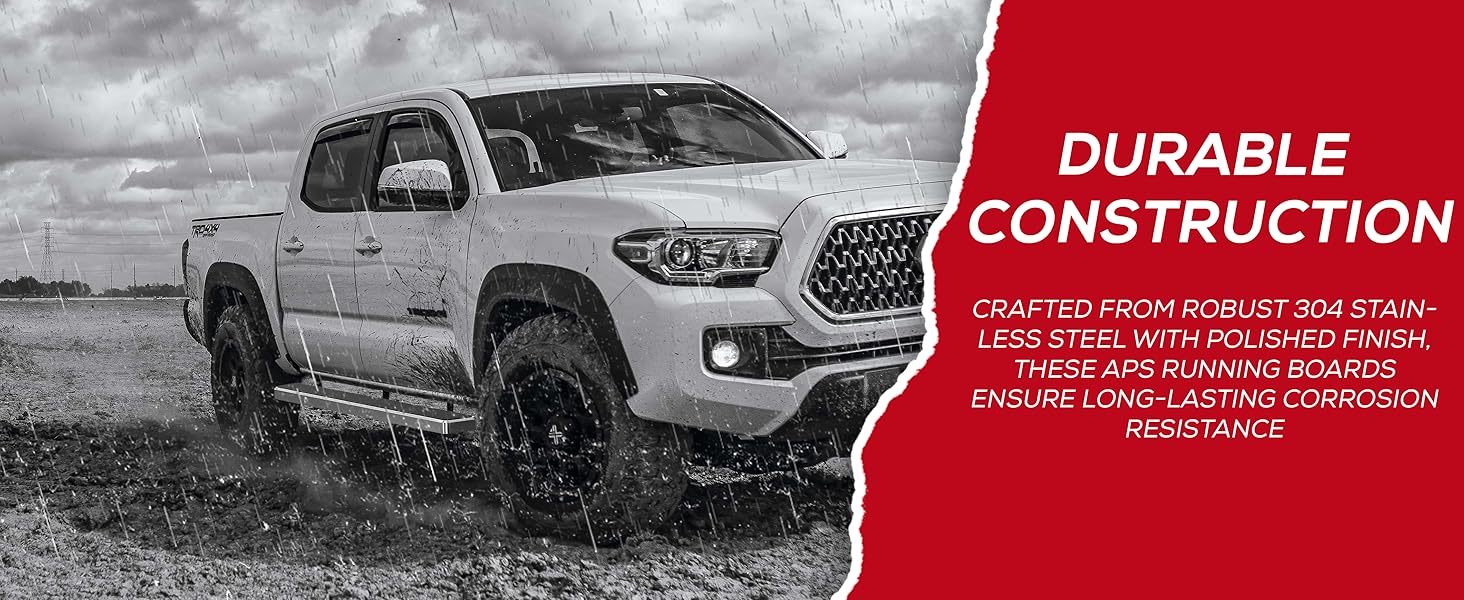
Image 6.1: A person demonstrating the use of the running board for comfortable entry into the vehicle.
7. Maintenance
To ensure the longevity and appearance of your iBoard running boards, follow these maintenance guidelines:
- Cleaning: Regularly clean the running boards with mild soap and water. Avoid abrasive cleaners or harsh chemicals that could damage the aluminum finish or the non-slip pad.
- Inspection: Periodically inspect all mounting hardware for tightness. Re-tighten any loose bolts to maintain stability and safety.
- Corrosion Protection: The aircraft-grade aluminum construction provides inherent corrosion resistance. However, regular cleaning, especially after exposure to road salt or harsh environments, will help maintain its integrity.
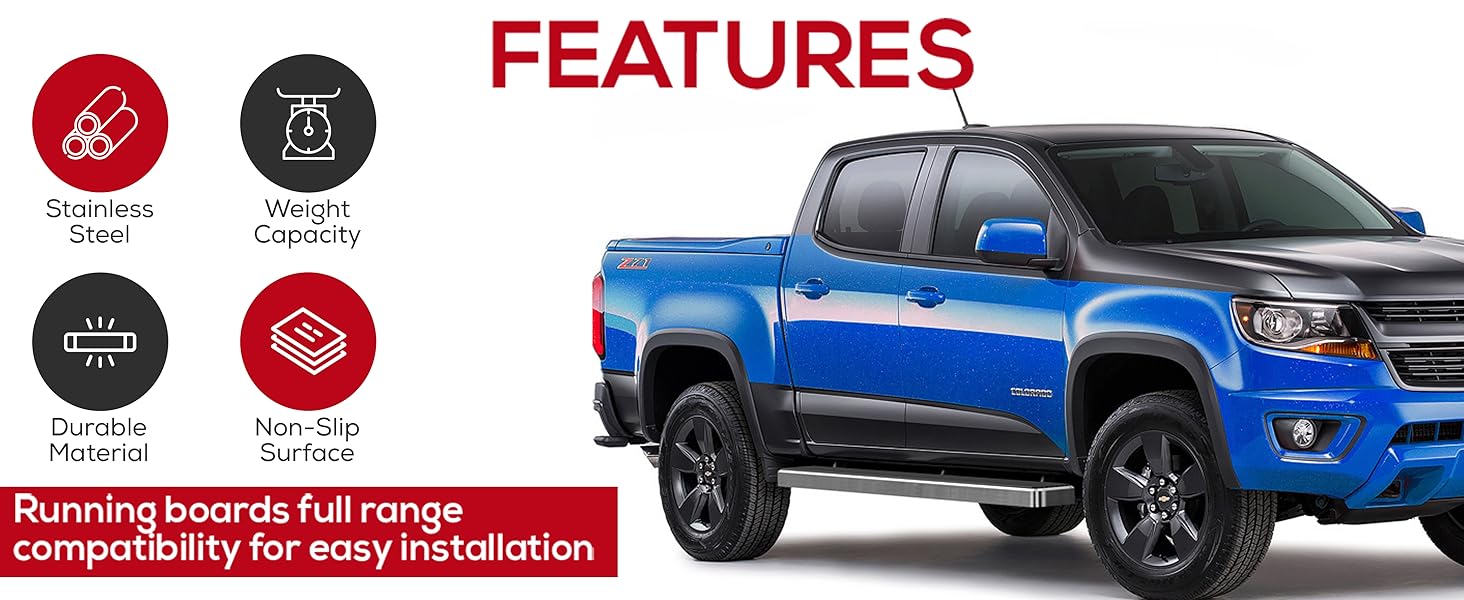
Image 7.1: A truck equipped with iBoard running boards navigating a challenging environment, illustrating the product's durable construction.
8. Troubleshooting
If you encounter issues during installation or use, consider the following:
- Fitment Issues: Double-check your vehicle's make, model, and cab configuration against the compatibility information (Section 3). Incorrect fitment is often due to an incompatible vehicle type.
- Loose Boards: Ensure all mounting bolts are tightened according to the installation instructions. Re-inspect all connection points.
- Noise/Rattling: Verify that all components are securely fastened and that no parts are making contact with the vehicle's undercarriage or other components.
- Damaged Components: If any part arrived damaged or appears defective, contact the manufacturer or seller for assistance.
9. Specifications
| Specification | Detail |
|---|---|
| Brand | APS |
| Model | IB-F5176A |
| Material | Aircraft-grade 6061-T6 Aluminum |
| Color | Aluminum Silver |
| Exterior Finish | Polished Finish |
| Item Dimensions (L x W x H) | 79 x 5 x 1.5 inches |
| Item Weight | 36 Pounds |
| Weight Limit | 500 Pounds |
| Vehicle Service Type | Truck |
| Automotive Fit Type | Vehicle Specific Fit |
| UPC | 637230789476 |
10. Warranty and Support
For warranty information or technical support, please refer to the documentation included with your purchase or contact APS customer service directly. The EU Spare Part Availability Duration is 5 Years.


