
Introduction
The AEG Voxtel M250 is a mobile phone designed for straightforward communication, particularly suitable for users who prefer simplicity and ease of use. It features large, illuminated buttons, a clear 1.8-inch color display, and an essential SOS emergency function for added safety. This manual provides detailed instructions for setting up, operating, and maintaining your device.
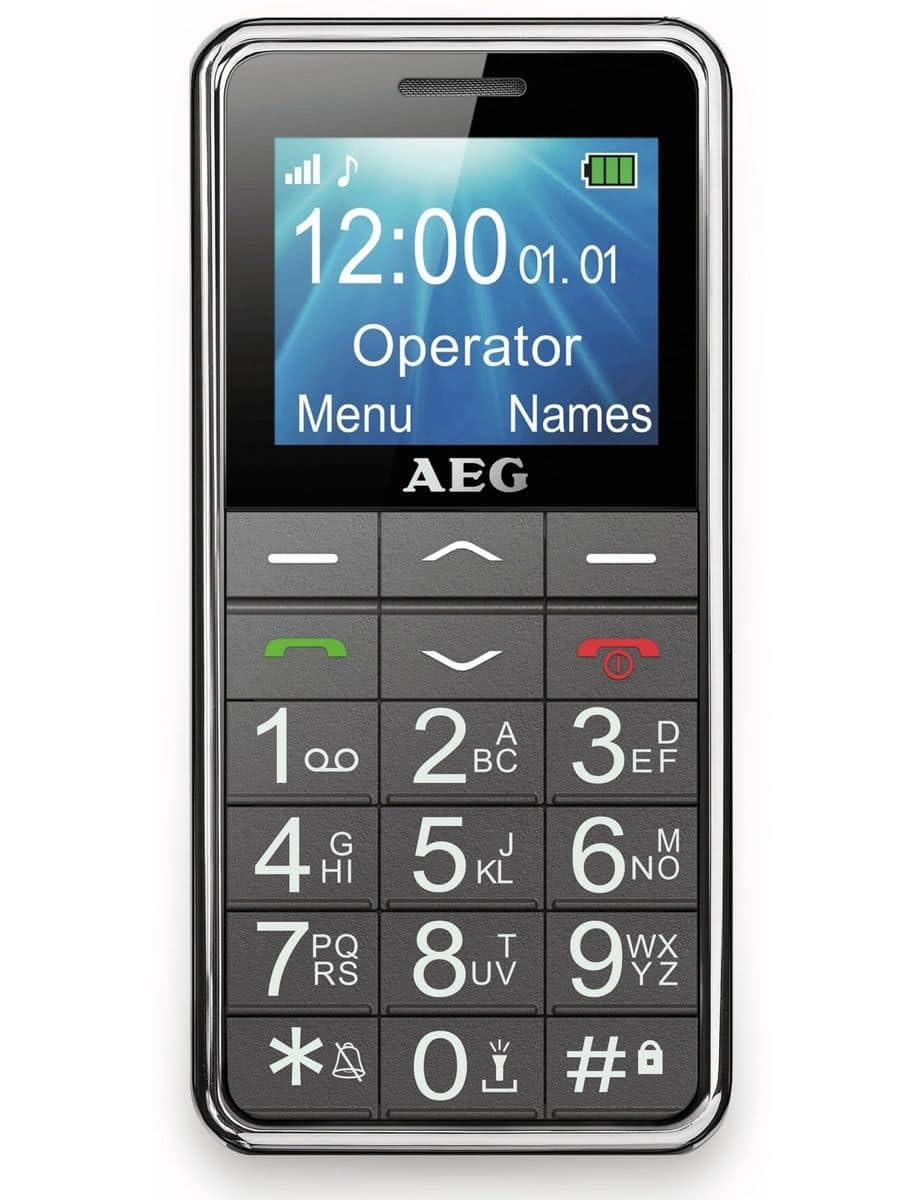
Image: The AEG Voxtel M250 senior mobile phone, showcasing its large buttons and clear display.
1. Setup
1.1 Unboxing
Carefully unpack your AEG Voxtel M250. The package should contain the following items:
- AEG Voxtel M250 Mobile Phone
- Li-ion Battery Pack
- Mains Charger
- User Manual (this document)
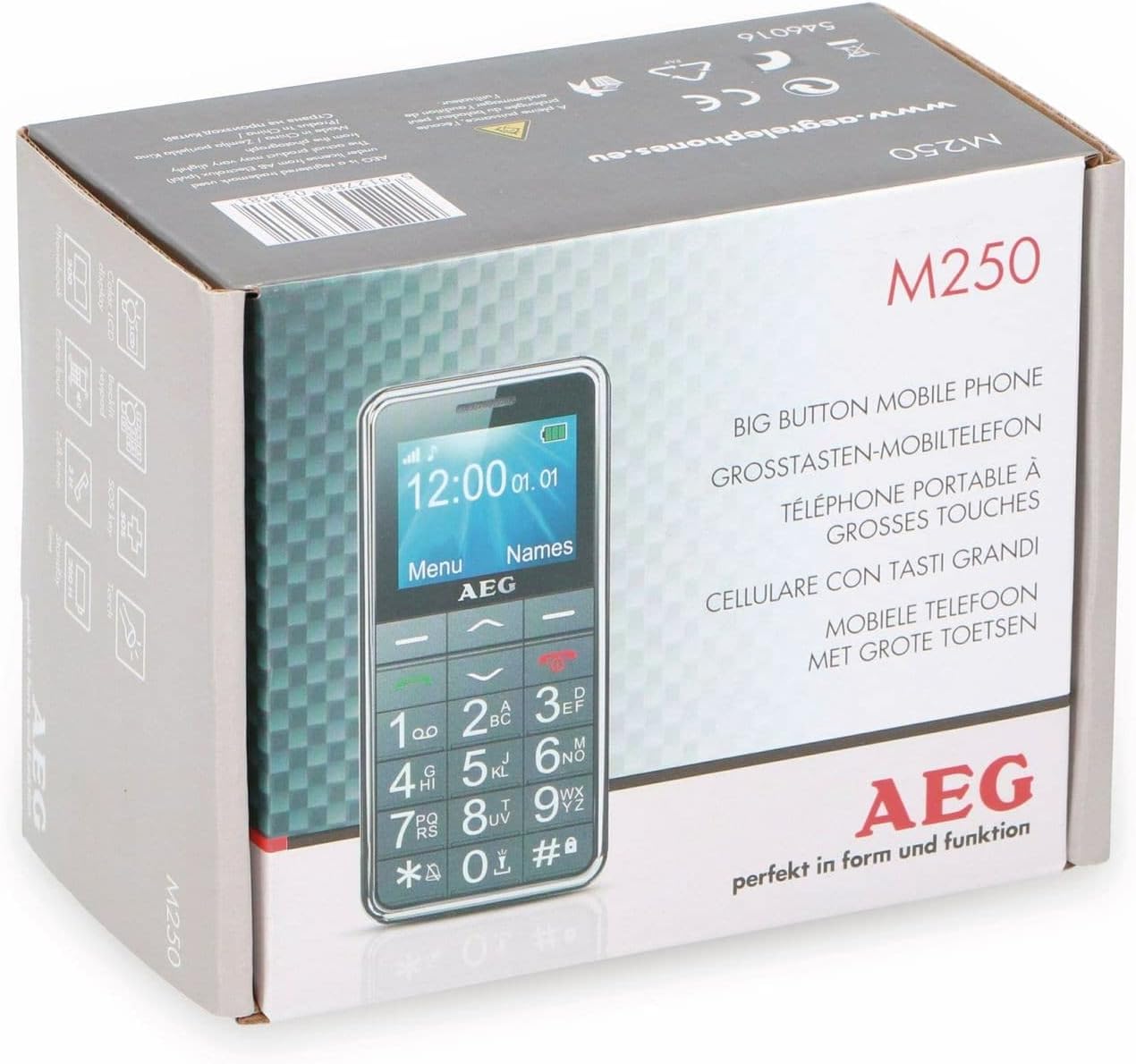
Image: The retail packaging of the AEG Voxtel M250, indicating the product model and key features.
1.2 Battery Installation
- Remove the back cover of the phone by gently prying it open from the notch.
- Insert the Li-ion battery pack into the battery compartment, ensuring the gold contacts align with the phone's terminals.
- Replace the back cover, pressing firmly until it clicks into place.
1.3 SIM Card Installation
The AEG Voxtel M250 supports a single SIM card.
- With the battery removed, locate the SIM card slot.
- Carefully insert your existing SIM card into the slot, ensuring the cut corner is correctly oriented as indicated on the phone.
- Reinstall the battery and back cover.
1.4 Charging the Battery
Before first use, fully charge the phone's battery.
- Connect the mains charger to the charging port on the phone.
- Plug the charger into a wall outlet.
- The battery indicator on the screen will show charging status. Allow approximately 3 hours for a full charge.
- Once fully charged, disconnect the charger.
1.5 Powering On/Off
- To Power On: Press and hold the red End Call/Power button until the screen lights up.
- To Power Off: Press and hold the red End Call/Power button until the power-off option appears, then confirm.
2. Operating Your Phone
2.1 Basic Navigation
The phone features a simple menu structure and large, easy-to-press buttons.
- Navigation Keys: Use the up/down arrow keys to scroll through menu options.
- Left Soft Key (Menu): Access the main menu.
- Right Soft Key (Names): Access your phonebook contacts.
- Call Key (Green): Initiate a call or answer an incoming call.
- End Call/Power Key (Red): End a call or return to the idle screen.
2.2 Making and Receiving Calls
- To Make a Call:
- Enter the phone number using the keypad.
- Press the green Call button.
- To end the call, press the red End Call button.
- To Call from Phonebook:
- Press the Right Soft Key (Names) to open the phonebook.
- Scroll to the desired contact using the navigation keys.
- Press the green Call button.
- To Receive a Call: When the phone rings, press the green Call button to answer. Press the red End Call button to reject or end the call.
2.3 Sending and Receiving SMS Messages
- To Send an SMS: Navigate to the 'Messages' menu, select 'Write Message', enter your text, and then select the recipient from your phonebook or enter their number.
- To Read an SMS: New messages will typically display an alert. Access the 'Messages' menu and select 'Inbox' to view received messages.
2.4 Phonebook
The phonebook can store up to 100 contacts.
- Adding a Contact: Go to 'Menu' > 'Phonebook' > 'Add New Contact'. Enter the name and phone number, then save.
- Editing/Deleting a Contact: Select the contact from the phonebook, then choose the appropriate option.
2.5 SOS Emergency Function
The SOS button is located on the back of the phone and is designed for emergency situations.
- Press and hold the SOS button for 3 seconds.
- An audible siren will sound to alert nearby individuals.
- The phone will automatically send an SMS message to up to 5 pre-programmed emergency contacts.
- Immediately after sending the SMS, the phone will call the first emergency contact on the list. If the call is not answered, it will attempt to call the next contact, and so on.
Important: Ensure your emergency contacts are correctly set up and informed about this function.
2.6 Flashlight
The phone includes a built-in flashlight for convenience.
- To turn on/off the flashlight, typically press and hold a dedicated button (refer to your phone's specific button layout) or access it via the 'Tools' or 'Utilities' menu.
2.7 Other Functions
The AEG Voxtel M250 includes several useful features:
- Calculator: Perform basic arithmetic operations.
- Calendar: View dates and set reminders.
- Keypad Lock: Prevent accidental key presses. Activate/deactivate via a shortcut (e.g., long press '*') or through the settings menu.
- Vibration Signal: Set the phone to vibrate for incoming calls or messages.
- Time and Date Display: The current time and date are shown on the idle screen.
- Hands-free Function: Use the loud speakers for hands-free conversations.
3. Maintenance
3.1 Cleaning Your Phone
To keep your phone in optimal condition:
- Use a soft, dry cloth to wipe the screen and body of the phone.
- Avoid using liquid cleaners, aerosols, or harsh chemicals, as these can damage the device.
3.2 Battery Care
- Do not expose the battery to extreme temperatures.
- Only use the original charger provided with the phone.
- If the phone will not be used for an extended period, charge the battery partially before storing it.
4. Troubleshooting
If you encounter issues with your AEG Voxtel M250, try the following solutions:
- Phone does not power on: Ensure the battery is correctly installed and fully charged.
- Cannot make or receive calls: Check if the SIM card is properly inserted and if you have network coverage. Ensure your SIM card is active.
- No sound: Check the volume settings. Ensure the phone is not in silent or vibrate-only mode.
- Battery drains quickly: Reduce screen brightness, close unused applications (if applicable), or consider replacing an old battery.
- Keypad unresponsive: Ensure the keypad lock is not activated. Restart the phone.
For persistent issues, contact customer support.
5. Specifications
| Model Name | M250 |
| Model Number | 1042678 |
| Operating System | No Operating System |
| Display Size | 1.8 Inch |
| Connectivity | Bluetooth |
| SIM Card Slots | Single SIM |
| Battery Type | 1 Lithium Ion (included) |
| Talk Time | Up to 4 Hours |
| Standby Time | Up to 200 Hours |
| Product Dimensions | 5 x 1.6 x 0.1 cm |
| Item Weight | 135 g |
| Color | Grey |
| Special Features | Large buttons, SOS button, Flashlight, Calculator, Calendar, Keypad lock, Vibration, Time/Date display, Hands-free function |
6. Warranty and Support
Your AEG Voxtel M250 mobile phone comes with a standard manufacturer's warranty. Please refer to the warranty card included in your package for specific terms and conditions.
For technical support, service, or further inquiries, please contact your retailer or the official AEG customer service channels. Keep your purchase receipt and product model number (M250) handy when contacting support.
