
A-Tech MS666KMM3570

A-Tech 1GB DDR2 RAM Memory Module User Manual
Model: MS666KMM3570
Introduction
This manual provides essential information for the installation, operation, and maintenance of your A-Tech 1GB STICK DIMM DDR2 NON-ECC PC2-5300 667MHz RAM Memory module. Please read these instructions carefully before proceeding with installation to ensure proper function and longevity of your memory module.

Image: The A-Tech 1GB DDR2 RAM module, sealed in its clear plastic packaging, ready for installation. The packaging includes product details and handling warnings.
Setup and Installation
Proper installation is crucial for the optimal performance of your A-Tech memory module. Always ensure your computer is powered off and unplugged before opening the case.
Pre-Installation Checklist:
- Ensure your computer's motherboard supports DDR2 DIMM NON-ECC PC2-5300 (667MHz) memory. Refer to your motherboard's manual for compatibility.
- Gather necessary tools: typically a Phillips head screwdriver.
- Work in a static-free environment. Use an anti-static wrist strap or frequently touch a grounded metal object to discharge static electricity.
Installation Steps:
- Power Down: Shut down your computer completely and unplug all power cables from the wall outlet and the computer.
- Open Case: Carefully open your computer's case. Consult your computer's manual for specific instructions on how to open it.
- Locate RAM Slots: Identify the DIMM slots on your motherboard. These are typically long slots near the CPU.
- Prepare Slots: If replacing existing memory, gently push the retention clips on both ends of the DIMM slot outwards to release the old module. If installing in an empty slot, ensure the clips are open.
- Insert Memory: Align the notch on the A-Tech memory module with the key in the DIMM slot. Gently but firmly push the module straight down into the slot until the retention clips snap into place on both sides. Do not force the module.
- Secure Case: Once the module is securely seated, close your computer's case and reconnect all power cables.
- Power On: Turn on your computer. The system should automatically detect the new memory.
Operating Principles and Benefits
The A-Tech 1GB DDR2 RAM module functions as a temporary storage area for your computer's processor. By expanding this memory, your system can handle more data simultaneously, leading to improved responsiveness and multitasking capabilities.
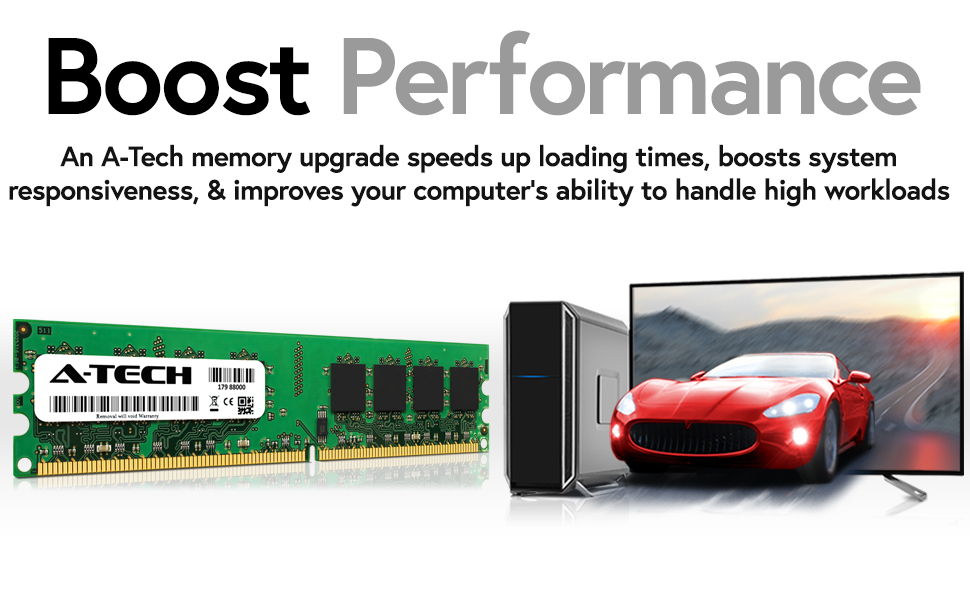
Image: This visual demonstrates how an A-Tech memory upgrade can significantly boost system performance, leading to faster loading times and overall improved responsiveness.
Key benefits of upgrading your system with A-Tech memory include:

Accelerate Speeds to 667MHz
Take on Greater Workloads
Designed for High Quality Performance

Image: A user efficiently managing multiple applications across several monitors, demonstrating the enhanced multitasking capabilities provided by increased memory.
Maintenance
A-Tech memory modules are designed for durability and reliability. Once installed, they generally require minimal maintenance. However, following these guidelines can help ensure their long-term performance:
- Dust Prevention: Regularly clean the interior of your computer case to prevent dust buildup, which can impede airflow and lead to overheating of components, including RAM. Use compressed air for this purpose.
- Proper Handling: When handling memory modules (e.g., during installation or removal), always hold them by the edges to avoid touching the gold contacts or the integrated circuits.
- Environmental Control: Operate your computer in a cool, dry environment to prevent issues related to heat and humidity.
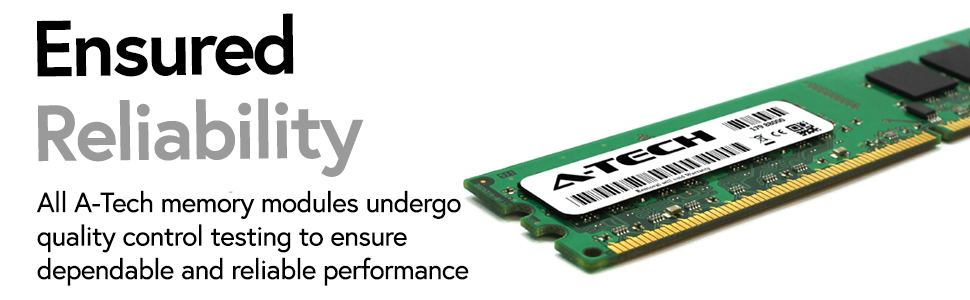
Image: A detailed view of an A-Tech memory module, emphasizing the robust construction and quality control that ensures dependable and reliable performance.
Troubleshooting
If you encounter issues after installing your A-Tech memory module, consider the following common troubleshooting steps:
- System Not Booting / No Display:
- Ensure the memory module is fully seated in its slot. Re-seat the module by gently pushing down until the clips snap.
- Try installing the module in a different DIMM slot.
- If you have multiple modules, try installing them one at a time to identify a potentially faulty module.
- Clear the CMOS (Complementary Metal-Oxide-Semiconductor) settings on your motherboard. Refer to your motherboard manual for instructions.
- Incorrect RAM Detection / Lower Capacity Shown:
- Verify that your operating system is 64-bit if you are installing more than 4GB of RAM (though this module is 1GB, it's a general tip).
- Check your motherboard's BIOS/UEFI settings to ensure the memory is recognized correctly. Update your motherboard's BIOS/UEFI if necessary.
- Run a memory diagnostic tool (e.g., Windows Memory Diagnostic) to check for errors.
- System Instability / Blue Screens (BSOD):
- This can indicate faulty memory or incompatibility. Re-seat the module or test it in another slot.
- Ensure your system's power supply unit (PSU) is sufficient for all installed components.
If these steps do not resolve the issue, please refer to the Warranty and Support section for further assistance.
Specifications
| Feature | Detail |
|---|---|
| Brand | A-Tech |
| Model Number | MS666KMM3570 |
| Computer Memory Size | 1 GB |
| RAM Memory Technology | DDR2 |
| Memory Speed | 667 MHz (PC2-5300) |
| Form Factor | DIMM |
| ECC Type | NON-ECC |
| Product Dimensions | 6.7 x 2.3 x 0.4 inches |
| Item Weight | 1.2 ounces |
| Compatible Devices | Intel Motherboards supporting DDR2 DIMM |
Warranty and Support
A-Tech stands behind the quality of its products. Your A-Tech 1GB DDR2 RAM Memory module comes with a Lifetime Warranty.
For warranty claims, technical support, or any questions regarding your A-Tech memory module, please contact A-Tech customer service directly. You can find more information and contact details on the official A-Tech website:
Related documentsMS666KMM3570


Ask a question about this manual
Ask about setup, troubleshooting, compatibility, parts, safety, or missing instructions. Manuals+ will review the question and use this page’s manual context to help answer it.