
1. Introduction
The Inogen One G3 External Battery Charger (Model BA-303) is designed to provide a convenient and efficient method for charging Inogen One G3 standard and extended batteries independently of the Inogen One G3 portable oxygen concentrator. This manual provides essential information for the safe and effective use of your charger.
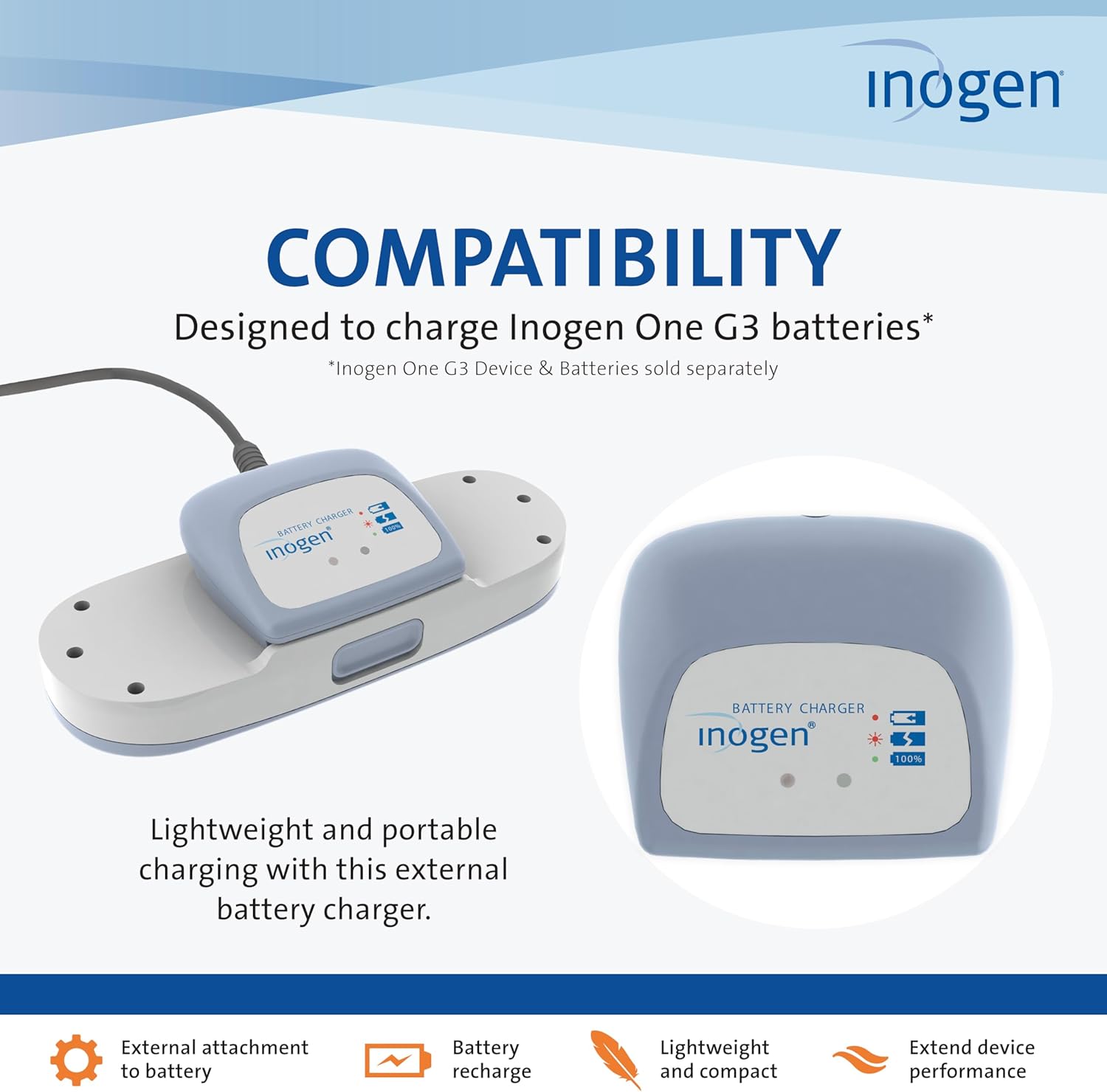
Image: The Inogen One G3 External Battery Charger with an Inogen One G3 battery inserted, ready for charging.
2. Safety Information
Please read all safety instructions before using the Inogen One G3 External Battery Charger. Failure to follow these instructions may result in electric shock, fire, or serious injury.
- Use only with Inogen One G3 standard (BA-300) and extended (BA-316) batteries.
- Do not expose the charger to water or excessive moisture.
- Do not attempt to disassemble or modify the charger.
- Ensure the charger is connected to a compatible electrical outlet (100-240V AC, 50-60Hz).
- Keep the charger away from heat sources and direct sunlight.
- If the charger or power cord is damaged, discontinue use immediately and contact customer support.
Legal Disclaimer: Statements regarding dietary supplements have not been evaluated by the FDA and are not intended to diagnose, treat, cure, or prevent any disease or health condition. This product is an accessory for a medical device.
3. Package Contents
Verify that all items are present in the package:
- Inogen One G3 External Battery Charger (Model BA-303)
- AC Input Cord
4. Compatibility
This external battery charger is specifically designed for use with Inogen One G3 batteries. It supports both the standard (BA-300) and extended (BA-316) Inogen One G3 battery models.

Image: An accessory compatibility chart showing the Inogen One G3 External Battery Charger (BA-303) is compatible with Inogen One G3 Standard (BA-300) and Extended (BA-316) batteries.
5. Setup Instructions
Follow these steps to set up your Inogen One G3 External Battery Charger:
- Connect AC Power: Plug the AC input cord into an electrical outlet.

Image: Step 1 of the charging process, showing the AC power cord being plugged into a wall outlet.
- Connect to Charger: Plug the other end of the AC input cord into the designated port on the external battery charger.
Image: Step 2 of the charging process, illustrating the AC power cord connected to the external battery charger.
- Insert Battery: Slide your Inogen G3 battery onto the charger until it clicks and locks into place. Ensure it is seated correctly.
Image: Step 3 of the charging process, showing an Inogen G3 battery being slid onto the charger until it locks.
6. Operating Instructions
Once the charger is set up and a battery is inserted, the charging process will begin automatically.
Charging Indicators
- Solid Red Light: When the battery is correctly positioned on the charger, a solid red light will illuminate, indicating that the battery is actively charging.
Image: Step 4 of the charging process, showing the charger with a solid red light, indicating the battery is charging.
- Green Light: When the green light illuminates, the battery is fully charged and ready for use.
Image: Step 5 of the charging process, showing the charger with a green light, indicating the battery is fully charged.
Charging Times
Approximate charging times are as follows:
- Standard Inogen One G3 Battery: Up to 5 hours
- Extended Inogen One G3 Battery: Up to 8 hours

Image: The Inogen One G3 External Battery Charger with a battery, illustrating the approximate charging times for standard and extended batteries.
For continuous use, consider having multiple batteries and an additional external charger to ensure batteries are always ready.
7. Maintenance
The Inogen One G3 External Battery Charger requires minimal maintenance.
- Keep the charger clean and free from dust. Wipe with a dry, soft cloth.
- Do not use liquid cleaners or abrasive materials.
- Store the charger in a cool, dry place when not in use.
- Inspect the power cord regularly for any signs of damage.
8. Troubleshooting
If you encounter issues with your charger, refer to the following common problems and solutions:
| Problem | Possible Cause | Solution |
|---|---|---|
| Charger light not illuminating | No power to charger, battery not inserted correctly, or charger malfunction. |
|
| Red light flashing | Error during charging process. |
|
| Battery not fully charging | Battery issue or charger malfunction. |
|
9. Specifications
| Feature | Detail |
|---|---|
| Model Number | BA-303 |
| Compatibility | Inogen One G3 Standard (BA-300) and Extended (BA-316) Batteries |
| Input Voltage | 100-240V AC, 50-60Hz |
| Output Voltage | 15 Volts |
| Dimensions (W x L x H) | 3.3 in. x 2.75 in. x 1 in. |
| Weight | 0.12 lbs. (approx.) |
| Standard Battery Charge Time | Up to 5 hours |
| Extended Battery Charge Time | Up to 8 hours |
10. Warranty and Support
For warranty information and customer support, please refer to the documentation provided with your original Inogen One G3 portable oxygen concentrator or visit the official Inogen website.
You can also visit the Inogen Store on Amazon for additional product information and accessories.


