1. Introduction
Thank you for choosing the Hunter Casablanca Stealth 59164 54-inch Indoor Ceiling Fan. This modern ceiling fan is designed to provide optimal air movement and lighting for large indoor spaces such as bedrooms, living rooms, kitchens, and home offices. Its sleek design, energy-efficient LED lighting, and remote control functionality offer both style and convenience. Please read this manual thoroughly before installation and operation to ensure safe and efficient use of your new ceiling fan.

Figure 1: Hunter Casablanca Stealth 59164 Ceiling Fan with Remote Control. This image shows the complete ceiling fan assembly, including the motor housing, five walnut-finished blades, integrated LED light, and the accompanying handheld remote control.
2. Safety Information
WARNING: To reduce the risk of fire, electric shock, or personal injury, always follow these basic precautions:
- Read all instructions carefully before installing and operating the fan.
- Ensure the installation site is structurally sound and can support the fan's weight (approximately 15 pounds).
- All wiring must be in accordance with national and local electrical codes. If you are unfamiliar with wiring, consult a qualified electrician.
- Disconnect power at the main circuit breaker before installation or servicing.
- Do not operate the fan with damaged blades or housing.
- Avoid placing objects in the path of the fan blades.
- This fan is designed for indoor use only.
3. Package Contents
Verify that all components are present before beginning installation. If any parts are missing or damaged, contact Hunter customer service.
- Ceiling Fan Motor Assembly
- 5 Fan Blades (Walnut finish)
- Blade Irons/Brackets
- LED Light Kit with Diffuser
- Downrod (for standard mount)
- Canopy and Mounting Bracket
- Handheld Remote Control with Wall Mount
- Hardware Pack (screws, washers, wire nuts, etc.)
- Instruction Manual
4. Installation
Professional installation is recommended if you are not experienced with electrical wiring or ceiling fan installation. Ensure power is OFF at the circuit breaker before starting.
4.1 Mounting the Fan
- Secure the Mounting Bracket: Attach the mounting bracket to the ceiling junction box. Ensure the junction box is securely fastened to the building structure and can support the fan's weight.
- Assemble the Downrod: Insert the downrod through the canopy and connect it to the fan motor assembly. Secure with the provided pins and screws.
- Hang the Fan: Carefully lift the fan assembly and hang it from the mounting bracket using the hanger ball.

Figure 2: Detail of the fan's motor housing and the connection point for the downrod. This image highlights the robust construction of the fan's core components, ensuring stability and durability during operation.
4.2 Wiring Connections
- Connect the fan's electrical wires to the household wiring according to the wiring diagram in the full manual. Use the provided wire nuts.
- Ensure all connections are secure and properly insulated.
4.3 Attaching Blades and Light Kit
- Attach Blades: Secure each fan blade to its respective blade iron using the provided screws. Then, attach the blade irons to the motor housing.
- Install Light Kit: Connect the light kit wiring to the fan motor's light kit wires. Secure the light kit to the bottom of the fan motor housing.
- Install Light Diffuser: Twist or snap the light diffuser into place over the LED light module.

Figure 3: This image provides a detailed view of how the fan blade connects to the motor housing via the blade iron. It illustrates the secure fastening mechanism for each of the five blades.
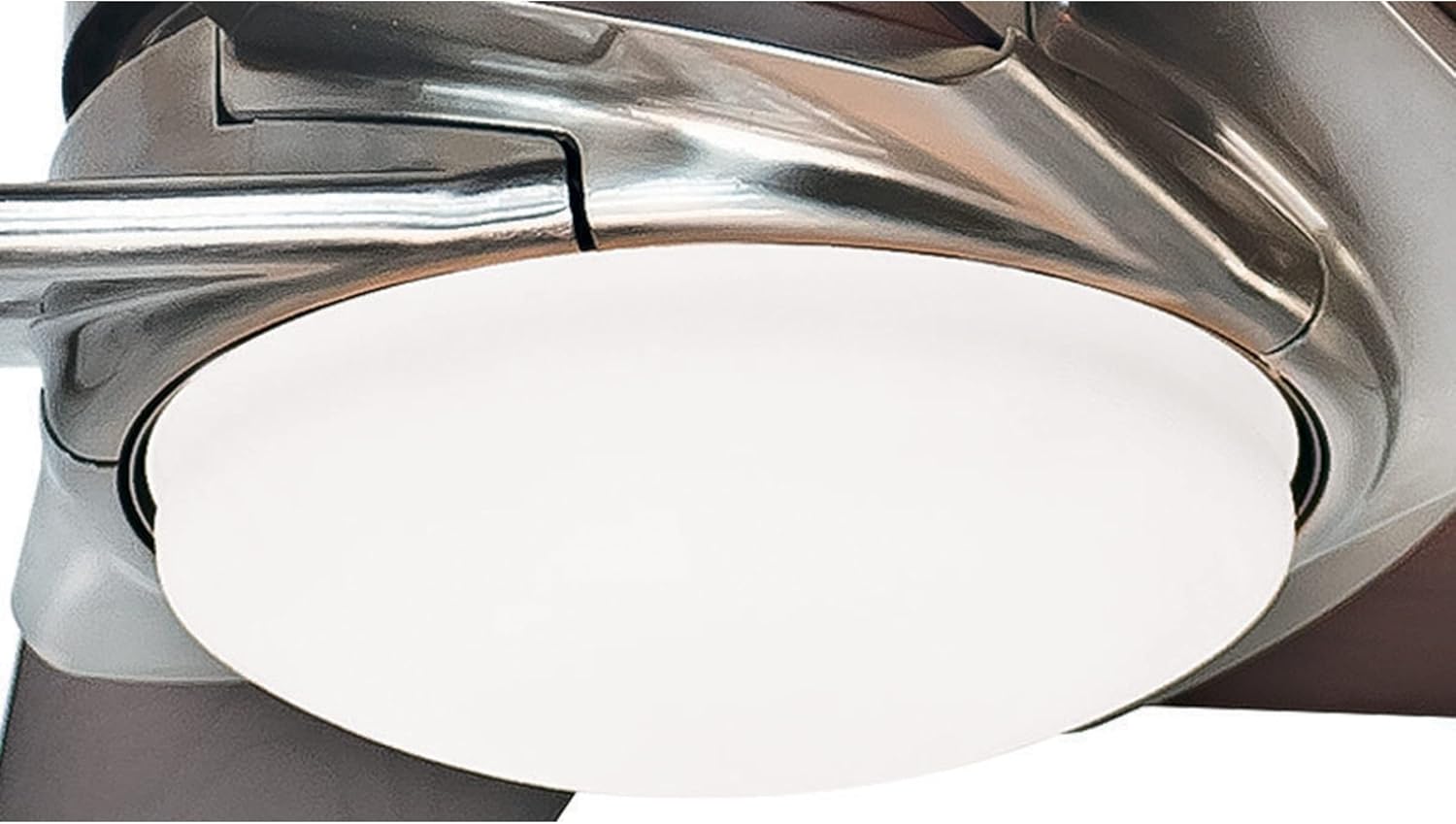
Figure 4: A close-up shot of the integrated LED light kit, showing the sleek diffuser that covers the energy-efficient LED bulbs. This design provides ample illumination while maintaining the fan's modern aesthetic.
5. Operating Instructions
Your Casablanca Stealth fan is operated by a handheld remote control, offering convenient adjustment of fan speed and light settings.
5.1 Remote Control Functions
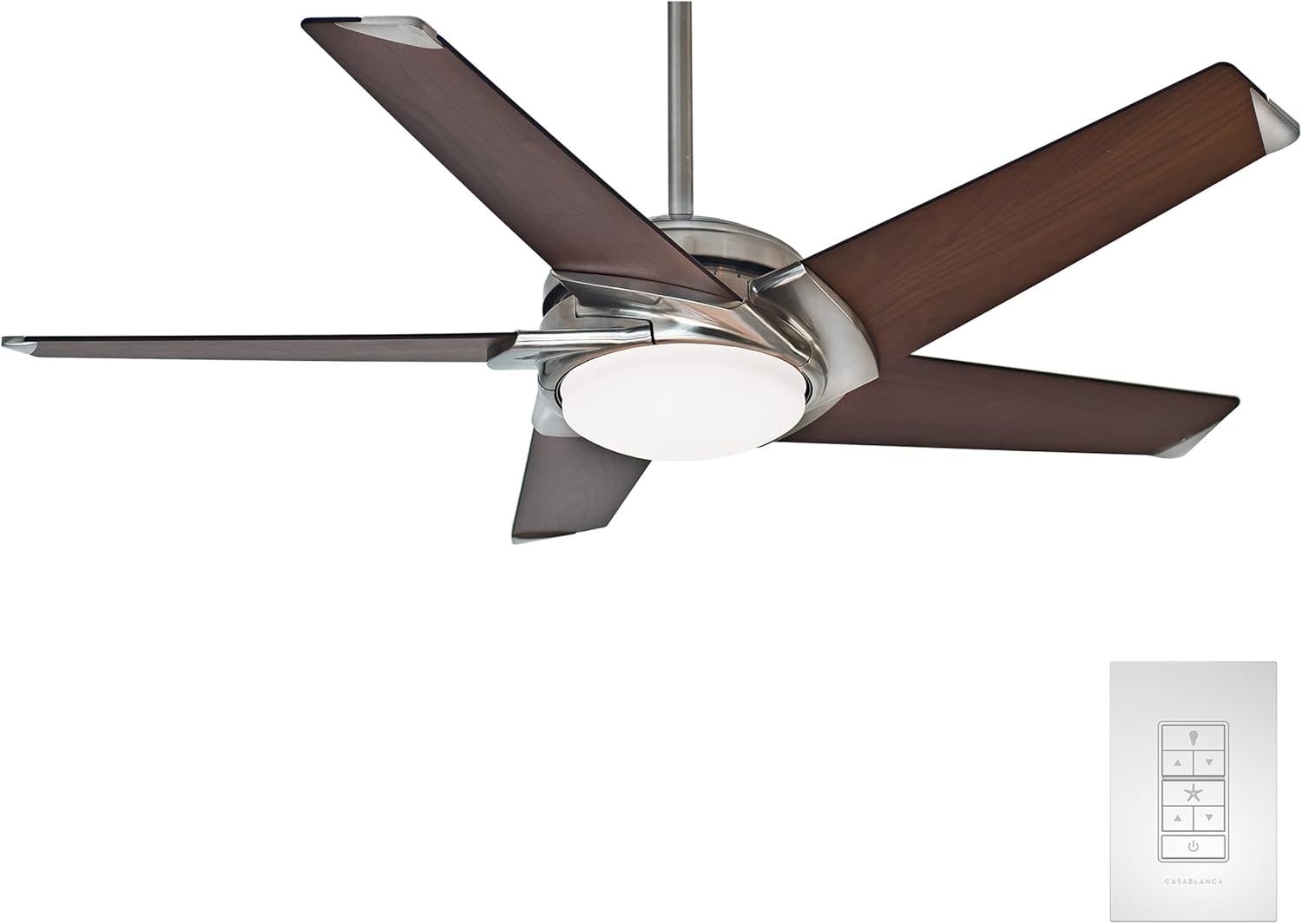
Figure 5: The Hunter Casablanca Stealth 59164 ceiling fan shown with its accompanying handheld remote control. The remote allows for convenient operation of fan speeds and light dimming functions.
- Fan ON/OFF: Press the fan button to turn the fan on or off.
- Fan Speed: Use the speed buttons (typically up/down arrows or numbered buttons) to select one of the 6 available speeds.
- Light ON/OFF/Dimming: Press the light button to turn the light on or off. Hold the light button to dim or brighten the LED light.
- Reverse Function: Locate the reverse switch on the fan motor housing (or a dedicated button on the remote, if applicable). This changes the direction of blade rotation for summer (downward airflow) or winter (upward airflow) operation.
For optimal comfort, use higher speeds in summer to create a cooling breeze and lower speeds in winter to circulate warm air trapped near the ceiling.
6. Maintenance
Regular maintenance ensures the longevity and optimal performance of your ceiling fan.
- Cleaning: Clean the fan periodically with a soft, damp cloth. Do not use abrasive cleaners or solvents. Ensure power is off before cleaning.
- Blade Cleaning: Wipe the fan blades with a soft cloth to remove dust. Dust buildup can cause wobbling and reduce airflow.
- Tighten Fasteners: Periodically check and tighten all screws and fasteners on the fan blades, motor housing, and mounting hardware.
- LED Light: The integrated LED light module is designed for long life and is not user-replaceable. If the light fails, contact Hunter customer service.
7. Troubleshooting
Before contacting customer service, refer to the following common issues and solutions:
| Problem | Possible Cause | Solution |
|---|---|---|
| Fan does not start | No power to the fan; loose wiring; remote control battery dead. | Check circuit breaker. Verify all wiring connections. Replace remote control battery. |
| Fan wobbles | Loose blade screws; unbalanced blades; loose mounting bracket. | Tighten all blade screws. Ensure blades are balanced (use a balancing kit if necessary). Secure mounting bracket. |
| Light does not work | Loose wiring to light kit; LED module failure. | Check light kit wiring connections. Contact customer service if LED module is faulty. |
| Remote control not working | Dead battery; incorrect frequency setting; remote not paired. | Replace battery. Check frequency dip switches on remote and receiver. Re-pair remote if necessary (refer to full manual). |
8. Specifications
Key technical details for the Hunter Casablanca Stealth 59164 ceiling fan:
- Model Number: 59164
- Size: 54 inches
- Blades: 5
- Motor Type: DC Motor
- Speeds: 6
- Light Source: Integrated LED (1700 Lumen)
- Control Method: Remote Control
- Power Source: AC (120 Volts)
- Wattage: 21 watts
- Air Flow Capacity: 6142 Cubic Feet Per Minute (CFM)
- Indoor/Outdoor Usage: Indoor use only
- Item Weight: 15 pounds
- Product Dimensions: 54"D x 54"W x 12.98"H
- Finish: Brushed Nickle
- UPC: 049694591647
- Special Features: LED Light, Remote Controlled
- Efficiency: 190 (Energy Star rated)
9. Warranty and Support
Hunter provides a limited lifetime warranty for the motor of the Casablanca Stealth 59164 ceiling fan. For specific details regarding warranty coverage and to register your product, please visit the official Hunter website or refer to the warranty card included in your package.
For technical assistance, replacement parts, or any other inquiries, please contact Hunter customer support:
- Online Support: www.hunterfan.com/support
- Phone Support: Refer to the contact information provided on the Hunter website or in your product packaging.
Please have your model number (59164) and proof of purchase ready when contacting support.
10. Hunter Quality and Testing
Hunter is committed to producing high-quality, reliable ceiling fans. Our products undergo rigorous testing to ensure safety, durability, and performance that exceeds industry standards. This includes extensive testing of electronic components, fan blades, and resistance to environmental factors.
Video 1: Hunter - A Leader in Quality Through Testing & Certification. This video demonstrates Hunter's rigorous testing procedures, including blade iron shake tests, accelerated life tests for electronic components, and CFM tests to ensure optimal airflow and product longevity. It highlights the company's commitment to exceeding industry standards for safety and reliability.
Video 2: Why Choose Hunter? Quality, Innovation, Long Lasting. This video showcases the benefits of Hunter ceiling fans, emphasizing their wobble-free operation, whisper-quiet performance, and long-lasting durability, all backed by Hunter's commitment to quality and innovation.


