
1. Introduction
The DGT 3000 is an advanced digital game timer designed for various board games, including chess. It offers a wide range of timing options, including 25 factory presets and 5 user-customizable slots, making it suitable for both casual and professional play. This manual provides detailed instructions for setting up, operating, and maintaining your DGT 3000 timer.

Figure 1.1: Front view of the DGT 3000 Spel Timer, displaying time for two players and control buttons.
2. Key Features
- 25 factory preset options for quick and easy use.
- Fide / Fischer / Bronstein modes standard variants.
- Large display with enhanced information visibility.
- Easy-to-use interface.
- Move-timer function: allocates a specific time for each individual move.
- Game-timer function: allocates a total reflection time for the entire game.
- Game-END-display: clearly indicates the end of a game.
- Optional acoustic warning signal for imminent time expiry.
- Ability to correct time and move counters during a match.
- Settings for bonus and delay time controls.
- Connection port for DGT e-board for online or PC games.
- Individual time setting capability for each player.
- Saves all manual settings for future use.
- Low battery warning indicator.
- Extreme energy efficiency.
- Dimensions: 155 x 115 x 65 mm.
3. Package Contents
Upon opening the package, verify that all components are present and undamaged. The standard package for the DGT 3000 includes:
- DGT 3000 Spel Timer unit (Red plastic case)
- 2 x AA 1.5V Batteries (included)
- Instruction Manual (available in English, French, Spanish, Dutch, German, and Russian)

Figure 3.1: Retail packaging of the DGT 3000 Spel Timer.

Figure 3.2: Back of the DGT 3000 packaging, showing the UPC (8717662821431) and serial number.
4. Setup
4.1 Battery Installation
- Locate the battery compartment on the underside of the DGT 3000 timer.
- Open the battery compartment cover.
- Insert two (2) AA 1.5V batteries, ensuring correct polarity (+/-) as indicated inside the compartment.
- Close the battery compartment cover securely.
The timer is designed for extreme energy efficiency, providing extended battery life.
4.2 Initial Power On
After installing the batteries, turn on the timer using the power switch, typically located on the bottom or side of the unit. The display should illuminate, indicating the timer is ready for use.
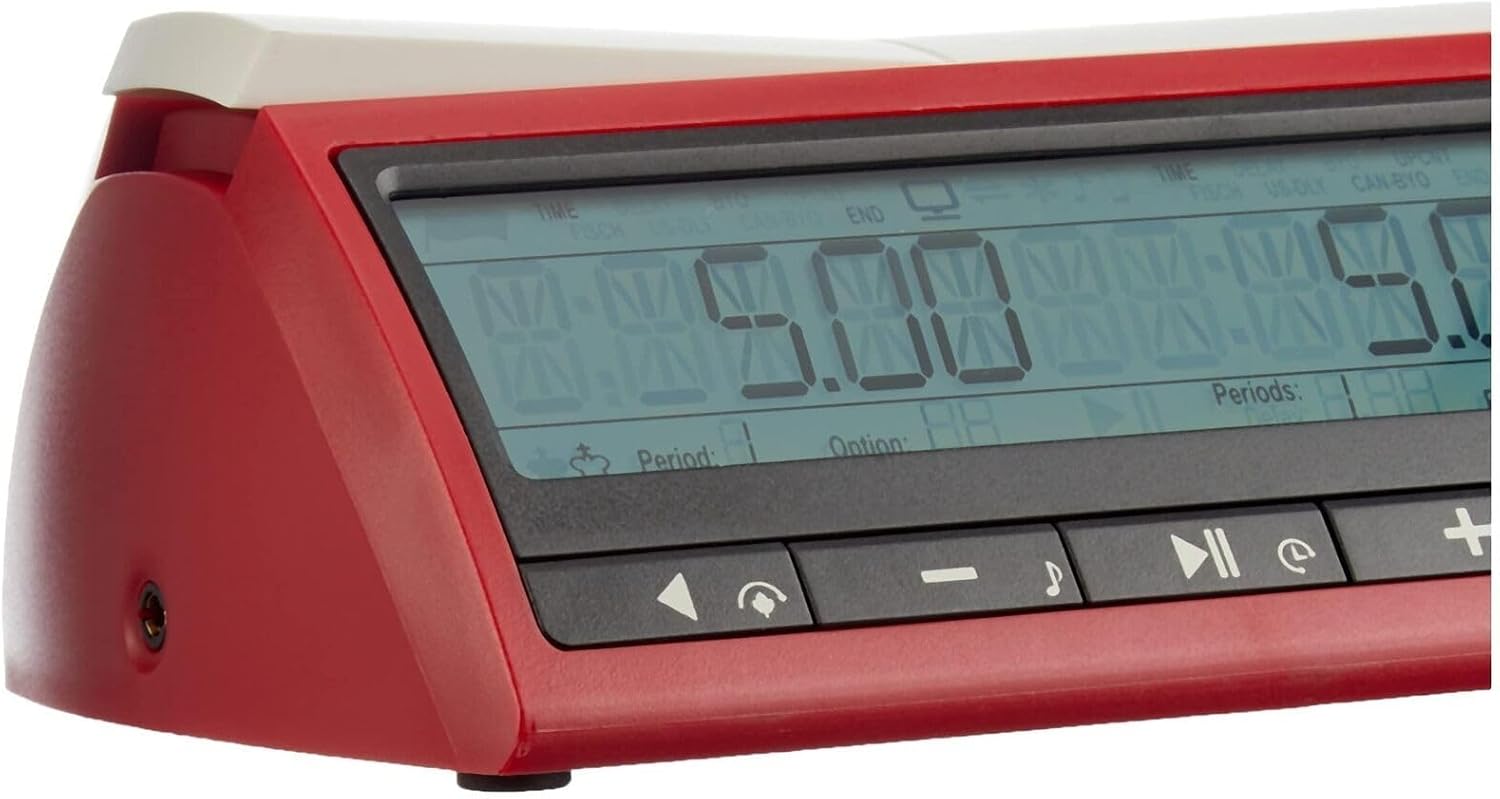
Figure 4.1: Side view of the DGT 3000, showing the power input port.
5. Operating Instructions
The DGT 3000 offers a comprehensive set of features for various timing scenarios. Refer to the detailed manual included in the package for specific button functions and advanced programming.
5.1 Basic Operation and Presets
- Selecting Presets: The timer comes with 25 factory preset options. Use the navigation buttons (usually indicated by arrows or specific mode buttons) to cycle through these presets. The large display will show the selected mode and time settings.
- Starting/Pausing: Press the lever arm or designated start/pause button to begin or temporarily halt the timer.
- Switching Players: After a player completes their move, press their side of the lever arm to stop their clock and start the opponent's clock.
Figure 5.1: The DGT 3000 display and control buttons.
5.2 Custom Settings and Advanced Features
- User-Defined Settings: The DGT 3000 allows for 5 individual time settings to be programmed and saved. Consult the full manual for detailed instructions on how to enter and save custom time controls, including bonus and delay settings.
- Fide / Fischer / Bronstein Modes: These standard timing variants are pre-programmed. Select them from the preset options.
- Move-Timer and Game-Timer: The timer supports both move-based and game-based timing. The display provides clear information regarding the current period and options.
- Acoustic Warning: An optional acoustic warning signal can be activated to alert players of imminent time expiry.
- Corrections: Time and move counter corrections are possible during a match, allowing for adjustments in case of errors.
- DGT e-board Connection: The timer features a connection port for DGT e-boards, enabling integration with online or PC games.
- Individual Time Setting: Each player's time can be set individually, offering flexibility for different game scenarios.
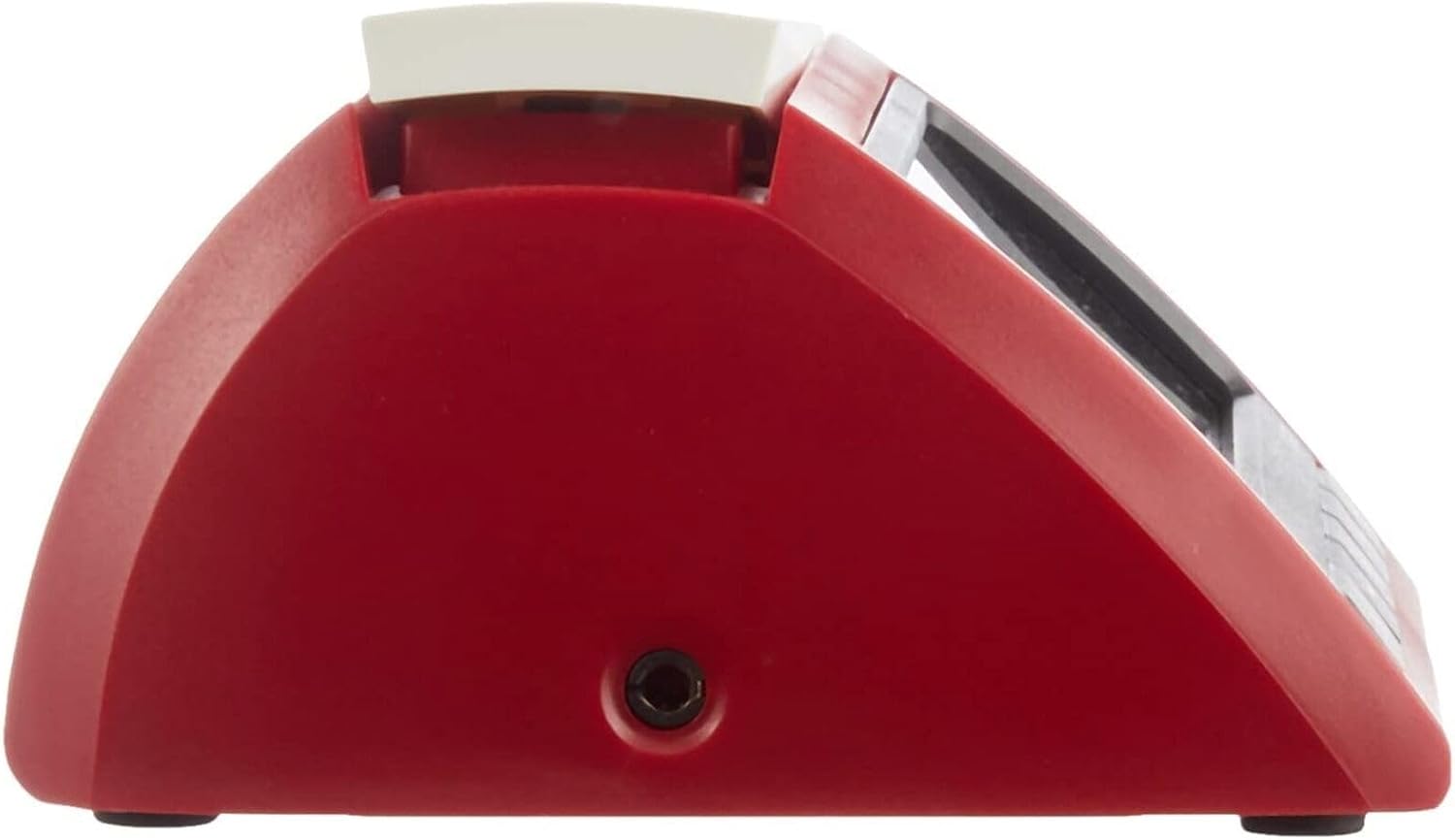
Figure 5.2: Packaging highlighting key features in multiple languages, including 25 presets and 5 customizable slots.
6. Maintenance
- Cleaning: Wipe the timer with a soft, dry cloth. Avoid using abrasive cleaners or solvents, which may damage the plastic case or display.
- Battery Replacement: When the low battery warning appears on the display, replace both AA batteries promptly to ensure continuous operation and prevent data loss for saved settings.
- Storage: Store the timer in a cool, dry place away from direct sunlight and extreme temperatures. If storing for an extended period, it is recommended to remove the batteries.
7. Troubleshooting
| Problem | Possible Cause | Solution |
|---|---|---|
| Timer does not power on. | Batteries are incorrectly installed or depleted. | Check battery polarity. Replace with fresh AA batteries. Ensure the power switch is in the 'ON' position. |
| Display is dim or flickering. | Low battery power. | Replace both AA batteries. |
| Settings are not saving. | Incorrect saving procedure or low battery. | Refer to the full manual for detailed instructions on saving custom settings. Ensure batteries are not low. |
| Acoustic warning not sounding. | Feature is disabled or volume is too low. | Check the timer's settings to ensure the acoustic warning is enabled. |
8. Specifications
- Model: DGT 3000 (Philos 4695)
- Case Material: Plastic
- Color: Red
- Dimensions (L x W x H): 155 x 115 x 65 mm (approximately 6.1 x 4.5 x 2.5 inches)
- Product Dimensions (Packaging): 11.02"D x 11.02"W x 5.12"H
- Screen Size: 3 Inches
- Power Source: 2 x AA 1.5V batteries (included)
- Number of Presets: 25 factory presets
- User-Customizable Slots: 5
- Connectivity: DGT e-board connection port
- UPC: 8717662821431

Figure 8.1: Approximate dimensions of the DGT 3000 timer as held in hand.
9. Warranty and Support
The DGT 3000 Spel Timer comes with a 5-year warranty, as indicated on the product packaging. For warranty claims or technical support, please refer to the contact information provided in the full instruction manual or visit the official Philos/DGT website.
For additional information and resources, you may visit the manufacturer's website: digitalgametechnology.com.