
Yale Y150/22/120/2
Yale Y150/22/120/2 3-Dial Combination Padlock Instruction Manual
Model: Y150/22/120/2
Introduction
This manual provides essential instructions for the setup, operation, and maintenance of your Yale Y150/22/120/2 3-Dial Combination Padlock. This keyless padlock is designed for various security applications, offering a user-settable combination for convenience and peace of mind.
Product Features
- Keyless Security: Eliminates the need for keys, providing convenience for securing luggage, gym lockers, toolboxes, and other personal items.
- Durable Construction: Features a solid brass body and a robust steel shackle for enhanced resistance and longevity.
- User-Settable Combination: Allows you to personalize your security code with a memorable 3-digit combination.
- Versatile Application: Suitable for a wide range of indoor and outdoor security needs.
Setup: Setting Your Combination
Your Yale Y150/22/120/2 padlock comes with a factory preset combination of 0-0-0. Follow these steps to set your personal combination:
- Open the padlock by aligning the factory preset combination (0-0-0) with the indicator line and pulling up the shackle.
- Rotate the shackle 90 degrees (a quarter turn) counter-clockwise from its open position.
- With the shackle rotated, push it down firmly into the padlock body.
- While holding the shackle down, set your desired 3-digit combination by rotating the dials. Choose a memorable combination.
- Once your new combination is set, pull the shackle up to release it from the pushed-down position.
- Rotate the shackle back 90 degrees clockwise to its original open position.
- Push the shackle down to lock the padlock. Scramble the dials to secure your new combination.
Important: Make sure to remember your new combination. There is no master key or override function to reset the combination if forgotten.

Image: Two Yale Y150/22/120/2 3-Dial Combination Padlocks. The dials are visible, showing the default 0-0-0 combination. The brass body and steel shackle are clearly depicted.
Operating Instructions
To Open the Padlock:
- Align your personal 3-digit combination with the indicator line on the padlock body.
- Pull the shackle upwards to release it from the locked position.
To Close and Secure the Padlock:
- Ensure the shackle is fully inserted into the padlock body.
- Scramble the dials to a random set of numbers. This secures the padlock and prevents unauthorized opening.

Image: A hand demonstrating the use of the Yale combination padlock by securing it to a green locker door. The padlock is closed, and the dials are scrambled, indicating it is locked.
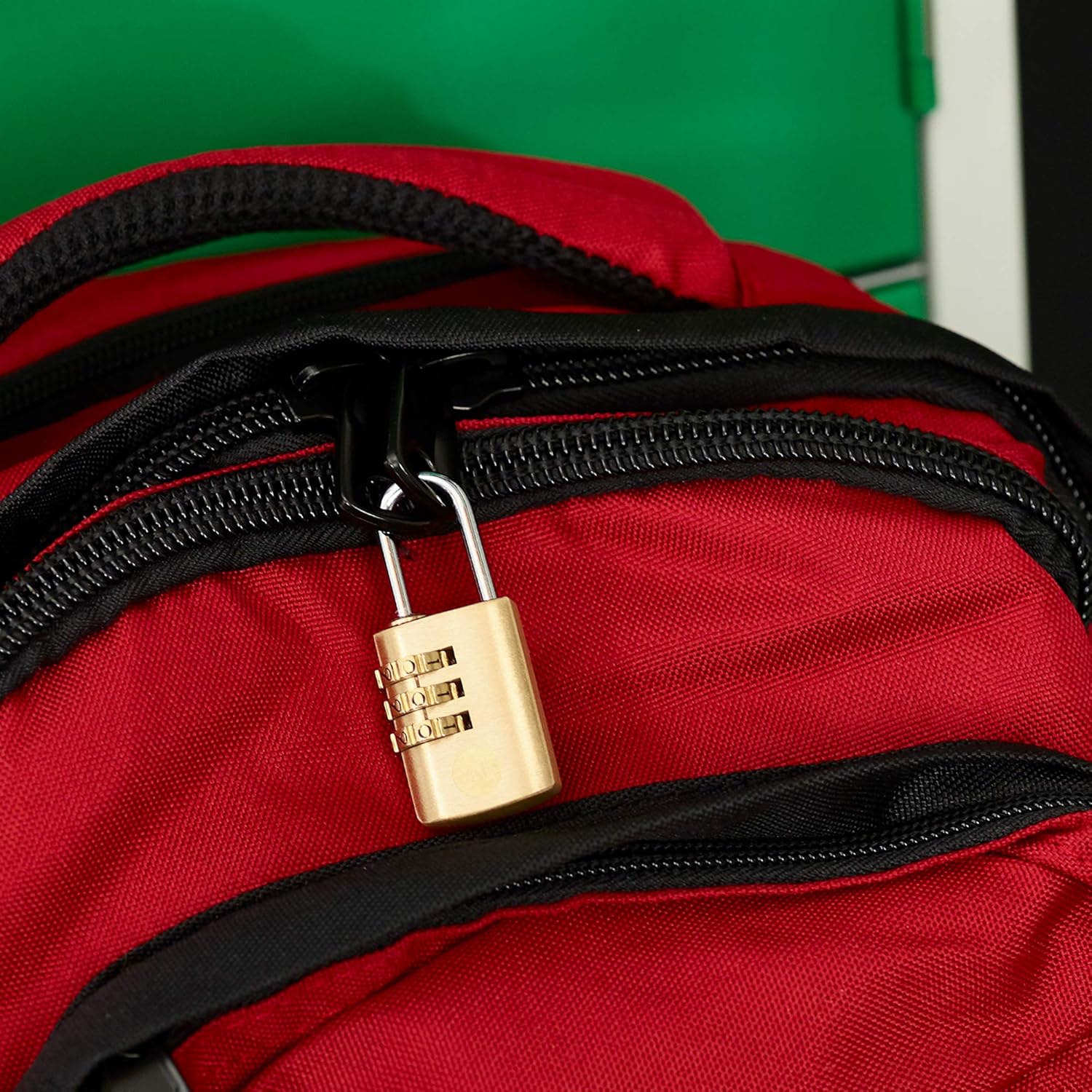
Image: The Yale combination padlock attached to the zipper of a red backpack, illustrating its use for securing personal belongings.
Maintenance
- Keep the padlock clean and free from dirt or debris, especially around the dials and shackle mechanism.
- Periodically apply a small amount of lubricant (e.g., silicone spray) to the shackle and dial mechanisms to ensure smooth operation. Avoid oil-based lubricants that can attract dust.
- Store the padlock in a dry environment to prevent corrosion, particularly if not in regular use.
Troubleshooting
Padlock Will Not Open with Combination:
- Ensure the combination is correctly aligned with the indicator line. Double-check each digit.
- Verify that you are using the correct combination. If you recently changed it, try the new combination.
- Check for any debris or foreign objects obstructing the dials or shackle mechanism.
- Apply a small amount of lubricant to the dials and shackle, then try again.
Dials Are Stiff or Hard to Turn:
- Clean the dials thoroughly to remove any accumulated dirt or grime.
- Apply a suitable lubricant to the dial mechanisms.
Note: If the combination is forgotten, the padlock cannot be reset or opened without the correct code. Yale combination padlocks do not have a master key or factory reset function for forgotten combinations.
Specifications
| Feature | Detail |
|---|---|
| Brand | Yale |
| Model Number | Y150/22/120/2 |
| Lock Type | 3-Dial Combination Lock |
| Material | Brass Body, Steel Shackle |
| Shackle Diameter | 3 mm |
| Body Width | 23 mm |
| Body Height | 33 mm |
| Overall Dimensions (L x W x H) | 0.39 x 0.87 x 2.2 inches (approx. 10 x 22 x 56 mm) |
| Item Weight | 0.1 Kilograms (3.52 ounces) |
| Special Feature | Keyless Operation |
| Included Components | 1x Padlock; 1x Manual (per piece in set) |

Image: A technical diagram illustrating the dimensions of a Yale Y150B/22/120/1 padlock, which is similar in design to the Y150/22/120/2. Key measurements such as body width (23mm), body height (33mm), shackle diameter (3mm), and shackle height (22mm) are indicated.
Warranty and Support
For information regarding warranty coverage, technical support, or to contact customer service, please refer to the official Yale website or the contact details provided with your purchase documentation. Keep your proof of purchase for warranty claims.
Related documentsY150/22/120/2


Ask a question about this manual
Ask about setup, troubleshooting, compatibility, parts, safety, or missing instructions. Manuals+ will review the question and use this page’s manual context to help answer it.