
1. Product Overview
This manual provides detailed instructions for the safe operation, maintenance, and assembly of the Jet JPM-13CS Wood Planer/Molder. It includes essential information regarding parts, specifications, and troubleshooting to ensure optimal performance and longevity of your machine.
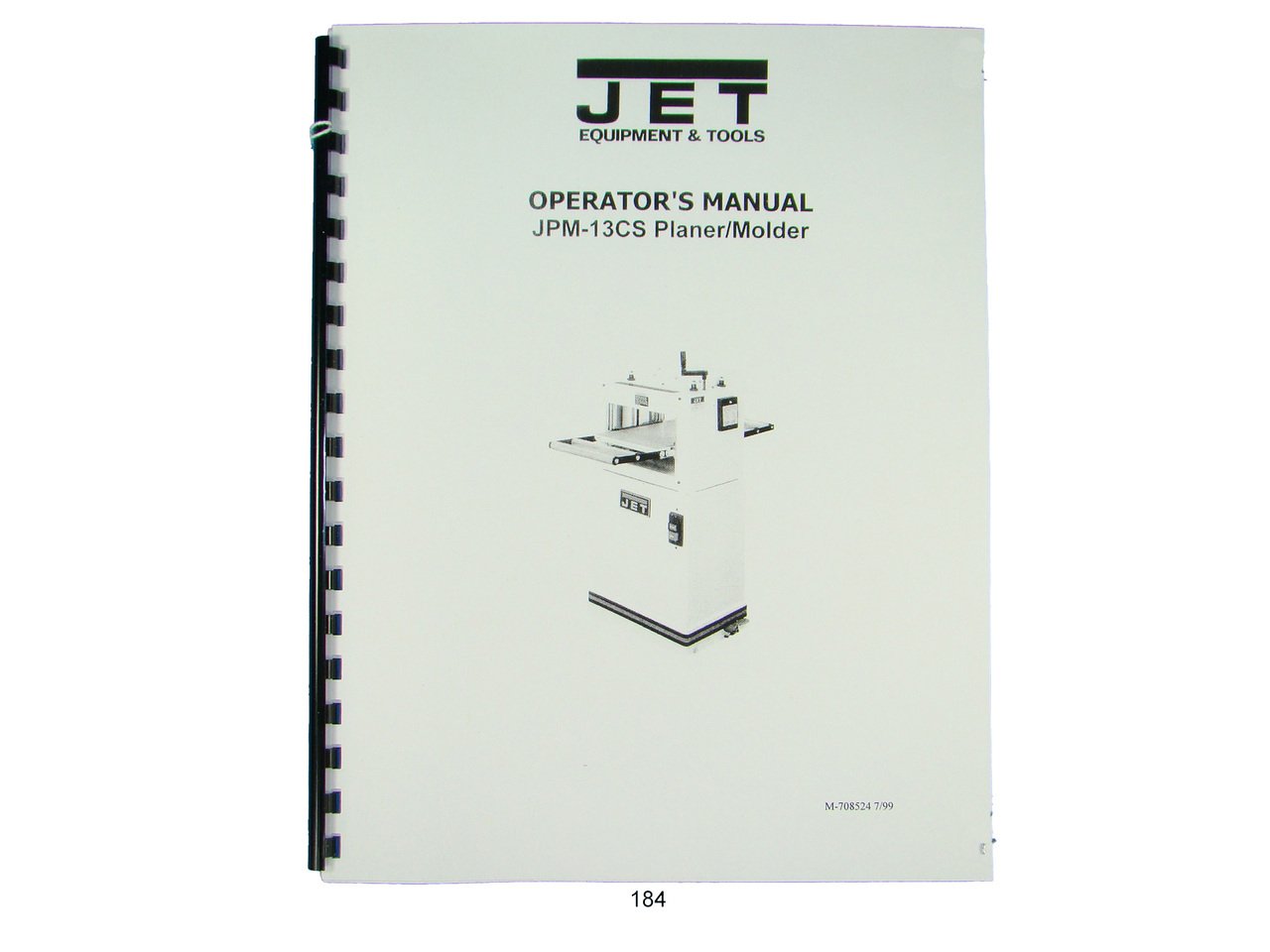
This image displays the cover of the Jet JPM-13CS Wood Planer/Molder instruction manual, providing a visual reference for the document.
2. Safety Instructions
Always prioritize safety when operating the Jet JPM-13CS Wood Planer/Molder. Failure to follow these instructions may result in serious injury or damage to the machine.
- Read the entire manual: Understand all operating procedures and safety warnings before use.
- Wear appropriate personal protective equipment (PPE): This includes safety glasses, hearing protection, and dust masks.
- Ensure a clean and well-lit work area: Cluttered or dark areas invite accidents.
- Keep children and bystanders away: Do not allow unauthorized persons near the machine during operation.
- Disconnect power before servicing: Always unplug the machine before making adjustments, changing accessories, or performing maintenance.
- Use the correct power supply: Ensure the machine is connected to a power source that matches its specifications.
- Secure workpiece: Always ensure the material being planed or molded is properly secured.
- Never force the machine: Allow the machine to work at its intended speed.
3. Parts List
A comprehensive list of all components and their corresponding part numbers is provided within the detailed manual. This section is crucial for identifying parts for assembly, maintenance, or replacement. Refer to the exploded diagrams and accompanying tables for specific component identification.
4. Assembly
The Jet JPM-13CS Wood Planer/Molder requires some assembly before initial use. Follow these general steps, referring to the detailed diagrams in the full manual for precise instructions:
- Unpack all components: Carefully remove all parts from the packaging and verify against the parts list.
- Attach the stand (if applicable): Securely fasten the machine to its designated stand or workbench.
- Install dust collection hood: Connect the dust collection hood to the machine and ensure it is properly sealed.
- Mount infeed and outfeed tables: Attach and align the extension tables according to the instructions.
- Perform initial checks: Ensure all fasteners are tightened and moving parts operate freely.
5. Setup
Proper setup is essential for accurate and safe operation. Before starting the machine, ensure the following:
- Work area preparation: Clear the area of debris and ensure adequate space for material handling.
- Electrical connection: Connect the machine to a grounded power outlet matching the voltage and amperage requirements.
- Dust collection system: Connect and activate a suitable dust collection system.
- Table height adjustment: Adjust the infeed and outfeed tables to the desired height for planing or molding operations.
- Cutterhead inspection: Verify that the planer knives are sharp, clean, and properly installed.
6. Operation
Operating the Jet JPM-13CS requires attention to detail and adherence to safety guidelines. This section outlines general operational procedures.
6.1 Planing Operation
- Set depth of cut: Adjust the planer table to achieve the desired material thickness. Avoid excessively deep cuts.
- Prepare workpiece: Ensure the wood is free of foreign objects (nails, screws) and has a relatively flat surface.
- Feed material: With the machine running, gently feed the workpiece into the infeed table, keeping it flat against the table and fence.
- Maintain consistent feed rate: Allow the power feed rollers to pull the material through. Do not force or stop the workpiece mid-pass.
- Collect finished material: Support the workpiece as it exits the outfeed table.
6.2 Molding Operation
Refer to the detailed manual for specific instructions on installing molding knives and setting up for various molding profiles. This typically involves:
- Installing appropriate molding knives.
- Adjusting the fence and depth settings for the desired profile.
- Following similar feeding procedures as planing, with careful attention to workpiece support.
7. Maintenance
Regular maintenance ensures the longevity and safe operation of your JPM-13CS. Always disconnect power before performing any maintenance.
- Clean after each use: Remove sawdust and debris from the machine, especially around the cutterhead and feed rollers.
- Lubricate moving parts: Apply appropriate lubricant to gears, chains, and other moving components as specified in the manual.
- Inspect belts and pulleys: Check for wear, tension, and alignment. Replace worn belts promptly.
- Check electrical connections: Ensure all wiring is secure and free from damage.
- Table waxing: Periodically apply a non-silicone wax to the planer tables to reduce friction and prevent rust.
8. Knife Replacement
Dull or damaged knives can affect cut quality and machine performance. Replace knives as follows:
- Disconnect power: Ensure the machine is unplugged.
- Access cutterhead: Remove the cutterhead guard or cover as instructed in the manual.
- Loosen knife gib screws: Carefully loosen the screws holding the knives in place.
- Remove old knives: Use a wooden block or specialized tool to gently tap out the old knives. Handle sharp edges with extreme caution.
- Clean knife seats: Thoroughly clean the knife seats to ensure new knives sit flush.
- Install new knives: Insert new knives, ensuring they are correctly oriented and set to the proper height using a knife-setting jig or gauge.
- Tighten gib screws: Securely tighten the gib screws, working from the center outwards, ensuring even pressure.
- Reassemble and test: Replace guards and perform a test cut on scrap material.
9. Troubleshooting
This section addresses common issues you might encounter with your JPM-13CS Wood Planer/Molder.
| Problem | Possible Cause | Solution |
|---|---|---|
| Poor cut quality (tear-out, snipe) | Dull knives, incorrect knife height, improper feed rate, unsupported workpiece. | Replace/sharpen knives, adjust knife height, reduce feed rate, ensure proper infeed/outfeed support. |
| Machine not starting | No power, tripped circuit breaker, faulty switch. | Check power connection, reset breaker, inspect switch. |
| Excessive vibration/noise | Unbalanced cutterhead, loose components, worn bearings. | Inspect cutterhead for debris/damage, tighten fasteners, consult service technician for bearing replacement. |
| Material not feeding | Worn feed rollers, incorrect roller pressure, excessive depth of cut. | Clean/replace feed rollers, adjust roller pressure, reduce depth of cut. |
10. Specifications
Key specifications for the Jet JPM-13CS Wood Planer/Molder are provided below. For a complete list, refer to the detailed manual.
- Model: JPM-13CS
- Publisher: Jet
- Approximate Item Weight: 8 ounces (for manual)
- Publication Date: January 1, 1960 (for manual)
11. Warranty and Support
For information regarding product warranty, technical support, or to order replacement parts, please refer to the official Jet website or contact their customer service department. Keep your purchase receipt and model number (JPM-13CS) readily available when seeking support.


