
Introduction
Thank you for choosing the Escali US200L Ultra Slim Easy Read Digital Bathroom Scale. This manual provides essential information for the proper setup, operation, and maintenance of your new scale. Designed for accuracy and ease of use, this scale features an extra-large, backlit display and a low-profile platform for stability.
Key features include:
- Ultra Slim Design: Easy to step on with a low center of gravity for enhanced stability.
- High Capacity: Supports up to 440 lb (200 kg).
- Instant On Technology: Automatically activates when you step onto the platform.
- Extra-Large Backlit Display: A 5.5 x 2.375 inch display with high contrast for easy reading in any lighting condition.
- Display Hold: Keeps weight measurements visible for 10 seconds after stepping off the scale.
- Automatic Shut-off: Conserves and extends battery life.

Image: Escali US200L scale highlighting its modern design, bright display, easy readability, and lightweight, durable construction.
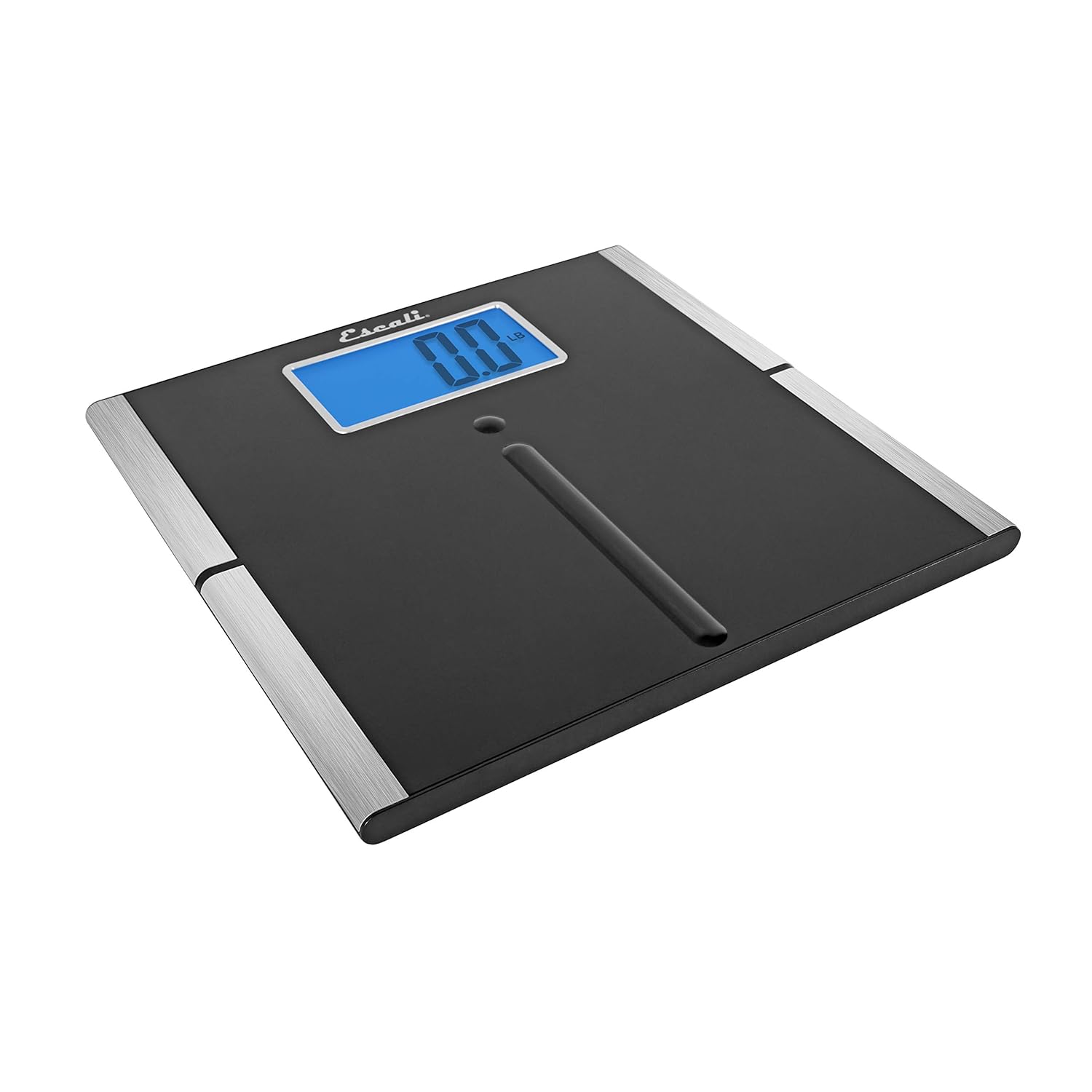
Image: A full view of the Escali US200L digital bathroom scale, showcasing its sleek black platform and silver accents.
Setup
1. Battery Installation
Your Escali US200L scale requires 4 AAA batteries, which are included. To install or replace batteries:
- Locate the battery compartment on the underside of the scale.
- Open the battery compartment cover.
- Insert the 4 AAA batteries, ensuring correct polarity (+/-).
- Close the battery compartment cover securely.
2. Scale Placement
For accurate readings, place the scale on a hard, flat surface. Avoid placing the scale on carpet or uneven flooring, as this can affect measurement accuracy.
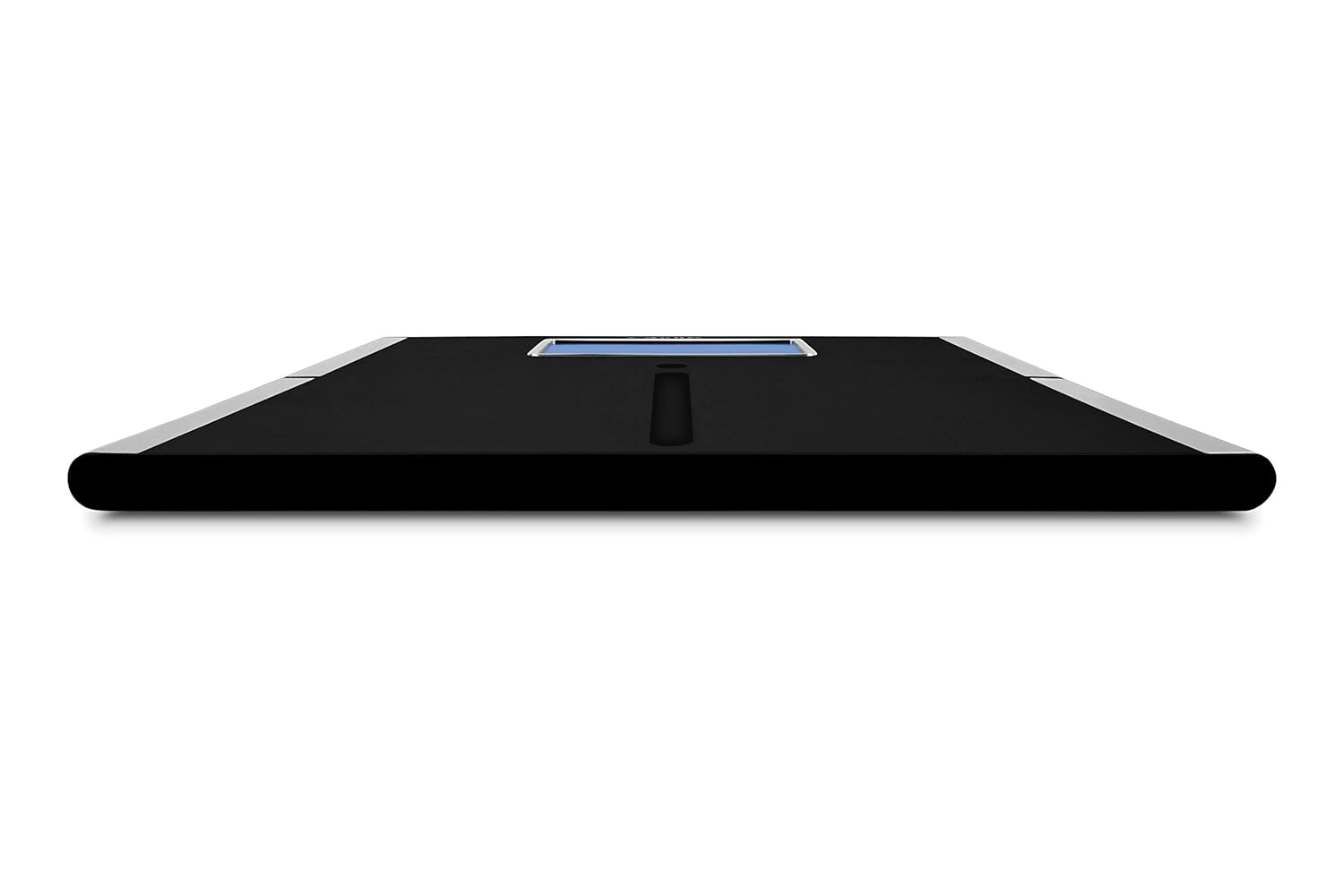
Image: The ultra-slim profile of the Escali US200L scale, designed for easy and safe stepping.
3. Initial Calibration
Before first use or after moving the scale, it is recommended to perform an initial calibration:
- Gently step onto the scale until the display activates.
- Step off the scale and allow it to turn off automatically.
- The scale is now calibrated and ready for use.
Operating Instructions
Taking a Measurement
The Escali US200L scale features "Instant On" technology for quick and easy measurements:
- Ensure the scale is on a hard, flat surface.
- Gently step onto the center of the scale platform. The display will activate automatically.
- Stand still until your weight is displayed and stabilizes.
- The "Display Hold" feature will keep your weight visible for approximately 10 seconds after you step off the scale, allowing for easy reading.
- The scale will automatically turn off after a short period of inactivity to conserve battery life.

Image: A user standing on the scale, with the extra-large backlit display showing a clear weight reading.
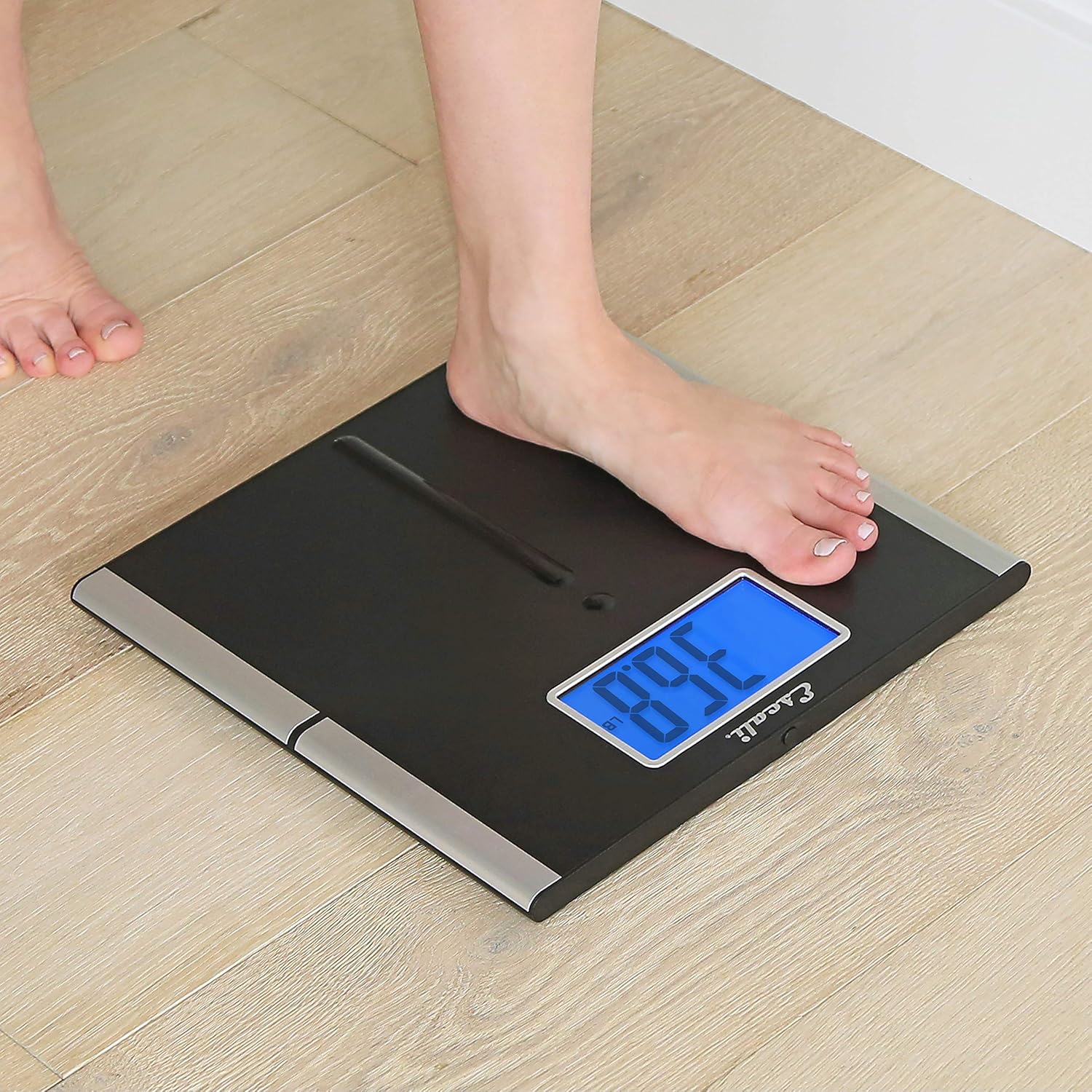
Image: The Display Hold feature in action, showing the weight measurement remaining on screen after the user has stepped off.
Changing Weight Units
The Escali US200L scale can display weight in pounds (lb), kilograms (kg), or stones (st). To change the unit of measurement:
- Locate the unit conversion button on the underside of the scale, usually near the battery compartment.
- Press the button to cycle through the available units (lb, kg, st).
- The selected unit will be indicated on the display during your next measurement.
Video: Official product video demonstrating the features and use of the Escali US200L scale, including its sleek design, instant-on technology, and extra-large backlit display.
Maintenance
Cleaning
To keep your scale in optimal condition:
- Wipe the scale surface with a soft, damp cloth or a microfiber cloth.
- Avoid using abrasive cleaners or submerging the scale in water.
Battery Care
- Replace batteries when the low battery indicator appears on the display.
- Remove batteries if the scale will not be used for an extended period to prevent leakage.
Troubleshooting
| Problem | Possible Cause | Solution |
|---|---|---|
| Inaccurate or inconsistent readings | Scale on uneven surface or carpet; not properly calibrated; scale moved between measurements. | Place scale on a hard, flat surface. Perform initial calibration by stepping on and off the scale. Avoid moving the scale between measurements. |
| Display is blank or not turning on | Low or dead batteries; incorrect battery installation. | Replace batteries with new AAA batteries, ensuring correct polarity. |
| "Lo" or "Err" message on display | Low battery; overload (weight exceeds 440 lb/200 kg). | Replace batteries. Ensure weight does not exceed the maximum capacity. |
Specifications
- Model: US200L
- Brand: Escali
- Weight Capacity: 440 lb (200 kg)
- Display Type: LCD with Backlight
- Power: 4 x AAA Batteries (included)
- Product Dimensions: 13 x 1.5 x 13 inches
- Item Weight: 2 pounds
- Material: Black platform with Silver Trim
- Special Features: Instant On, Display Hold, Auto Shut Off
Warranty and Support
For warranty information, product support, or to view other Escali products, please visit the official Escali store or contact customer service.


