
1. Introduction
This manual provides detailed instructions for the installation, operation, and maintenance of your CORNAT SPK1100 Cistern Triton. This low-level cistern features a 2-level flushing system, allowing for adjustable flush water quantities of 6-9 litres or 3-4.5 litres. It is fully insulated and designed for a 3-side connection option. Please read these instructions carefully before beginning installation or use to ensure proper function and longevity of the product.
2. Safety Information
- Always turn off the main water supply before beginning any installation or maintenance work.
- Ensure all connections are secure and watertight to prevent leaks.
- If you are unsure about any step, consult a qualified plumber.
- Keep small parts out of reach of children.
- Do not use abrasive cleaners or tools that could damage the plastic surface of the cistern.
3. Setup and Installation
The CORNAT SPK1100 Cistern is designed for straightforward installation. Ensure you have the necessary tools, such as a drill, screwdriver, wrench, and measuring tape, before you begin.
3.1 Components Overview
Familiarize yourself with the cistern's components before installation. The cistern includes a fill valve, flush mechanism, chrome-plated corner valve, chrome-plated copper pipe, flush pipe bend, and all necessary accessories for assembly and connection.

Figure 3.1: Exploded view of the CORNAT SPK1100 Cistern components and installation steps. This diagram illustrates the various parts and their assembly sequence, including wall mounting, water inlet connection, and flush pipe attachment.
3.2 Installation Steps
- Prepare Mounting Location: Identify the desired mounting position for the cistern. Mark the drilling points on the wall according to the dimensions provided in the installation diagram (Figure 3.1). Ensure the cistern is level.
- Drill Holes and Insert Plugs: Using a Ø 6 mm drill bit, drill the marked holes. Insert appropriate wall plugs.
- Attach Mounting Brackets: Secure the cistern's mounting brackets to the wall using the provided screws.
- Connect Water Supply: The cistern offers a 3-side connection option for the water inlet. Connect the chrome-plated corner valve (with push-on rosette) to your water supply line. Then, connect the chrome-plated copper pipe (Ø 10 mm) from the corner valve to the cistern's fill valve. Ensure all connections are tightened securely to prevent leaks. The fill valve is DIN / KIWA and LGA tested, noise class 1.
- Install Flush Pipe: Attach the flush pipe bend (Ø 50 x 44 mm; 210 x 200 mm) to the cistern's outlet. Connect the other end of the flush pipe bend to the toilet bowl's inlet using the flush pipe connector. Ensure a tight seal.
- Mount Cistern: Carefully hang the cistern onto the wall mounting brackets. Secure it in place as per the diagram.
- Install Lid and Flush Buttons: Place the cistern lid on top. Install the flush buttons into their designated slots on the lid.
- Restore Water Supply: Slowly turn on the main water supply and check for any leaks. Allow the cistern to fill.
4. Operating Instructions
The CORNAT SPK1100 Cistern features a dual-flush mechanism for water conservation.

Figure 4.1: Close-up of the dual-flush buttons. The smaller button activates a reduced flush volume, while the larger button activates a full flush volume.
4.1 Dual-Flush Function
- Reduced Flush (3-4.5 litres): Press the smaller flush button (as shown in Figure 4.1) for a reduced water volume flush, suitable for liquid waste.
- Full Flush (6-9 litres): Press the larger flush button (as shown in Figure 4.1) for a full water volume flush, suitable for solid waste.
4.2 Adjusting Flush Volume
The flush water quantity for both full and reduced flushes is adjustable. Refer to the internal mechanism instructions (typically found on the flush valve itself or within the detailed installation diagram) for specific steps on how to adjust the float and overflow tube to set your desired 6-9 litres or 3-4.5 litres flush volumes.

Figure 4.2: Front view of the CORNAT SPK1100 Cistern, showcasing its compact and clean design.
5. Maintenance
Regular maintenance ensures optimal performance and extends the life of your cistern.
5.1 Cleaning
- Clean the exterior of the cistern with a soft cloth and mild, non-abrasive cleaning solution.
- Avoid harsh chemicals or abrasive pads, as these can scratch or damage the plastic surface.
- For internal cleaning, periodically remove the cistern lid and gently clean any mineral deposits or debris from the fill valve and flush mechanism.
5.2 Fill Valve
The fill valve is DIN / KIWA and LGA tested, ensuring high quality and quiet operation (noise class 1). If you experience issues with the cistern not filling or continuously running, inspect the fill valve for obstructions or wear. Replacement parts are available from CORNAT or authorized dealers.
6. Troubleshooting
Here are some common issues and their potential solutions:
| Problem | Possible Cause | Solution |
|---|---|---|
| Cistern not filling | Water supply off; clogged fill valve; faulty fill valve. | Check water supply; clean fill valve; replace fill valve. |
| Cistern continuously running | Flush valve seal worn; float level too high; debris in flush valve. | Inspect/replace flush valve seal; adjust float level; clean flush valve. |
| Weak flush | Water level too low; obstruction in flush pipe. | Adjust fill valve to increase water level; check and clear flush pipe. |
| Leaks from connections | Loose connections; worn washers/seals. | Tighten connections; replace washers/seals. |
7. Specifications
Technical details for the CORNAT SPK1100 Cistern Triton:
- Model: SPK1100
- Material: Plastic
- Type: Low-level cistern
- Flushing System: 2-level flushing
- Adjustable Flush Volume: 6-9 litres / 3-4.5 litres
- Fill Valve: DIN / KIWA and LGA tested, Noise Class 1
- Insulation: Fully insulated
- Connection Options: 3-side connection
- Corner Valve: Chrome-plated with push-on rosette
- Copper Pipe: Chrome-plated, Ø 10 mm, with inside square
- Flush Pipe Bend: Ø 50 x 44 mm; 210 x 200 mm
- Color: White
- Compliance: Manufactured in accordance with DIN EN 14055
- Item Weight: Approximately 5.98 pounds (2.71 kg)
- Package Dimensions: Approximately 17.4 x 15.51 x 5.35 inches (44.2 x 39.4 x 13.6 cm)
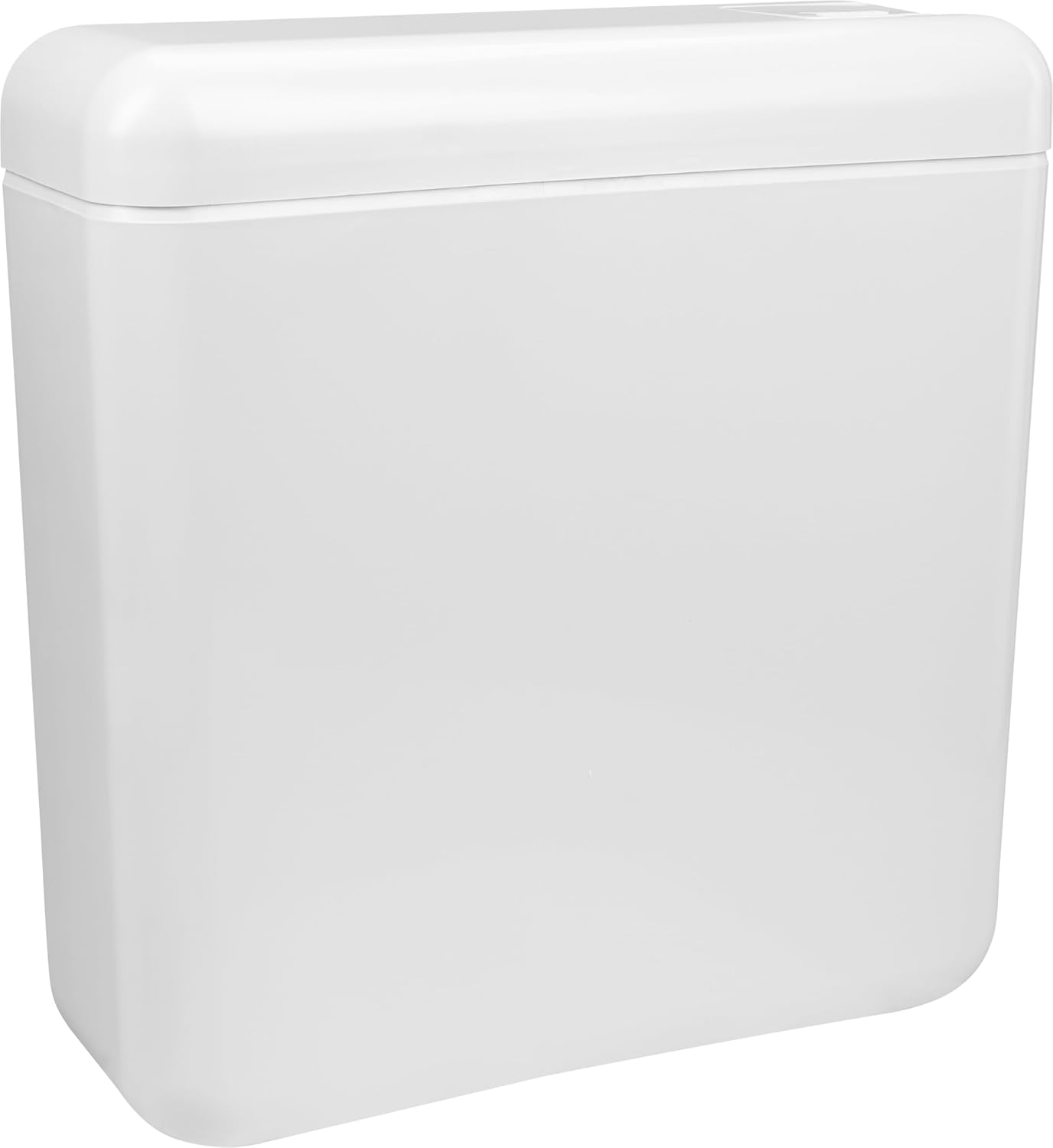
Figure 7.1: Angled view of the CORNAT SPK1100 Cistern, highlighting its overall form and finish.
8. Warranty and Support
CORNAT products are manufactured to high-quality standards. For specific warranty information, please refer to the documentation included with your purchase or visit the official CORNAT website. For technical support, replacement parts, or any inquiries regarding your SPK1100 Cistern, please contact CORNAT customer service through their official channels.