
IK Multimedia IP-IRIG-FIELD-IN
IK Multimedia iRig Mic Field Instruction Manual
Model: IP-IRIG-FIELD-IN
1. Product Overview
The IK Multimedia iRig Mic Field is a high-quality stereo condenser microphone designed for use with iPhone, iPod touch, and iPad devices. It connects directly via the Lightning port, offering superior audio capture compared to built-in device microphones. Ideal for both audio and video applications, it features two high-quality capsules in an XY stereo configuration and a 24-bit A/D converter for pristine sound. A built-in headphone jack allows for real-time monitoring of your recordings.
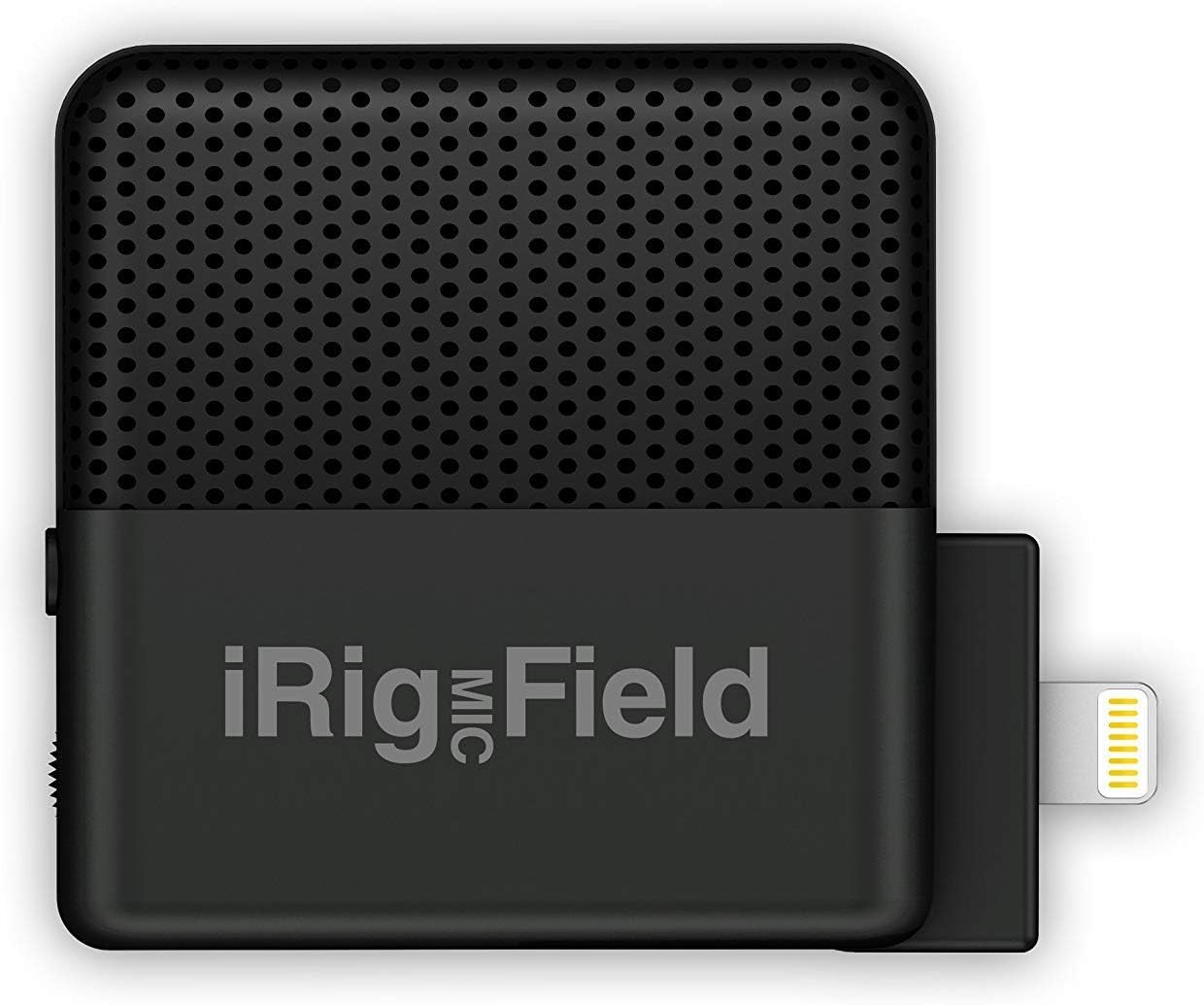
Figure 1.1: Front view of the iRig Mic Field microphone.
2. Key Features
- Digital stereo field recording microphone for iPhone and iPad.
- Rotates 90 degrees for optimal positioning in both landscape and portrait mode.
- Excellent for recording music and capturing high-definition audio for video.
- Features 24-bit, 48 kHz analog/digital conversion for high fidelity.
- Includes a headphone output for real-time monitoring during recording.
3. What's in the Box
- iRig Mic Field Stereo Microphone

Figure 3.1: The iRig Mic Field retail packaging.
4. Setup
- Connect to Device: Carefully insert the Lightning connector of the iRig Mic Field into the Lightning port of your iPhone, iPod touch, or iPad. Ensure a secure connection.
- Orientation Adjustment: The iRig Mic Field features an exclusive rotating connection. You can rotate the microphone 90 degrees to adjust its left/right orientation, which is particularly useful for maintaining accurate stereo imaging when recording video in either landscape or portrait mode. Lock it in place once the desired orientation is achieved.
- Headphone Monitoring: For real-time audio monitoring, connect your headphones to the 3.5mm headphone jack located on the iRig Mic Field. This allows you to hear the audio being recorded without latency.
- App Compatibility: The iRig Mic Field is compatible with any CoreAudio app on the iOS platform that supports digital audio recording via the Lightning port. This includes popular applications such as iRig Recorder 2 FREE (stereo compatible), GarageBand, Voice Memos, and iMovie, as well as hundreds of other audio and video recording applications.
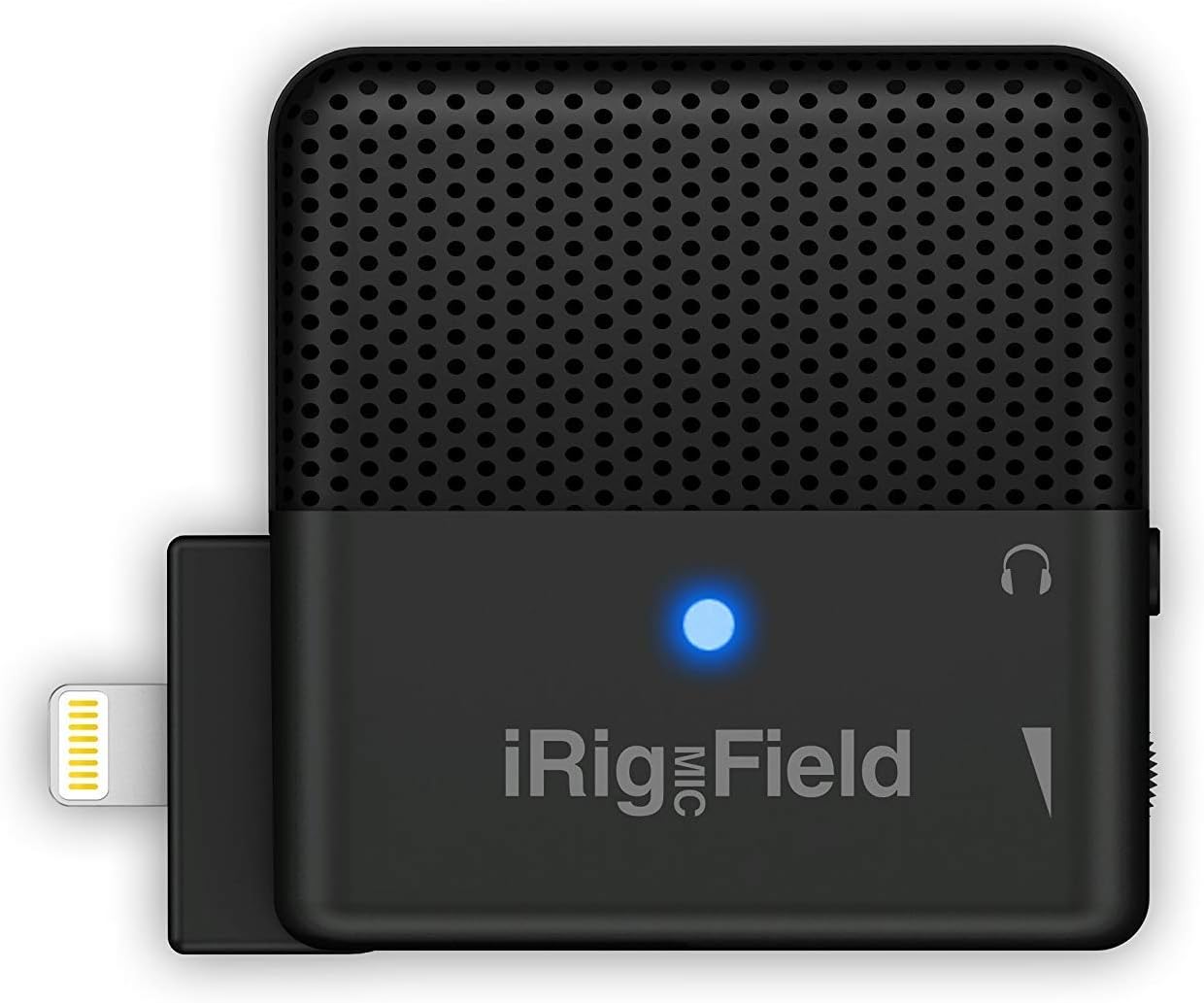
Figure 4.1: iRig Mic Field with active blue LED.

Figure 4.2: iRig Mic Field connected to an iPad, showing a recording waveform.
5. Operating Instructions
Once connected and your preferred recording application is open, the iRig Mic Field is ready to capture high-quality stereo audio. Its compact size and robust design make it suitable for various recording scenarios.
- Audio Recording: Open your chosen audio recording app (e.g., iRig Recorder, GarageBand). The app should automatically recognize the iRig Mic Field as the input source. Adjust input levels within the app if necessary to prevent clipping or distortion.
- Video Recording: When recording video, ensure the iRig Mic Field is oriented correctly (using its rotating connection) to capture the desired stereo field. Open your video recording app (e.g., iMovie, Camera app) and begin recording. The microphone will provide enhanced audio for your video content.
- Versatile Use: The iRig Mic Field is designed for a wide range of applications, including capturing live music performances (bands, concerts), recording acoustic and electric instruments, vocals, interviews, field recordings, and more. Its stereo capability provides a more immersive and natural sound experience.
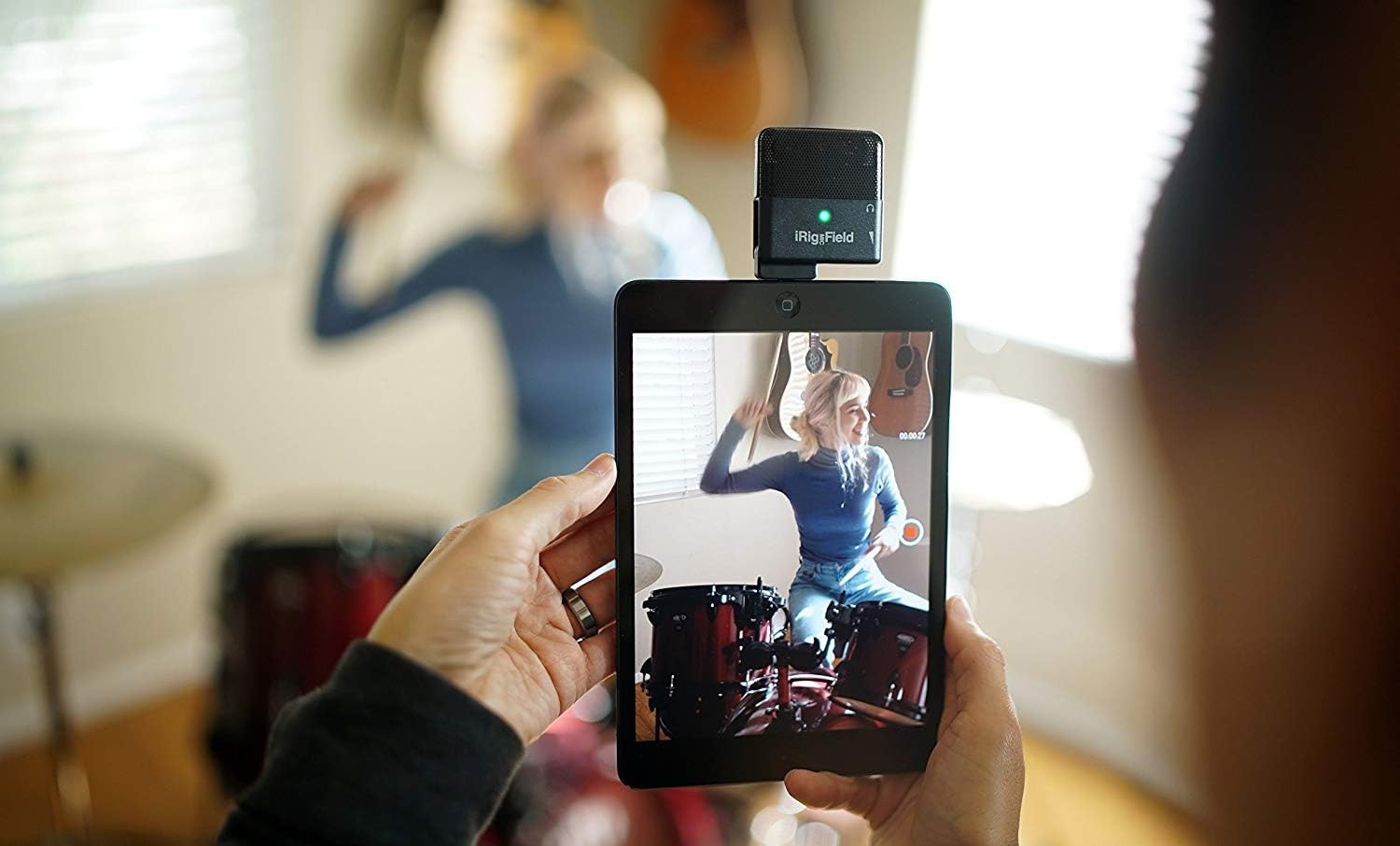
Figure 5.1: Recording drums using iRig Mic Field and an iPad.

Figure 5.2: Recording guitar using iRig Mic Field and an iPhone.
Official Product Video
Video 5.1: Official product video demonstrating the features and use cases of the IK Multimedia iRig Mic Field Stereo Condenser Microphone for iPhone and iPad.
6. Maintenance
To ensure the longevity and optimal performance of your iRig Mic Field, follow these maintenance guidelines:
- Cleaning: Use a soft, dry cloth to clean the exterior of the microphone. Do not use liquid cleaners or aerosols, as they may damage the internal components.
- Storage: Store the microphone in a cool, dry place away from direct sunlight and extreme temperatures.
- Protection: Avoid dropping the microphone or subjecting it to strong impacts, which can damage the sensitive internal components and microphone capsules.
- Connector Care: Keep the Lightning connector clean and free of dust or debris to ensure a reliable connection to your iOS device.
7. Troubleshooting
If you encounter issues with your iRig Mic Field, consider the following common troubleshooting steps:
- No Audio Input:
- Ensure the iRig Mic Field is securely plugged into the Lightning port of your iOS device.
- Check your recording app's settings to confirm the iRig Mic Field is selected as the audio input source.
- Verify that the input level in your app is not set to zero or muted.
- Restart your iOS device and the recording application.
- Poor Audio Quality/Static:
- Ensure there is no physical obstruction or damage to the microphone grilles.
- Adjust the input gain in your recording app to avoid overdriving the microphone, which can cause distortion.
- Minimize background noise in your recording environment.
- If using a protective case on your iOS device, ensure it does not interfere with the microphone's connection or performance.
- Headphone Monitoring Issues:
- Ensure your headphones are fully plugged into the iRig Mic Field's headphone jack.
- Check the volume settings on your iOS device and within the recording application.
- Device Compatibility: Ensure your iOS device is running a compatible version of iOS and supports digital audio input via the Lightning port.
8. Specifications
| Specification | Value |
|---|---|
| Brand | IK Multimedia |
| Model Number | IP-IRIG-FIELD-IN |
| Color | Black |
| Connectivity Technology | Wired |
| Connector Type | Lightning |
| Microphone Form Factor | Microphone Only |
| Polar Pattern | Unidirectional |
| Audio Sensitivity | 115 dB |
| Signal-to-Noise Ratio | 80 dB |
| Noise Level | 80 dB |
| Number of Channels | 1 |
| Hardware Platform | Smartphone, Tablet |
| Item Weight | 1.06 ounces (0.03 Kilograms) |
| Product Dimensions (L x W x H) | 6.3 x 2.2 x 6.8 inches |
| Power Source | Electric |
9. Warranty and Support
For detailed warranty information and further support, please refer to the official documentation provided by IK Multimedia. You can also find additional resources and product information on the IK Multimedia website or their official Amazon store.
- User Guides: A User Guide (PDF) and User Manual (PDF) are available for download. Please refer to these documents for comprehensive information.
- Online Support: Visit the IK Multimedia Store on Amazon for product updates, FAQs, and customer service contact information.
Related documentsIP-IRIG-FIELD-IN


Ask a question about this manual
Ask about setup, troubleshooting, compatibility, parts, safety, or missing instructions. Manuals+ will review the question and use this page’s manual context to help answer it.