
1. Introduction
This manual provides essential information for the safe and effective use of your Instapark ADF Series GX-500S Auto-Darkening Welding Helmet. This helmet is designed to protect your eyes and face from sparks, spatter, and harmful radiation under normal welding conditions. It features an auto-darkening filter that automatically switches from a light state to a dark state when an arc is struck, and returns to the light state when welding stops.
Please read this entire manual carefully before operating the welding helmet. Failure to follow instructions and safety warnings may result in serious injury.
2. Important Safety Information
WARNING: Welding and cutting processes can cause serious injury or death. Always follow all applicable safety precautions and regulations.
This auto-darkening welding helmet is designed to protect the eyes and face from sparks, spatter, and harmful ultraviolet (UV) and infrared (IR) radiation under normal welding conditions. It is not suitable for laser welding or overhead welding applications.
- Always wear appropriate eye protection under the helmet, such as safety glasses with side shields, to protect against flying particles.
- Ensure adequate ventilation in your work area to avoid inhaling welding fumes, which can be hazardous to your health.
- Do not use the helmet if the auto-darkening filter or any part of the helmet is damaged. Replace damaged parts immediately.
- Never modify the helmet or the auto-darkening filter. Unauthorized modifications can compromise safety and void the warranty.
- Protect the filter from liquid and dirt. Clean the filter regularly with a soft, lint-free cloth.
- Do not immerse the helmet in water.
- Ensure the helmet is properly adjusted for a secure and comfortable fit before beginning any welding task.

3. Product Features
The Instapark ADF Series GX-500S welding helmet incorporates advanced features for enhanced safety and performance:
- Solar-Powered Auto-Darkening Filter: Equipped with a built-in solar panel and replaceable CR2032 batteries, the filter automatically switches from light to dark.
- Fast Switching Time: The auto-darkening filter activates in 1/25000 second when an arc is struck, minimizing eye strain.
- Improved Optics: Features an optical class of 1/1/1/2 for optimal clarity and reduced eye fatigue.
- Large Viewing Area: A generous 3.63” X 1.65” viewing area provides a clear and wide field of vision.
- Variable Shade Adjustment: Adjustable dark shade from #9 to #13, with a resting shade of #4, suitable for various welding tasks.
- Dual Arc Sensors: Two independent arc sensors ensure reliable arc detection.
- UV/IR Protection: Provides complete UV/IR protection up to DIN 16 at all times, even in the light state.
- Grinding Function: Includes a dedicated grinding mode for clear visibility during grinding operations.
- Adjustable Sensitivity and Delay: Controls for continuous adjustment of sensitivity (low to high) and dark-to-light delay (0.1 to 1.0 seconds).
- Low Voltage Indicator: Alerts the user when battery replacement is needed.
- Comfortable Design: Ergonomically designed with a ratcheting headband and padded interior for a custom, secure fit.
- Lightweight Construction: Made from lightweight composite materials for reduced user fatigue.
- International Standards Conformance: Manufactured in conformance with GS, DIN-Geprüft, CE, ANSI Z87.1, CSA Z94.3, and AS/NZS standards.
4. Components Overview
Familiarize yourself with the main components of your welding helmet:
- Helmet Shell: The main body providing physical protection.
- Auto-Darkening Filter (ADF): The electronic lens that darkens upon arc detection.
- Headband Assembly: Adjustable system for securing the helmet to your head.
- External Controls: Knobs for adjusting shade, sensitivity, and delay.
- Arc Sensors: Detect the welding arc to trigger the ADF.
- Solar Panel: Powers the ADF and charges the internal battery.


5. Setup and Adjustment
5.1 Headband Adjustment
- Loosen the tension knob on the back of the headband.
- Place the helmet on your head and adjust the top strap for proper helmet height and viewing angle.
- Rotate the ratcheting knob on the back of the headband until the helmet fits snugly and comfortably without being too tight.
- Adjust the side knobs to control the tilt of the helmet.
5.2 Battery Installation/Check
The helmet is powered by a solar cell and two replaceable CR2032 lithium batteries. The batteries are typically pre-installed.
- Before first use, ensure the batteries are correctly seated.
- The low voltage indicator will illuminate when batteries need replacement. Refer to the Maintenance section for replacement instructions.
5.3 External Controls
The helmet features external controls for quick adjustments:
- Shade Adjustment Knob: Located on the side of the helmet, this knob allows you to select a dark shade from #9 to #13. Choose the appropriate shade based on your welding process and current.
- Sensitivity Control Knob: Adjusts the sensitivity of the arc sensors from low to high. Higher sensitivity is suitable for low-amp TIG welding or when the arc is partially obstructed.
- Delay Control Knob: Sets the time it takes for the filter to switch from dark to light after the welding arc stops. Adjustable from 0.1 to 1.0 seconds. A longer delay is useful for high-amperage welding to prevent eye fatigue from afterglow.
- Grinding Function Switch: Activates the grinding mode, which locks the filter in the light state (shade #4) for clear vision during grinding without accidental darkening.
6. Operating Instructions
6.1 Before Welding
- Inspect the helmet for any damage, especially the auto-darkening filter and outer protective lenses. Replace any damaged parts.
- Ensure the helmet is clean, particularly the arc sensors and protective lenses.
- Adjust the headband for a comfortable and secure fit.
- Select the appropriate shade level for your welding application using the shade adjustment knob. Refer to welding safety standards for recommended shades.
- Perform a quick test: Briefly strike an arc or point the helmet towards a bright light source to ensure the filter darkens correctly.
6.2 Welding Mode
Once the helmet is properly set up, you can begin welding. The auto-darkening filter will automatically switch to the selected dark shade within 1/25000 seconds when the welding arc is ignited. When the arc is extinguished, the filter will return to its light state after the set delay time.
6.3 Grinding Mode
To use the grinding function:
- Activate the grinding function switch on the helmet. This will lock the filter in its light state (shade #4).
- Ensure the grinding function is engaged before starting any grinding work.
- After grinding, deactivate the grinding function to return to welding mode.
7. Maintenance
Proper maintenance ensures the longevity and reliable performance of your welding helmet.
7.1 Cleaning
- Clean the helmet shell with mild soap and water. Avoid harsh solvents.
- Clean the outer and inner protective lenses, as well as the auto-darkening filter, with a clean, soft, lint-free cloth. Do not use abrasive cleaners or solvents.
- Ensure the arc sensors are free from dust and debris.
7.2 Battery Replacement
When the low voltage indicator illuminates, replace the CR2032 batteries:
- Locate the battery compartment, usually on the inside of the auto-darkening filter unit.
- Open the compartment and carefully remove the old CR2032 batteries.
- Insert new CR2032 batteries, ensuring correct polarity (+/-).
- Close the battery compartment securely.
7.3 Storage
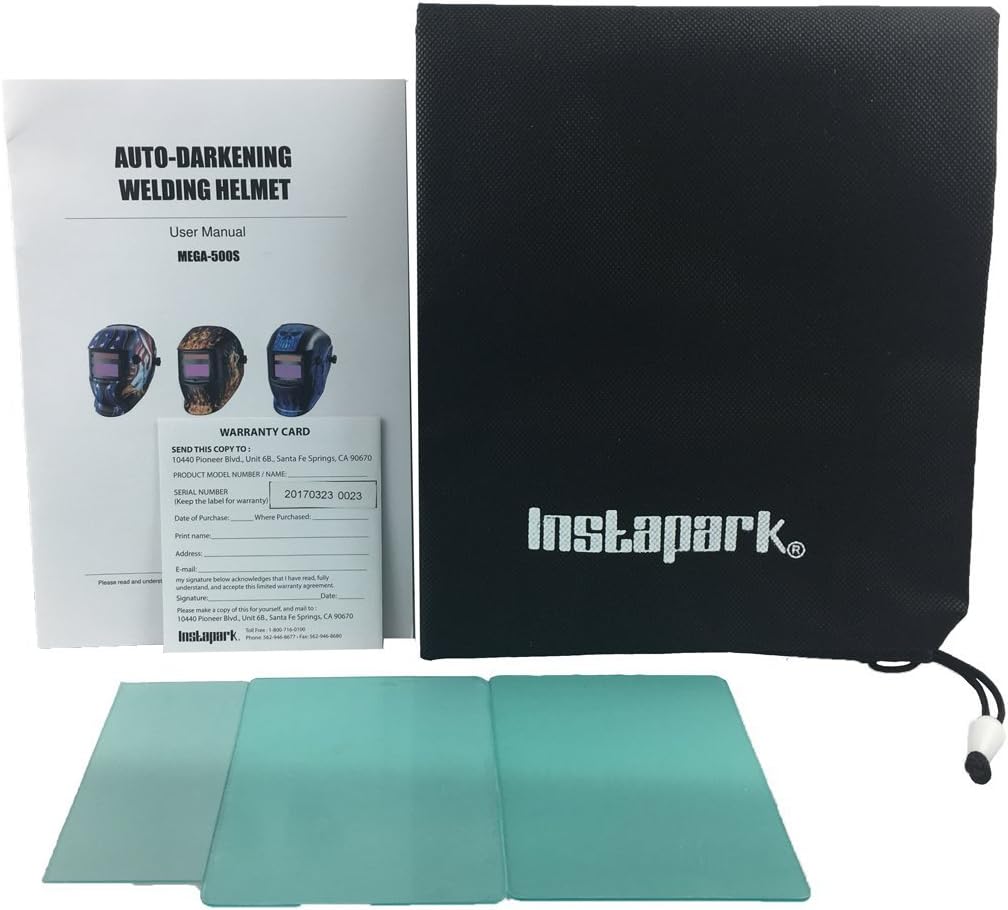
Store the welding helmet in a dry, clean environment away from direct sunlight and extreme temperatures. Use the provided storage bag to protect it from dust and scratches.
8. Troubleshooting
If you encounter issues with your welding helmet, refer to the table below for common problems and solutions:
| Problem | Possible Cause | Solution |
|---|---|---|
| Filter does not darken or darkens intermittently. | Low or dead batteries. Arc sensors obstructed or dirty. Incorrect sensitivity setting. Welding current too low for sensitivity setting. | Replace CR2032 batteries. Clean arc sensors and outer protective lens. Increase sensitivity setting. Increase sensitivity setting or use a higher welding current. |
| Poor visibility in dark state. | Outer or inner protective lens is dirty or scratched. Incorrect shade setting. | Clean or replace protective lenses. Adjust to a lighter shade if appropriate for the welding process. |
| Helmet slips or is uncomfortable. | Headband not properly adjusted. | Re-adjust the headband for a snug and comfortable fit. |
| Filter remains dark after welding stops. | Delay setting is too long. | Adjust the delay control knob to a shorter time. |
9. Technical Specifications
| Feature | Specification |
|---|---|
| Optical Class | 1/1/1/2 |
| Viewing Area | 3.63” X 1.65” |
| Number of Arc Sensors | 2 |
| Light Shade Number | DIN4 |
| Dark State | Variable shade, 9 ~13 |
| Sensitivity Control | Low — High, continuously adjustable |
| UV/IR Protection | DIN 16 |
| Power Supply | Solar cell and replaceable 2 x CR2032 lithium batteries |
| Switching Time | 1/25000s, from Light to Dark |
| Dark to Light Delay | 0.1~1.0S by dial control knob |
| Grinding Function | Yes |
| Low Voltage Indicator | Yes |
| Material | Plastic |
| Conformance Standards | GS, DIN-Geprüft, CE, ANSI Z87.1, CSA Z94.3, AS/NZS |
10. Warranty and Support
The Instapark ADF GX-500S welding helmet is covered by a 1-year manufacturer’s warranty from the date of purchase. This warranty covers defects in materials and workmanship under normal use.
For technical support, warranty claims, or to inquire about replacement parts, please contact Instapark customer service through their official channels. Please have your product model and purchase information available when contacting support.
