
Cricket 5565
Cricket Ultra Smooth Coconut Conditioning Comb User Manual
Model: 5565
1. Product Overview
The Cricket Ultra Smooth Coconut Conditioning Comb is designed to provide conditioning benefits while detangling and styling hair. It is infused with a blend of coconut oil and keratin protein directly into the plastic material, which is intended to last for the life of the comb. This comb is particularly suited for mid-length, thick, and textured hair types, aiming to reduce frizz, enhance shine, and improve hair manageability.
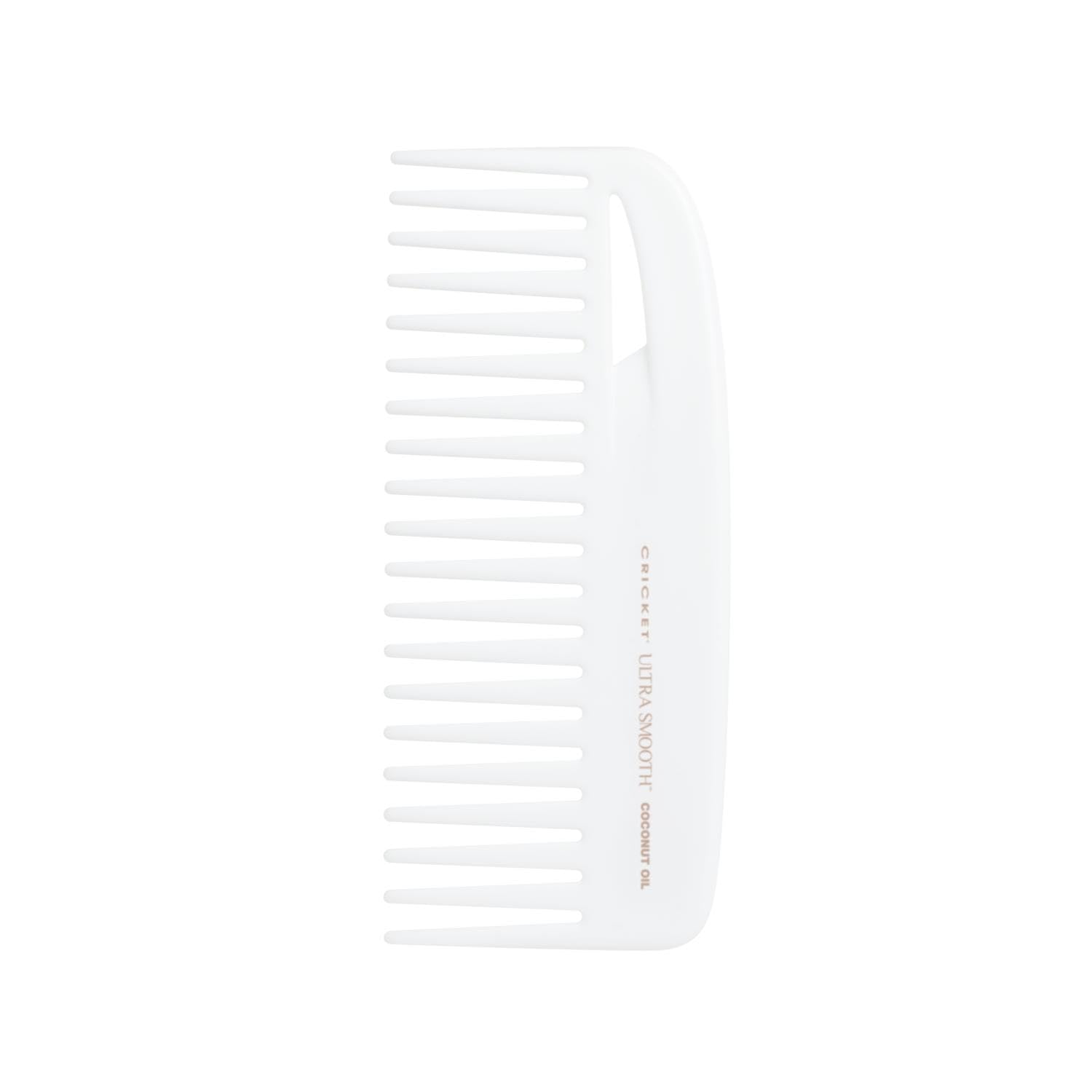
Image: The Cricket Ultra Smooth Coconut Conditioning Comb, a white wide-tooth comb.

Image: A diagram highlighting the comb's wide tooth pattern for easy hair separation and the infusion of coconut oil and keratin protein for shine, smoothness, and frizz reduction.
Key Features:
- Coconut Oil & Keratin Infusion: The comb's material is infused with coconut oil and keratin protein to provide conditioning benefits during use.
- Frizz Reduction & Hydration: Designed to help hydrate hair and reduce frizz, promoting a smoother appearance.
- Enhanced Shine & Strength: Aims to improve hair's luster and contribute to a strong-looking hair structure.
- Effortless Detangling: Features a wide-tooth design for smooth gliding through hair, minimizing pulling and snagging.
- Suitable Hair Types: Ideal for mid-length, thick, and textured hair.
2. Setup
The Cricket Ultra Smooth Coconut Conditioning Comb requires no assembly or complex setup. It is ready for immediate use upon removal from its packaging.
Preparation for Use:
- Ensure hair is clean and free of excessive product buildup for optimal performance.
- The comb can be used on wet or dry hair, depending on your styling needs. For detangling, using on wet hair with conditioner is often recommended.
3. Operating Instructions
This comb is designed for gentle detangling and conditioning. The infused coconut oil and keratin are released as the comb glides through the hair.
General Usage:
- For Detangling: Start at the ends of your hair and work your way up towards the roots. Use short, gentle strokes to untangle knots. Avoid pulling or forcing the comb through tangles to prevent hair breakage.
- For Conditioning & Styling: Glide the comb through your hair from roots to ends. The wide teeth are designed to separate strands without removing natural body. The infused conditioning agents will transfer to your hair during this process.
- Even Distribution: Ensure the comb passes through all sections of your hair to evenly distribute the conditioning benefits.

Image: The comb being used on different hair textures, demonstrating its versatility for detangling and styling.
4. Maintenance
Proper care will extend the life and effectiveness of your conditioning comb.
Cleaning Instructions:
- After each use, remove any trapped hair from the comb's teeth.
- Wash the comb periodically with warm water and a mild soap or shampoo.
- Rinse thoroughly to remove all soap residue.
- Allow the comb to air dry completely before storing.
Do not use harsh chemicals or abrasive cleaners, as these may damage the comb's material or affect the infused conditioning agents.
5. Troubleshooting
If you encounter issues with your comb, consider the following common solutions:
| Problem | Possible Cause | Solution |
|---|---|---|
| Comb snags or pulls hair. | Hair is too tangled; comb is not clean; improper technique. | Ensure hair is detangled from ends first. Clean the comb thoroughly. Use gentle, short strokes. Consider using on wet hair with conditioner. |
| Hair does not feel conditioned. | Insufficient contact with hair; comb is old. | Ensure the comb passes through all hair strands. The conditioning benefits are designed to last the life of the comb, but over extended periods of use, the effect may diminish. |
| Residue on hands after use. | This comb is designed not to leave residue. | If residue is present, ensure the comb is clean. The comb's infusion is designed to be non-greasy and not transfer to hands. |
6. Specifications
- Model Number: 5565
- Material: Infused Plastic (Coconut Oil & Keratin Protein)
- Product Dimensions: Approximately 9 x 2 x 0.3 inches
- Item Weight: Approximately 1.76 ounces
- Power Source: Manual
- Manufacturer: Cricket
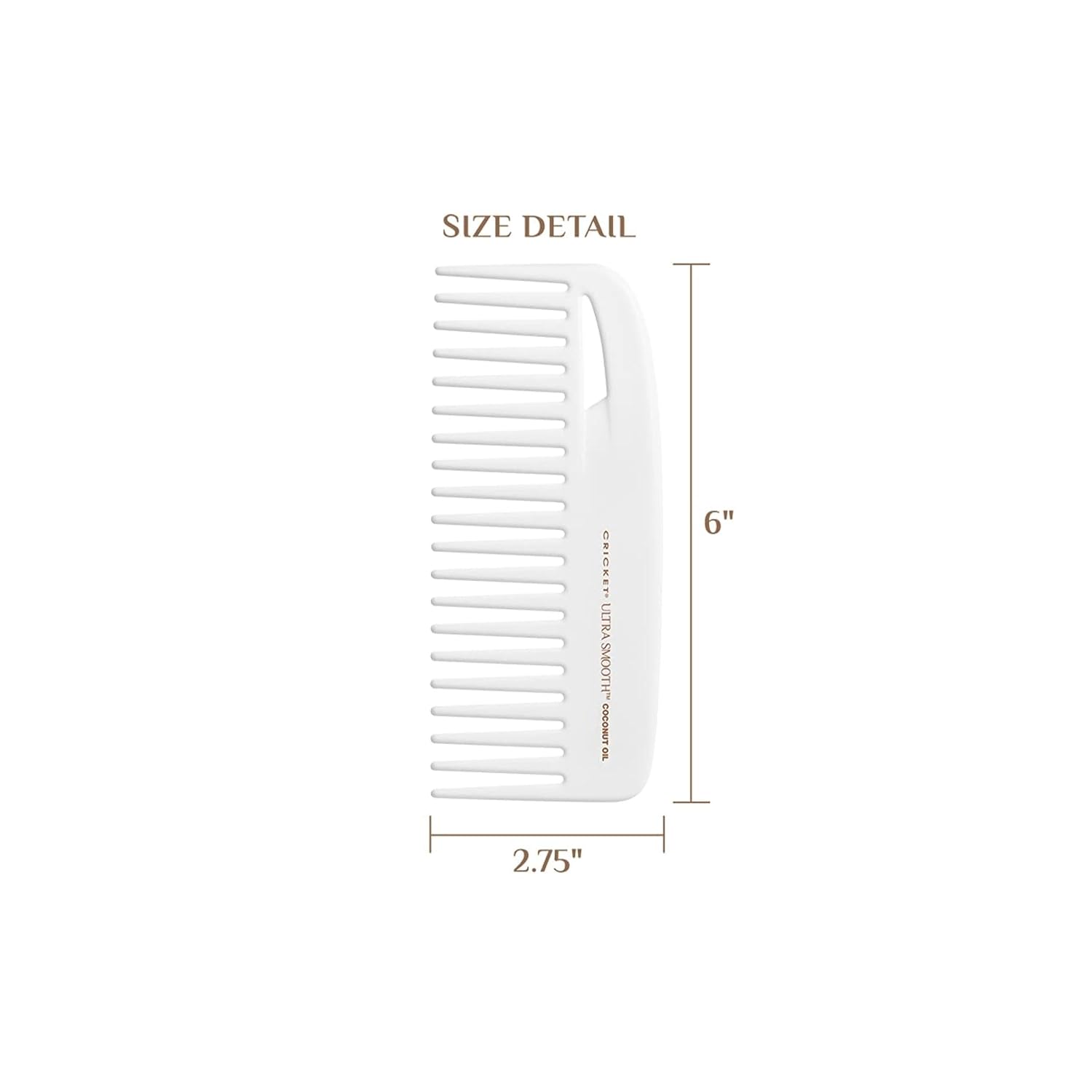
Image: The comb displayed with its approximate dimensions: 6 inches in length and 2.75 inches in width.
7. Safety Information
Please observe the following safety guidelines:
- For external use only.
- Avoid contact with eyes.
- Keep away from naked flame or direct heat sources.
8. Warranty and Support
For information regarding product warranty or customer support, please contact Cricket directly through their official website or customer service channels. Specific warranty terms may vary.
Visit the official Cricket website for further assistance: Cricket Official Store
Related documents5565

Ask a question about this manual
Ask about setup, troubleshooting, compatibility, parts, safety, or missing instructions. Manuals+ will review the question and use this page’s manual context to help answer it.