
Introduction
This manual provides detailed instructions for the setup, operation, and maintenance of your Ozeri WeightMaster 400 lbs Digital Scale. Please read this manual thoroughly before use to ensure proper function and to maximize the benefits of its features.

Image: The Ozeri WeightMaster Digital Scale, displaying a weight measurement and a green indicator for weight loss.
Safety Information
- Place the scale on a hard, flat surface for accurate readings. Avoid carpets or uneven floors.
- Do not use the scale on wet or slippery surfaces.
- Do not jump on the scale.
- Keep the scale away from water and extreme temperatures.
- This scale is designed for household use only.
- Do not attempt to disassemble or repair the scale yourself. Contact customer support if issues arise.
Package Contents
Verify that all items are present in the package:
- Ozeri WeightMaster Digital Scale (Model ZB21)
- 3 AAA Batteries
- Instruction Manual (this document)
Setup
1. Battery Installation
- Locate the battery compartment on the underside of the scale.
- Open the battery compartment cover.
- Insert the 3 AAA batteries, ensuring correct polarity (+/-).
- Close the battery compartment cover securely.
2. Initial User Profile Setup
The scale supports up to 5 unique user profiles. Follow these steps to set up your profile:
- Press the "SET" button located on the scale's display. The user number (U1-U5) will flash.
- Use the Up/Down arrow buttons to select your desired user number (e.g., U1 for User 1).
- Press "SET" to confirm.
- The height setting will flash. Use the Up/Down arrows to adjust your height. Press "SET" to confirm.
- The age setting will flash. Use the Up/Down arrows to adjust your age. Press "SET" to confirm.
- The gender setting will flash. Use the Up/Down arrows to select male or female. Press "SET" to confirm.
- The scale will display "0.0 lb" and is ready for use.
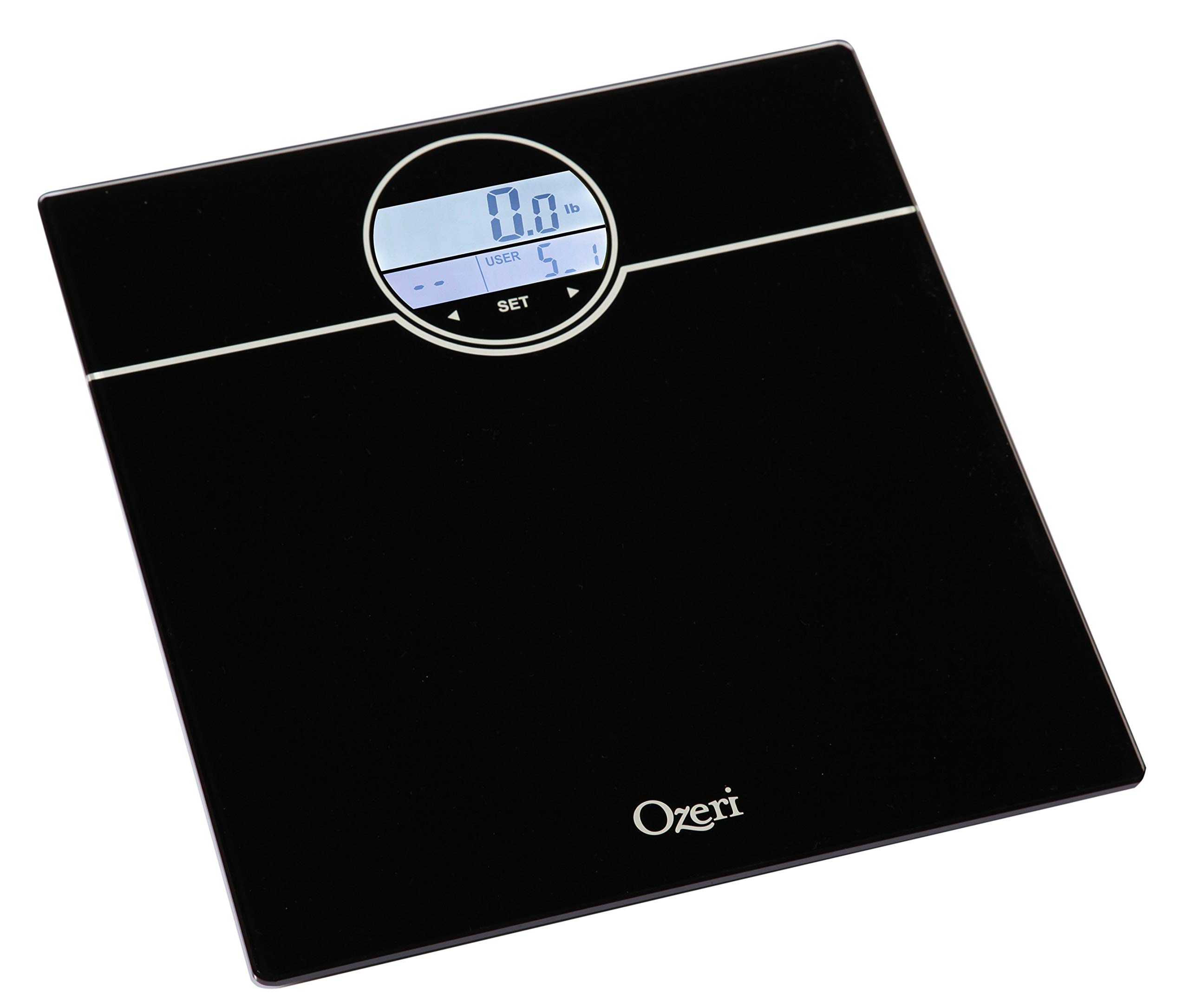
Image: The scale's display during the user profile setup process, showing the user selection and initial weight reading.
Operating Instructions
Weighing Yourself
- Place the scale on a hard, flat surface.
- Step onto the scale with bare feet. The scale will automatically turn on and detect your user profile.
- Stand still until your weight is displayed.
- The scale will then display your BMI (Body Mass Index).
- Following BMI, the scale will show your net weight change from your last weigh-in (L1), the average of your last 3 weigh-ins (L3), and the average of your last 7 weigh-ins (L7).
- The display will illuminate GREEN for weight loss and RED for weight gain.
- The scale will automatically power off after a few seconds.
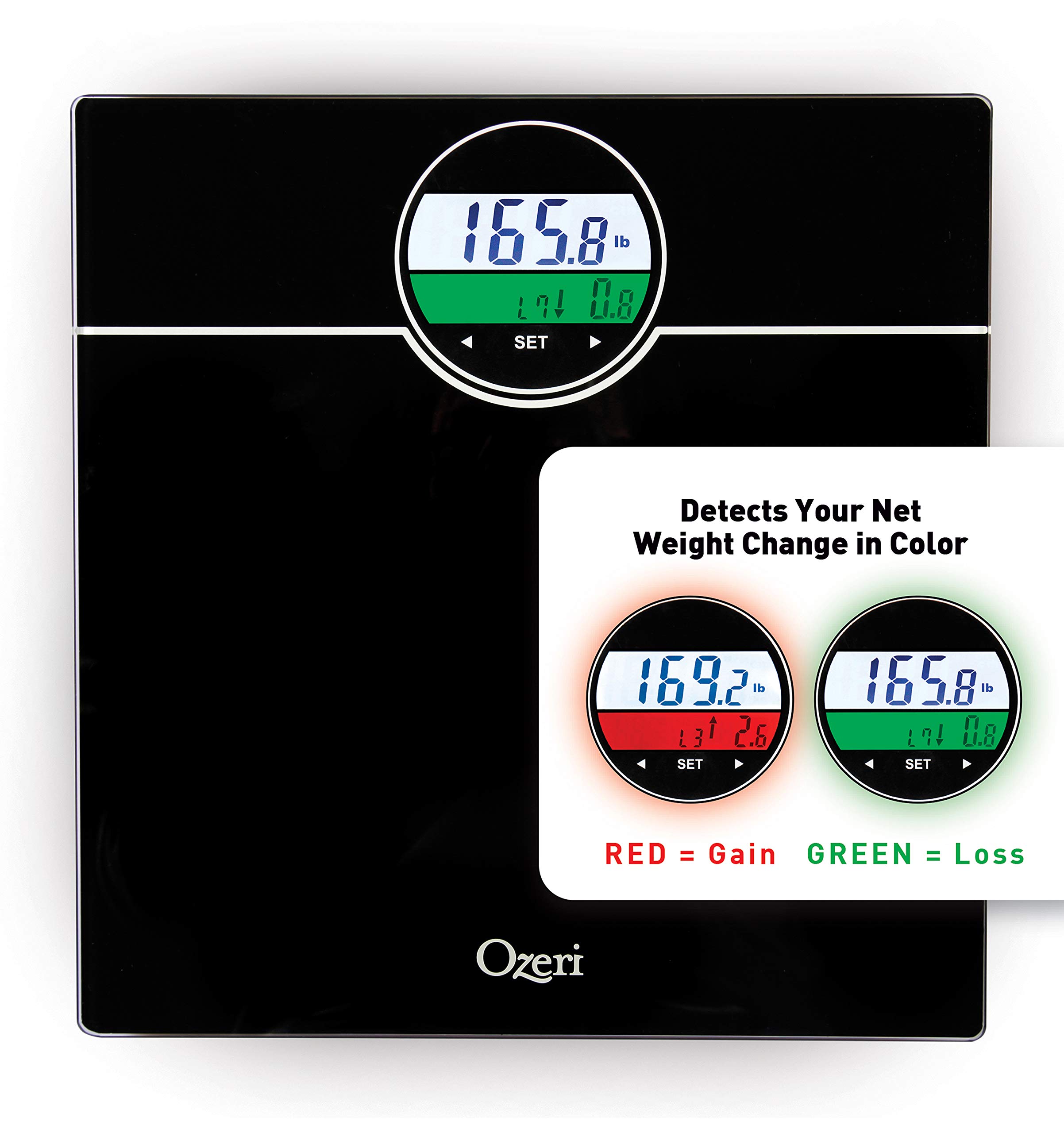
Image: The scale's display showing weight and color-coded weight change detection. Green indicates weight loss, red indicates weight gain.
Features
- BMI Measurement: Calculates your Body Mass Index based on your height and weight.
- Weight Change Detection: Displays net weight change from your last weigh-in (L1), the average of your last 3 weigh-ins (L3), and the average of your last 7 weigh-ins (L7).
- Color Alert Technology: The display illuminates GREEN for weight loss and RED for weight gain, providing visual feedback.
- Auto Recognition Technology: Automatically identifies up to 5 unique users based on their weight.
- StepOn Technology: Automatically turns on when you step on the scale.
- Auto Power-Off: Conserves battery life by automatically turning off after a period of inactivity.
- High Capacity: Weighs up to 400 lbs.
Maintenance
- Clean the scale with a damp cloth and mild detergent. Do not use abrasive cleaners or immerse the scale in water.
- Store the scale in a dry place at room temperature.
- Replace batteries when the low battery indicator appears on the display.
Troubleshooting
| Problem | Solution |
|---|---|
| "Lo" displayed | Batteries are low. Replace with new AAA batteries. |
| "Err" displayed | Overload. The maximum weight capacity (400 lbs) has been exceeded. Step off the scale immediately. |
| Inaccurate readings |
|
| Scale does not turn on |
|
Specifications
- Model: ZB21
- Capacity: 400 lbs (180 kg)
- Units: Pounds (lb), Kilograms (kg)
- Display: LCD with Color Alert Technology
- Power: 3 x AAA batteries (included)
- Dimensions: 12.2 x 11.8 x 0.9 inches (31 x 30 x 2.3 cm)
- Material: Impact-resistant tempered glass
- Special Features: BMI, Weight Change Detection (L1, L3, L7), Auto Recognition (up to 5 users), StepOn Technology, Auto Power-Off
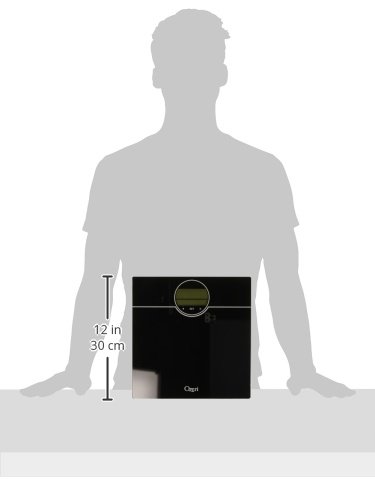
Image: A visual representation of the scale's dimensions, indicating its compact size.
Warranty and Support
Ozeri products are backed by a warranty. For specific warranty details, product support, or to contact customer service, please refer to the official Ozeri website or the contact information provided with your purchase documentation.
For further assistance, please visit the Ozeri Store on Amazon.


