
1. Introduction
The Viking Electronics TBB-1B is a device designed to boost talk battery voltage and loop current for line-powered telecommunication devices. It enables the operation of various line-powered equipment, such as hands-free phones, touch-tone hot-line dialers, and digital announcers, especially in environments where the available loop current or talk battery voltage from a PABX/KSU station is insufficient. The TBB-1B also extends the maximum loop length for analog PABX/KSU stations and can be used with wireless doorbox devices.
2. Safety Information
- Read all instructions carefully before installation and operation.
- Do not expose the device to moisture or extreme temperatures.
- Ensure the power adapter is connected to a suitable power source as specified.
- Avoid opening the device casing; there are no user-serviceable parts inside.
- Disconnect power before making any connections or disconnections.
3. Package Contents
Verify that all items are present in the package:
- Viking Electronics TBB-1B Talk Battery and Loop Current Booster Unit
- 120VAC/12V DC 500mA UL listed power adapter
- Instruction Manual (this document)
4. Features
- Boosts talk battery voltage up to 40V DC (nominal).
- Boosts talk battery loop current up to 26mA (nominal).
- Equipped with a Power LED that also indicates activity.
- Passes original ringing signals through to the connected device.
- Supports Caller ID data transmission.
- Passes hook switch flash signals.
- Passes CPC (Calling Party Control) signals.
- Compatible with touch-tone dialing. Note: Not compatible with pulse/rotary dialing.
5. Setup and Installation
The TBB-1B features four screw terminals for connections. Follow these steps for proper installation:
- Identify Connections: The unit has terminals for "LINE IN" (from PABX/KSU station) and "DEVICE OUT" (to the line-powered device).
- Connect Line Input: Connect the analog telephone line from your PABX/KSU station to the "LINE IN" screw terminals on the TBB-1B. Ensure polarity is correct if specified by your PABX/KSU documentation, though the TBB-1B is generally polarity insensitive for basic operation.
- Connect Device Output: Connect your line-powered device (e.g., hands-free phone, hot-line dialer) to the "DEVICE OUT" screw terminals on the TBB-1B.
- Connect Power Adapter: Plug the provided 12V DC power adapter into a standard 120VAC outlet and connect the DC plug to the power input jack on the TBB-1B.
- Verify Power: The Power LED on the TBB-1B should illuminate, indicating that the unit is receiving power.
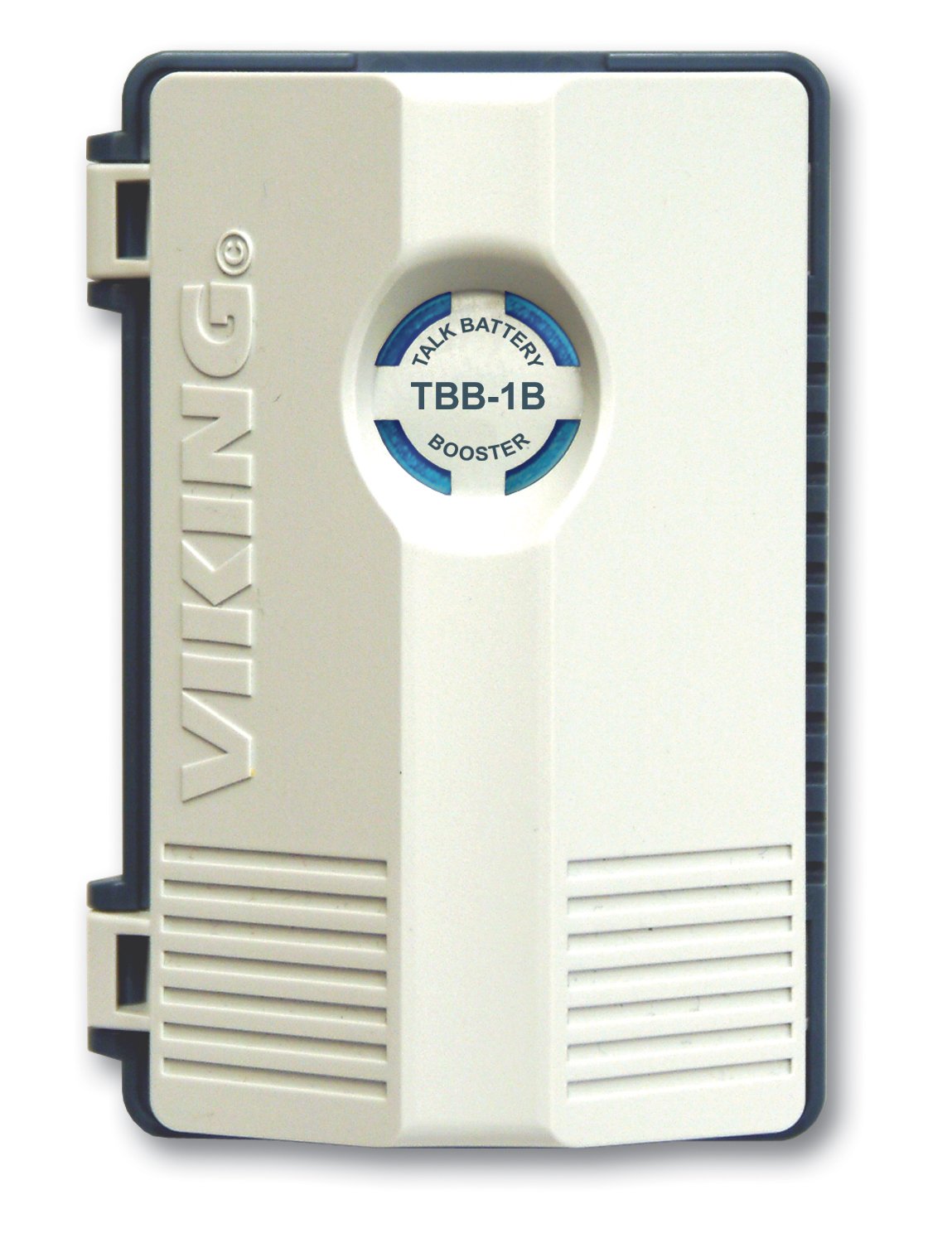 Figure 1: Viking Electronics TBB-1B unit showing connection terminals and power input. The device is a compact rectangular unit with screw terminals for line input and device output, and a jack for the DC power adapter.
6. Operation
Once properly installed and powered, the TBB-1B operates automatically. It continuously monitors the line and provides the necessary talk battery voltage and loop current to the connected line-powered device.
- Power LED: The Power LED indicates that the unit is powered. During active use (e.g., a call), this LED may also show activity, confirming the booster is functioning.
- Device Functionality: The connected line-powered device should now function correctly, receiving adequate power and signal integrity for ringing, Caller ID, hook switch flashes, and CPC signals.
- Dialing: Ensure your connected device uses touch-tone dialing, as pulse/rotary dialing is not supported by the TBB-1B.
7. Maintenance
The TBB-1B is designed for reliable, maintenance-free operation. To ensure optimal performance and longevity:
- Keep the unit clean and free from dust. Use a soft, dry cloth for cleaning.
- Ensure adequate ventilation around the unit.
- Operate within the specified environmental conditions: 0° C to 32° C (32° F to 90° F) with 5% to 95% non-condensing humidity.
- Regularly check all cable connections to ensure they are secure.
8. Troubleshooting
| Problem | Possible Cause | Solution |
|---|---|---|
| Power LED is off. | No power to the unit. |
|
| Connected device does not power on or function. |
|
|
| Ringing, Caller ID, or other signals are not passed. |
|
|
| Pulse/rotary dialing does not work. | TBB-1B does not support pulse/rotary dialing. | The TBB-1B is designed for touch-tone (DTMF) dialing only. Use a device that supports touch-tone dialing. |
9. Specifications
| Power: | 120VAC/12V DC 500mA UL listed adapter (provided) |
| Dimensions: | 76mm x 112mm x 36mm (3.0" x 4.4" x 1.4") |
| Shipping Weight: | 0.68 kg (1.5 lbs) |
| Environmental: | 0° C to 32° C (32° F to 90° F) with 5% to 95% non-condensing humidity |
| Loop Current to Device: | 26mA (nominal) |
| Talk Battery Output: | 40V DC (nominal) |
| Connections: | (4) screw terminals |
| Compatibility: | Touch-tone dialing (not compatible with pulse/rotary dialing) |
10. Warranty and Technical Support
Viking Electronics products are designed for high reliability. For warranty information or technical assistance, please contact Viking Electronics directly. Refer to the official Viking Electronics website for the most current warranty policy and support contact details.
Viking Electronics Contact Information:
- Website: www.vikingelectronics.com (Example link, actual link may vary)
- Phone: Refer to website for current support numbers.
When contacting support, please have your product model (TBB-1B) and serial number ready.
