Introduction
The LaCie Rugged Mini is a portable external hard drive designed for durability and high-speed data transfer. With its robust construction, it offers resistance against drops, shock, dust, and rain, making it an ideal solution for users on the go. This manual provides essential information for setting up, operating, maintaining, and troubleshooting your LaCie Rugged Mini.
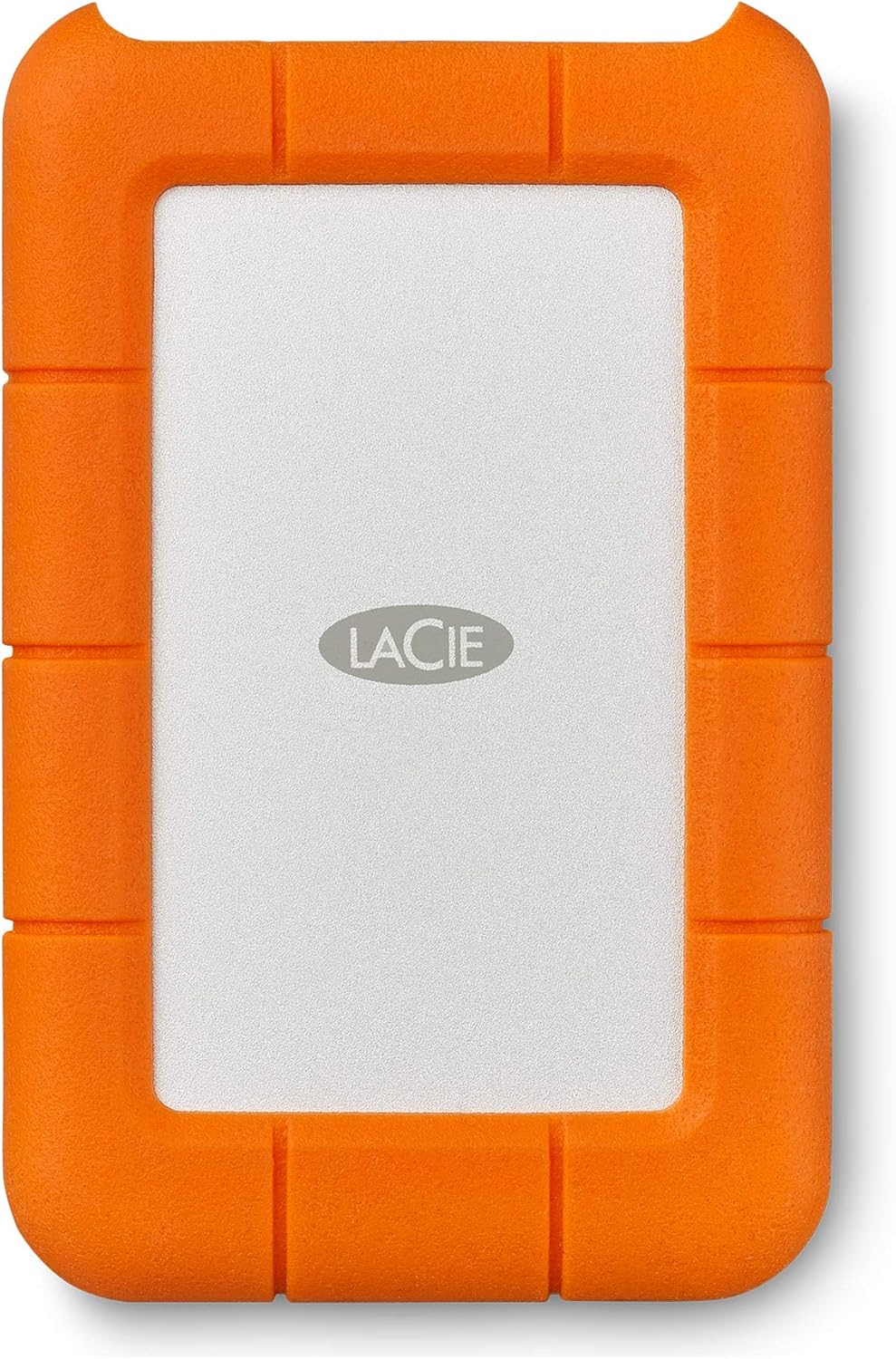
Figure 1: LaCie Rugged Mini 2TB External Hard Drive. This image displays the orange and silver design of the portable hard drive.
Setup
What's in the Box
- LaCie Rugged Mini USB 3.0 2TB External Hard Drive
- USB 3.0 cable (compatible with USB 2.0 ports)
Connecting to Your Computer
- Connect one end of the provided USB 3.0 cable to the USB port on your LaCie Rugged Mini.
- Connect the other end of the USB 3.0 cable to an available USB 3.0 or USB 2.0 port on your computer.
- The drive is bus-powered and does not require an external power adapter.

Figure 2: LaCie Rugged Mini connected to a computer setup. This image shows the orange hard drive connected via a cable to a desktop computer, illustrating its versatile compatibility with various systems including Mac and Windows.
Initial Setup and Formatting
The LaCie Rugged Mini is pre-formatted for universal compatibility. However, for optimal performance or specific operating system requirements (e.g., Mac compatibility may require reformatting), you might need to reformat the drive. Refer to your operating system's disk utility for formatting instructions.
Operating Your Drive
Data Transfer
Transfer files by dragging and dropping them to and from the LaCie Rugged Mini icon on your desktop or within your file explorer. The drive utilizes USB 3.0 technology, offering transfer speeds up to four times faster than USB 2.0, while remaining backward compatible with USB 2.0 ports.
Durability Features
The LaCie Rugged Mini is engineered for all-terrain use, featuring shock, drop (up to 4 feet), dust, and rain resistance. Its robust design helps protect your data in challenging environments.

Figure 3: LaCie Rugged Mini highlighting its durable features. This image illustrates the hard drive's resistance to crush, drop, shock, dust, and water through various icons.
Password Protection
For enhanced data security, the drive includes built-in password protection. Refer to the included software or online resources for instructions on enabling and managing this feature.
Maintenance
Safe Disconnection
Always safely eject the LaCie Rugged Mini from your computer before disconnecting the cable to prevent data corruption. This can typically be done by right-clicking the drive icon and selecting "Eject" or "Safely Remove Hardware."
Cleaning
To clean the exterior of your drive, use a soft, damp cloth. Avoid using harsh chemicals or abrasive materials that could damage the casing or rubber bumper.
Storage
When not in use, store the drive in a cool, dry place away from direct sunlight and extreme temperatures. The compact size allows for easy portability.

Figure 4: LaCie Rugged Mini being placed into a back pocket. This image demonstrates the compact and portable nature of the hard drive, making it easy to carry.
Troubleshooting
Drive Not Detected
- Ensure the USB cable is securely connected to both the drive and the computer.
- Try connecting the drive to a different USB port on your computer.
- Test the drive on another computer to rule out computer-specific issues.
- Check your computer's Disk Management (Windows) or Disk Utility (Mac) to see if the drive is recognized but not assigned a drive letter or mounted.
Slow Transfer Speeds
- Ensure you are using a USB 3.0 port on your computer for optimal speeds.
- Verify that the cable is not damaged.
- Close any unnecessary applications running in the background that might be consuming system resources.
Data Corruption
- Always safely eject the drive before disconnecting.
- Avoid physical shocks or drops while the drive is in operation.
- Consider running disk error checking tools provided by your operating system.
Specifications
| Feature | Detail |
|---|---|
| Model Number | LAC9000298 |
| Capacity | 2TB |
| Interface | USB 3.0 (USB 2.0 compatible) |
| Compatibility | PC (Windows 7 or later), Mac (OS X 10.5 or later) |
| Rotational Speed | 5400 RPM |
| Dimensions (LxWxH) | 5.3 x 3.4 x 0.79 inches |
| Weight | 9.9 ounces |
| Durability | Drop, Shock, Dust, Rain Resistant |
Warranty Information
The LaCie Rugged Mini 2TB External Hard Drive typically comes with a two-year limited warranty. For detailed warranty terms and conditions, please refer to the official LaCie website or the warranty documentation included with your product.
Additionally, this product may include a complimentary one-month membership to the Adobe Creative Cloud All Apps Plan. Redemption details and terms are usually provided upon product registration or within the packaging.
Support
For further assistance, technical support, or to download the latest drivers and software, please visit the official LaCie support website.
- Official User Guide (PDF): Download User Guide
- Official User Manual (PDF): Download User Manual
- LaCie Support Website: Visit LaCie Support