Introduction
This manual provides instructions for the HCDZ Replacement Remote Control, designed for various Samsung TV models. This remote control is a direct replacement and requires no programming for compatible models. Please read this manual thoroughly before use.
Compatible Samsung TV Models: BN59-00706A, BN59-00851A, BN59-00852A, BN5900888A, LN32D450, LN32D450G1D.
Setup
1. Battery Installation
The remote control requires two (2) AAA batteries (not included). Ensure correct polarity when inserting batteries.
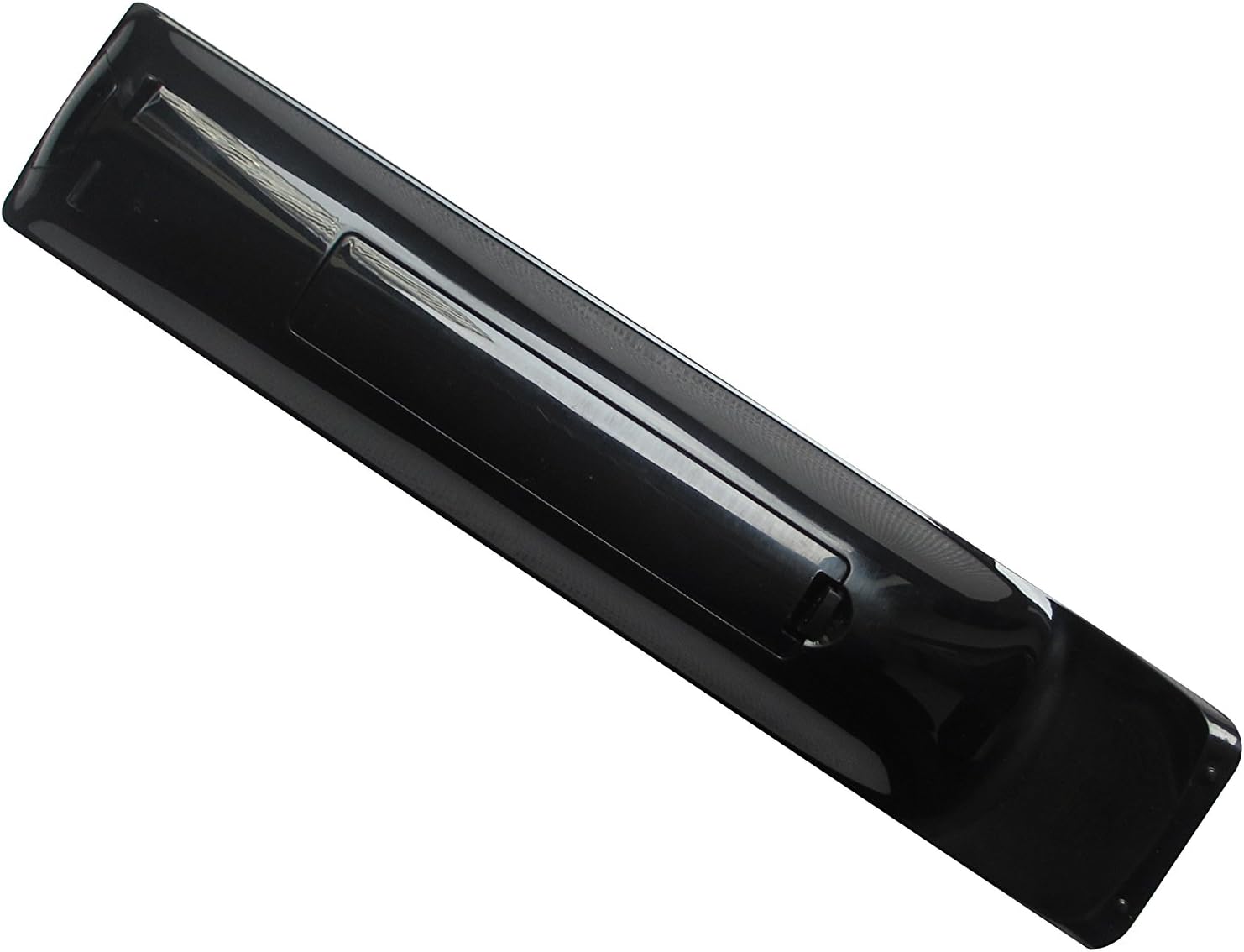
Image: Back view of the remote control with the battery cover open, revealing the battery compartment. Insert two AAA batteries as indicated by the polarity markings.
- Locate the battery compartment on the back of the remote control.
- Slide the battery cover downwards to open it.
- Insert two AAA batteries, matching the (+) and (-) terminals inside the compartment.
- Replace the battery cover by sliding it upwards until it clicks into place.
2. Initial Use
Once batteries are installed, the remote control is ready for immediate use with compatible Samsung TV models. No programming or pairing is required.
Operating Instructions
Point the remote control directly at your Samsung TV's infrared receiver. Ensure there are no obstructions between the remote and the TV.

Image: Front view of the remote control, displaying the layout of buttons for power, volume, channel, navigation, and other functions.
Key Functions:
- Power Button: Turns the TV on or off.
- Volume Up/Down: Adjusts the TV volume.
- Channel Up/Down: Changes TV channels.
- Number Pad (0-9): Direct channel input.
- Mute Button: Mutes or unmutes TV audio.
- Source/Input Button: Selects input sources (HDMI, AV, etc.).
- Menu Button: Accesses the TV's main menu.
- Navigation Buttons (Up, Down, Left, Right, Enter): Navigates through menus and selections.
- Exit Button: Exits the current menu or function.
- Return/Back Button: Returns to the previous screen or channel.
Maintenance
Cleaning:
To clean the remote control, use a soft, dry cloth. Do not use liquid cleaners or abrasive materials, as these may damage the remote's surface or internal components.
Battery Replacement:
Replace batteries when the remote control's response becomes inconsistent or stops functioning. Always replace both batteries simultaneously with new AAA batteries. Do not mix old and new batteries, or different types of batteries.
Storage:
Store the remote control in a dry place, away from direct sunlight and extreme temperatures. If the remote will not be used for an extended period, remove the batteries to prevent leakage.
Troubleshooting
| Problem | Possible Cause | Solution |
|---|---|---|
| Remote control not working. | Dead or incorrectly installed batteries. | Replace batteries with new AAA batteries, ensuring correct polarity. |
| Remote control works intermittently. | Weak batteries; obstruction between remote and TV; remote not pointed directly at TV. | Replace batteries. Remove any obstructions. Ensure remote is pointed directly at the TV's IR sensor. |
| Certain buttons do not respond. | Dirt or debris under the button; internal malfunction. | Clean the remote surface. If problem persists, the remote may require replacement. |
| Remote does not control TV. | Incompatible TV model; TV's IR sensor is blocked or faulty. | Verify your TV model is listed as compatible. Ensure TV's IR sensor is clear. Test with another remote if available. |
Specifications
- Model Number: HCDZ-X07174
- Compatible TV Brands: Samsung
- Power Source: 2 x AAA Batteries (not included)
- Connectivity Technology: Infrared (IR)
- Dimensions: Approximately 10.51 x 4.02 x 1.18 inches (Package Dimensions)
- Weight: Approximately 3.98 ounces (Item Weight)
- Special Feature: Ergonomic design
Warranty and Support
For warranty information or technical support, please refer to the seller's policy or contact the retailer where the product was purchased. Keep your purchase receipt for proof of purchase.
This remote control is designed as a replacement and typically comes with a standard return policy from the seller.


