
1. Product Overview
This manual provides instructions for the Wurth Screwdriver with an integrated bit magazine, Model 6136001. This versatile tool features a robust handle, a magnetic round blade, and storage for 12 interchangeable bits, designed for various fastening tasks.

Figure 1: Wurth Screwdriver with Bit Magazine, showcasing the main tool assembly.
2. Key Features
- Integrated Bit Magazine: Stores 12 bits conveniently within the handle.
- Magnetic Round Blade: Ensures secure holding of bits and fasteners.
- Solid 2-Component Handle: Designed for optimal power transfer and user comfort.
- Durable Construction: Metal and plastic components for longevity.
- Compact Design: Efficient storage and portability.

Figure 2: The screwdriver handle with the bit magazine partially open, revealing the stored bits.
3. Setup
- Accessing the Bit Magazine: To open the bit magazine, gently pull the red cap at the end of the handle. The bit holder will slide out, revealing the stored bits.
- Selecting a Bit: Choose the appropriate bit for your task from the 12 included bits.
- Inserting a Bit: Insert the selected bit firmly into the magnetic tip of the round blade. Ensure the bit is fully seated.
- Closing the Magazine: Once a bit is selected and inserted, push the bit holder back into the handle until the red cap clicks securely into place.
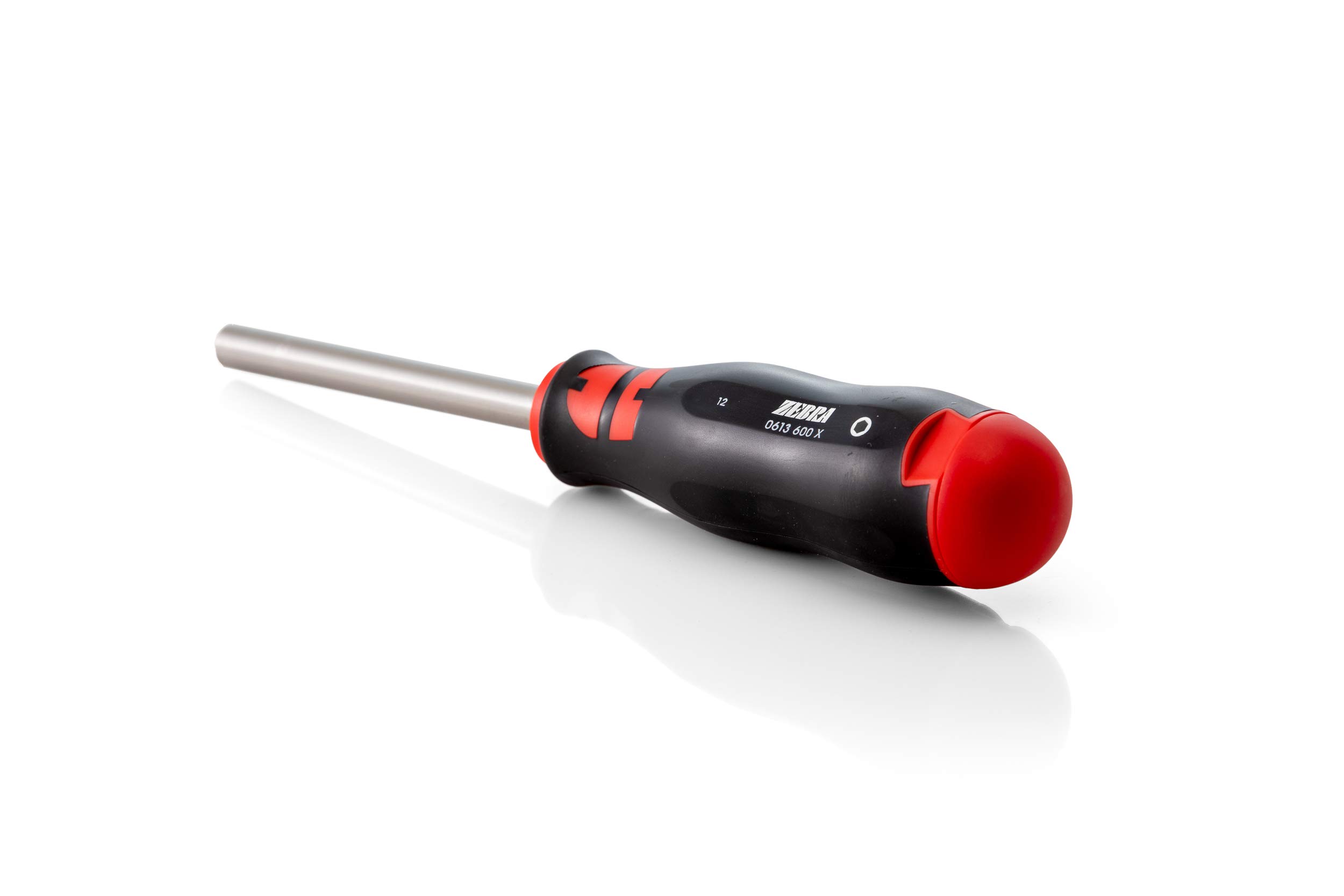
Figure 3: The bit magazine fully extended from the handle, showing all 12 bits ready for selection.
4. Operating Instructions
The Wurth Screwdriver is designed for general household maintenance, DIY projects, and assembly/disassembly tasks. Always select the correct bit for the fastener to prevent damage to both the fastener and the bit.
- Fastening: Place the bit firmly into the screw head. Apply steady downward pressure and turn the handle clockwise to tighten.
- Loosening: Place the bit firmly into the screw head. Apply steady downward pressure and turn the handle counter-clockwise to loosen.
- Magnetic Tip: The magnetic tip assists in holding screws onto the bit, reducing drops and improving efficiency, especially in confined spaces.
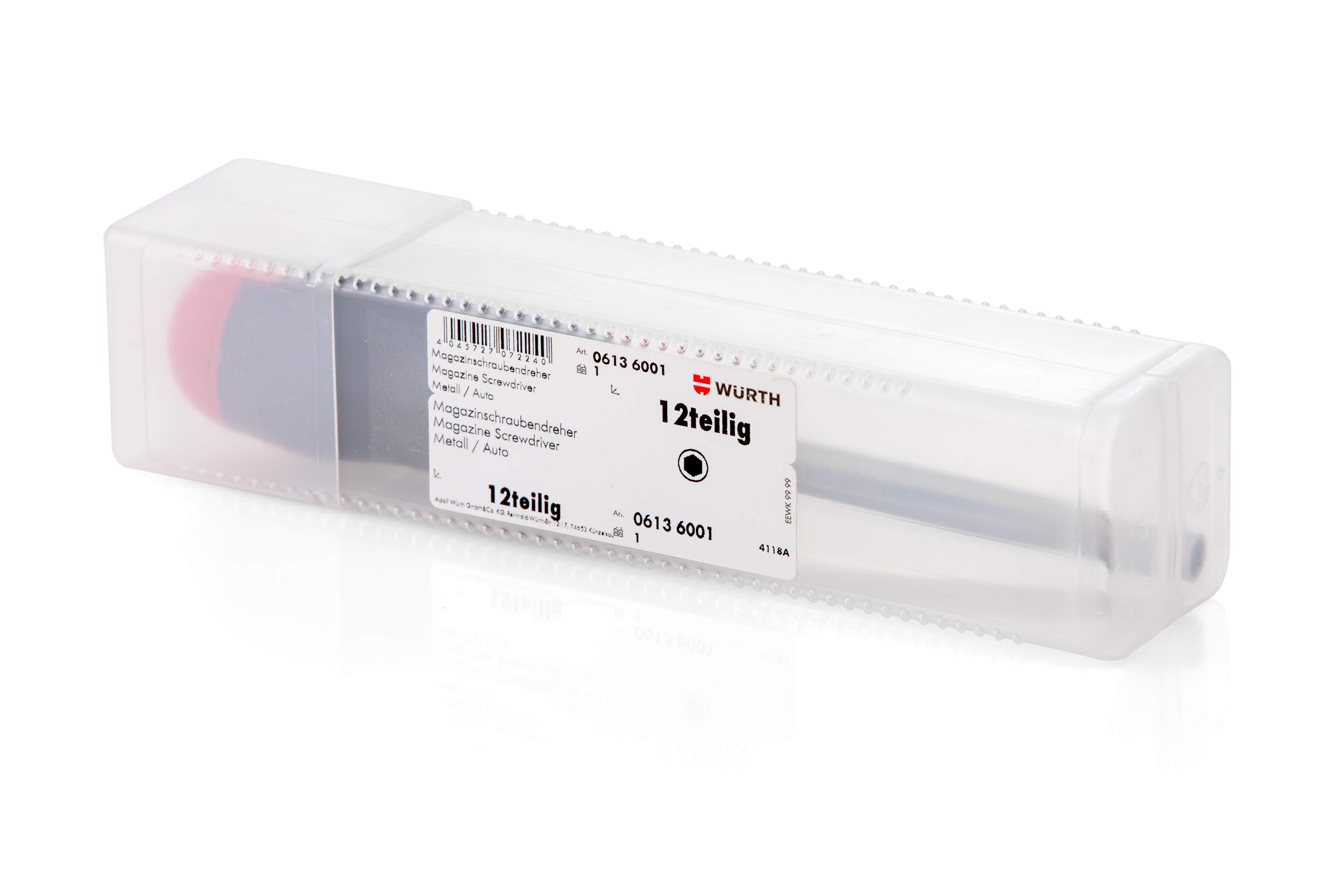
Figure 4: The Wurth Screwdriver with the bit magazine securely closed, ready for use or storage.
5. Maintenance
- Cleaning: Wipe the handle and blade with a clean, dry cloth after each use to remove dirt, grease, or debris. Avoid using harsh chemicals that may damage the materials.
- Bit Inspection: Periodically inspect the bits for wear or damage. Replace worn bits to ensure optimal performance and prevent fastener damage.
- Storage: Store the screwdriver in a dry environment, away from direct sunlight and extreme temperatures. Ensure the bit magazine is securely closed to prevent bits from falling out.
6. Troubleshooting
- Bit not holding securely: Ensure the bit is fully inserted into the magnetic tip. If the bit is worn, replace it.
- Bit magazine difficult to open/close: Check for any debris obstructing the mechanism. Clean the area if necessary. Do not force the mechanism.
- Reduced magnetic strength: Over time, magnets can lose some strength. Ensure the tip is clean and free of metal shavings that might interfere with magnetism.
7. Specifications
| Brand | Wurth |
| Model Number | 6136001 |
| Material | Metal, Plastic |
| Color | Red, Black |
| Head Style | Flat (with interchangeable bits) |
| Special Feature | Magnetic Tip, Integrated Bit Magazine |
| Item Dimensions (L x W x H) | 1.89 x 9.92 x 1.97 inches (approx.) |
| Item Weight | 0.011 ounces (approx.) |
| Included Components | Screwdriver handle, round blade, 12 assorted bits |
| Global Trade Identification Number (GTIN) | 04045727072240 |

Figure 5: Product packaging displaying the model number (0613 6001) and GTIN (04045727072240).
8. Warranty and Support
For information regarding warranty coverage or technical support for your Wurth Screwdriver with Bit Magazine, please refer to the official Wurth website or contact Wurth customer service directly. Keep your purchase receipt as proof of purchase.
For further assistance, please visit the Wurth official website.