
Introduction
This manual provides comprehensive instructions for the setup, operation, and maintenance of your Taylor Digital Body Weight Scale, Model 74034102. Please read this manual thoroughly before using the scale to ensure accurate readings and proper care.
The Taylor Digital Body Weight Scale is designed for personal use to measure body weight. It features a durable stainless steel platform, a clear blue backlit LCD display, and a high capacity of up to 440 lbs (200 kg).
Setup
1. Unpacking and Initial Inspection
Carefully remove the scale from its packaging. Inspect the scale for any visible damage. If damage is present, do not use the scale and contact customer support.
2. Battery Installation
Your scale requires 2 AAA batteries (included). Locate the battery compartment on the underside of the scale. Open the compartment cover, insert the batteries according to the polarity indicators (+ and -), and close the cover securely.

Image: Underside of the scale, illustrating the battery compartment and non-slip feet. Ensure batteries are inserted correctly.
3. Placement
For accurate readings, place the scale on a hard, flat surface. Avoid placing it on carpet, rugs, or uneven flooring, as this can affect accuracy.
4. Unit Selection (Pounds/Kilograms)
Most Taylor scales have a switch on the underside to select between pounds (lb) and kilograms (kg). Locate this switch and set it to your preferred unit of measurement before first use.
Operating Instructions
1. Initializing the Scale
If the scale has been moved or if it's the first time using it, it's recommended to initialize it. Briefly step on the scale, then step off. The display will show "0.0" or a similar reading and then turn off. The scale is now ready for use.
2. Weighing Procedure (Step-On Technology)
- Ensure the scale is on a hard, flat surface.
- Step directly onto the scale with bare feet, standing still and centered on the platform.
- Your weight will be displayed on the blue backlit LCD screen. The reading will hold for a few seconds for easy viewing.
- Step off the scale. The scale will automatically turn off after a few seconds to conserve battery life.
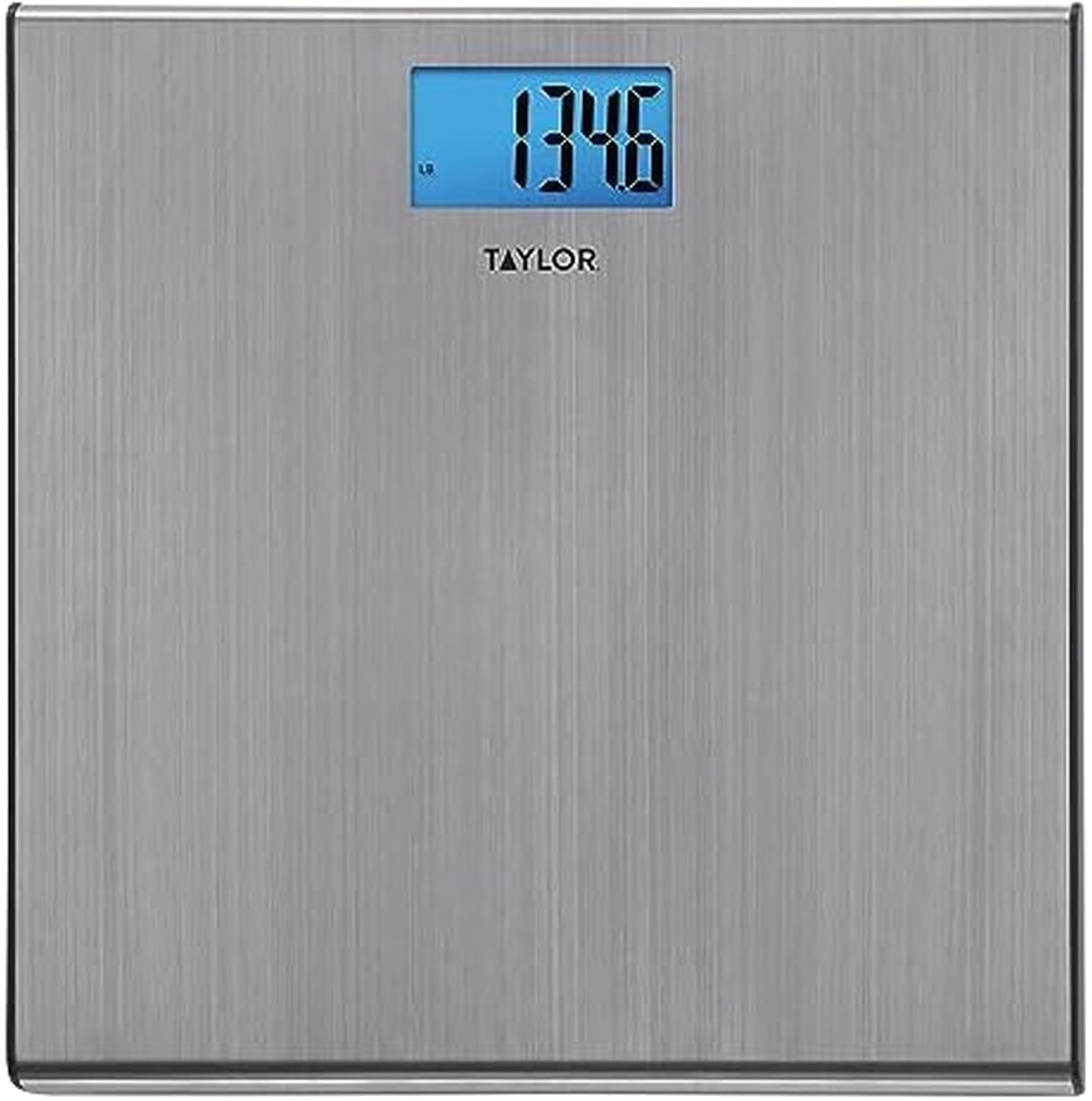
Image: Top view of the Taylor digital scale, showing the blue LCD display with a weight reading. Stand still and centered for accurate measurement.
Note: For consistent readings, weigh yourself at the same time each day, preferably in the morning before breakfast and after using the restroom.
Maintenance
1. Cleaning
Clean the scale with a damp cloth and mild detergent. Do not use abrasive cleaners or immerse the scale in water. The stainless steel platform can be wiped clean to maintain its appearance.
2. Storage
Store the scale in a cool, dry place. Avoid storing it vertically or with heavy objects on top, as this may affect its calibration over time.
3. Battery Replacement
When the display shows "Lo" or becomes dim, it is time to replace the batteries. Follow the battery installation steps in the Setup section.
Troubleshooting
| Problem | Possible Cause | Solution |
|---|---|---|
| "Lo" displayed | Low battery power. | Replace the 2 AAA batteries. |
| "Err" displayed | Overload or unstable reading. | Ensure weight does not exceed 440 lbs (200 kg). Step off the scale, wait for it to reset, and then step on again, standing still. |
| Inaccurate readings | Scale on uneven surface, not initialized, or moved. | Place scale on a hard, flat surface. Initialize the scale by stepping on and off. Ensure you stand still and centered. |
| No display | Batteries incorrectly installed or dead. | Check battery polarity or replace batteries. |
Specifications
- Model: 74034102
- Capacity: 440 lbs (200 kg)
- Readout Increments: 0.2 lbs (0.1 kg)
- Platform Material: Stainless Steel, Glass
- Platform Dimensions: Approximately 12.2 x 12.2 inches
- Display: Blue Backlit LCD (approx. 3.0" x 1.6")
- Power: 2 x AAA Batteries (included)
- Features: Step-On Technology, Auto-Off, Low Battery Indicator

Image: Dimensions of the Taylor digital scale, highlighting the 12.2" x 12.2" platform and the 3.0" x 1.6" LCD display.

Image: Feature overview of the scale, detailing platform size, display size, capacity, and power requirements.
Warranty
This Taylor Digital Body Weight Scale, Model 74034102, comes with a limited 5-year warranty. This warranty covers defects in materials and workmanship under normal use. It does not cover damage resulting from misuse, accidents, or unauthorized modifications.
For warranty claims or further details, please refer to the contact information in the Support section.
Support
For technical assistance, warranty inquiries, or to purchase replacement parts, please contact Taylor customer support:
- Website: www.taylorusa.com
- Manufacturer: Lifetime Brands Inc.
Please have your model number (74034102) and purchase date available when contacting support.


