Introduction
This manual provides essential information for the safe and effective use of your UPBRIGHT 24V AC/DC Adapter. This power supply is designed to be compatible with various Royal Dirt Devil Gator 15.6V cordless handheld vacuum cleaner models. Please read these instructions carefully before use.
Important Compatibility Note: This adapter is specifically designed for 15.6V Dirt Devil Gator vacuum models. The adapter's output voltage is 23-24V, which is the correct charging voltage for these 15.6V battery systems. This adapter is NOT compatible with 9.6V or 10.8V versions of Dirt Devil vacuums. Always verify your vacuum's battery voltage before connecting the adapter.
Product Overview
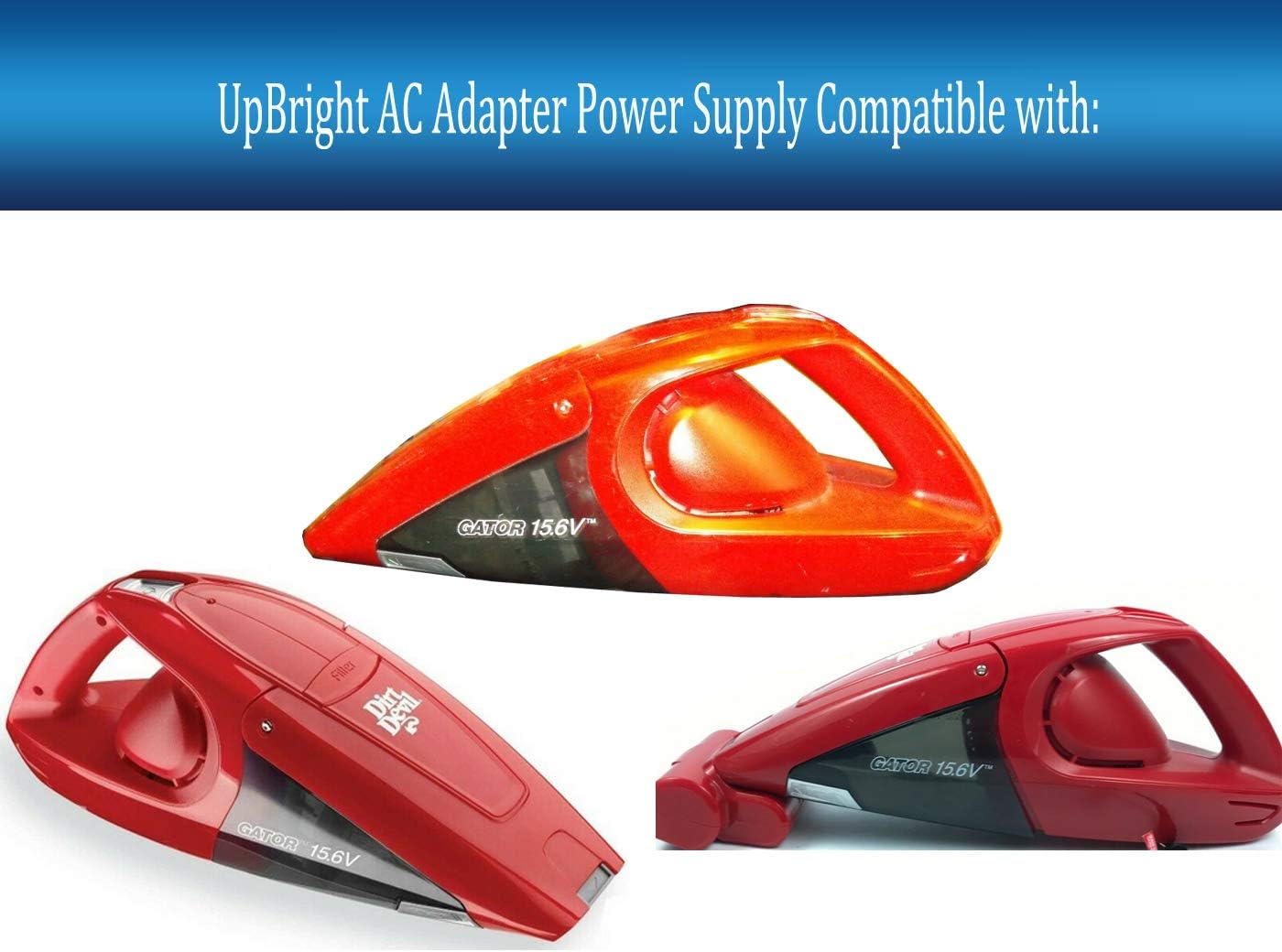
Image: The UPBRIGHT 24V AC/DC Adapter, showing the main unit and power cord with barrel connector.
The UPBRIGHT 24V AC/DC Adapter provides a stable power source for charging compatible devices. It features built-in safety protections including Over Voltage Protection (OVP), Over Current Protection (OCP), and Short Circuit Protection (SCP) to ensure safe operation.

Image: Diagram illustrating the dimensions of the barrel connector (5.5mm outer diameter, 2.1mm inner diameter) for compatibility verification.
The adapter utilizes a standard barrel connector with specific dimensions (5.5mm x 2.1mm) to ensure a secure and proper fit with your device's charging port.
Setup Instructions
- Verify Compatibility: Before connecting, ensure your Dirt Devil Gator vacuum requires a 23-24V charger for its 15.6V battery. Check your vacuum's original charger or manual for voltage specifications.
- Connect to Vacuum: Insert the barrel connector end of the UPBRIGHT adapter firmly into the charging port of your Dirt Devil Gator vacuum.
- Connect to Power Outlet: Plug the AC adapter into a standard wall power outlet (100-240VAC, 50/60Hz).
- Charging Indicator: Observe your vacuum's charging indicator light (if available) to confirm that charging has begun.
Operating Instructions
Once connected, the adapter will begin charging your compatible Dirt Devil Gator vacuum. The charging process is automatic. Disconnect the adapter once the vacuum's battery is fully charged or when the vacuum is not in use for extended periods.
- Ensure the adapter is placed in a well-ventilated area during operation to prevent overheating.
- Do not cover the adapter while it is plugged in.
- Only use this adapter with compatible devices as specified. Using it with incompatible devices may cause damage to the device or the adapter.
Maintenance
- Cleaning: Disconnect the adapter from the power outlet and the device before cleaning. Use a dry, soft cloth to wipe the adapter. Do not use liquid cleaners or solvents.
- Storage: Store the adapter in a cool, dry place when not in use. Avoid extreme temperatures and humidity.
- Cable Care: Do not bend, twist, or pull the power cord excessively. Inspect the cord regularly for any signs of damage. If the cord is damaged, discontinue use immediately.
Troubleshooting
| Problem | Possible Cause | Solution |
|---|---|---|
| Device not charging. |
|
|
| Adapter feels hot during use. |
|
|
If troubleshooting steps do not resolve the issue, please contact customer support.
Specifications
| Brand | UPBRIGHT |
| Model Number | Dirt Devil Bd10165 gator Power Supply (Compatible with various Dirt Devil Gator models) |
| Input Voltage | 100-240VAC, 50/60Hz (World Wide Input Voltage) |
| Output Voltage | 24VDC |
| Wattage | 24 watts |
| Connector Type | Barrel Connector (5.5mm x 2.1mm) |
| Protection Features | OVP, OCP, SCP (Over Voltage, Over Current, Short Circuit Protection) |
| Product Dimensions | 3 x 3 x 1 inches |
| Item Weight | 4 ounces |
Warranty and Support

Image: Example of international plug adapters and a warranty certificate, indicating global compatibility and product assurance.
UPBRIGHT products come with a limited warranty. This adapter includes a 30-day refund policy and a 24-month exchange warranty from the date of purchase.
For warranty claims, technical assistance, or any questions regarding your UPBRIGHT adapter, please contact the seller or refer to the contact information provided with your purchase. Please have your purchase details and product model number ready when contacting support.


