
Nitecore P12
Nitecore P12 Tactical Flashlight User Manual
Model: P12
Product Overview
The Nitecore P12 is a precise tactical flashlight, featuring the latest CREE XM-L2 U2 LED. It delivers an impressive 1000 lumens of output with a beam throw of up to 232 meters. Designed for intuitive operation, it includes a tail cap button for power control and a side button for mode switching. All settings are memorized for convenience. The P12 is an ideal choice for various applications including military, law enforcement, search and rescue, and security personnel due to its high performance, quality, and user-friendly design.
Key Features:
- 1000 lumens output with CREE XM-L2 U2 LED, offering up to 520 hours runtime.
- Peak beam intensity of 13,500cd and 232 meters throw distance.
- Side switch interface for one-handed operation and easy access to all functions.
- Power indicator displays battery voltage (accurate to 0.1V).
- Intelligent memory function stores preferred brightness setting.
- Please note: The package does not include a battery.

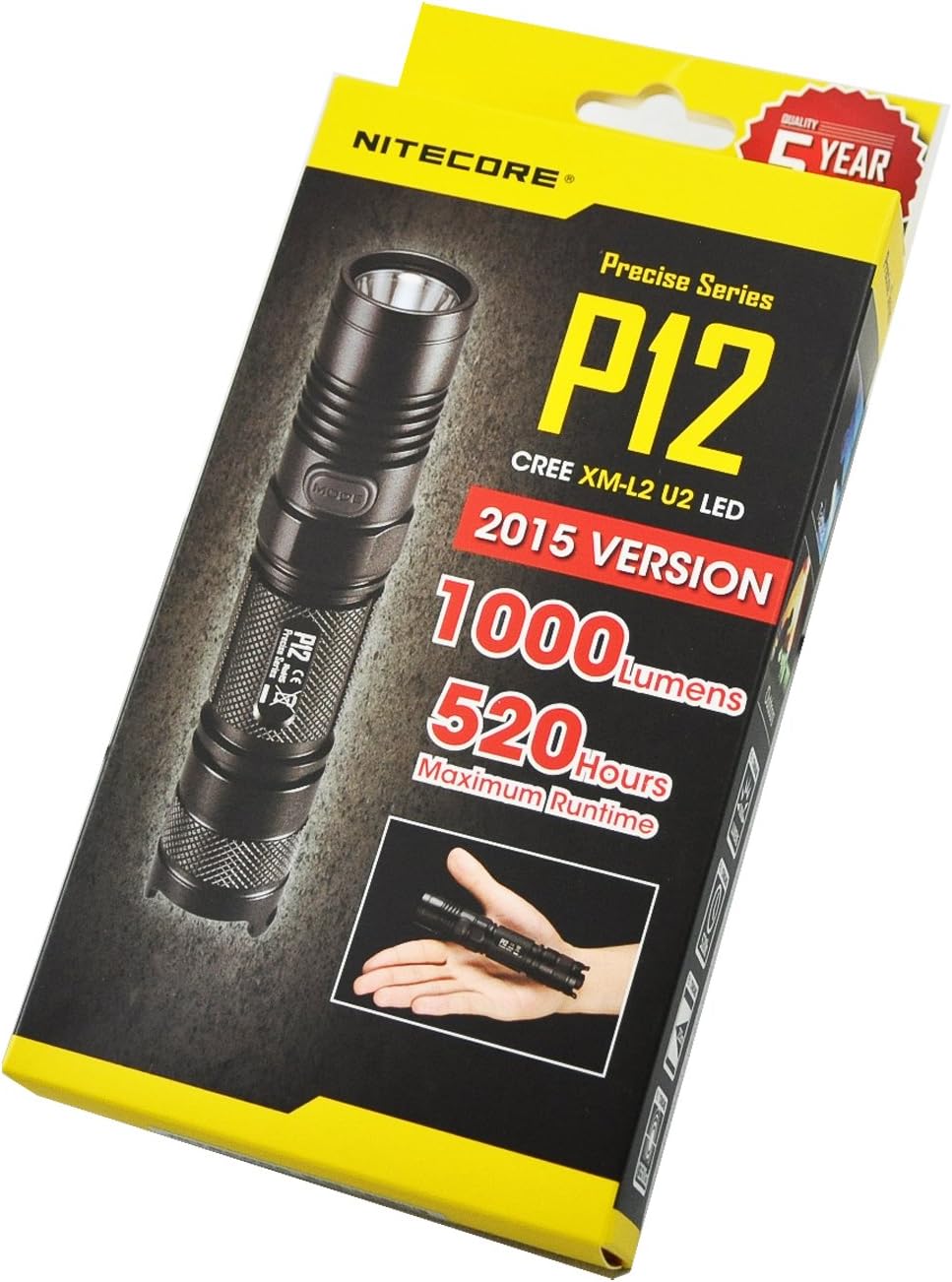
The Nitecore P12 Tactical Flashlight, a compact and powerful illumination tool.
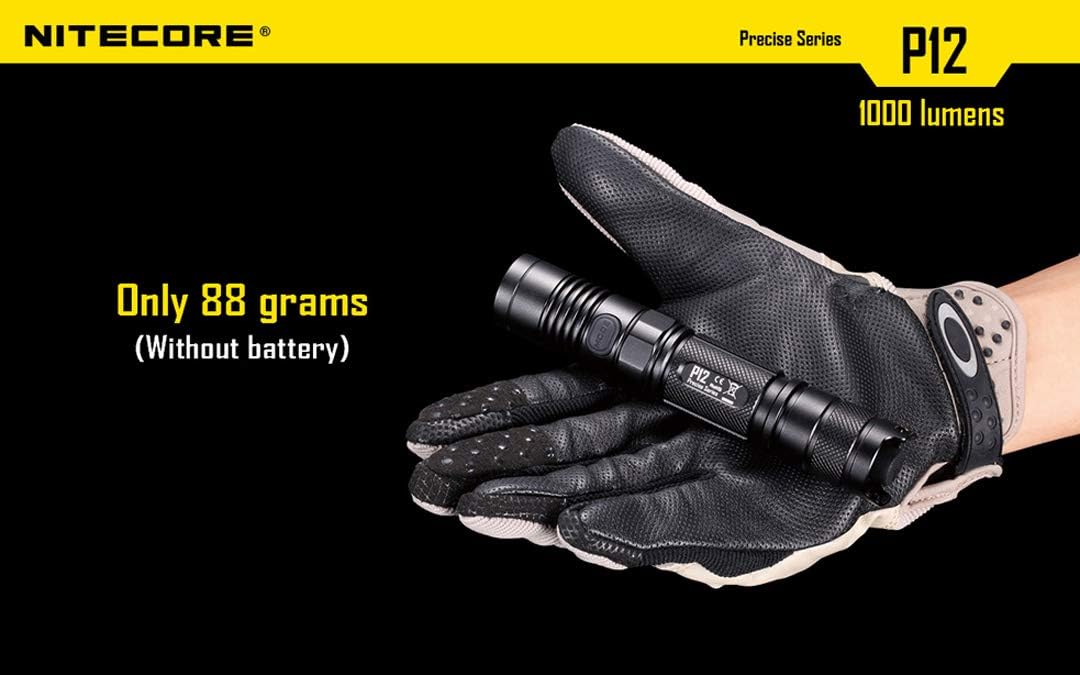
The Nitecore P12 flashlight resting on a gloved hand, highlighting its lightweight design at only 88 grams (without battery).
Components
The Nitecore P12 features a robust design with key components engineered for performance and durability. It includes a high-efficiency LED, a tactical tail switch, and a versatile side switch for easy mode selection.

Close-up view of the CREE XM-L2 U2 LED, capable of emitting 1000 lumens and offering up to 50,000 hours of burn time.
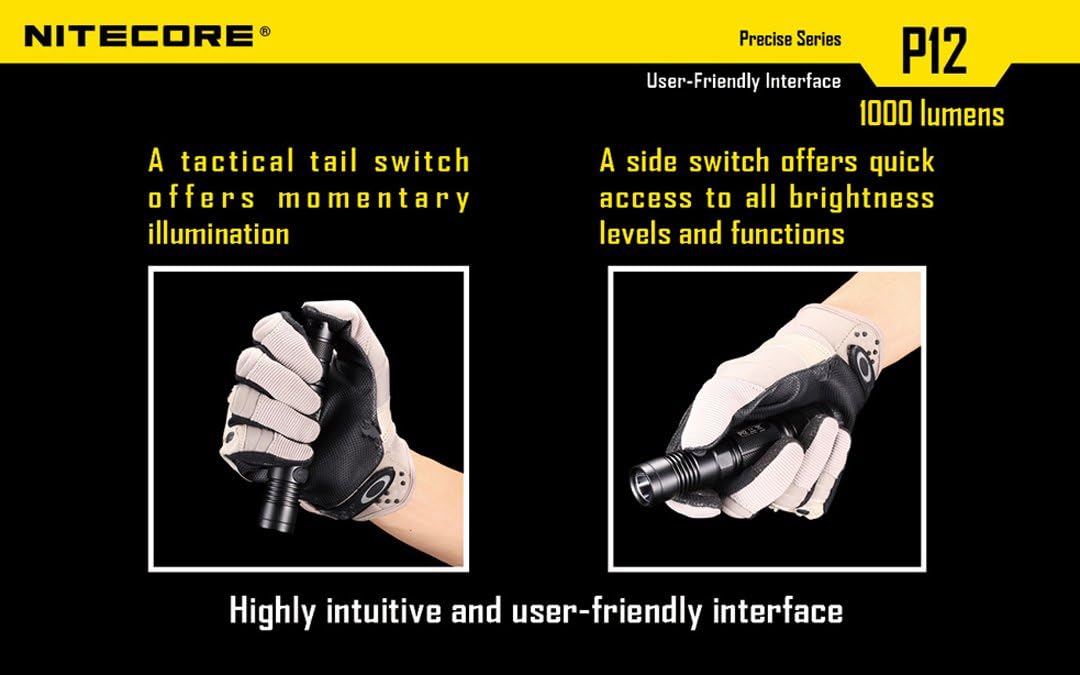
Illustration showing the tactical tail switch for momentary illumination and the side switch for quick access to brightness levels and functions, demonstrating the user-friendly interface.

The Nitecore P12 flashlight shown with its included titanium plated stainless steel clip and tactical ring, enhancing portability and grip.
Setup
Battery Installation:
- Unscrew the tail cap of the flashlight.
- Insert one 18650 Li-ion battery or two CR123A batteries with the positive (+) terminal facing towards the head of the flashlight.
- Screw the tail cap back on tightly to ensure proper contact and water resistance.
Accessories:
The Nitecore P12 comes with several useful accessories to enhance its functionality and portability:
- Quality Holster: For secure carrying on a belt or pack.
- Pocket Clip: For easy attachment to pockets or gear.
- Lanyard: For wrist security and preventing drops.
- Tactical Ring (Grip): For improved handling and tactical applications.
- Spare O-rings and Tail Cap Button: For maintenance and longevity.
Operating Instructions
Basic Operation:
- Power On/Off: Press the tail cap button fully to turn the flashlight on or off.
- Momentary Illumination: Half-press and hold the tail cap button for momentary light. Release to turn off.
- Brightness Levels: With the light on, press the side mode button repeatedly to cycle through brightness levels: Lower (1 lumen) → Low (70 lumens) → Medium (240 lumens) → High (1000 lumens).
- Intelligent Memory Function: The flashlight will automatically remember the last used brightness level when turned off and will resume that level when turned back on.
Special Modes:
The Nitecore P12 offers three special modes for specific situations:
- Strobe Mode: With the light on, press and hold the side mode button for approximately 1 second to activate Strobe mode. This mode is used for emergencies or as a defensive tool.
- SOS Mode: From Strobe mode, press and hold the side mode button again for approximately 1 second to activate SOS mode. This is an internationally recognized distress signaling mode.
- Location Beacon: From SOS mode, press and hold the side mode button again for approximately 1 second to activate Location Beacon mode. This ultra-efficient flashing mode helps prevent losing the flashlight in the dark or signals your position.
- To exit any special mode and return to the last used brightness level, short press the side mode button.

Visual representation of the P12's multi-tasking side interface, allowing rapid switching between 4 brightness levels and 3 special modes: Strobe for emergencies, SOS for distress signaling, and Location Beacon to prevent getting lost in the dark.
Power Indicator:
The blue power indicator light integrated into the side switch provides battery voltage information:
- When the flashlight is off, press the side mode button once. The blue indicator light will flash to indicate the battery voltage (accurate to 0.1V). For example, three flashes followed by a pause and then seven flashes indicates 3.7V.
- The indicator will also flash rapidly when the battery level is low, prompting you to replace or recharge the battery.
Maintenance
Proper maintenance ensures the longevity and optimal performance of your Nitecore P12 flashlight.
- Cleaning: Regularly clean the threads and O-rings with a clean cloth. Apply a thin layer of silicone grease to the threads and O-rings periodically to maintain water resistance.
- Battery Care: Remove batteries if the flashlight is not going to be used for an extended period to prevent battery leakage and damage. Store batteries in a cool, dry place.
- Lens Cleaning: Clean the lens with a soft, lint-free cloth. Avoid using abrasive materials that could scratch the lens.
- O-ring Replacement: If the O-rings become worn or damaged, replace them with the provided spare O-rings to maintain the flashlight's waterproof rating.
Troubleshooting
If you encounter issues with your Nitecore P12 flashlight, refer to the following common problems and solutions:
| Problem | Possible Cause | Solution |
|---|---|---|
| Flashlight does not turn on or is dim. | Low or depleted battery. Incorrect battery orientation. Loose tail cap. Dirty contacts. | Replace or recharge battery. Ensure correct polarity (+/-). Tighten tail cap. Clean battery and flashlight contacts with an alcohol swab. |
| Light flickers or turns off unexpectedly. | Loose components. Battery issues. | Ensure all parts (head, body, tail cap) are tightly screwed. Check battery charge and condition. |
| Water ingress. | Damaged or improperly seated O-rings. Loose tail cap or head. | Inspect and replace O-rings if necessary. Ensure tail cap and head are fully tightened. |
If the problem persists after attempting these solutions, please contact Nitecore customer support for further assistance.
Specifications
Detailed technical specifications for the Nitecore P12 Tactical Flashlight:
| Feature | Specification |
|---|---|
| LED | CREE XM-L2 U2 |
| Maximum Output | 1000 lumens |
| Battery Compatibility | 1 x 18650 or 2 x CR123A |
| Peak Beam Intensity | 13,500 cd |
| Beam Distance | 232 meters (253 yards) |
| Size (L x Body Diameter) | 139mm x 25.4mm (5.47 in x 1.00 in) |
| Weight (without battery) | 88 g (3.10 oz) |
| Waterproof Rating | IPX8 (2 meter submersible) |
| Impact Resistance | 1.5 meters |
| Material | Aerospace-grade aluminum alloy with HAIII military grade hard-anodized finish |
| Color | Black |
| Voltage | 3.7 Volts |
| Runtime (Lower Mode) | Up to 520 hours |
| UPC | 616641594633 |
Performance Runtimes (FL1 Standard):
| Mode | Output (Lumens) | Runtime (1x18650) | Runtime (2xCR123A) |
|---|---|---|---|
| High | 1000 | 1 h 15 min | 1 h |
| Medium | 240 | 6 h | 5 h 15 min |
| Low | 70 | 28 h | 20 h |
| Lower | 1 | 520 h | 300 h |
A table detailing the Nitecore P12's performance according to FL1 Standard, including brightness levels (High, Mid, Low, Lower), runtimes for 1x18650 and 2xCR123 batteries, beam distance, peak beam intensity, impact resistance, and waterproof rating.
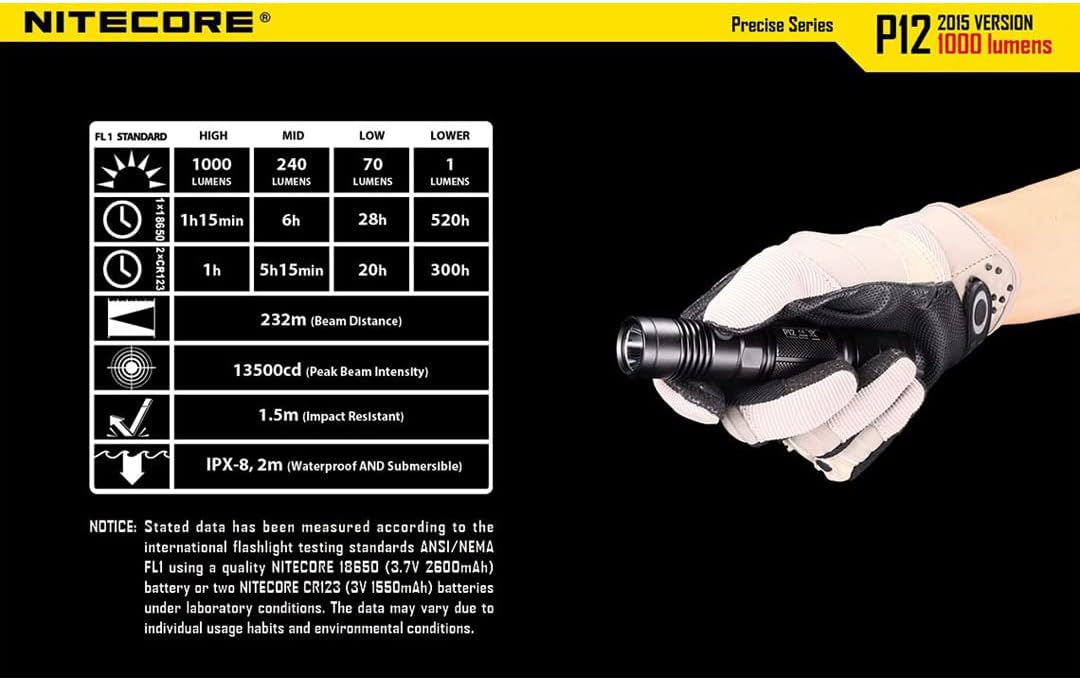
The Nitecore P12 flashlight positioned next to its FL1 Standard performance table, providing a comprehensive overview of its capabilities.
Warranty and Support
As an authorized Nitecore dealer, this product comes with a full manufacturer's warranty. For specific warranty terms and conditions, please refer to the official Nitecore website or the documentation included with your product.
For additional support, detailed information, or to download the official user manual in PDF format, please visit the following link:
For further inquiries or technical assistance, please contact Nitecore customer service.
Related documentsP12


Ask a question about this manual
Ask about setup, troubleshooting, compatibility, parts, safety, or missing instructions. Manuals+ will review the question and use this page’s manual context to help answer it.