
Introduction
The Westminster 2435 Prisma Light Kaleidoscope Light Show Projector creates a dynamic light display, projecting colorful, moving patterns onto surfaces. This device features a multi-faceted, rotating dome that illuminates with red, green, and blue lights, producing a kaleidoscope effect. It is designed for easy setup and operation, powered by standard AA batteries.
This manual provides essential information for the proper setup, operation, and maintenance of your Prisma Light Projector.
Package Contents
- Westminster 2435 Prisma Light Kaleidoscope Light Show Projector Unit
- Battery Pack (integrated with unit via cord)

Image: The Westminster 2435 Prisma Light Kaleidoscope Light Show Projector shown alongside its retail packaging.
Setup
Battery Installation
- Locate the battery compartment on the underside of the projector's base.
- Open the battery compartment cover.
- Insert three (3) AA batteries (not included) into the compartment, ensuring correct polarity (+/-) as indicated inside the compartment.
- Securely close the battery compartment cover.
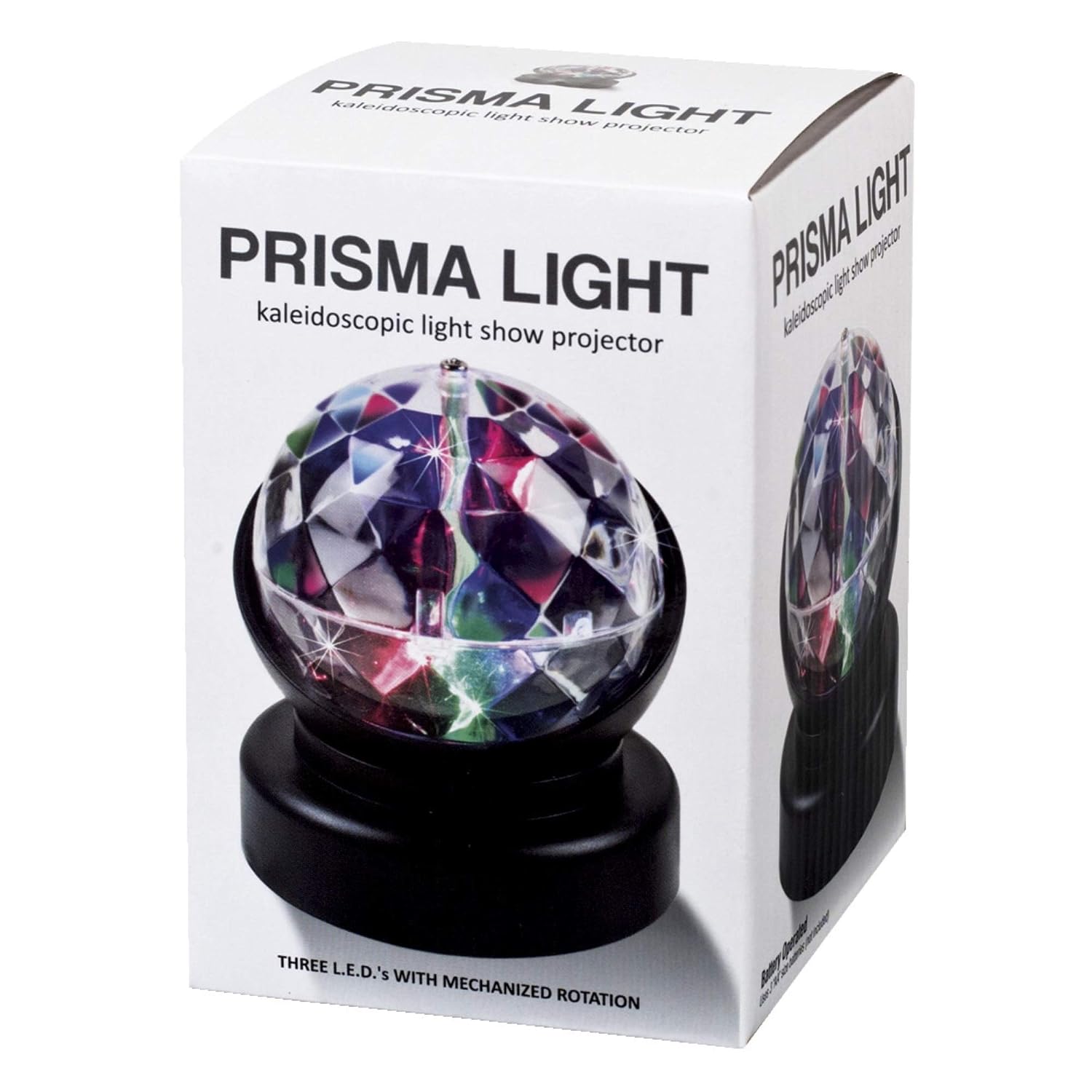
Image: A view of the projector's base, illustrating where the battery compartment is located for installation.
Operating Instructions
Powering On/Off
- After battery installation, locate the power switch on the side or base of the unit.
- Slide the switch to the 'ON' position to activate the light show. The dome will begin to rotate, and colored lights will project.
- To turn off the projector, slide the switch to the 'OFF' position.
Light Show Functionality
Once powered on, the multi-faceted dome of the projector will rotate, casting a dynamic kaleidoscope of red, green, and blue light patterns onto surrounding surfaces, such as walls or ceilings. For optimal effect, operate the projector in a darkened room.

Image: The Prisma Light Projector in operation, showcasing the projected light patterns.
Maintenance
- Cleaning: Use a soft, dry cloth to gently wipe the exterior of the projector. Do not use abrasive cleaners or immerse the unit in water.
- Battery Care: Remove batteries if the projector will not be used for an extended period to prevent leakage.
- Storage: Store the projector in a cool, dry place away from direct sunlight and extreme temperatures.
Troubleshooting
| Problem | Possible Cause | Solution |
|---|---|---|
| Projector does not turn on. | Batteries are dead or incorrectly installed. | Check battery polarity. Replace with fresh AA batteries. |
| Dome does not rotate. | Obstruction or motor issue. | Ensure no foreign objects are impeding rotation. If the issue persists, contact customer support. |
| Lights are dim or flickering. | Low battery power. | Replace batteries with fresh ones. |
| Unit appears loose or separated. | Physical damage or assembly issue. | Carefully inspect for any visible damage. If parts are separated, gently attempt to reassemble. Avoid excessive force. |
Specifications
- Model Number: 2435
- Brand: Westminster
- Power Source: 3 x AA Batteries (not included)
- Light Colors: Red, Green, Blue
- Dimensions: Approximately 3.25" L x 3.25" W x 3.75" H
- Weight: Approximately 5.93 ounces
- Recommended Age: 6 years and up
- Country of Origin: China
Safety Information
- This product is not a toy and should be used under adult supervision, especially with younger children.
- Do not look directly into the light source for extended periods.
- Keep away from water and moisture.
- Do not attempt to disassemble or modify the unit, as this may cause damage or injury.
- Dispose of batteries responsibly according to local regulations.
Warranty and Support
Specific warranty details for the Westminster 2435 Prisma Light Kaleidoscope Light Show Projector are not provided within this manual. For warranty information or customer support, please refer to the product packaging or contact the retailer where the product was purchased.