
1. Introduction
This manual provides instructions for the proper use and maintenance of your Smart Weigh PL11B Professional Postal and Shipping Scale. Please read this manual thoroughly before operating the device to ensure accurate measurements and safe handling. This scale is designed for weighing items up to 11 pounds (5 kilograms) with precision.
2. Safety Information
- Do not overload the scale beyond its maximum capacity of 11 lbs (5 kg).
- Place the scale on a flat, stable surface to ensure accurate readings.
- Avoid exposing the scale to extreme temperatures, humidity, or direct sunlight.
- Clean the tempered glass platform with a soft, damp cloth. Do not use abrasive cleaners.
- Keep the scale away from strong electromagnetic fields.
- This device is for general weighing purposes and should not be used for commercial transactions requiring certified measurements.
3. Package Contents
Verify that all items are present in your package:
- Smart Weigh PL11B Professional Postal and Shipping Scale
- CR2 Batteries (pre-installed or included separately)
- User Manual (this document)
4. Product Features
- Durable Construction: Features a tempered glass platform for daily use.
- Precision Accuracy: High-precision sensor system provides readings within 1g/0.1oz.
- Versatile Weighing: Includes a convenient tare function.
- Multifunctional Design: Wide platform accommodates various items.
- Multiple Units: Measures in lb/oz/ml/g.
- Auto Shut-Off: Conserves battery life.
- Compact Size: 7.1 x 7 x 0.7 inches.

Figure 4.1: Top view of the Smart Weigh PL11B scale, displaying the tempered glass platform and digital readout.

Figure 4.2: The scale's compact dimensions (7x7 inches) and 11lb/5kg capacity are highlighted.
5. Setup
5.1 Battery Installation
The Smart Weigh PL11B scale requires 1 CR2 battery. The battery compartment is located on the underside of the scale.
- Open the battery compartment cover.
- Insert the CR2 battery, ensuring correct polarity (+/-).
- Close the battery compartment cover securely.
5.2 Initial Placement
Place the scale on a hard, flat, and level surface. Uneven surfaces can affect accuracy. Ensure there are no obstructions beneath the scale.
6. Operating Instructions
6.1 Power On/Off
- To turn the scale ON, press the ON-OFF-ZERO button. The display will show '8888' then '0.0' or '0.00'.
- To turn the scale OFF, press and hold the ON-OFF-ZERO button for approximately 3 seconds. The scale will also automatically shut off after a period of inactivity to conserve battery life.
6.2 Changing Units
The scale can display weight in pounds (lb), ounces (oz), milliliters (ml), and grams (g).
- With the scale on, press the UNIT button to cycle through the available units.
- The selected unit will be displayed on the LCD screen. The scale remembers the last used unit when powered on again.
6.3 Tare Function
The tare function allows you to subtract the weight of a container, so you only measure the contents.
- Place an empty container on the scale platform.
- Wait for the display to stabilize and show the container's weight.
- Press the ON-OFF-ZERO button. The display will reset to '0.0' or '0.00'.
- You can now add items to the container, and the display will show only the weight of the added items.
- To clear the tare, remove all items from the scale, and the display will show a negative value. Press the ON-OFF-ZERO button again to reset to zero.
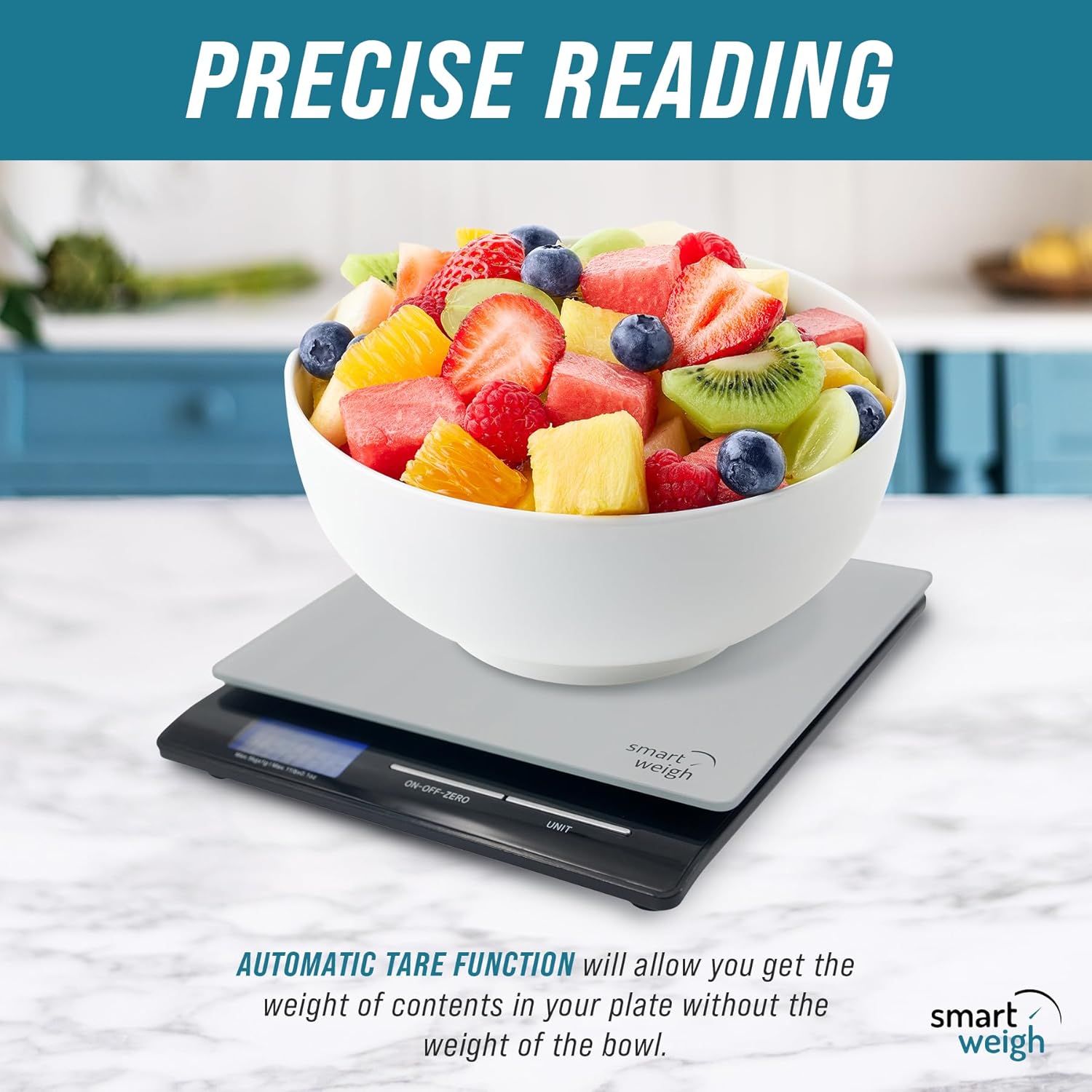
Figure 6.1: The tare function allows for accurate measurement of contents by zeroing out the container's weight.
6.4 Weighing Items
- Turn on the scale and ensure it displays '0.0' or '0.00'.
- Place the item(s) to be weighed directly onto the center of the tempered glass platform.
- Wait for the display to stabilize. The weight will be shown in the selected unit.
- For larger items that may obscure the display, try to position them carefully or use the tare function with a smaller container to weigh portions.

Figure 6.2: The scale is suitable for weighing various items including food, liquids, parcels, and small objects.
7. Maintenance
7.1 Cleaning
The tempered glass platform is easy to clean.
- Wipe the surface with a soft, slightly damp cloth.
- Do not immerse the scale in water or use harsh chemical cleaners.
- Ensure the scale is dry before storage or next use.
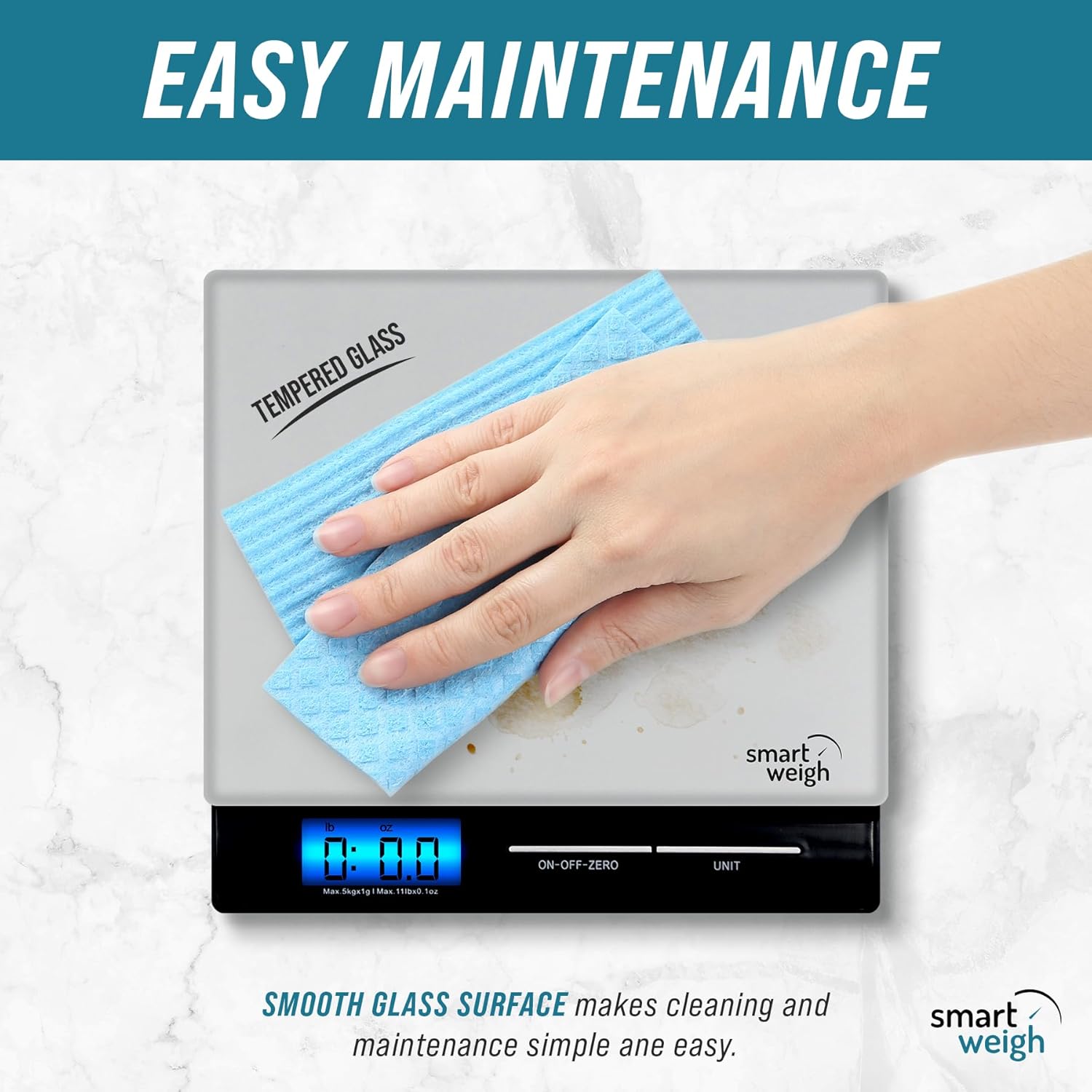
Figure 7.1: Cleaning the tempered glass platform with a soft cloth.
7.2 Storage
When not in use, store the scale in a cool, dry place. Its compact design allows for easy storage in a drawer or cabinet.

Figure 7.2: The compact size of the scale allows for convenient storage and portability.
8. Troubleshooting
| Problem | Possible Cause | Solution |
|---|---|---|
| Scale does not turn on | Dead or incorrectly installed battery | Check battery polarity or replace battery. |
| Inaccurate readings | Uneven surface, overloaded scale, external interference | Place on a flat, stable surface. Do not exceed 11 lbs (5 kg). Avoid strong electromagnetic fields. |
| Display shows 'Err' | Overload or unstable reading | Remove item immediately. Ensure scale is on a stable surface. |
| Display shows 'Lo' | Low battery | Replace the battery. |
9. Specifications
- Brand: Smart Weigh
- Model: PL11B
- Color: Black
- Weight Limit: 11 Pounds (5 Kilograms)
- Readout Accuracy: 1 Grams / 0.1 Ounces
- Display Type: LCD
- Material: Tempered Glass Platform, Stainless Steel
- Product Dimensions: 7.1 x 7 x 0.7 inches
- Item Weight: 1.39 Pounds
- Batteries: 1 CR2 battery (included)
- Special Feature: Auto Shut Off, Tare Function
10. Warranty and Support
Specific warranty information is not provided in this manual. For warranty details, technical support, or customer service inquiries, please refer to the product packaging or contact Smart Weigh customer support directly through their official website or the retailer where the product was purchased.
For more information, you may visit the Smart Weigh Store.