
Introduction
The Lakeland Wrapmaster 1000 dispenser is designed to simplify the use of cling film and foil in your kitchen. It provides a safe and efficient way to dispense and cut food wraps, eliminating common frustrations like tangled, wasted, or shredded lengths. Its compact design allows for convenient storage in a kitchen drawer or can be wall-mounted.
Safety Information
- Keep the dispenser out of reach of children to prevent accidental injury from the cutting blade.
- The cutting blade is sharp. Exercise caution when handling or cleaning the dispenser.
- Do not attempt to disassemble the cutting mechanism.
- This product is not microwave safe.
- Ensure the dispenser is placed on a stable surface or securely wall-mounted before use.
Package Contents
Upon opening the package, you should find the following item:
- 1 x Lakeland Wrapmaster Foil and Cling Film Dispenser
Note: Cling film or foil rolls are not included with the dispenser and must be purchased separately.
Setup
Loading a Roll
- Open the lid of the Wrapmaster 1000 dispenser.
- Place your chosen roll of cling film or foil (up to 30cm wide) onto the internal spindle. Ensure the roll unwinds from the top.
- Pull a small length of film or foil over the cutting blade area and close the lid securely.
Placement Options
- Drawer Storage: The dispenser is designed to fit neatly into most standard kitchen drawers.
- Wall Mounting: For convenient access, the dispenser can be mounted on a wall. (Wall fixings are not included and must be sourced separately.)

Image: The Lakeland Wrapmaster 1000 dispenser in use, demonstrating how cling film is dispensed over a salad bowl.
Operating Instructions
- Ensure a roll of cling film or foil is correctly loaded into the dispenser.
- Pull out the desired length of film or foil from the dispenser.
- Once the desired length is achieved, firmly press the lid of the dispenser down. This action engages the hidden cutting blade.
- Release the lid. The film or foil will be cleanly cut.
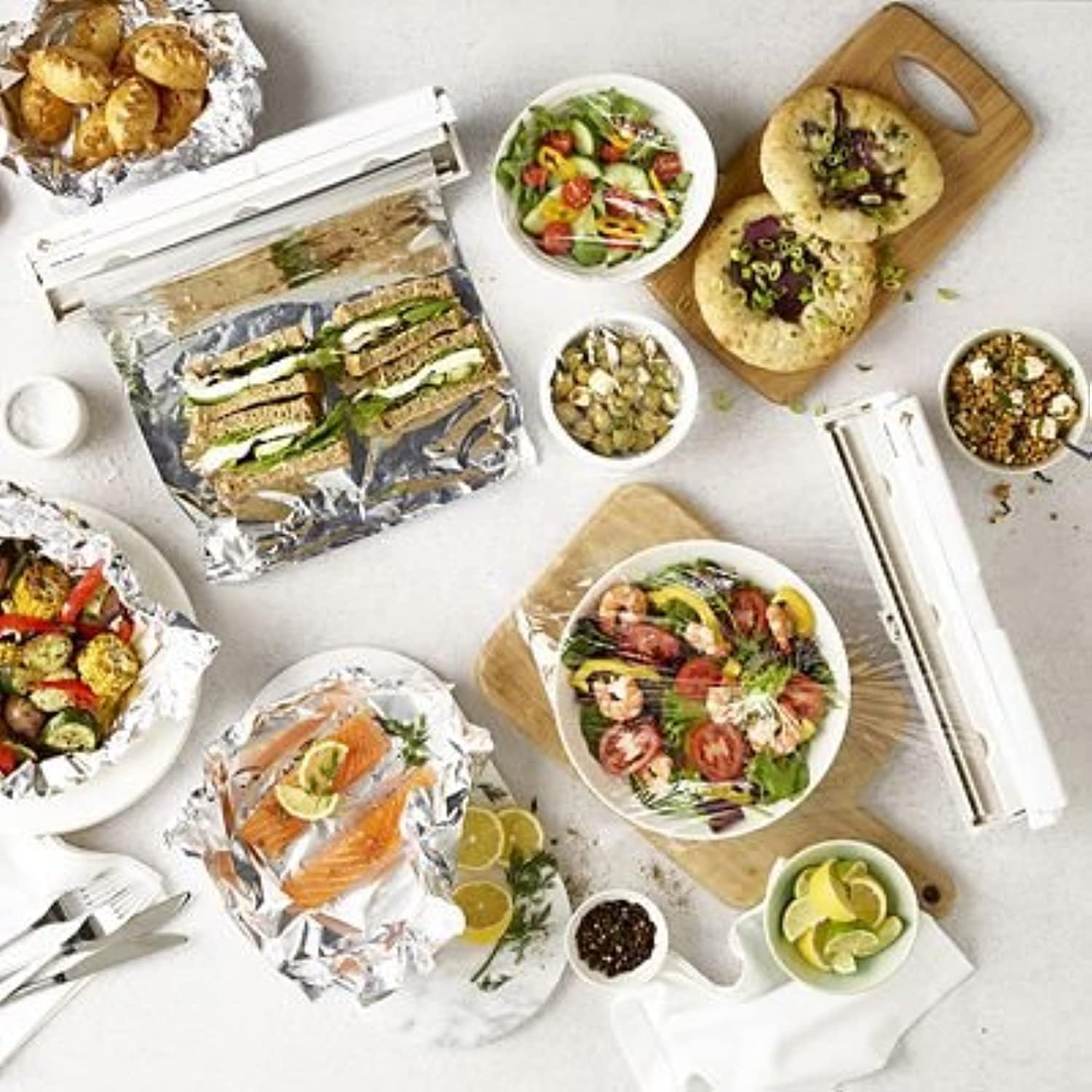
Image: A kitchen counter showing various food items wrapped with foil and cling film using the Lakeland Wrapmaster 1000 dispenser, highlighting its versatility.
Maintenance
- To clean the dispenser, wipe it with a damp cloth.
- Do not immerse the dispenser in water.
- Avoid using abrasive cleaners or scouring pads, as these can damage the surface.
- Ensure the dispenser is dry before storing or reloading.
Troubleshooting
Film/Foil Not Cutting Cleanly
- Ensure the lid is pressed down firmly and completely during cutting.
- Check that the film or foil is properly aligned over the cutting blade.
- Verify that the roll is not jammed or too tight on the spindle.
Roll Jams or Does Not Dispense Smoothly
- Open the lid and check for any obstructions or misalignments of the roll.
- Ensure the roll is the correct size (up to 30cm wide) and fits properly on the spindle.
- If using a new roll, ensure the start of the film/foil is not stuck to itself.
Specifications
| Brand | Lakeland |
| Model | Wrapmaster 1000 |
| Compatible Roll Width | Up to 30 cm |
| Recommended Uses | Kitchen storage, cutting cling film and foil |
| Product Dimensions (L x W) | 45 cm x 15 cm |
| Item Weight | 1300 grams |
| Microwave Safe | No |
| Included Components | 1 x Lakeland Wrapmaster Foil and Cling Film Dispenser |
| ASIN | B00FGP0LBM |
Note: The "Material type free" specification refers to the properties of compatible cling film (BPA-free, Paraben-free, Phthalate-free, PVC-free, Silicone-free, Lead-free), not the dispenser itself.
Warranty and Support
For warranty information or product support, please refer to the documentation included with your purchase or visit the official Lakeland website. Keep your proof of purchase for any warranty claims.
